
Quick Print Coords
作者:jstn9
It allows you to quickly send your coordinates to chat. It supports sending coordinates both to yourself and to other players in a multiplayer game.
截图

介绍
中文介绍正在准备中,下面暂时显示原文。
Quick Print Coords
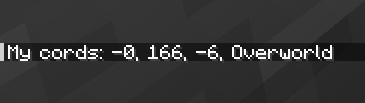
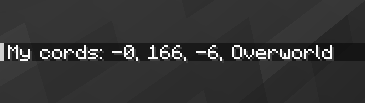
Quick Print Coords allows you to quickly send your coordinates to the chat. It supports both sending coordinates to yourself and to others in multiplayer.
Features
- Quick Coordinate Sharing: Easily send your current coordinates to the chat.
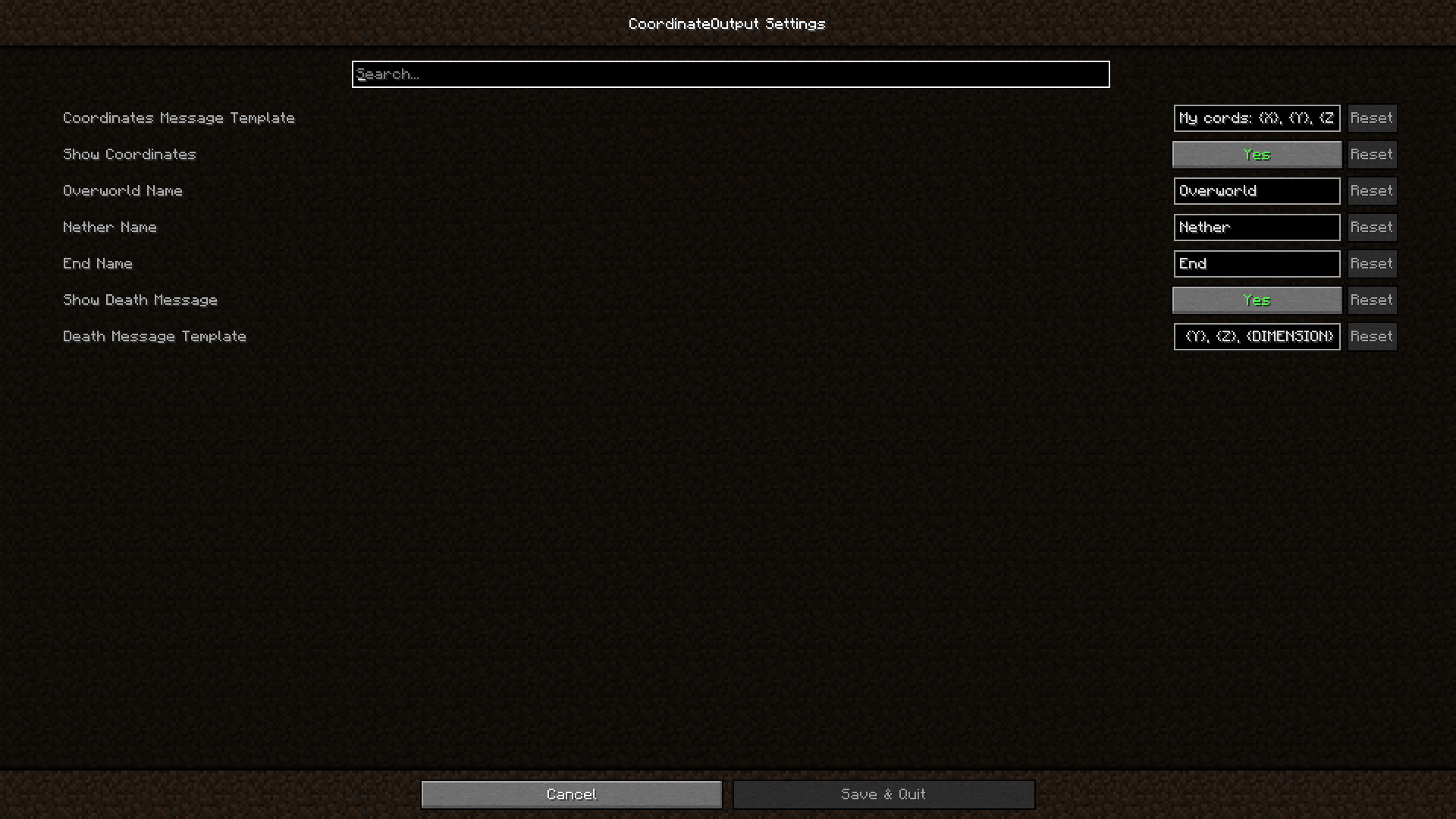
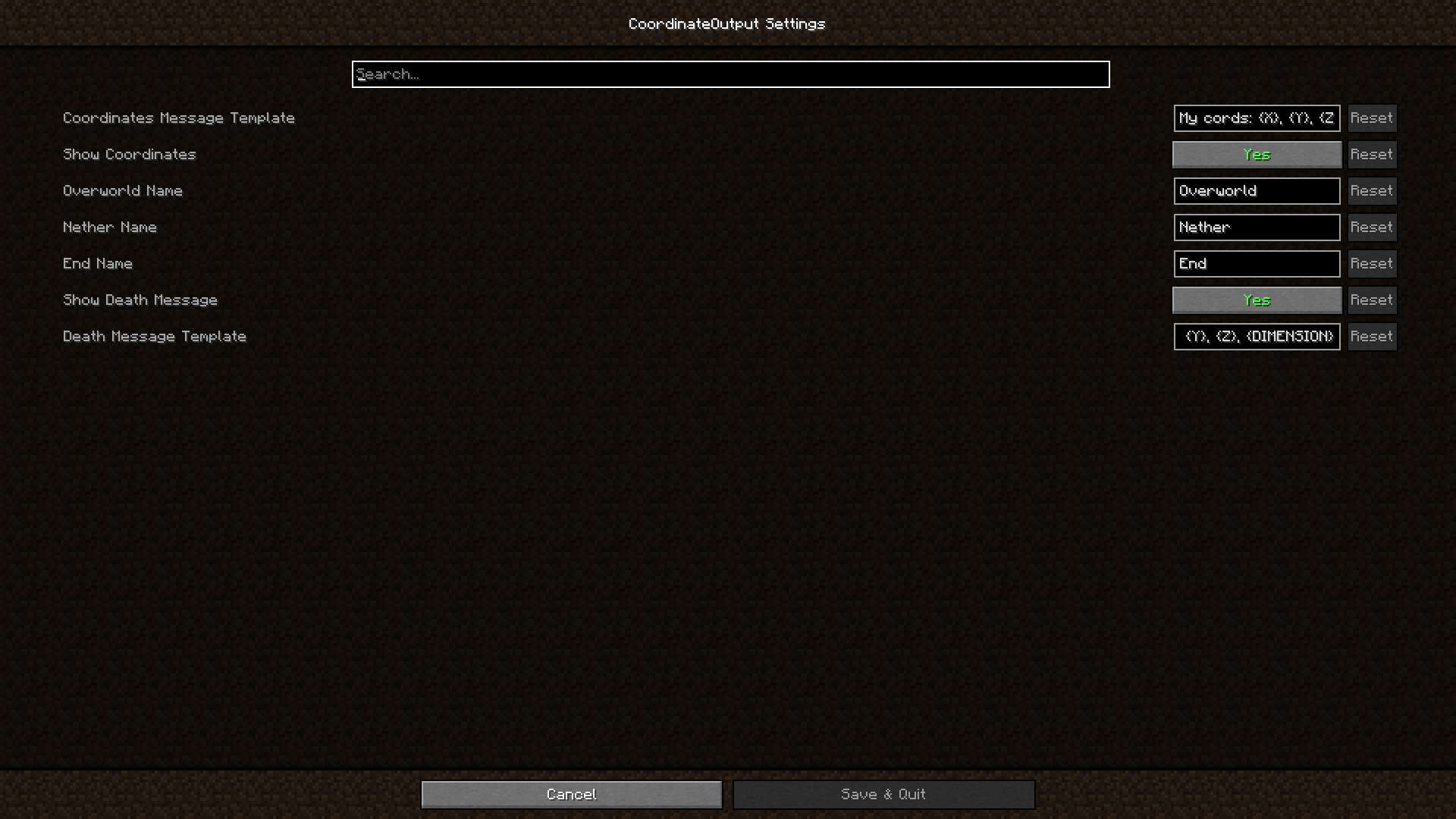
- Customizable Messages: Change the template for coordinate messages via the config menu.
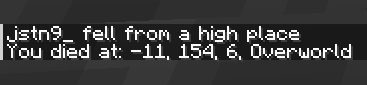
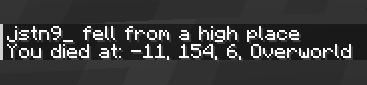
- Death Coordinates: Automatically display your death coordinates in the chat.
- Sound Feedback: Hear a sound when coordinates are sent.
Chat coords to everyone

Chat coords to yourself
Chat death coords to yourself
Config Menu
Dependencies
FOR QUILT 1.20.X Same mods but replace fabric api with this:
常见问题
Quick Print Coords 支持哪些 Minecraft 版本?
Quick Print Coords 支持 Minecraft Java 版 1.20–1.21.8,共 16 个版本,可用的加载器:Fabric / Quilt。下载时注意选择和你游戏版本一致的文件。
Quick Print Coords 怎么安装?
先用 PCL2 或 HMCL 启动器安装对应版本的 Fabric / Quilt,再把下载的 .jar 文件放进游戏目录的 mods 文件夹,重新启动游戏即可。开启了版本隔离的,mods 文件夹在 versions/版本名 下面。运行环境:仅客户端。

评论
登录后评论和评分