截图
介绍
Quick Pick!
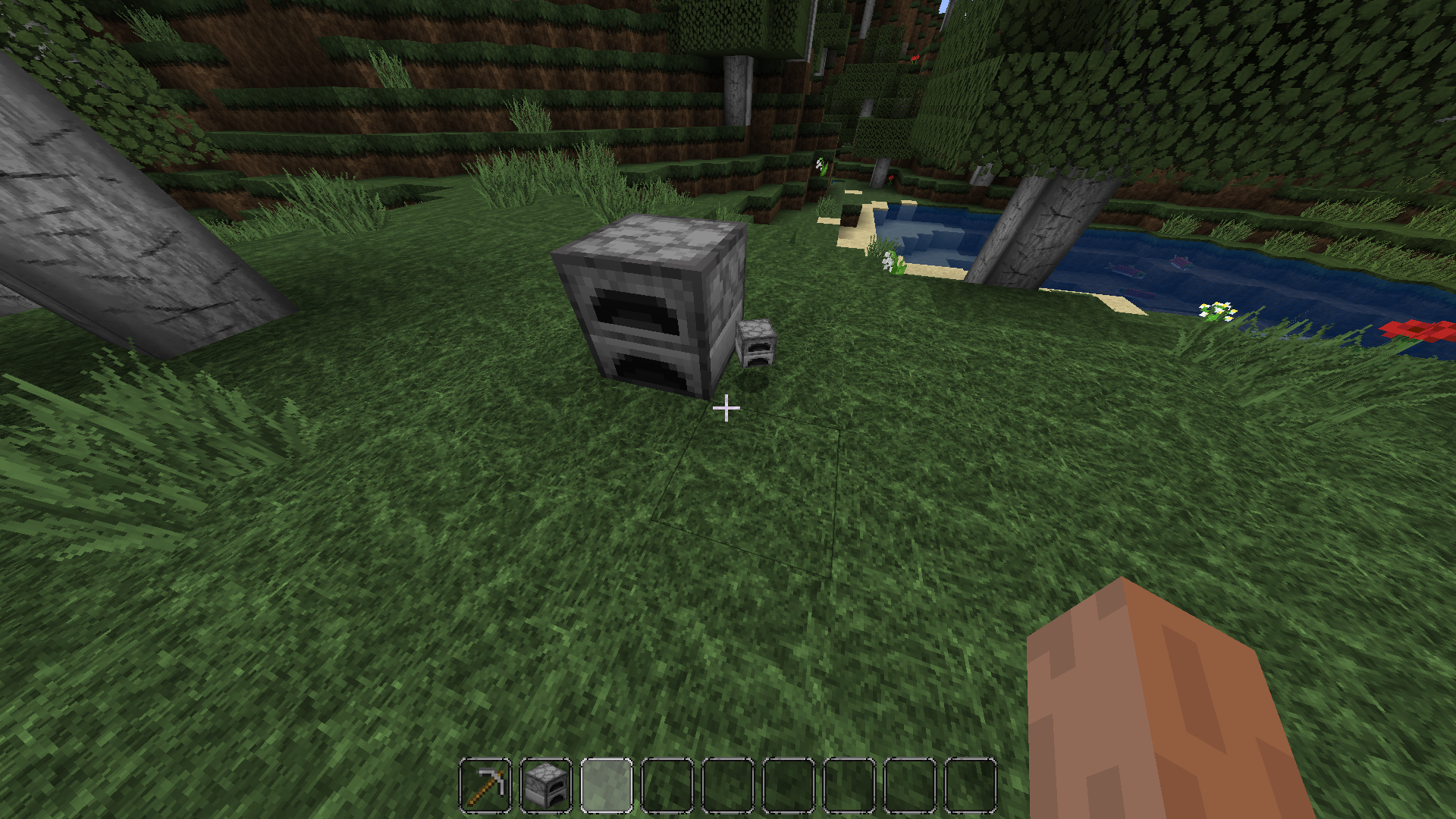
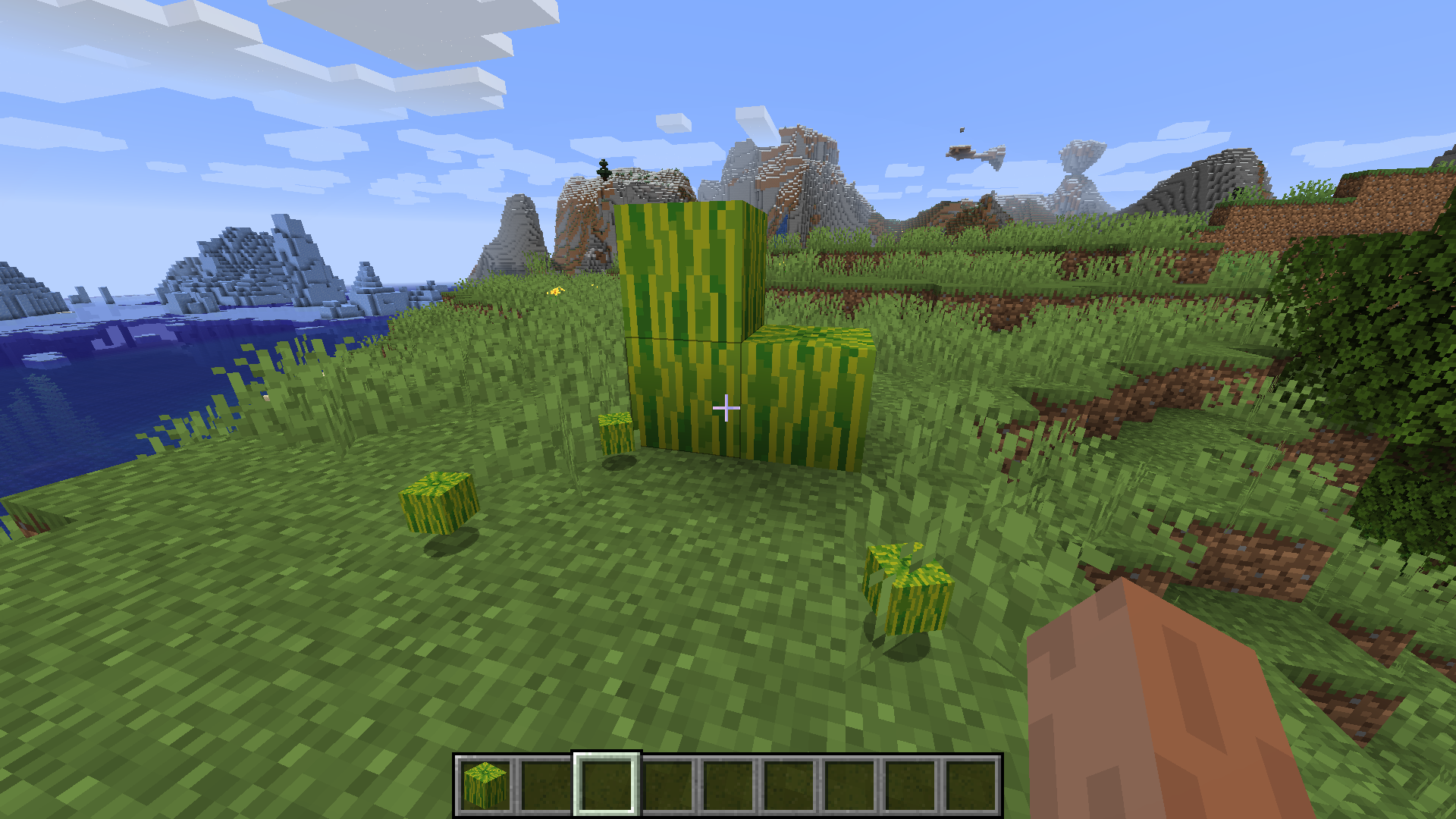
While playing Minecraft, I couldn’t help think how both inconvenient and illogical it is to have to break blocks that you should be able to just pick up. In real life you don’t have to axe your bed, or mine an anvil to pieces in order to pick them up, so why not have that function in Minecraft? With Quick Pick (TM), simply right click to drop many common blocks as items. This saves you time, and spares your tools some durability loss. There are two groups of items that can be right clicked, read all the details below.
Requires Forge API version 28.1.0+ and Minecraft 1.14.4
List of quick-pickable block types :
Anvils
Barrel
Brewing Stand
Blast Furnace
Bed
Campfire
Cartography Table
Cauldron
Chests (including ender)
Crafting Table
Composter
Dispenser
Dropper
Enchanting Table
Fletching Table
Furnace
Grindstone
Hay Block
Hopper
Jack O’ Lantern
Ladder
Jukebox
Lectern
Loom
Melon
Pistons
Pumpkins (including carved)
Rails
Observer
Smithing Table
Smoker
Stonecutter
TNT
Quick pick-able categories :
1) Blocks that cannot be interacted with, such as pumpkins and smiting tables, can be right click dropped with any tool in hand (axe, pickaxe, hoe, shovel) or an empty hand.
2) Blocks that can be interacted with such as anvils and crafting tables, can be right click dropped with any tool in hand (axe, pickaxe, hoe, shovel) while the player is sneaking, but not with an empty hand.
Notes for beds :
1) Beds are right click dropped the same way other interactable blocks are (with a tool in hand), however you must target the portion of the bed that does not have the pillow. Beds are comprised of two blocks, right clicking the top portion with the pillow will cause the bed to simply be destroyed, so you must only target the bottom portion to make it drop as an item.
常见问题
Quick Pick 支持哪些 Minecraft 版本?
Quick Pick 支持 Minecraft Java 版 1.14.4,可用的加载器:Forge。下载时注意选择和你游戏版本一致的文件。
Quick Pick 怎么安装?
先用 PCL2 或 HMCL 启动器安装对应版本的 Forge,再把下载的 .jar 文件放进游戏目录的 mods 文件夹,重新启动游戏即可。开启了版本隔离的,mods 文件夹在 versions/版本名 下面。
评论
登录后评论和评分