
Quick Coords
Share your exact coordinates in chat with a single keypress! Lightweight, fast, and essential for every player. 📍
截图
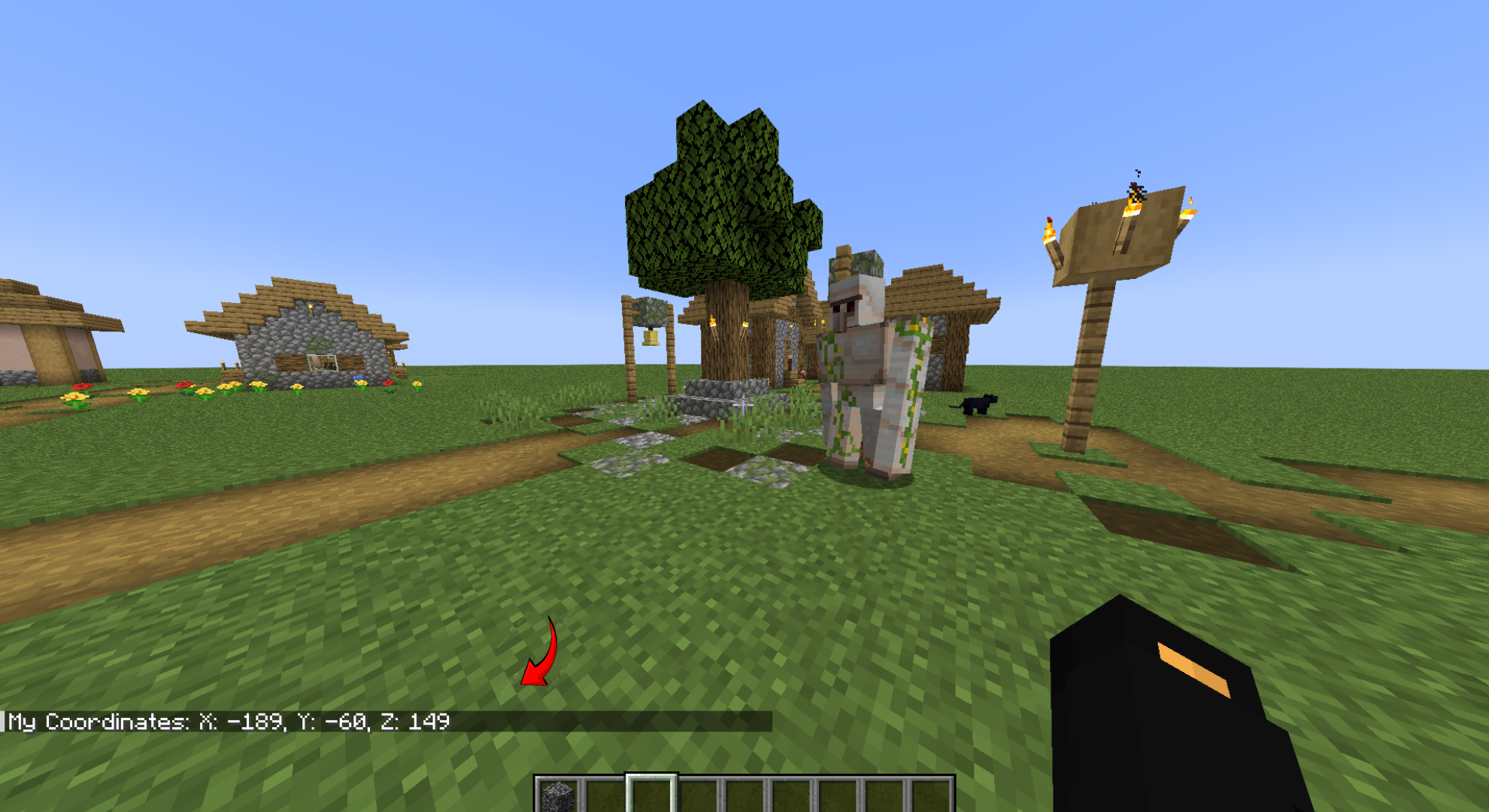
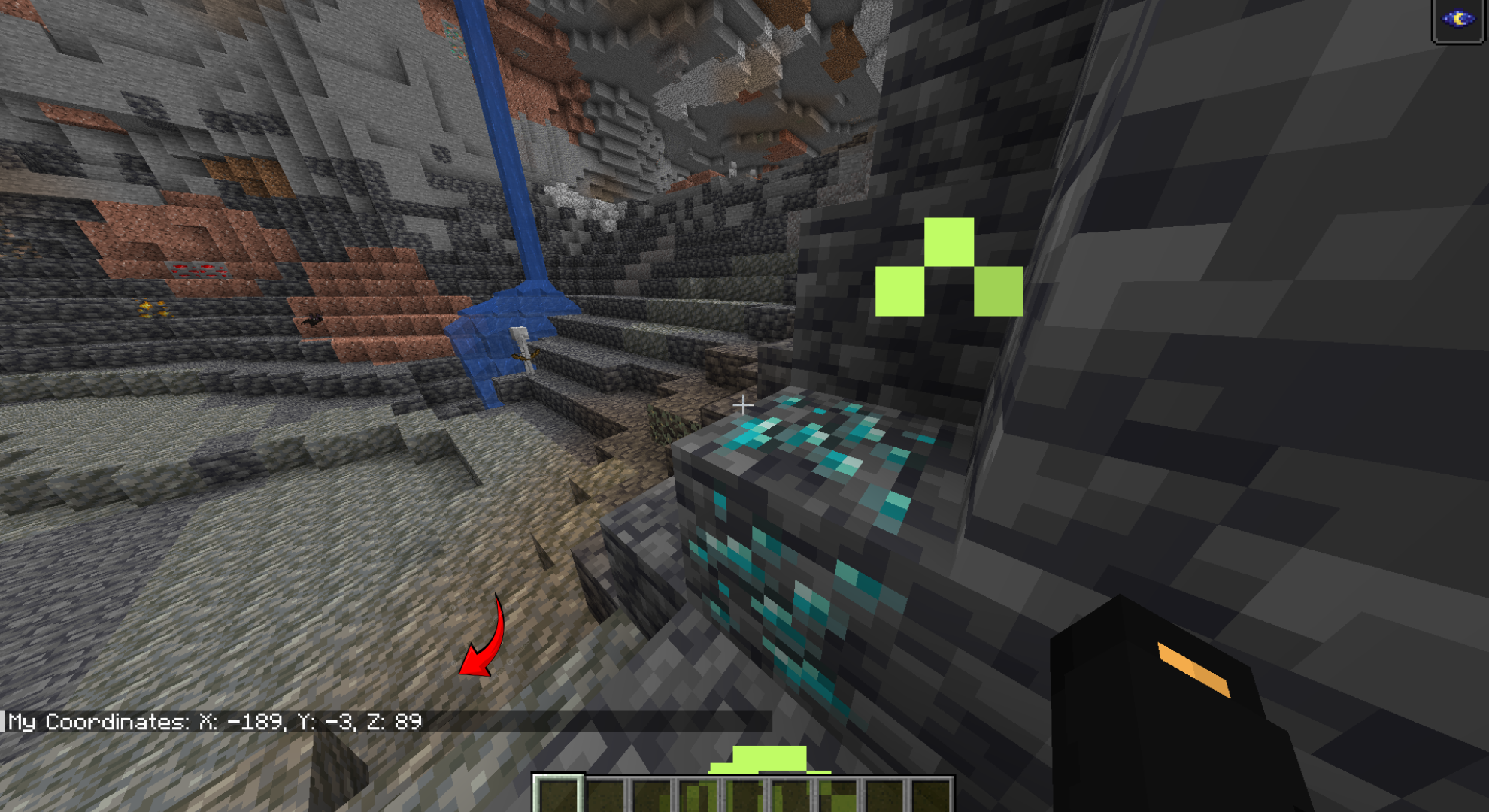
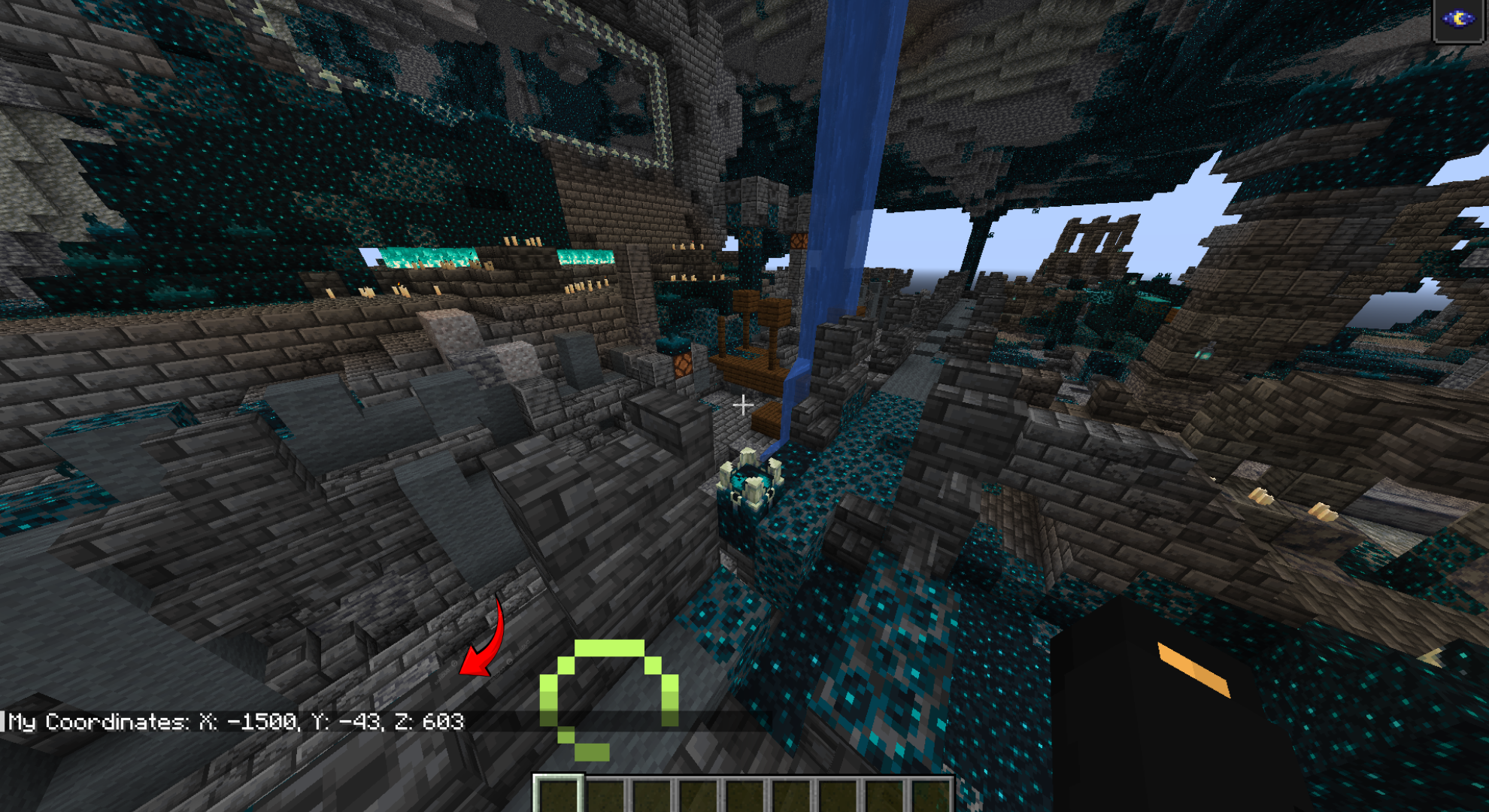
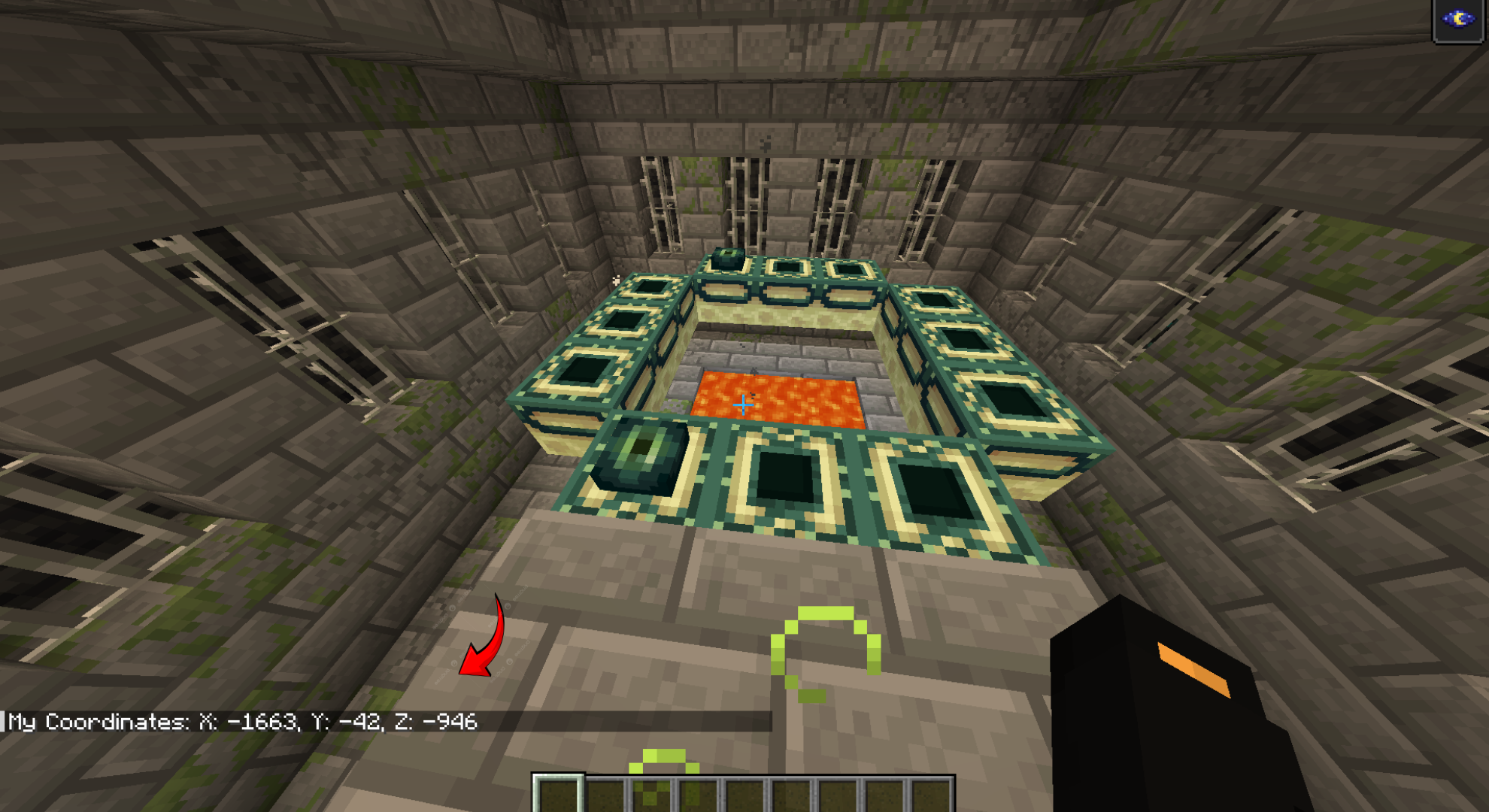
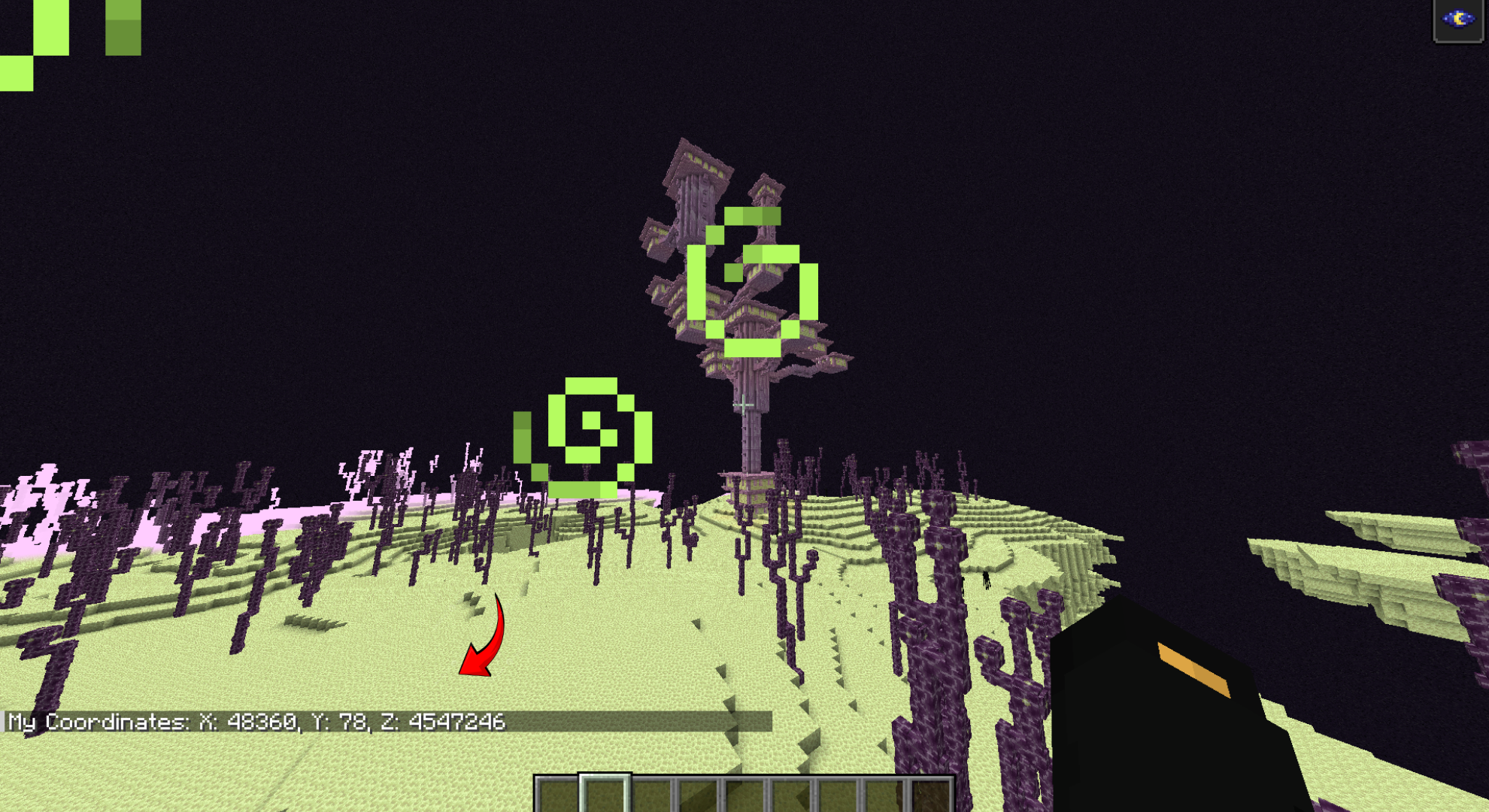
介绍
📍 QuickCoords – Never Get Lost Again!
Are you tired of manually typing your coordinates in chat while running from a Creeper? 🏃♂️💥 Or maybe you are tired of pressing F3 and getting a headache from all the text on the screen? QuickCoords is here to save your life!
🌟 What is QuickCoords?
QuickCoords is a lightweight, performance-friendly mod designed for players who value speed and efficiency. With just a single keypress, you can share your exact location with everyone on the server!
✨ Features
🚀 Instant Sharing: Share your X, Y, Z coordinates instantly in the global chat.
⌨️ Customizable Keybind: Default key is K, but you can change it to anything you want in the controls menu!
🌍 Multi-Version Support: Built for 1.21.4 but fully compatible up to 1.21.11!
🛠️ Client-Side Only: No server-side installation needed. Just put it in your mods folder and you are good to go!
💨 Super Lightweight: Zero lag, zero bloat. Just pure utility.
🛠 How to Use
Drop the QuickCoords.jar into your mods folder.
Launch the game and jump into any world or server.
Press K to broadcast your location! 📍
📥 Compatibility
Compatible with 1.21.4 through 1.21.11
Works on all Multiplayer Servers
Compatible with most other mods
常见问题
Quick Coords 支持哪些 Minecraft 版本?
Quick Coords 支持 Minecraft Java 版 1.21.4–1.21.11,共 8 个版本,可用的加载器:Fabric。下载时注意选择和你游戏版本一致的文件。
Quick Coords 怎么安装?
先用 PCL2 或 HMCL 启动器安装对应版本的 Fabric,再把下载的 .jar 文件放进游戏目录的 mods 文件夹,重新启动游戏即可。开启了版本隔离的,mods 文件夹在 versions/版本名 下面。运行环境:客户端和服务端都要装。
评论
登录后评论和评分