
截图


介绍
Introducing the Quests Journey Pack!
Get ready to embark on epic adventures with this Quest system for Minecraft!
How it works
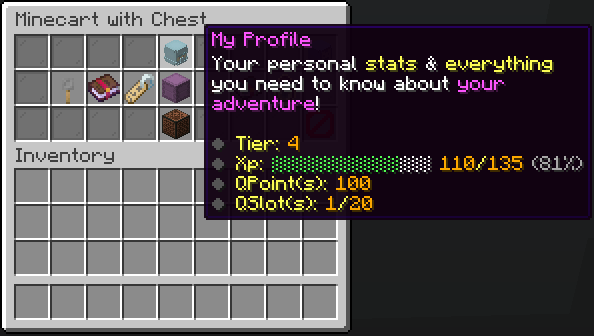
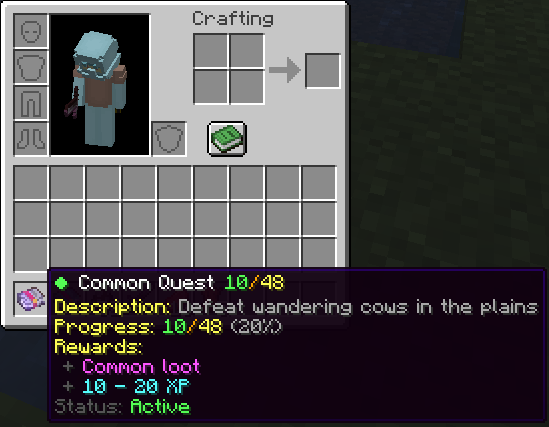
You can earn quests by defeating mobs. The stronger the mob, the higher the chance to receive a quest. Complete quests to earn XP and points, which can be used to buy items, keys, and more using:
/trigger quests_gui
Quest Rarities
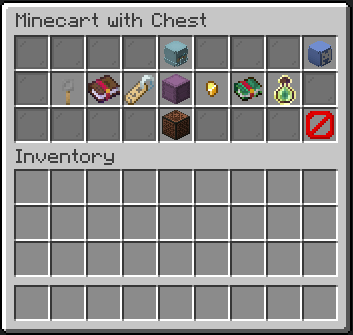
There are five quest rarities. The rarer the quest, the harder the challenge—but also the better the rewards!
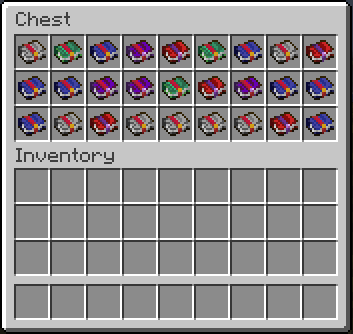
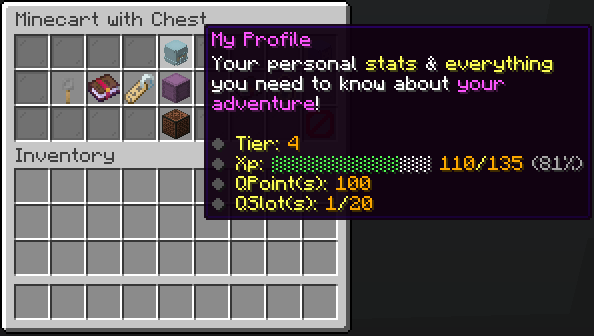
Quest Slots
You have a limited number of quest slots, meaning you can only work on a set number of quests at the same time. You can upgrade your slots using points, allowing you to take on more challenges at once!
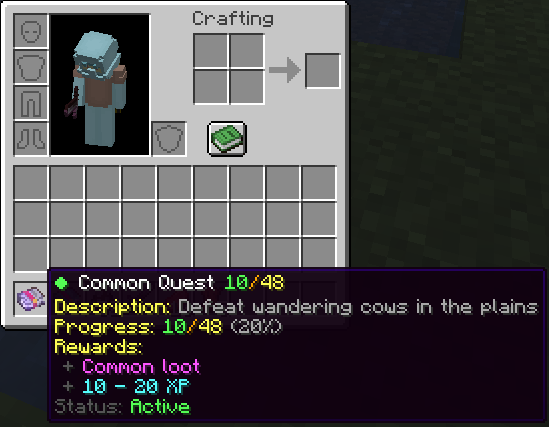
Questbooks & Progression
Each quest is stored in a Questbook. Keeping it in your inventory activates the quest, allowing you to track progress. Progress is saved within the book, meaning you can share it and store it without losing any data.
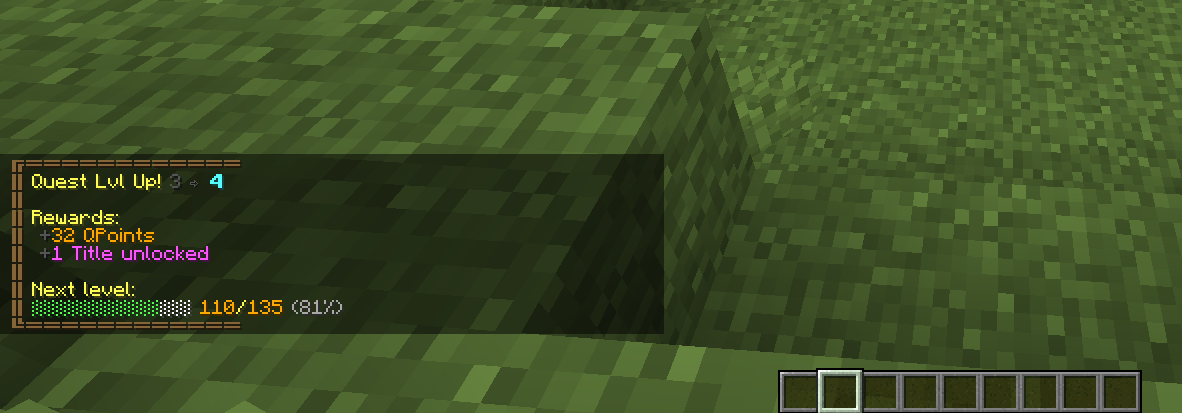
Claiming Rewards
Once a quest is completed, you can claim your rewards to earn XP and points. These points help you level up and unlock even more powerful rewards!
There’s even more to explore in-game. Jump in and start your adventure!
Uninstalling
- Access the Chat Window.
- Enter the Uninstall Command and press Enter:
<br>

/function quests_journey:uninstall<br>
Links


常见问题
Quests Journey 支持哪些 Minecraft 版本?
Quests Journey 支持 Minecraft Java 版 1.21–1.21.4,共 5 个版本,可用的加载器:Fabric / Forge / NeoForge / Quilt。下载时注意选择和你游戏版本一致的文件。
Quests Journey 怎么安装?
先用 PCL2 或 HMCL 启动器安装对应版本的 Fabric / Forge / NeoForge / Quilt,再把下载的 .jar 文件放进游戏目录的 mods 文件夹,重新启动游戏即可。开启了版本隔离的,mods 文件夹在 versions/版本名 下面。运行环境:客户端 / 服务端。
ProdigeGasy 的其他作品
查看全部 →
Loot Bags
击杀生物,发现稀有战利品袋!猎杀各种生物,获取袋中的史诗级奖励。

Auto Smelt
挖矿时自动将矿石熔炼成锭,让收集资源轻松不少!
Auto Smelt
挖矿时自动将矿石熔炼成锭,让收集资源轻松不少!

Prodige’s Skills
Level up, and conquer new challenges with this plugin-style skills system!
评论
登录后评论和评分