
Quantum’s Component Editor
作者:Quantum7429
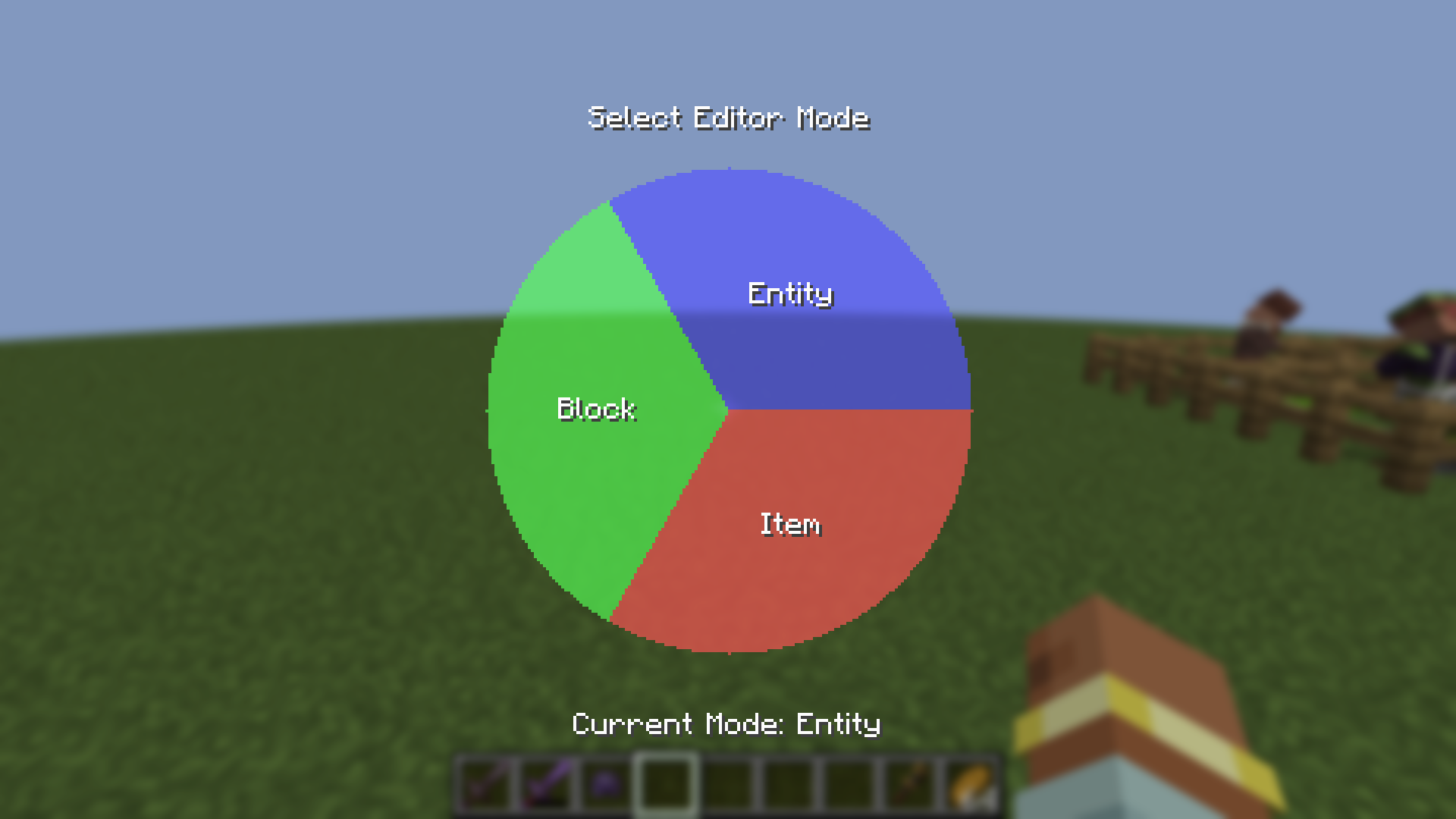
An editor allowing for changing the Components(Data) of items and entities using simple menus Respects Access(Clients without access may NOT look at components) Client Optional - NOT required on client
截图


介绍
中文介绍正在准备中,下面暂时显示原文。
Allow you to edit the held item with a simple menu.
Config
- OpenMenu
- Op (bool)
- Creative (bool)
- Apply(All)
- Apply(Name Only)
- Op (bool)
- Creative (bool)
- Default Keybind To Open Is Keypad 4
Menu:
- General
- Item Id
- Name formating
- Such as coloured names(hex), bold. italic, underline, obsfuscated
- 3 Pages of Presets(16 per page, 48 total)
- Custom presets can be saved(Cog Icon “⚙”)
- “X”, Remove All Formatting/reset to anvil name
- Count
- Damage
- Max Count Size(Locked)
- Enchantments
- Type
- Level
- “+”, increase by 1
- “-“, decrease by 1
- “X”, Set To 0 – remove when saved if still 0
- Attributes (Some versions have wierd artifacts, adding attributes can cause duplicated ones)
- Modifier(+, *Base, *Total)
- Type
- Value
- Slot(Head, Chest, Legs, Feet, MainHand, OffHand) – More in future
- Components
- Manual Editor
Planned
Check Planned.md on Github
- UI Rework
- Simpler UI
- Block Editing
Info
- Editing some fields with certain mods can cause corrupt nbt(make a post on discord/ on github -> This may require you editing player nbt which _can_ cause permanent damage)
- The mod will prevent people without access from looking at components to prevent people getting info from objects such as codes from Security Craft
- I recommend using Modrinth App as I will update this quite a bit with new features and bug fixes
- My main focus is my education so this will not be updated as often during UK England Term time
- Full permission to use this in modpacks is given
常见问题
Quantum’s Component Editor 支持哪些 Minecraft 版本?
Quantum’s Component Editor 支持 Minecraft Java 版 1.21.1,可用的加载器:NeoForge。下载时注意选择和你游戏版本一致的文件。
Quantum’s Component Editor 怎么安装?
先用 PCL2 或 HMCL 启动器安装对应版本的 NeoForge,再把下载的 .jar 文件放进游戏目录的 mods 文件夹,重新启动游戏即可。开启了版本隔离的,mods 文件夹在 versions/版本名 下面。运行环境:客户端 / 服务端。
评论
登录后评论和评分