
PyComputer
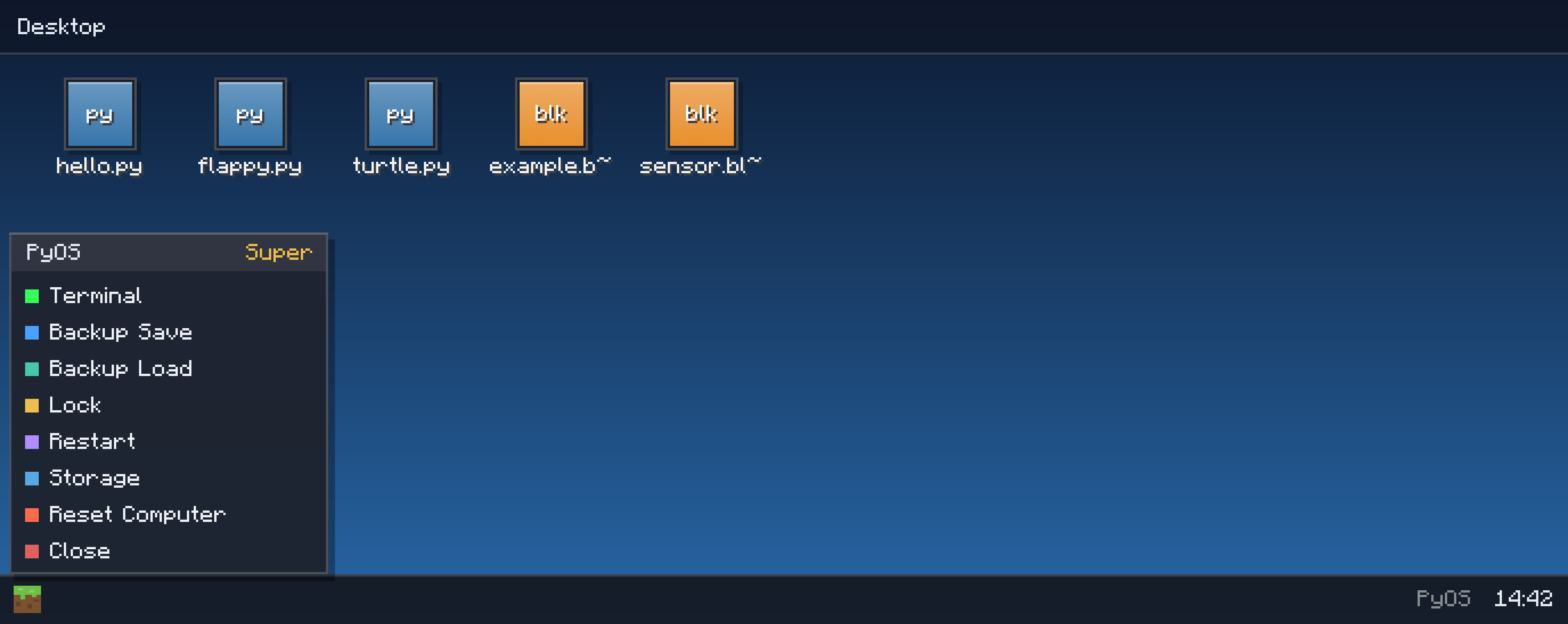
PyComputer runs Python instead of Lua — a desktop OS with files, terminal, redstone I/O, .blok visual drag-and-drop coding, a games API, printer, turtles (Miner/Fighter/Builder) via a connector, USB backup, and survival crafting. Inspired by CC: Tweaked.
截图
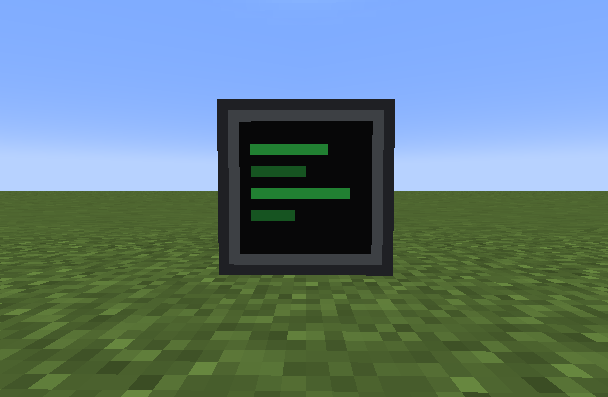
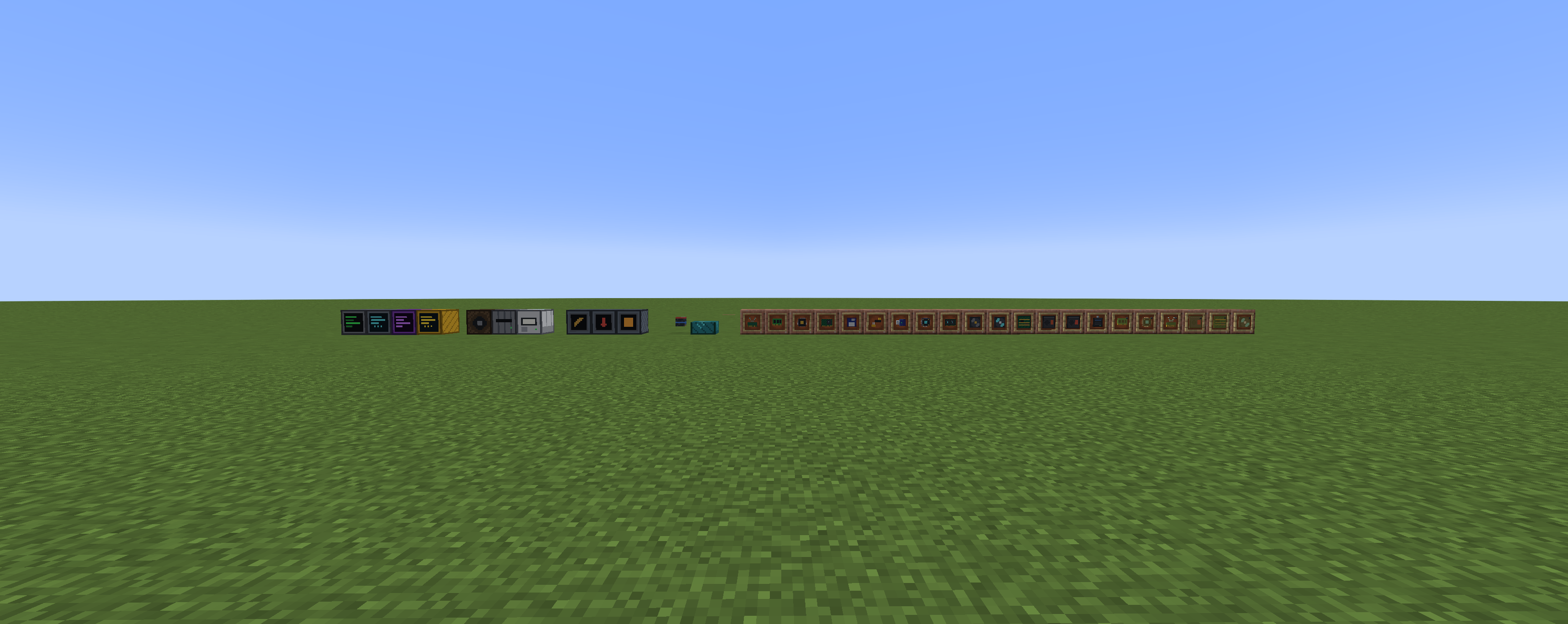

介绍
- Redstone API — read and emit signals, build smart farms, locks, elevators
- Graphics API — draw shapes, handle mouse & keyboard… a playable
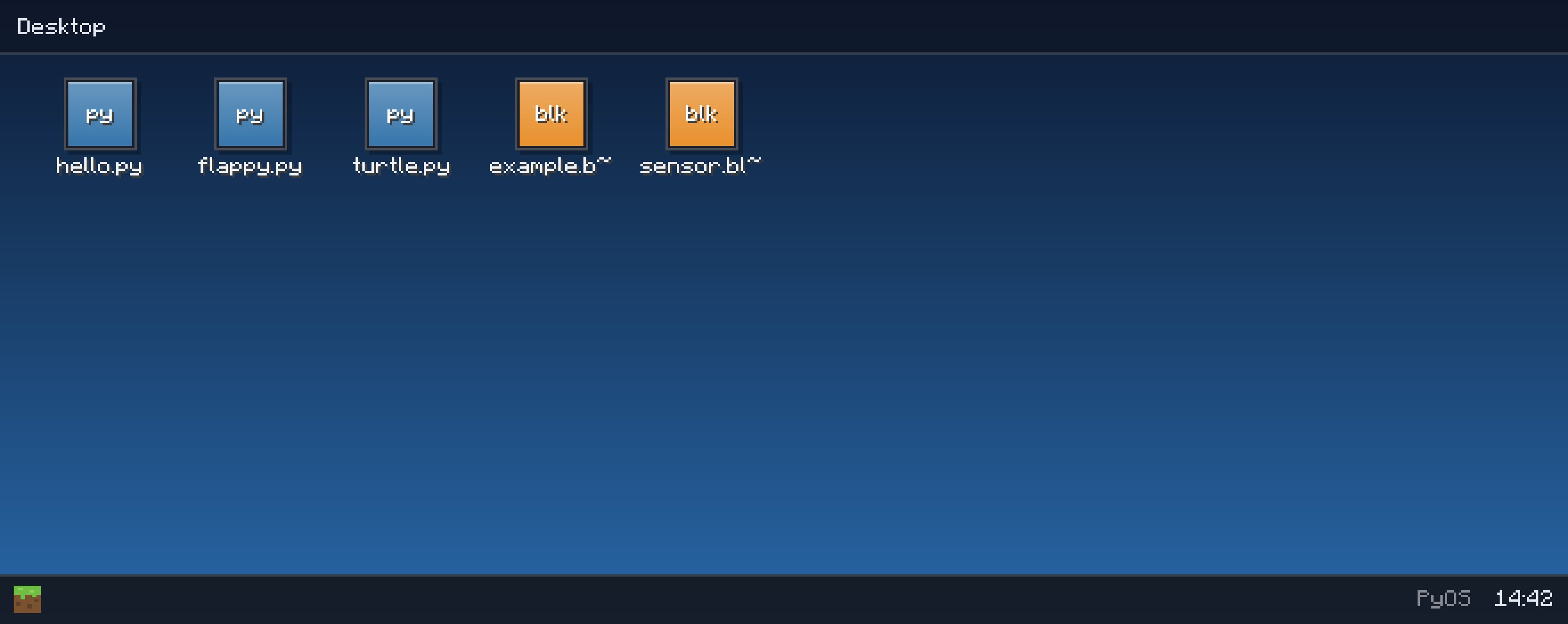
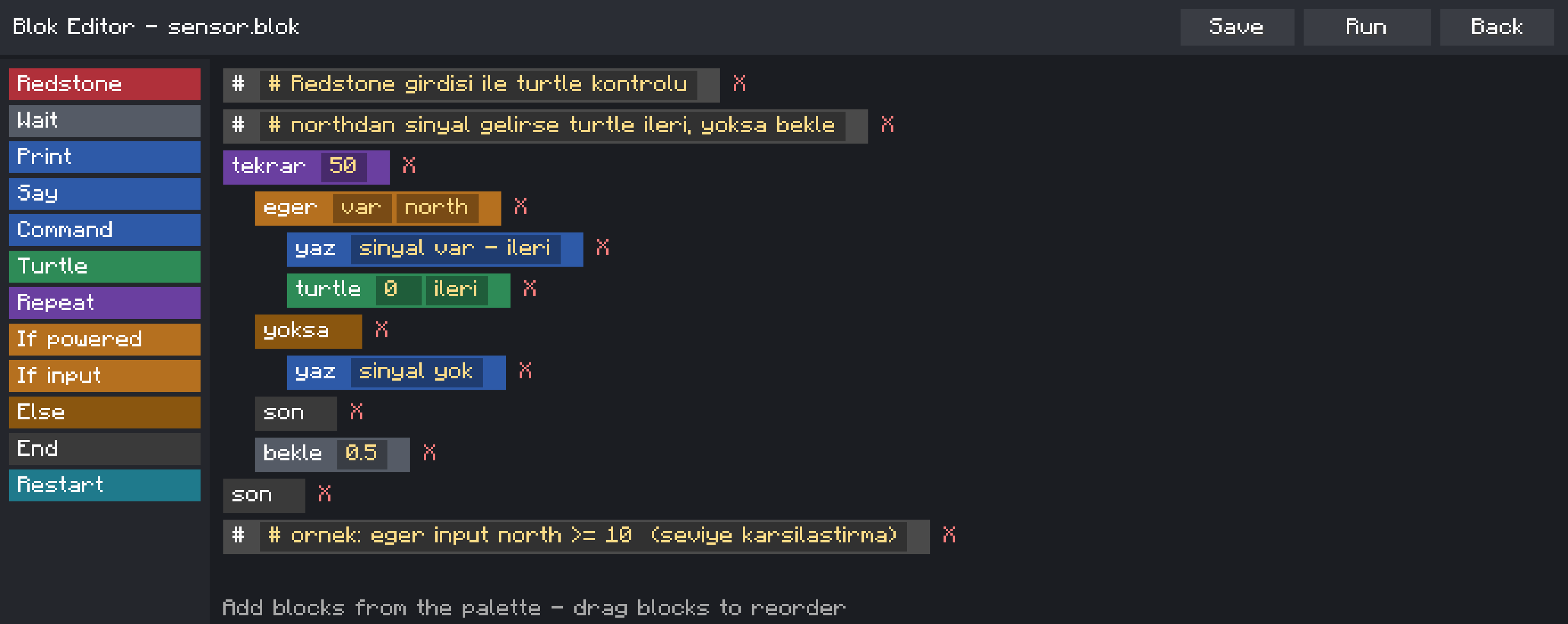
Flappy Bird sample is pre-installed on every new computer! .blokblock-coding language — a beginner-friendly command language
for kids and non-programmers, with samples includedstartup.pyruns automatically on boot — make your computer greet you
⚠️ Python 2.7 syntax (embedded Jython) — perfect for learning the basics.
💻 Four tiers of computers — climb the tech tree
| Computer | Specialty | Storage | Boot |
|---|---|---|---|
| 🩶 Basic | Terminal + PyOS desktop | 10 files | 10s |
| 🩵 Advanced | WiFi file sharing, faster | 30 files | 5s |
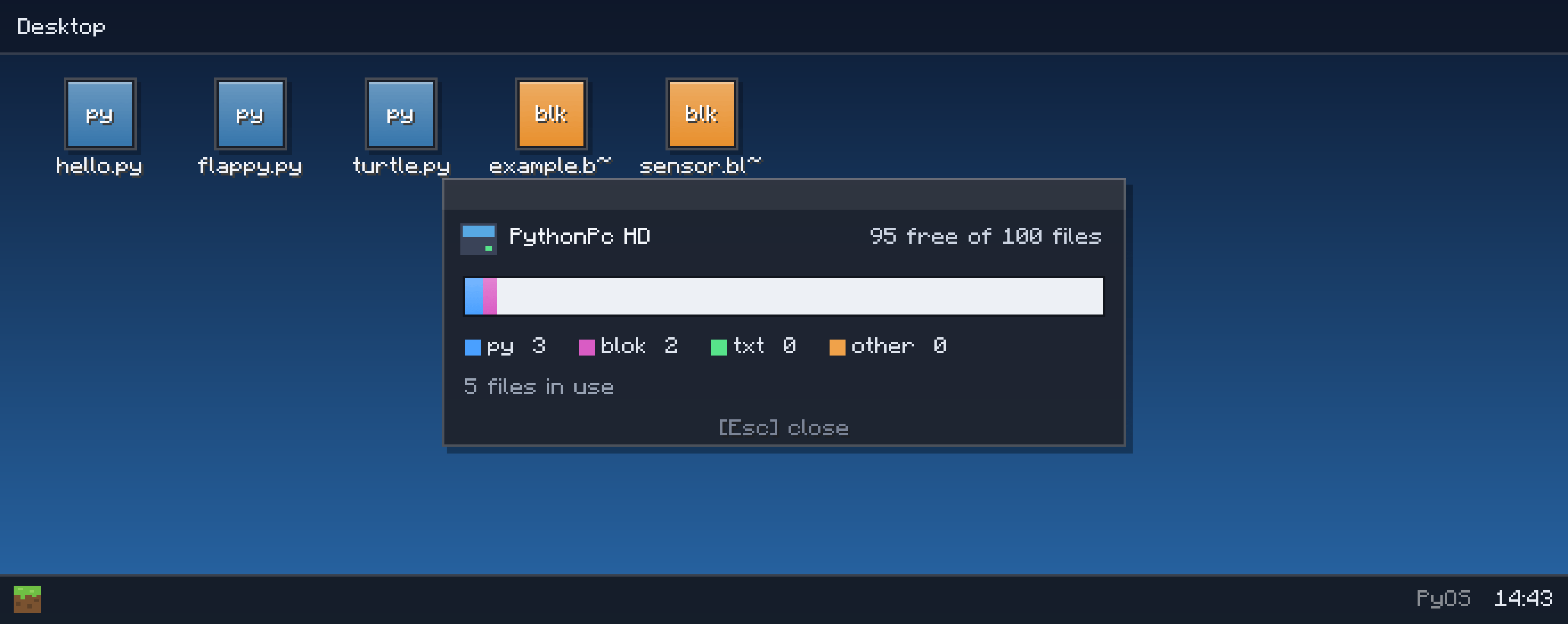
| 💛 Super | Netherite-tier: everything loads INSTANTLY | 100 files | 5s |
| 💜 Creative | Runs Minecraft commands, unlimited storage | ∞ | — |
Every single one is craftable in survival from realistic components:
RAM, CPU, GPU, motherboard, power supply, fans, WiFi module — then upgrade
them with Fast parts (diamond) and Ultra parts (netherite)!
💎 Bonus: put an Advanced Computer in the middle of a crafting table,
surround it with netherite and diamonds → instant Super Computer upgrade.
🌐 Networking that feels REAL
🔗 Bendable cables — they visually connect and turn corners like real
wiring, linking computers to peripherals across your base
🤝 PC-to-PC connections with double security — connecting to a friend’s
computer sends them a connection request popup; you enter YOUR password,
they confirm with THEIRS. Once linked, each computer appears on the other’s
desktop as a USB drive with a status LED — browse and even edit each
other’s files live, like a network drive!
📡 WiFi file sharing — Advanced and Super computers can beam files to
each other by username, with accept/reject popups and loading bars
🛑 One click on “Stop Connection” in the start menu cuts everything.
🔌 Peripherals & portable storage
- 🖨️ Printer — physically prints your files onto paper items
- 🔊 Speaker — compose note-block melodies from Python code
- 💾 Floppy Disk + Disk Drive — retro portable storage (10 files)
- 🔑 USB Stick — plug it STRAIGHT into a computer (15 files)
- 💽 Portable Hard Disk — diamond-grade, 50 files
- 🗄️ Storage Block — a server rack that adds +300 file capacity
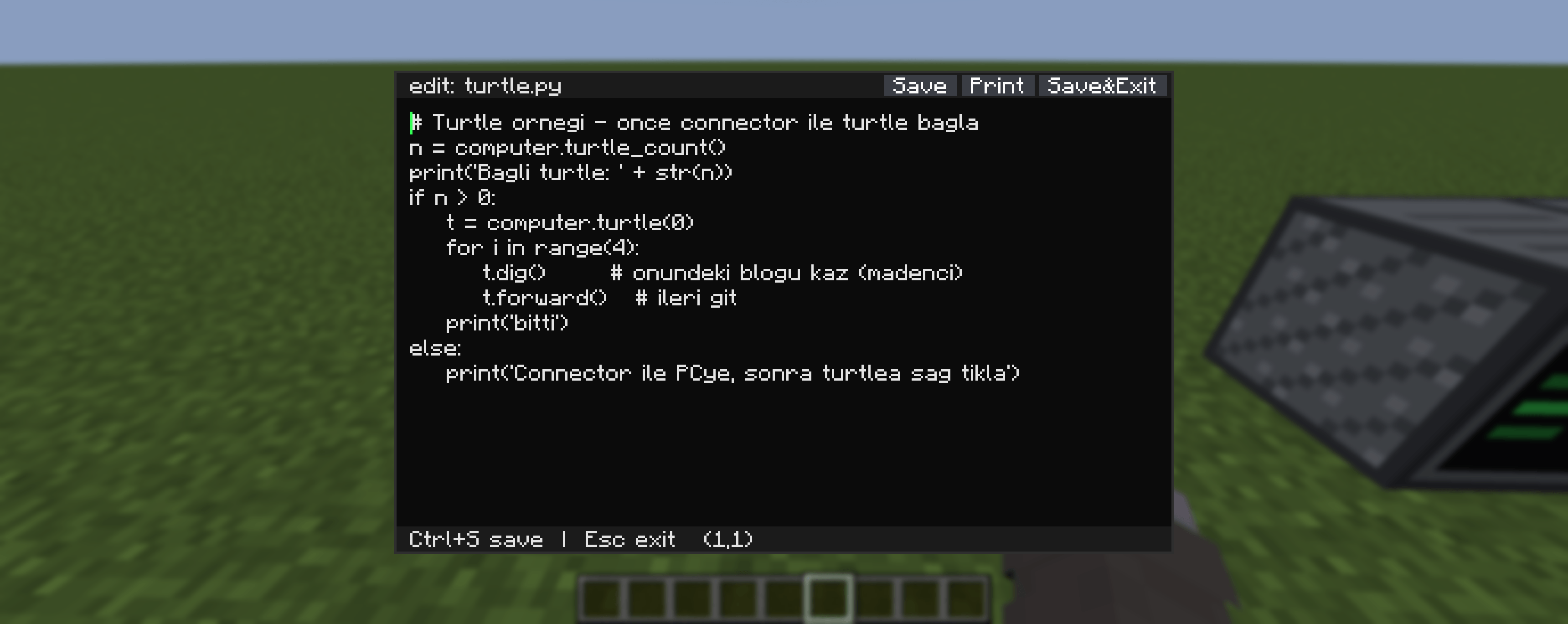
to any computer on the cable network - 🐢 Turtles — mining, fighting and building robots you pair wirelessly
and command from your computer - 💿 USB backups — back up an entire computer (password-protected!)
and restore it anywhere
Files live inside the items — carry them, chest them, trade them.
🔒 100% Safe — fully sandboxed
The embedded Python interpreter cannot touch your real computer. Period.
All OS, process, network and file-system modules are physically removed from
the jar AND blocked at runtime. In-game code only sees the mod’s virtual
files stored in your world save. Play (and let your kids play) with total
peace of mind.
🌍 Languages
Full English + Turkish support — the OS automatically follows your
game language. (Türkçe tam destek!)
🚀 Getting started (30 seconds)
- Craft a Basic Computer (redstone + RAM + CPU + GPU + PSU + motherboard + fan)
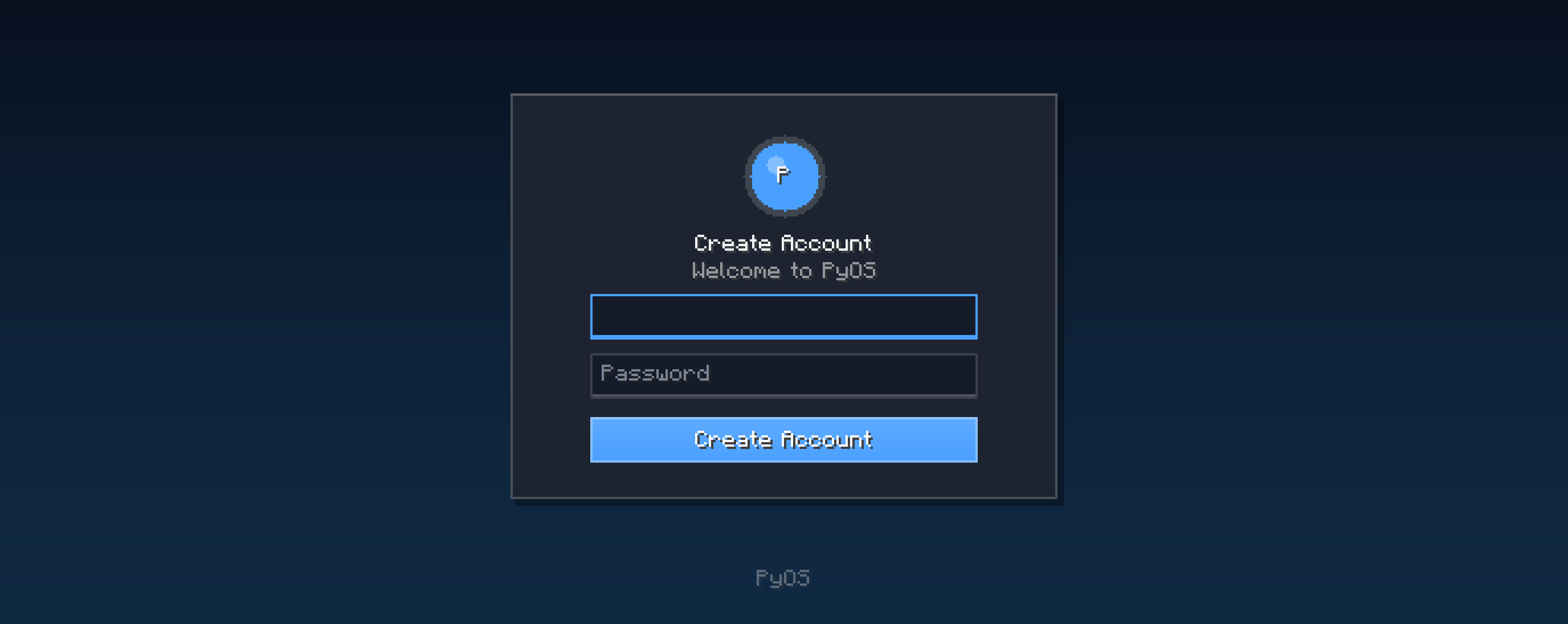
- Place it, right-click, create your account
- Double-click flappy.py on the desktop… and lose an hour 🐦
- Open the Terminal and type your first
print("hello!")
PyComputer — Where redstone meets real programming.
Found a bug? Have an idea? Leave a comment!
常见问题
PyComputer 支持哪些 Minecraft 版本?
PyComputer 支持 Minecraft Java 版 1.21.1,可用的加载器:NeoForge。下载时注意选择和你游戏版本一致的文件。
PyComputer 怎么安装?
先用 PCL2 或 HMCL 启动器安装对应版本的 NeoForge,再把下载的 .jar 文件放进游戏目录的 mods 文件夹,重新启动游戏即可。开启了版本隔离的,mods 文件夹在 versions/版本名 下面。
评论
登录后评论和评分