
Crunch
Client-side QoL, HUD, visual, and performance mod. No gameplay automation or advantage - just quality of life.
截图
介绍
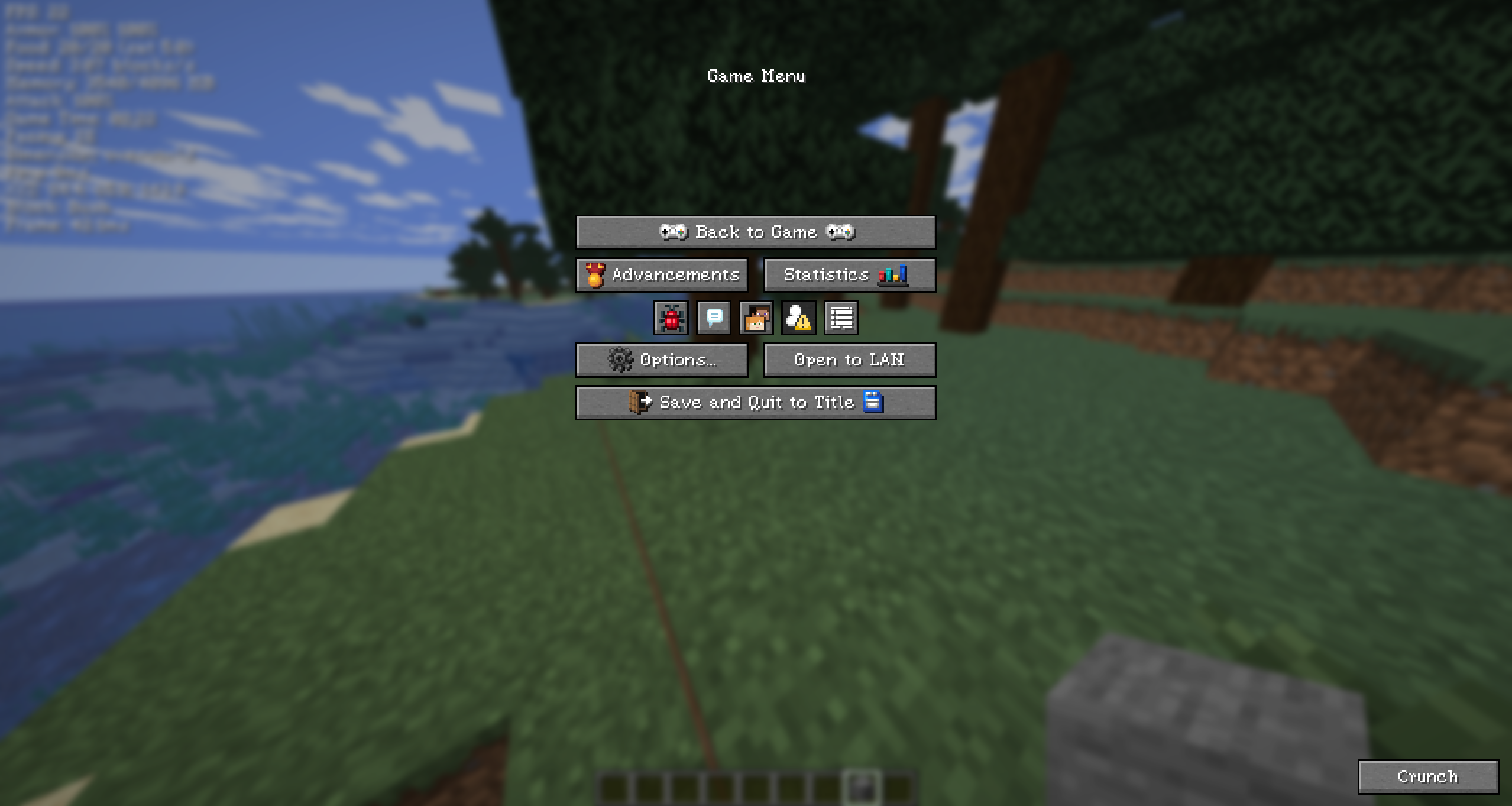
A client-side-only Minecraft QoL, HUD, visual, and performance mod. No server component, no gameplay automation or advantage – everything is opt-in, GUI-driven configuration (press K to open the menu).
What’s in it
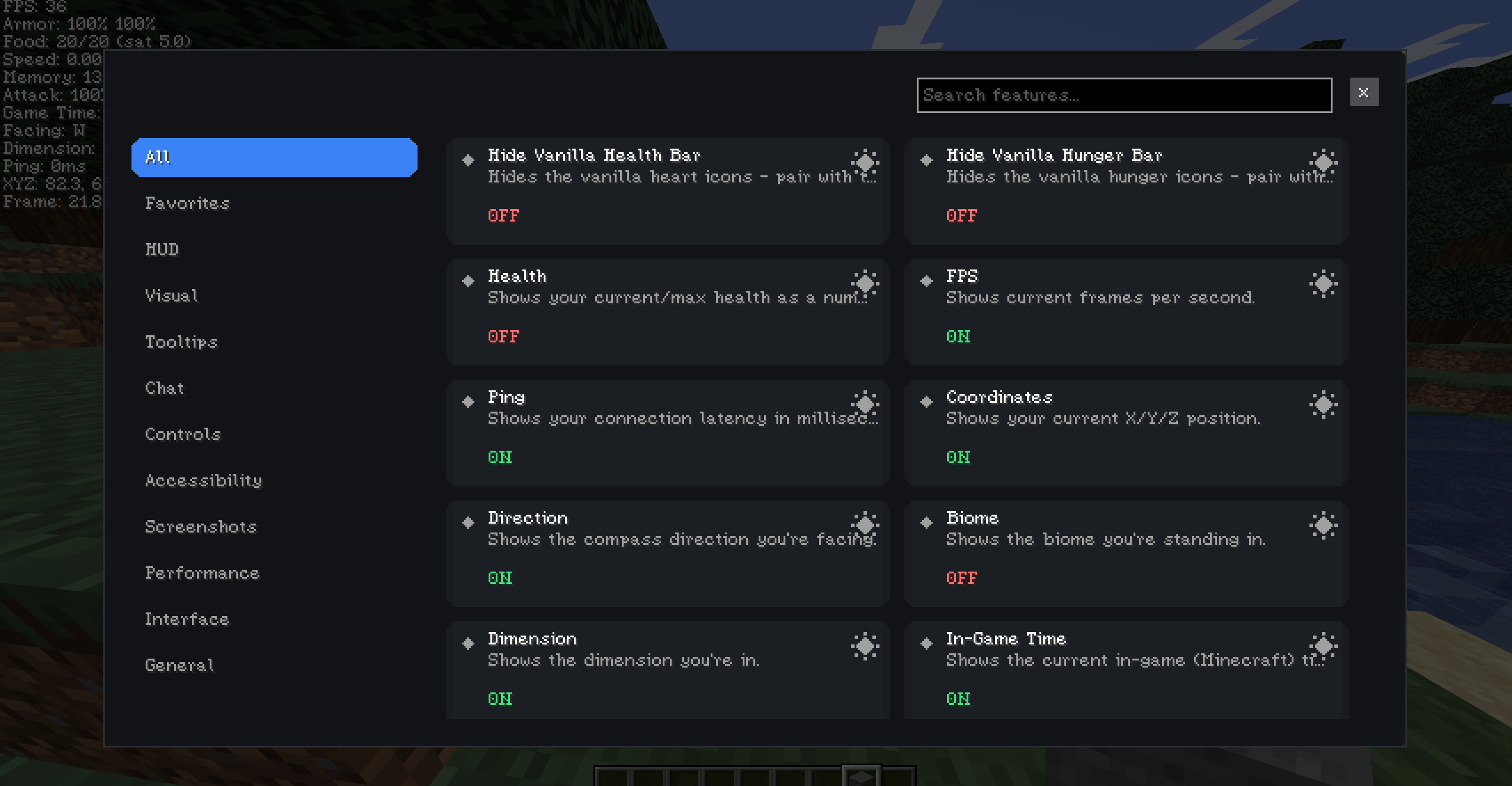
55+ toggleable features across 8 categories:
HUD (21) – FPS, ping, coordinates, direction, biome, dimension, in-game/real-world clock, day counter, numeric health, durability, potion timers, food/saturation info, attack cooldown, block-break progress, current block, speed, light level, memory/performance info. Every line is independently draggable in the HUD Editor and auto-stacks with no gaps when others are toggled off.
Visual (9) – Fullbright (real lightmap-shader override with an adjustable intensity, not just a gamma slider – mutually exclusive with Gamma so they can’t fight each other), fog toggle, weather effects, particle reduction, entity shadows, vignette, view bobbing, screen effect reduction.
Tooltips (6) – Durability, item ID, stack info, food info, Scrollable Tooltips (caps long tooltips, Shift+scroll to page through), Colored Enchantments (by level tier, or rainbow-animated at an enchant’s own max level).
Chat (7) – Timestamps, username/keyword highlighting, mention sound alerts, filters, readability boost, Infinite Chat (raises the 100-message scrollback cap to 10,000).
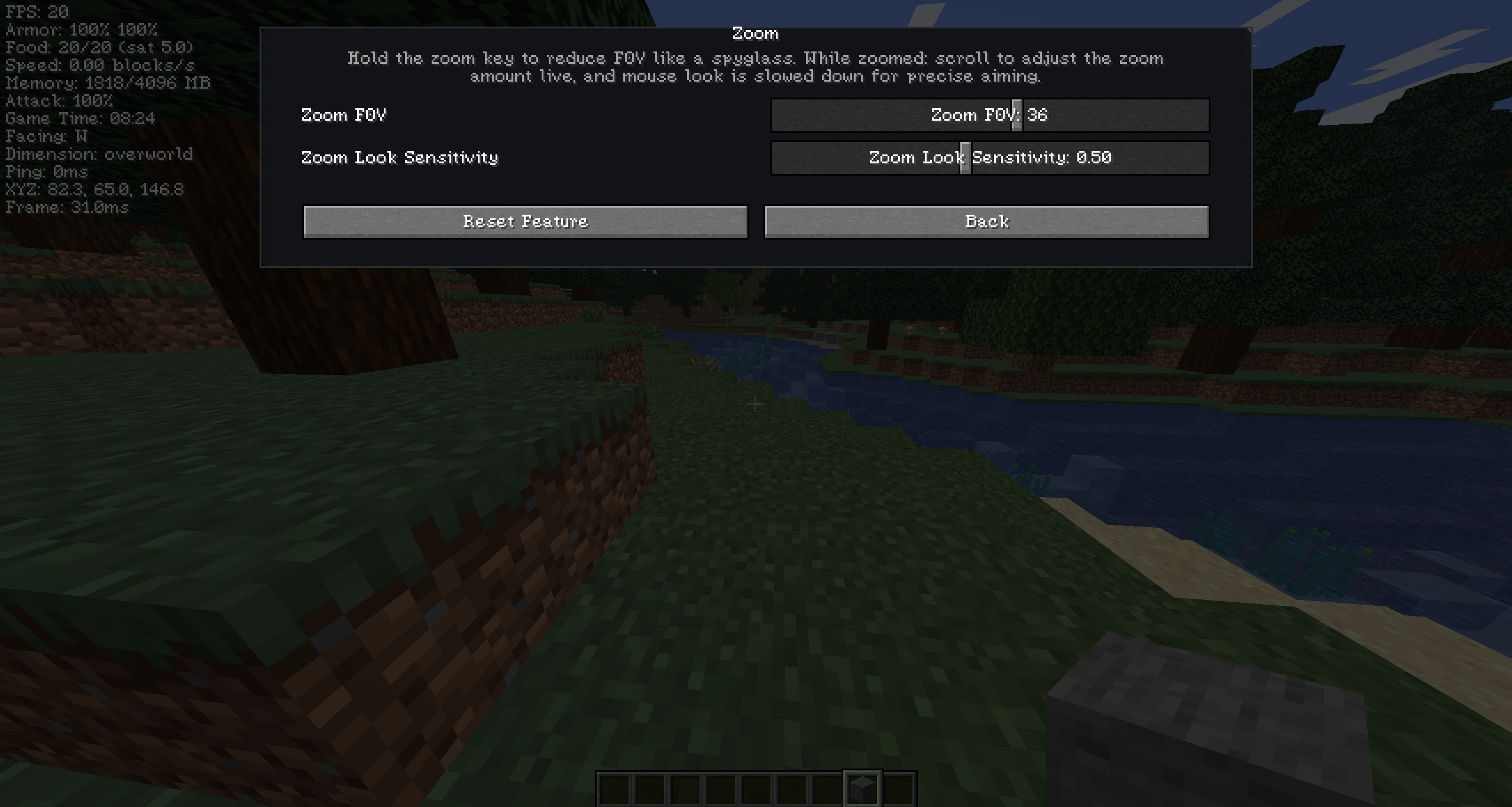
Controls (4) – Zoom (scroll to adjust FOV live while zoomed, adjustable look sensitivity), toggle sprint/sneak, quick perspective switching.
Accessibility (4) – Reduced camera movement, sound notification controls, high-contrast/readable Crunch UI.
Screenshots (3) – Dated subfolders, filename prefixes, folder shortcut keybind.
Performance (4) – Master toggle, one-click presets (Maximum FPS/Balanced/Visual Quality/Potato), disable clouds, reduced biome blending.
Do I really need this?
If you want a lightweight, single client-side mod for the common QoL/HUD asks (fullbright, coordinates, chat timestamps, scrollable tooltips, etc.) without pulling in several separate mods, this covers that ground in one package.
Advantages
No gameplay-affecting/automation features – stays within “quality of life,” not an advantage mod
One GUI for everything, searchable, with save/load profiles
Dependicies
CorimLib,
Fabric API _(Fabric only)_
常见问题
Crunch 支持哪些 Minecraft 版本?
Crunch 支持 Minecraft Java 版 26.1–26.2,共 4 个版本,可用的加载器:Fabric / Forge / NeoForge。下载时注意选择和你游戏版本一致的文件。
Crunch 怎么安装?
先用 PCL2 或 HMCL 启动器安装对应版本的 Fabric / Forge / NeoForge,再把下载的 .jar 文件放进游戏目录的 mods 文件夹,重新启动游戏即可。开启了版本隔离的,mods 文件夹在 versions/版本名 下面。运行环境:仅客户端。
py54 的其他作品
查看全部 →
CorimLib
Cross-loader GUI/HUD/feature framework powering multiple mods. A library mod - no gameplay effect on its own.

SkyCeleste
SkyCeleste is a QoL mod (later for Hypixel Skyblock) and fully complying with all Hypixel and Minecraft rules, ensuring fair play and compatibility. The UI Buttons change with your texture packs! Cool!

Emerald Tools Z
This is the OFFICIAL Emerald Tools Z mod!
评论
登录后评论和评分