
截图
介绍
How to use:
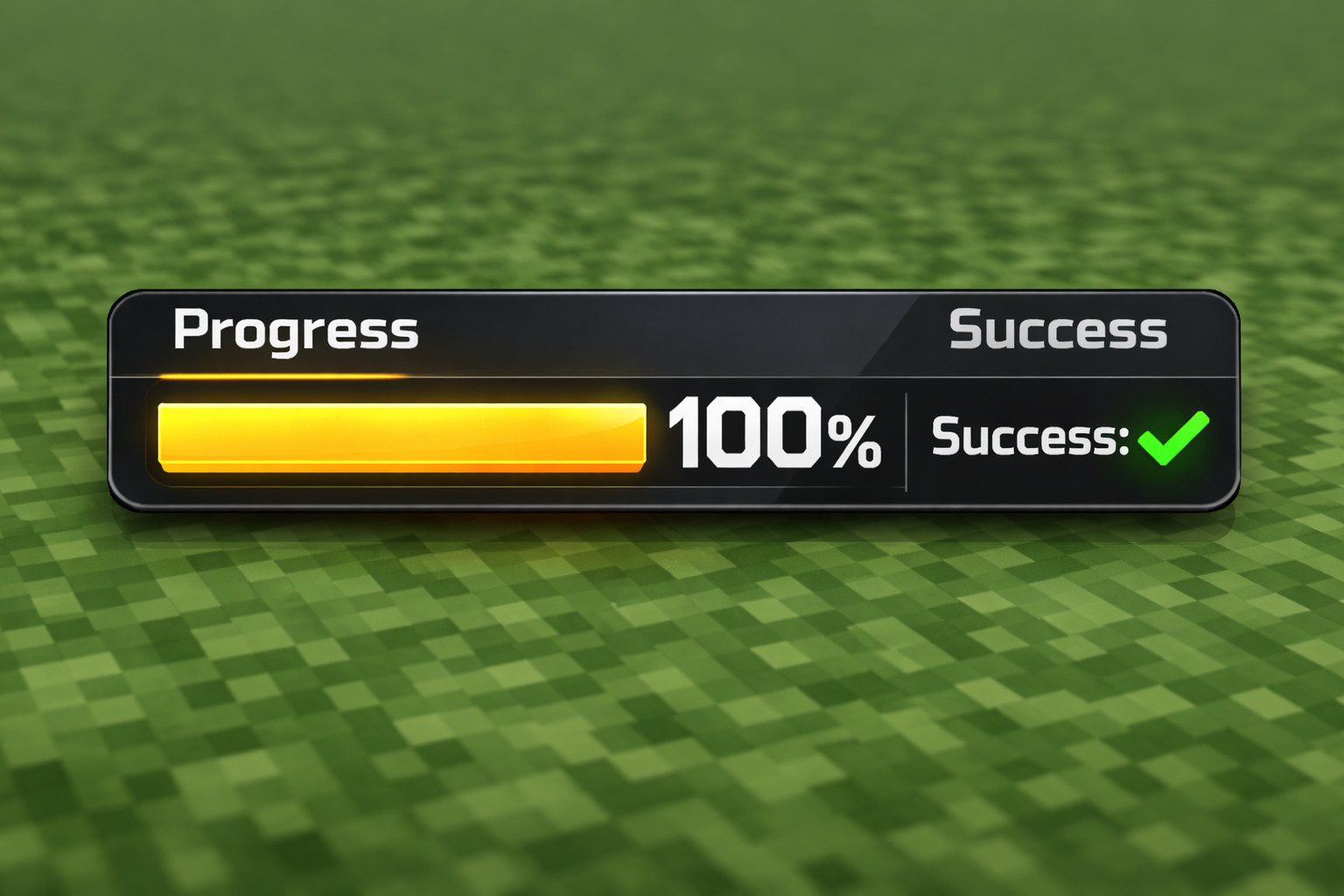
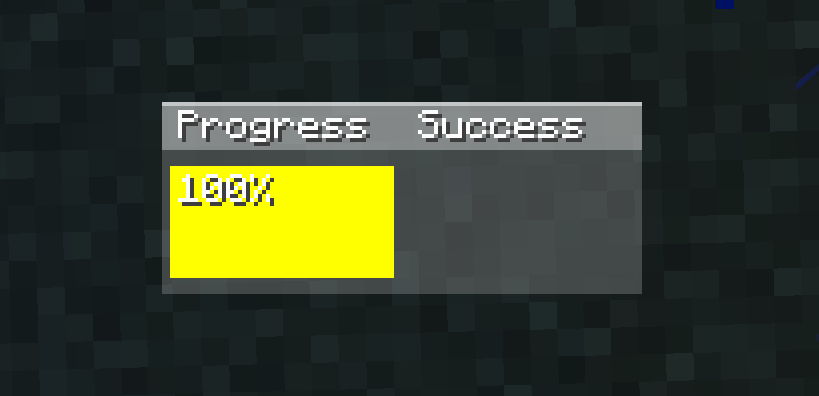
The progress section first checks if the item in your hand has reached critical hit count. If it has, it will show yellow; if not, it will show a gray bar indicating the countdown. If the progress section is yellow and you are about to hit a monster or player, the bar will turn green. The success section shows the last monster you hit: gray if you hit it before critical hit count, yellow if you hit it with critical hit count and without jumping, and green if you hit it with critical hit count and while jumping. Additional features: Pressing the ‘k’ key (you can change which letter it is in settings–>controls->key assignments) can open and close the GUI. Also, when your mouse cursor is visible (like in chat, esc), you can drag and drop the GUI to change its position. I hope you like it <3 –im doing a new mod i will announce the mod on my discord server after that i will release on modrinth– 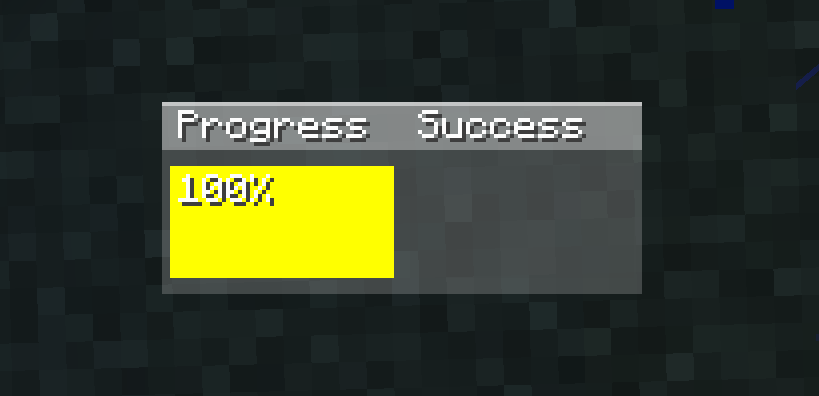
常见问题
Pvp Helper (faresmod) 支持哪些 Minecraft 版本?
Pvp Helper (faresmod) 支持 Minecraft Java 版 1.21.1–1.21.11,共 11 个版本,可用的加载器:Fabric。下载时注意选择和你游戏版本一致的文件。
Pvp Helper (faresmod) 怎么安装?
先用 PCL2 或 HMCL 启动器安装对应版本的 Fabric,再把下载的 .jar 文件放进游戏目录的 mods 文件夹,重新启动游戏即可。开启了版本隔离的,mods 文件夹在 versions/版本名 下面。运行环境:仅客户端。

评论
登录后评论和评分