
PVP Flagging
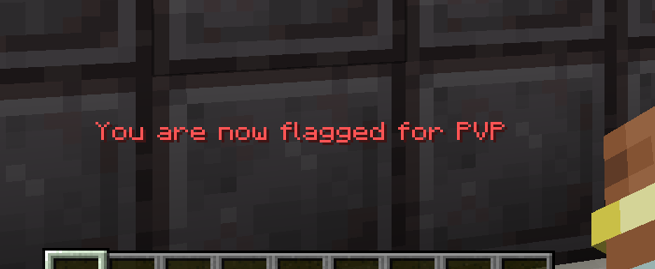
Enables players to flag or unflag themselves for PVP. Admins can create PVP zones/arenas
截图


介绍
中文介绍正在准备中,下面暂时显示原文。

Core Features
- Players can flag or unflag themselves to opt into PVP
- Both players must be flagged for PVP to occur
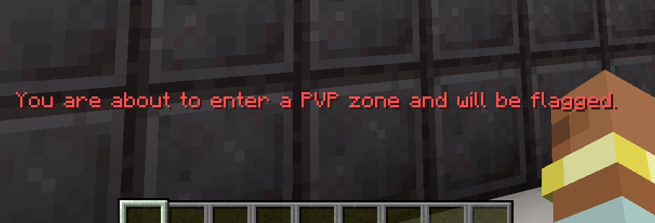
- Admins can create areas for PVP that will flag players when they enter the area (warning as you get close).
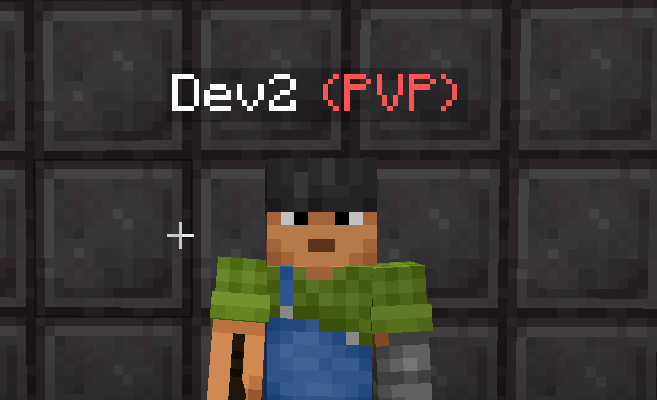
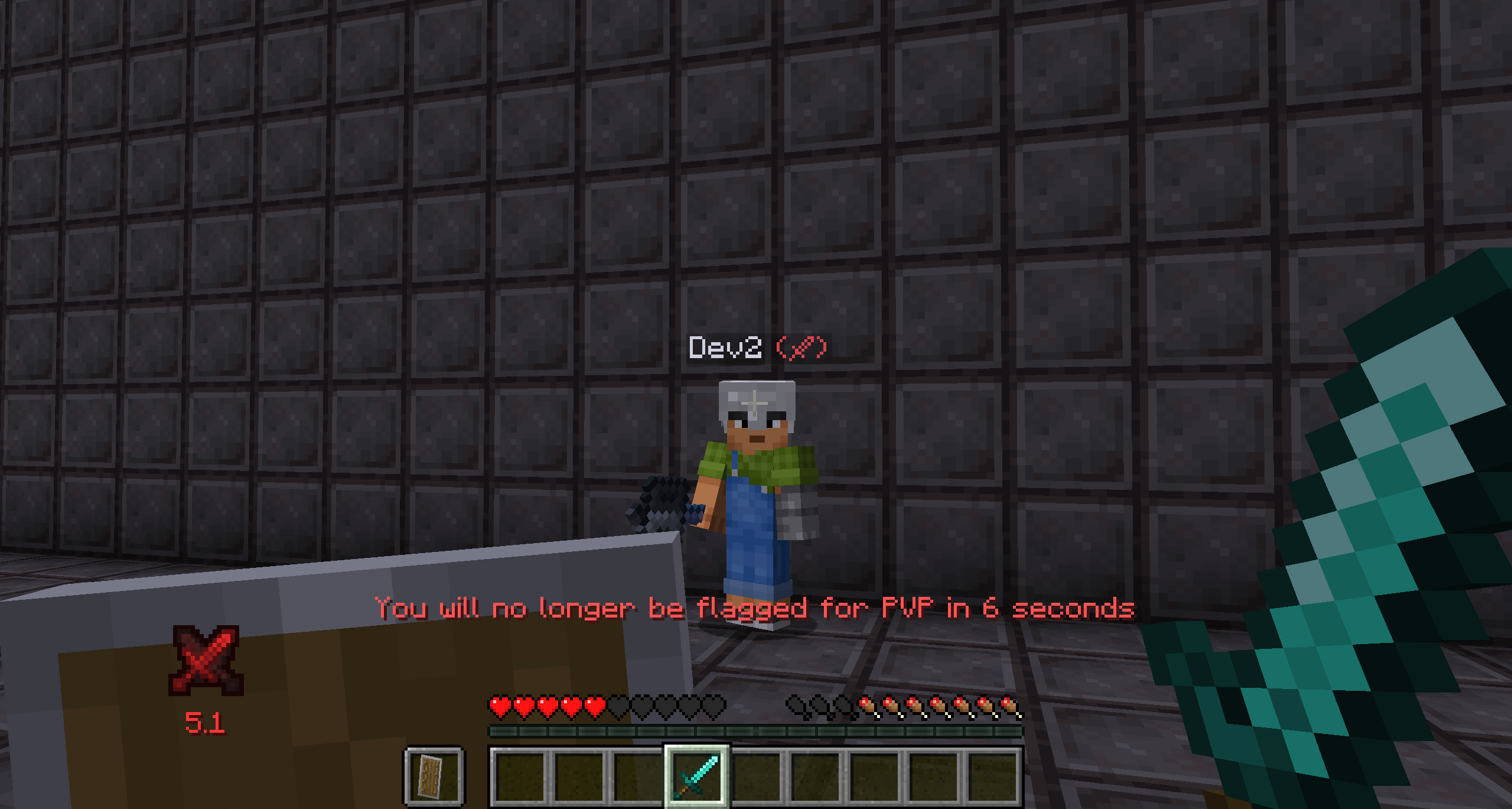
- Nametag overlay for visible PVP indicator
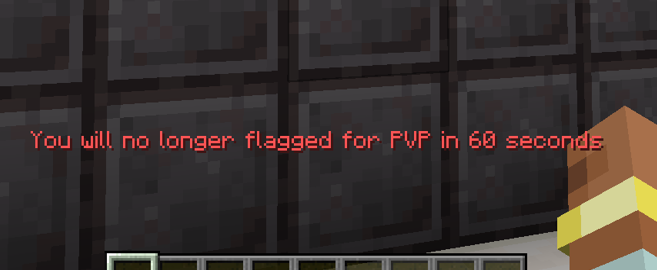
- Unflagging yourself is not instant. Will be unflagged in 15 seconds. This is configurable
- When waiting to be unflagged if you deliver or take player damage your unflag request will be cancelled.
- Logging out auto cancels your unflag request
- Honors Minecraft teams settings
Commands
- /pvpFlag to toggle, or /pvpFlag \[on | off | status\] sets your pvp state
- /pvpZone \[add | remove | list\] allow admins to define PVP zones and the size of the warning area around them.
Setup
- Set pvp=true in Minecraft’s server.properties and pvp flagging will do the rest (this is the default)
- For single player open to lan worlds no setup is required
Config
- player\_login\_state = PRESERVE| FLAG | UNFLAG
- player\_respawn\_state = PRESERVE | FLAG | UNFLAG
- unflag\_wait\_time\_ticks = 300
- pvp\_zone\_bounds\_check\_ticks = 20
Client Config
- hud\_indicator\_anchor = “BottomLeft”
- hud\_indicator\_x\_offset = 0
- hud\_indicator\_y\_offset = 0
- hud\_indicator\_enabled = true



常见问题
PVP Flagging 支持哪些 Minecraft 版本?
PVP Flagging 支持 Minecraft Java 版 1.20.1–26.1.2,共 4 个版本,可用的加载器:Forge / NeoForge。下载时注意选择和你游戏版本一致的文件。
PVP Flagging 怎么安装?
先用 PCL2 或 HMCL 启动器安装对应版本的 Forge / NeoForge,再把下载的 .jar 文件放进游戏目录的 mods 文件夹,重新启动游戏即可。开启了版本隔离的,mods 文件夹在 versions/版本名 下面。运行环境:客户端和服务端都要装。
评论
登录后评论和评分