Put A Pin In That (aka P.A.P.I.T.)
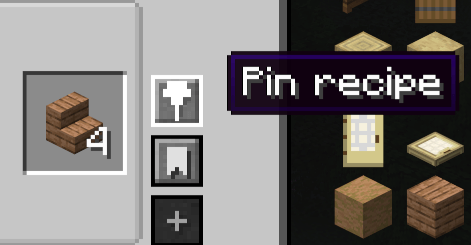
Pin any vanilla or modded JEI recipe to your HUD for quick reference while you craft and explore.
介绍
Put A Pin In That
Put A Pin In That is a client-side JEI addon for Minecraft Forge 1.20.1 that lets you pin recipes directly to your HUD. Keep the recipes you are working toward visible while gathering materials, crafting, brewing, smelting, or exploring.
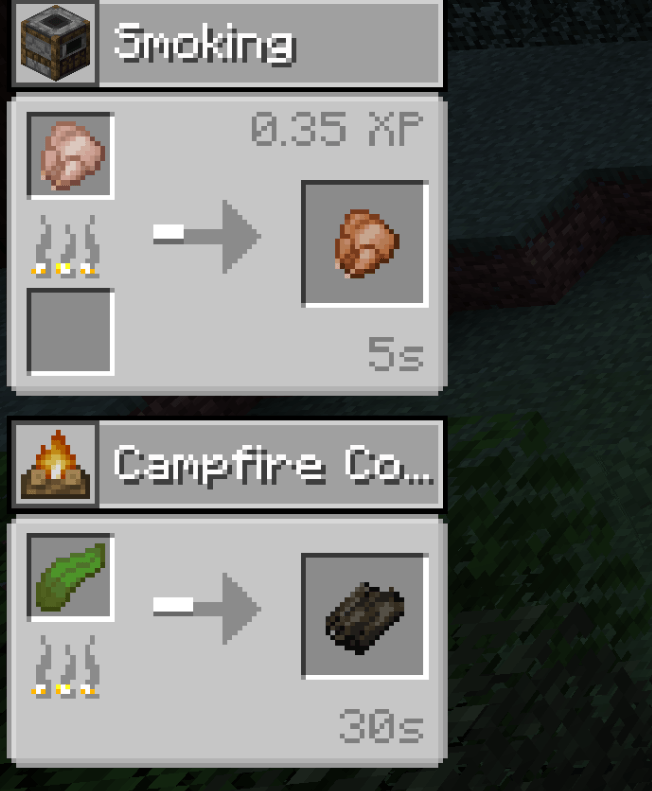
The mod supports vanilla and modded JEI recipe categories,Each pinned recipe displays its crafting station or process name and icon so you can quickly identify where it belongs.
Features
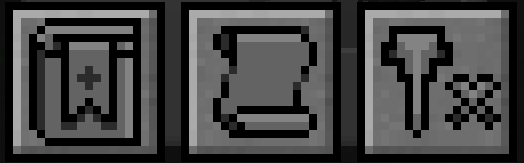
- Pin recipes using the button inside JEI’s recipe view.
- Press
Pwhile hovering over a JEI recipe or bookmark. - Display up to four recipes on the left side of the HUD.
- Pinning a fifth recipe automatically replaces the oldest pin.
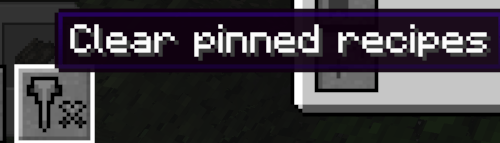
- Clear all pinned recipes using the pin button beside JEI’s history and bookmark controls.
- Pinned recipes persist between world loads.
- Supports crafting, smelting, fuel, brewing, stonecutting, and modded recipe categories.
- Configure whether chat renders above or behind pinned recipes via client config.
JEI is required(obv)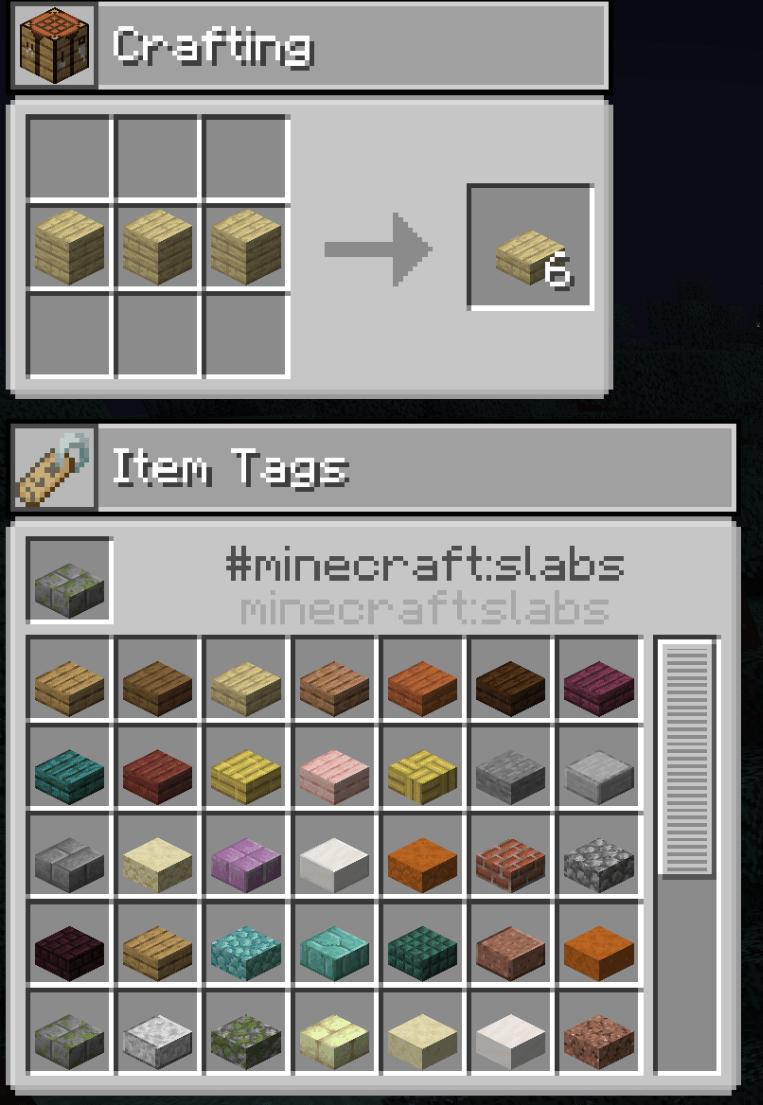
常见问题
Put A Pin In That (aka P.A.P.I.T.) 支持哪些 Minecraft 版本?
Put A Pin In That (aka P.A.P.I.T.) 支持 Minecraft Java 版 1.20.1–1.21.1,共 2 个版本,可用的加载器:Forge / NeoForge。下载时注意选择和你游戏版本一致的文件。
Put A Pin In That (aka P.A.P.I.T.) 怎么安装?
先用 PCL2 或 HMCL 启动器安装对应版本的 Forge / NeoForge,再把下载的 .jar 文件放进游戏目录的 mods 文件夹,重新启动游戏即可。开启了版本隔离的,mods 文件夹在 versions/版本名 下面。
Vincent_huto 的其他作品
查看全部 →
HutosLib
一个前置库模组

Lava-Mo-Tron
用石头造岩浆!

More Magichem Labels
这是 Magichem 的小型附属模组,为 materia 罐添加更多标签和可选文字,让你在游戏前期能更快看清罐中内容。

Mana and Artifice – Custom Spell Icon Loader
这款模组支持通过用户自定义配置和资源包,为 Mana and Artifice 加载新的法术图标。
评论
登录后评论和评分