
Protoncracker Engine
A simple engine to configure, enable, and disable mods from the Protoncracker Framework and, in the future, others.
截图
介绍
Protoncracker Engine
The PCKR Engine is the core configuration framework and management mod for all my mods. It provides a clean, unified, in-game configuration interface, automatic server-client configuration synchronization in multiplayer, and dynamic resource reloading.
Features
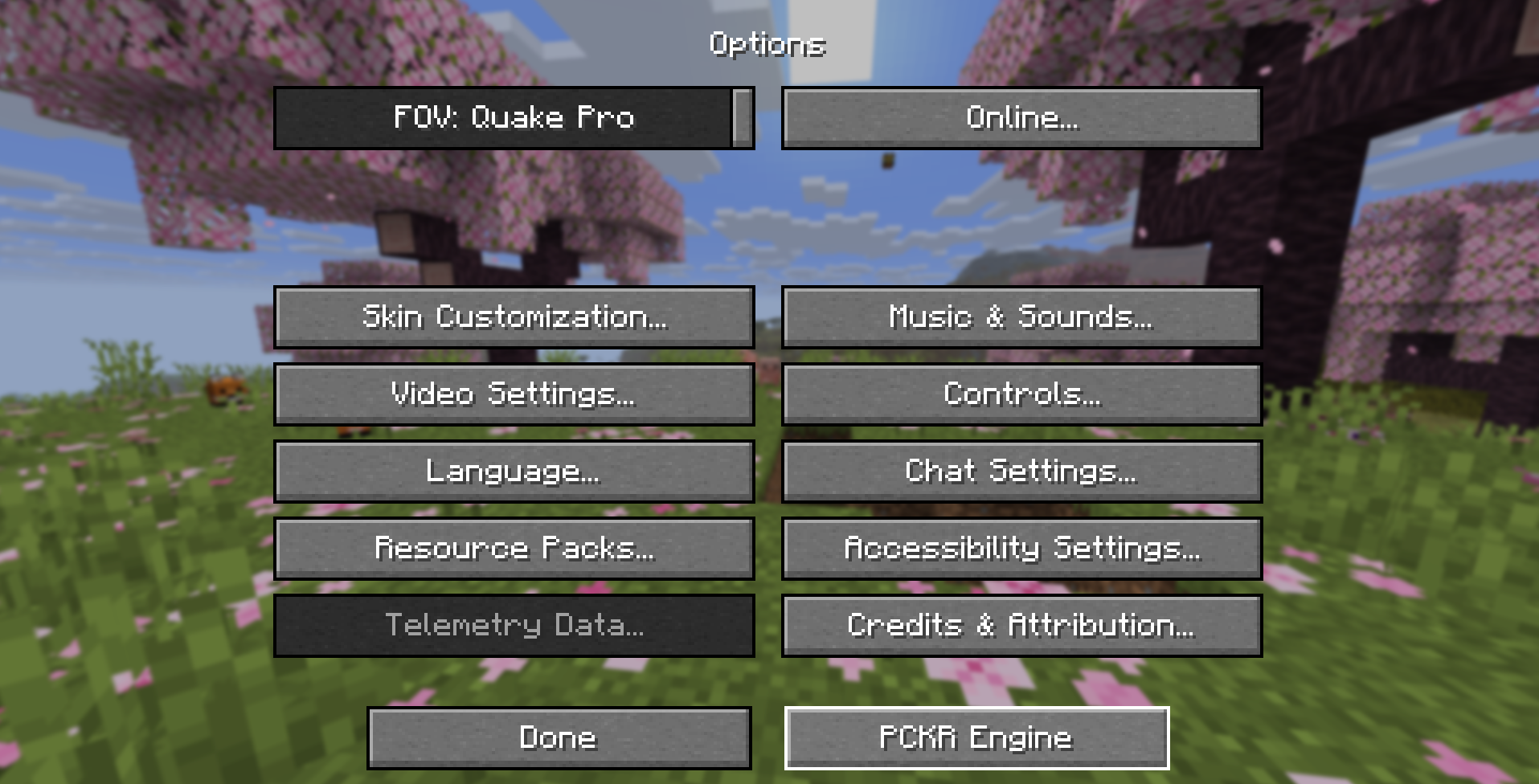
- Options Menu Integration: Access the config dashboard directly by clicking the PCKR Engine button inside the standard Minecraft Options menu.
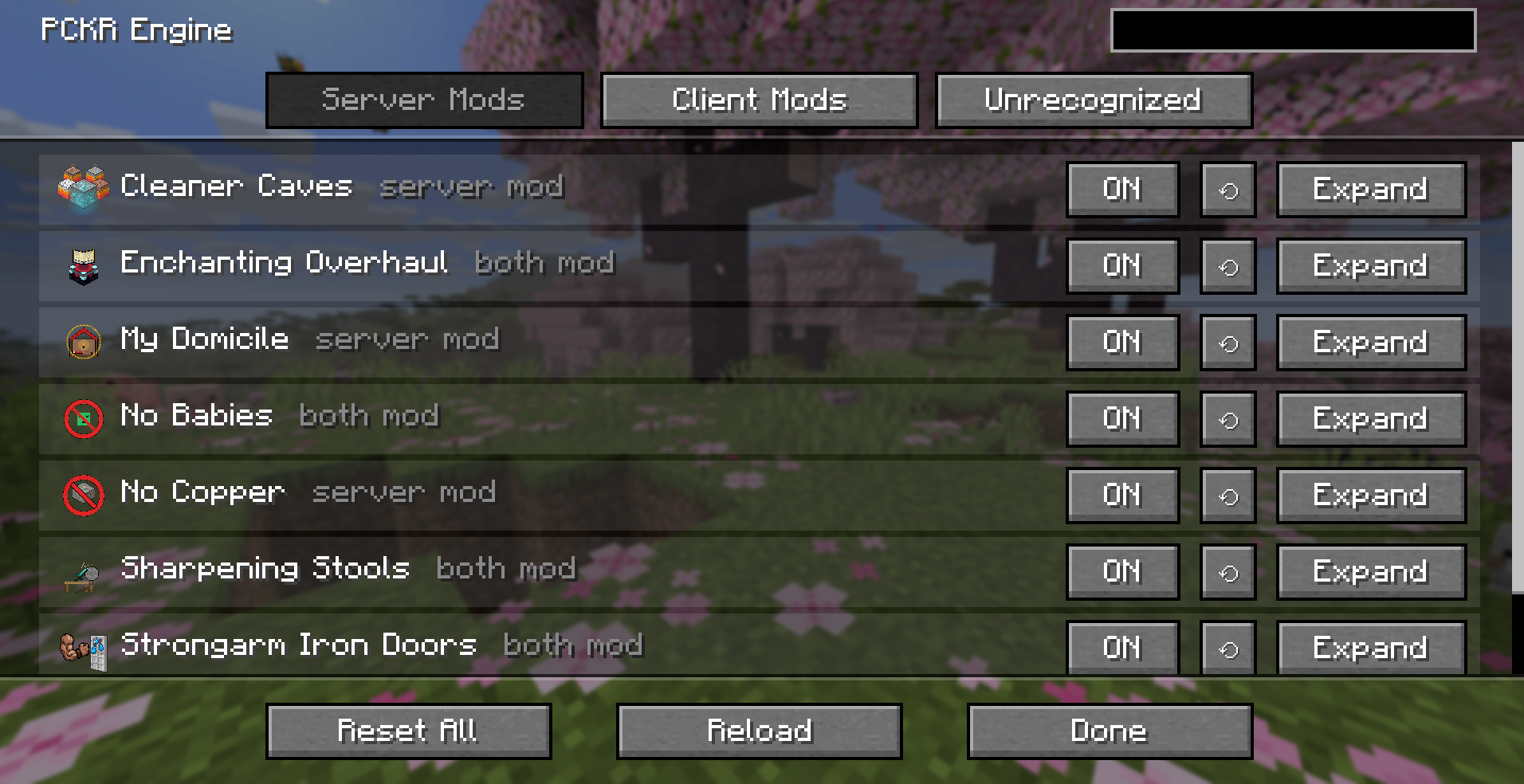
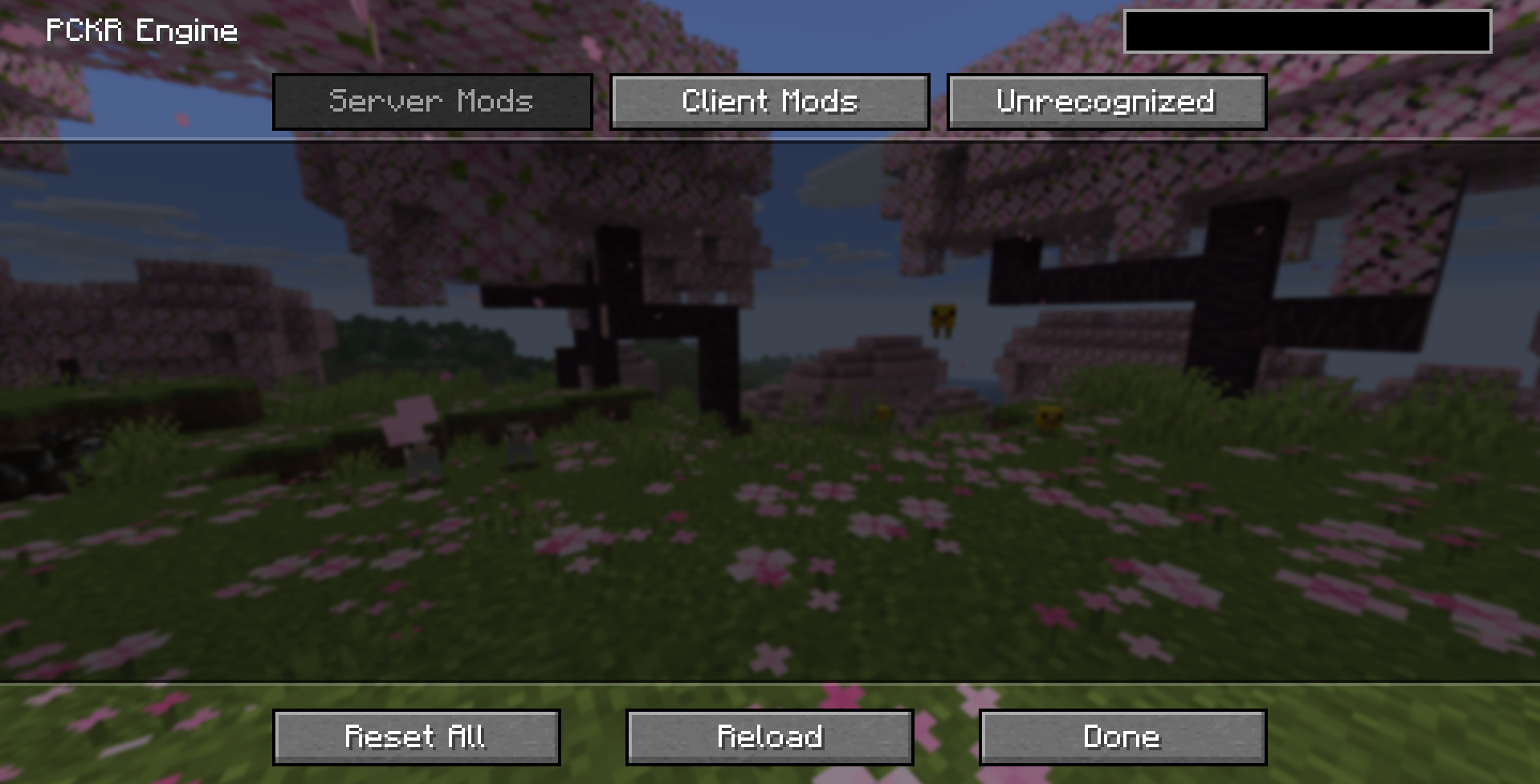
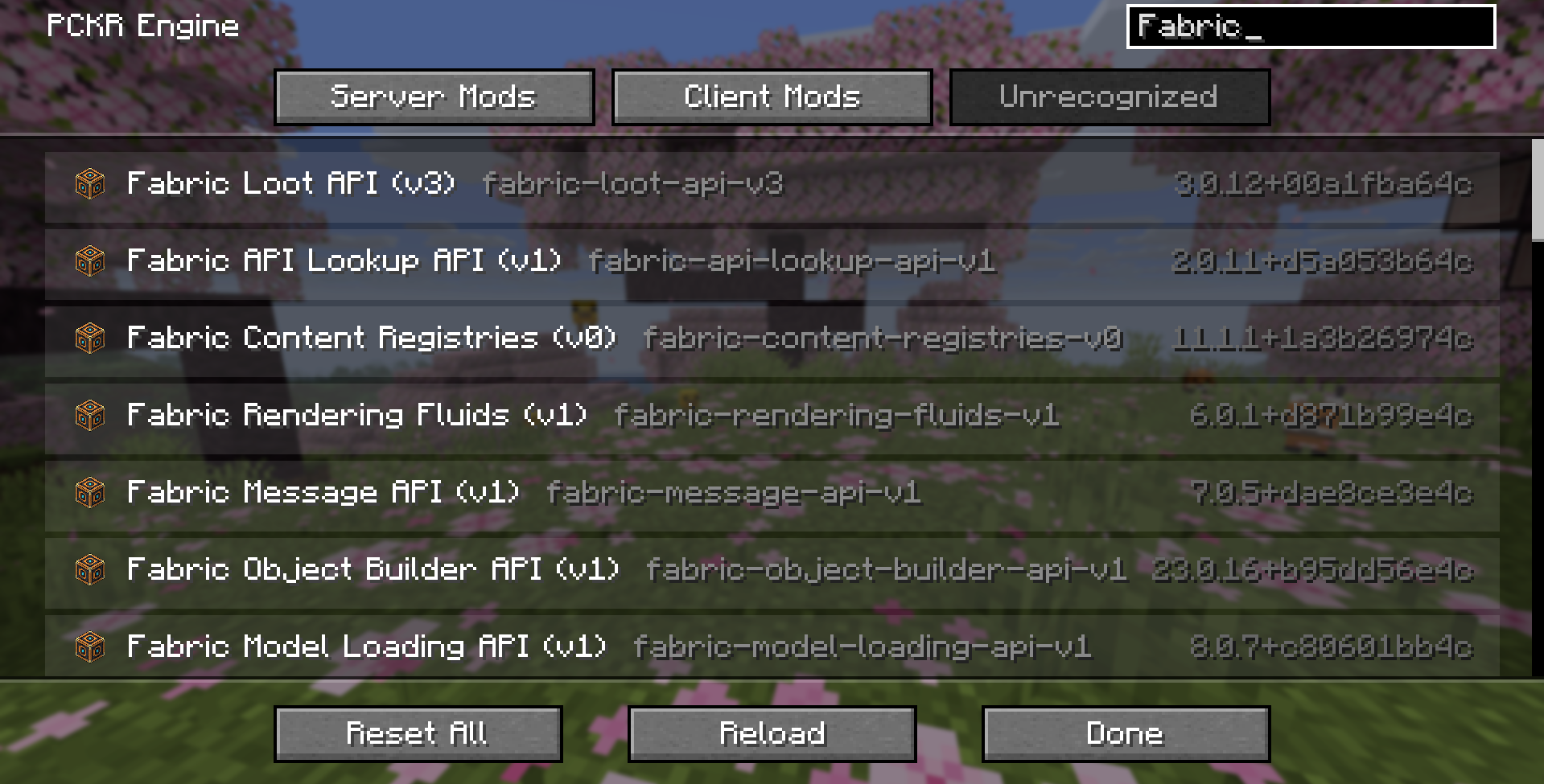
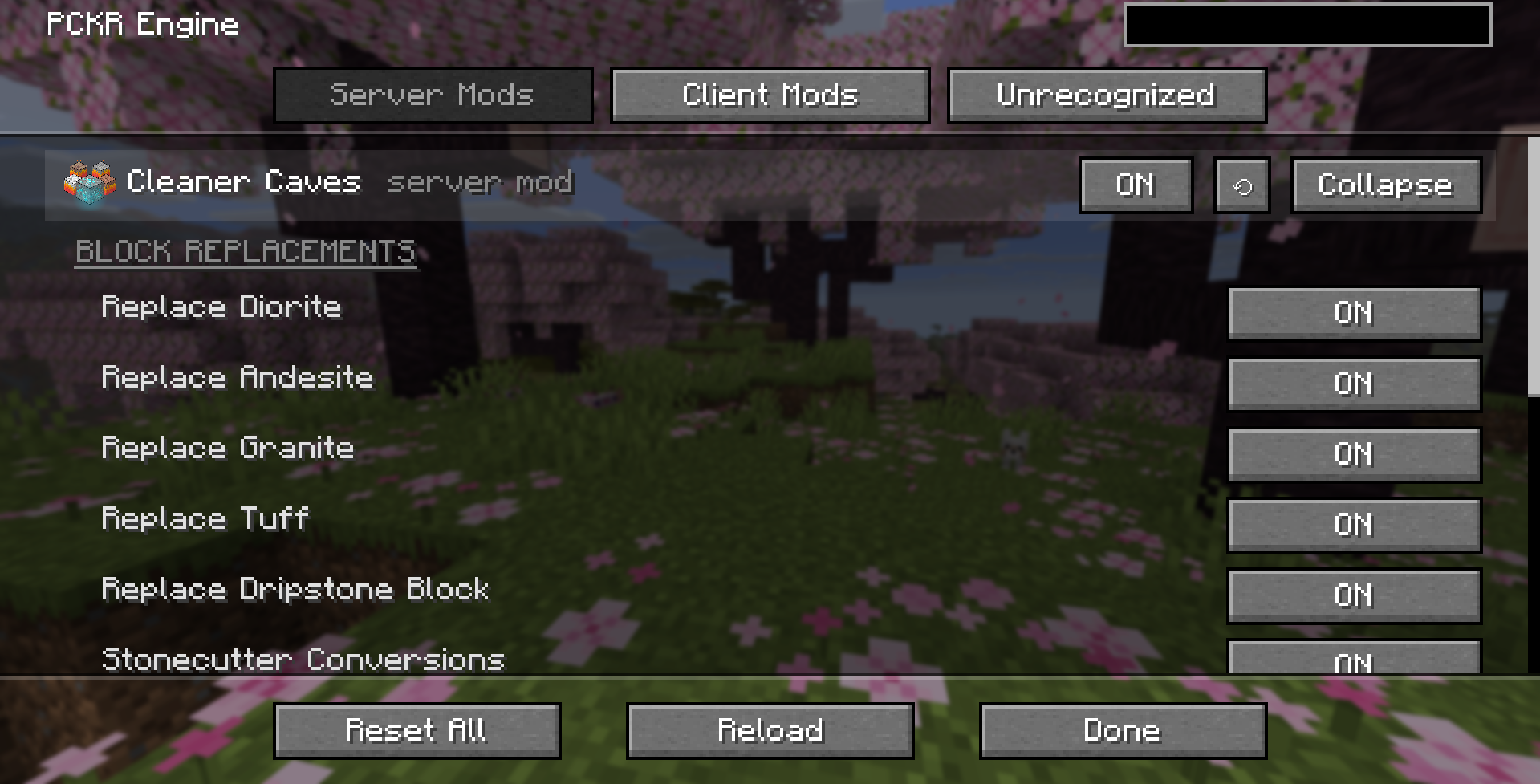
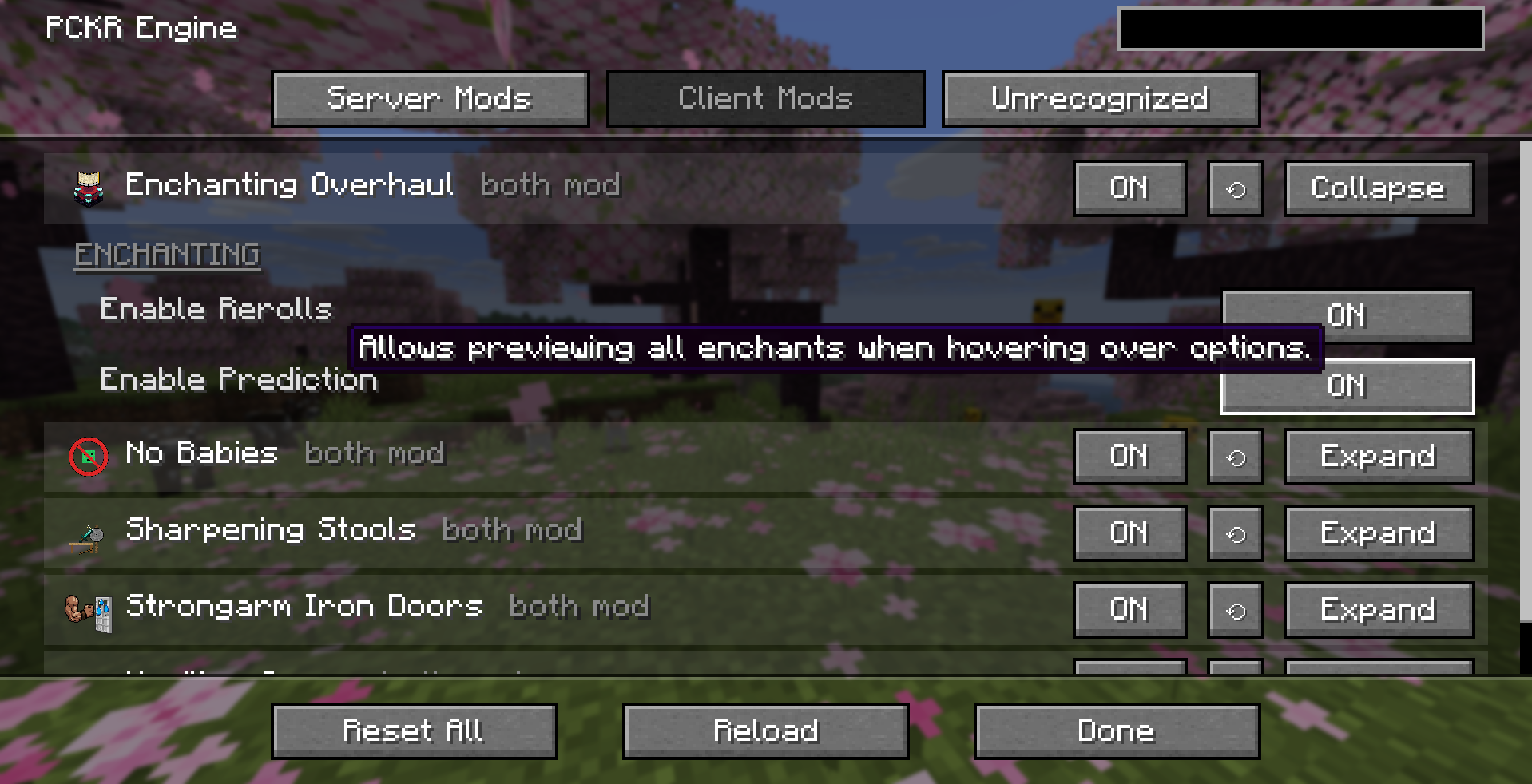
- Unified Configuration Dashboard: View and change settings for all recognized mods, organized into Server and Client categories.
- Zero Hotkey Conflicts: Removes redundant keybinds so your keyboard layout stays completely clear.
- Multiplayer State Sync & Locking: Master settings are registered and managed server-side. When connecting to a multiplayer server, the server locks in configurations on client screens to prevent drift and mismatches.
- Dynamic Reloading: Reloading configurations dynamically updates block replacement lists and recipe load conditions instantly without needing to restart the game world.
In-Game Options Screen
Open the standard Minecraft Options menu and click the PCKR Engine button next to “Done” to open the dashboard. The dashboard splits mods into:
- Server Mods: Mods that govern server-side logic (e.g. worldgen replacements, mob behaviors, loot tables).
- Client Mods: Mods that govern client-side visual preferences (e.g. rendering, scaling, tooltips).
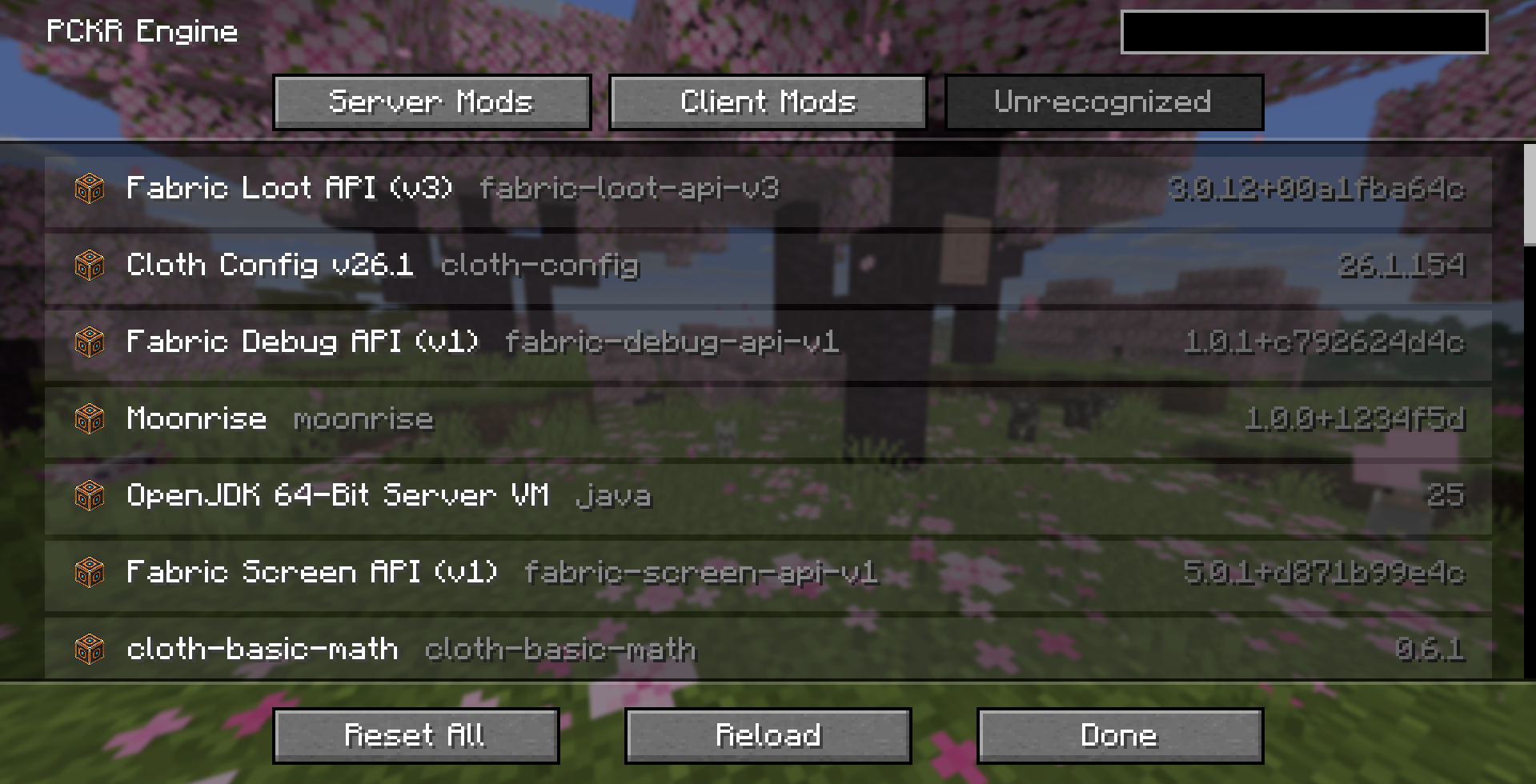
- Unrecognized Mods: Other loaded Fabric mods in the current environment (displayed in read-only form).
Within the config menu, players can:
- Toggle simple options (ON/OFF buttons).
- Click on “Expand” to open a mod’s options, where they can:
- Adjust numeric values (+/- buttons).
- Choose list values (selector options).
- Run on-demand mod tasks.
- If a mod has more than 10 settings, clicking Configure… opens its own subscreen, which can be heavily customized.
Server Commands
Admin commands are available to server operators (permission level 2+):
/pckr reload: Loads all configuration files from disk, runs reload listeners for each active mod to sweep chunks/levels, and re-evaluates all dynamic recipes and conditions.
Contributing
Are you also tired of developing custom UI and hotkey placements to configure your mods? Use the Protoncracker Engine’s Documentation (link to be developed) to learn how to make it a part of your project, and never worry about it again.
Thanks for downloading, and if you ever run into any issues, please contact me. I’ll get it sorted right away.
~protoncracker.
常见问题
Protoncracker Engine 支持哪些 Minecraft 版本?
Protoncracker Engine 支持 Minecraft Java 版 26.1–26.2,共 4 个版本,可用的加载器:Fabric。下载时注意选择和你游戏版本一致的文件。
Protoncracker Engine 怎么安装?
先用 PCL2 或 HMCL 启动器安装对应版本的 Fabric,再把下载的 .jar 文件放进游戏目录的 mods 文件夹,重新启动游戏即可。开启了版本隔离的,mods 文件夹在 versions/版本名 下面。运行环境:客户端和服务端都要装。
protoncracker 的其他作品
查看全部 →
No Copper
Remove Copper Ore from your worldgen without suffering consequences for it. Cleaner mining, and no more deceptive Copper trying to pass as Iron Ore.

Cleaner Cave Mining
Remove Diorite, Granite, and other junk while mining, but now you can derive these blocks from Stone to keep decorating while mining free of worry about inventory space.

No Babies
Remove hostile babies (Baby Zombies) and, optionally, normal babies (as in Villager babies and others) for gameplay reasons.

Sharpening Stools
Get Sharpness or Efficiency effects using a sharpness stool to sharpen your swords, axes, and pickaxes.
评论
登录后评论和评分