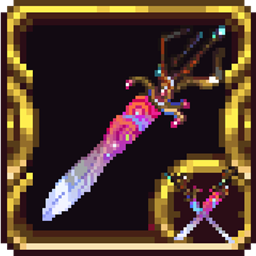
ProjectC ~ Ark of the Cosmos
A mod added Ark of the Cosmos from Calamity mod in Terraria
截图
介绍
Introduction
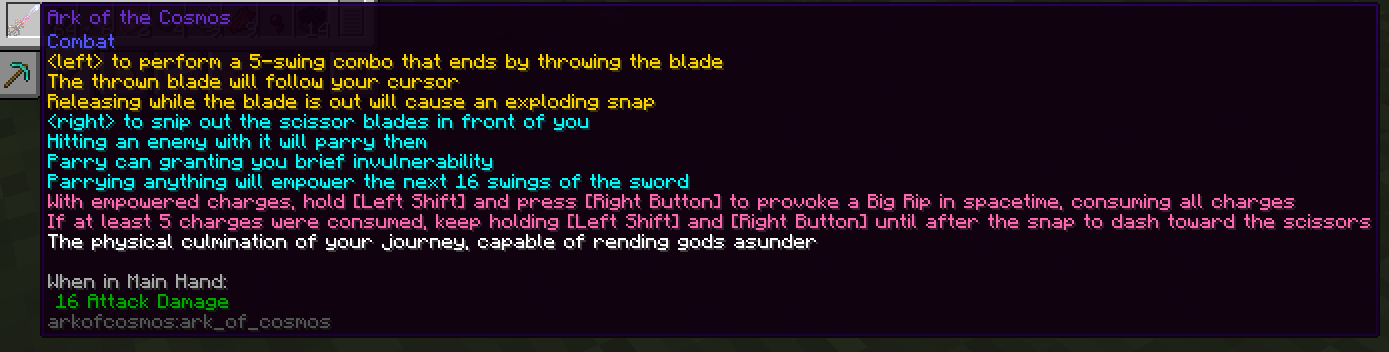
“The physical culmination of your journey, capable of rending gods asunder” — Calamity Mod
This mod ports the weapon Ark of the Cosmos from the Calamity Mod in Terraria.
Attack Pattern
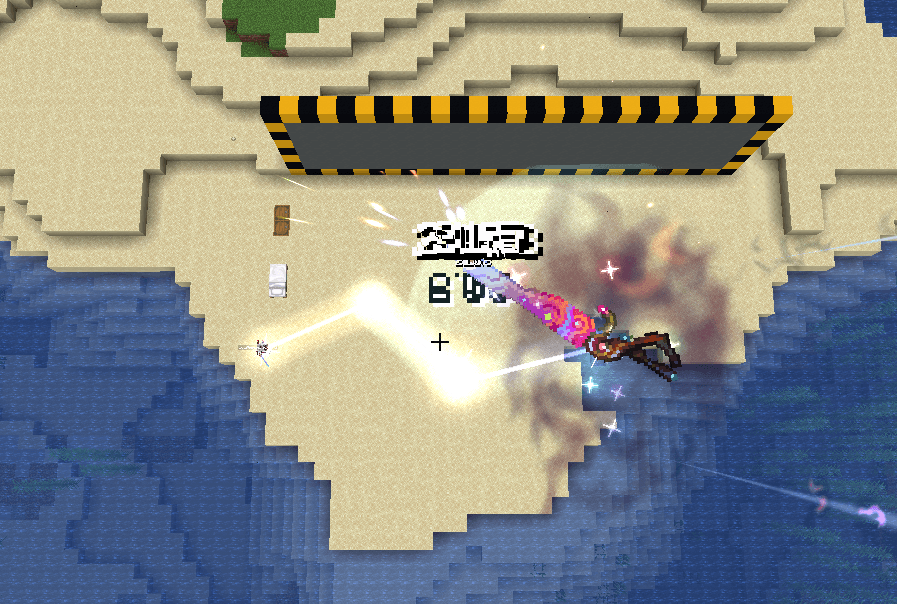
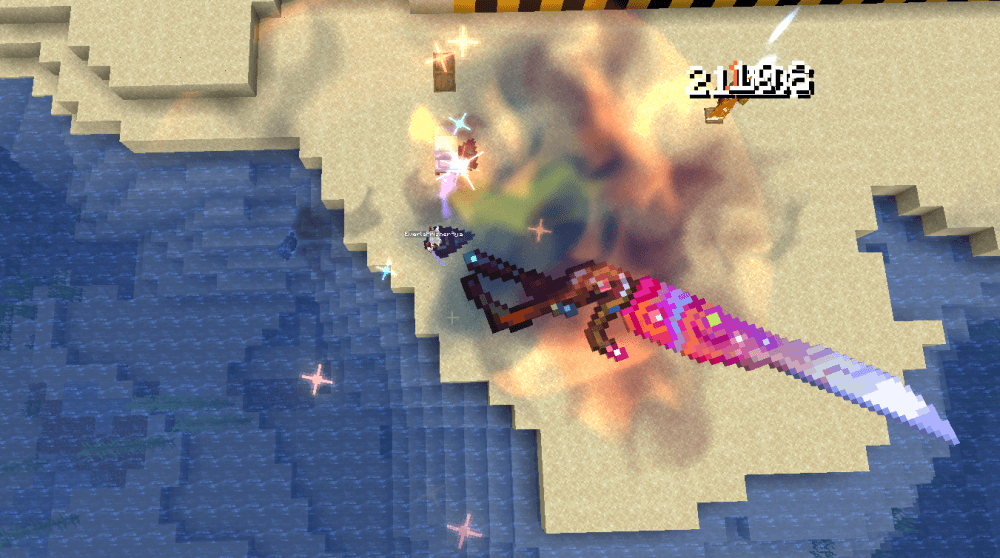
Attacking performs 5 swings: swing left, then swing right over 360° while firing 6 homing Galvanic Rays, repeat the previous two actions, and finally throw the Ark of the Cosmos up to 47.5 blocks.
By default, the Ark’s fifth attack spins 20 blocks in front of the player’s cursor for up to 2.33 seconds before returning to the player’s hand.
During the first 4 swings, a fast, non-homing Rending Needle is also fired, piercing 3 times and dealing 70% damage.
Blade hits during swings or the throw deal 100% of the listed damage; during the throw, the galactic chain between the blade and the player deals 10% of the listed damage, and each Galvanic Ray deals 11.66% of the listed damage.
If the player releases the left mouse button during the throw, the Ark’s other blade is also thrown; the two blades clamp together, dealing 120% of the listed damage and releasing 3 Galvanic Rays that each deal 10% damage.
Right-clicking performs a parry, granting 0.35 seconds of invincibility. Getting hit during this window, or having the blade strike an enemy while parrying, fills the weapon with 16 charges.
While charges are present, holding right-click together with the Charge Burst/Dash hotkey (Left Alt by default) replaces the parry with a Big Rip attack: a ghostly scissor projection snips toward the player’s cursor, leaving a damaging spacetime rift in its wake that is then sutured shut.
Continuing to hold right-click and the Charge Burst key during the Big Rip causes the player to dash through the rift along with the scissor projection, evenly spawning 5 Galvanic Rays along the rift.
The Big Rip consumes all charges, and each charge level increases the damage multiplier of the Big Rip and the Galvanic Rays it produces.
Miscellaneous
This weapon is unaffected by any attack speed buffs; its attack speed is always constant.
This weapon automatically targets the following entities: Seagull (Alex’s Mobs), Fly (Alex’s Mobs), Cockroach (Alex’s Mobs), and Pixie (Ice and Fire).
Due to Minecraft’s limitations, players generally cannot control the position of the spinning scissor on the fifth attack the way they could in the original game. Instead, the spinning scissor now actively attacks the hostile entity nearest to the player’s crosshair within its maximum attack range.
This weapon always deals Float.MAX_VALUE damage to Seagulls, ignoring all damage reduction and defense.
This weapon’s attacks ignore invincibility frames.
This weapon generally bypasses most entities’ invincibility and damage reduction, but does not ignore vanilla Armor or Resistance effects. Against enemies with extremely high armor values or Resistance V, it deals at least a floor damage equal to 35% of the original damage.
This weapon also has an alternate form that can only be unlocked by defeating a Superboss.
Obtaining
At the very start of your journey, you can craft two weapons: the Broken Biome Blade and the Fractured Ark.
As you adventure, you can gather materials to upgrade these two weapons. Along the way, you may notice that some Wither Skeleton variants glowing with red light have begun appearing in Nether Fortresses.
These variants are more aggressive than ordinary Wither Skeletons, but defeating them guarantees a Wither Skeleton Skull drop.
Using the skulls they drop to summon the Wither will cause the Wither to also gain the power of the Calamity.
After defeating the Wither, it drops residual dust of the Calamity’s power. This dust can be used to upgrade weapons, or it can be used for…
常见问题
ProjectC ~ Ark of the Cosmos 支持哪些 Minecraft 版本?
ProjectC ~ Ark of the Cosmos 支持 Minecraft Java 版 1.20.1,可用的加载器:Forge。下载时注意选择和你游戏版本一致的文件。
ProjectC ~ Ark of the Cosmos 怎么安装?
先用 PCL2 或 HMCL 启动器安装对应版本的 Forge,再把下载的 .jar 文件放进游戏目录的 mods 文件夹,重新启动游戏即可。开启了版本隔离的,mods 文件夹在 versions/版本名 下面。
EverlaPrismer 的其他作品
查看全部 →
Create: Liberate ~ Spread Democracy
添加《绝地潜兵 2》中的所有进攻型战略配备,还有更多内容……

Show me your halo!
Gameplay enhance and visual compactibility for Goety.
Enigmatic Liberator
A mod to make Enigmatic Legacy' s seven curse fully configurable
评论
登录后评论和评分