
截图
介绍

Project: Sapphire – Vanilla Expanded
Unlock the Power of Sapphire:
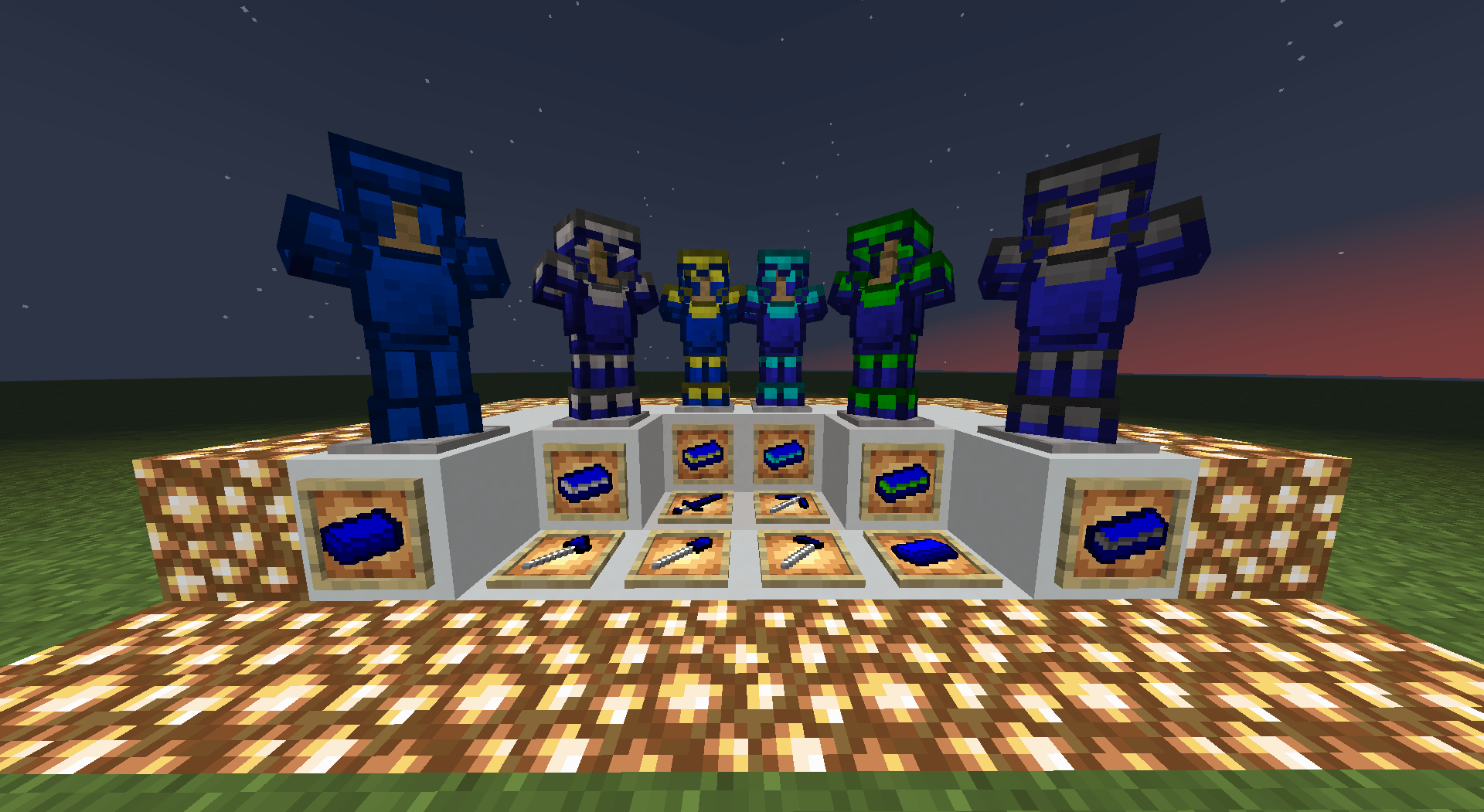
Welcome to Project: Sapphire, where the world of Minecraft is about to get a dazzling upgrade! Dive into the depths and discover Sapphire, a brand-new material that bridges the gap between Iron and Diamond. But that’s just the beginning—this mod doesn’t just stop at adding a new tier; it introduces an entire progression system that lets you craft and enhance your tools and armor like never before!
Key Features:
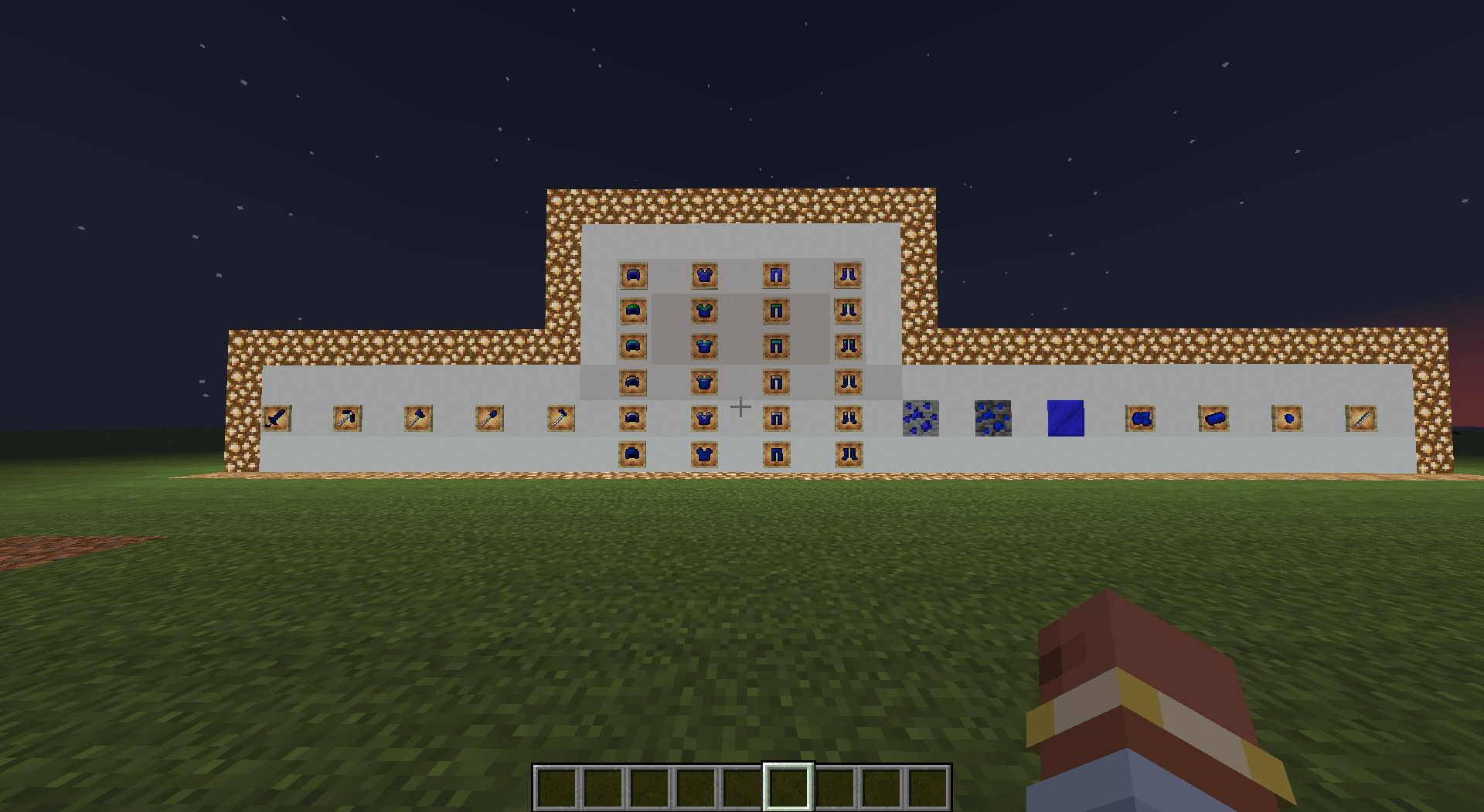
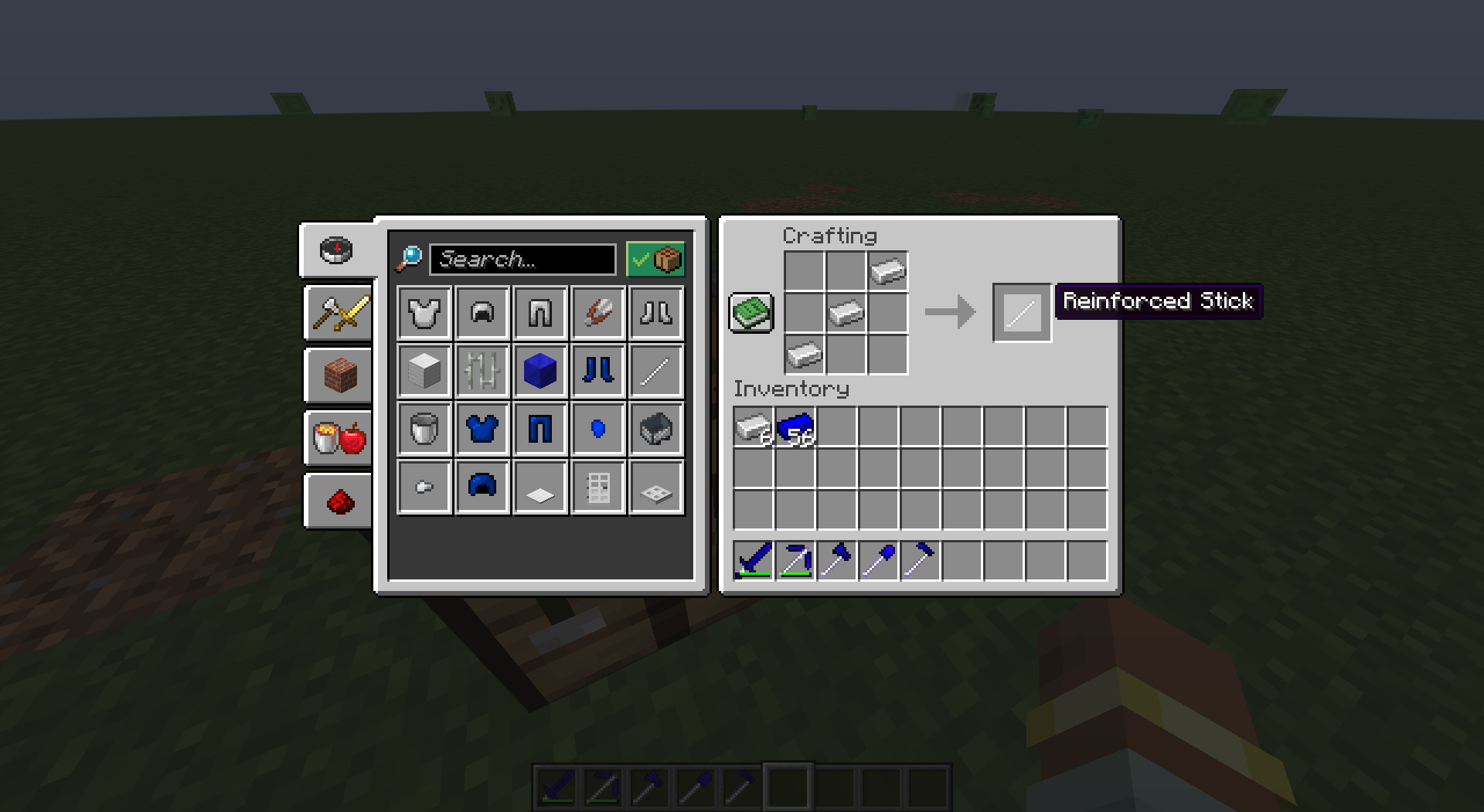
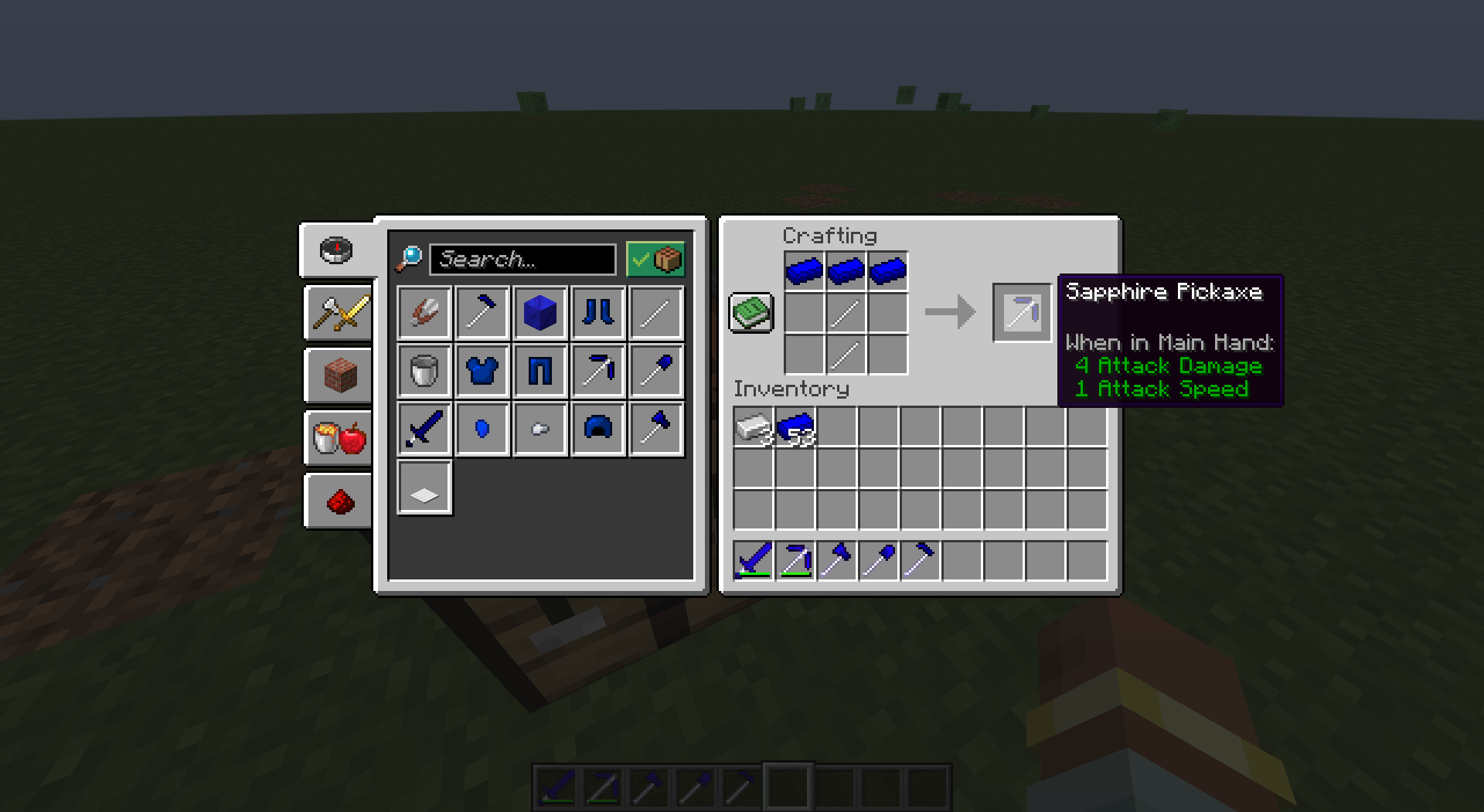
- SAPPHIRE TEIR: A robust new set of tools, armor, and weapons that perfectly balances durability and efficiency between Iron and Diamond.
- ADVANCED CRAFTING: Take your Sapphire gear to the next level by combining it with other materials to create hybrid sets like Sapphire-Iron, Sapphire-Gold, Sapphire-Diamond, Sapphire-Emerald, and even Sapphire-Netherite.
- CUSTOM PROGRESSION: As you progress through the game, evolve your Sapphire gear to suit your needs, whether it’s the speed of Gold, the toughness of Diamond, or the unmatched power of Netherite.
- REGULAR UPDATES: We’re constantly expanding the mod with new features, improvements, and content to keep your Minecraft experience fresh and exciting.
Why Download? If you’re looking for a mod that adds depth, strategy, and a fresh new look to your Minecraft adventures, the Sapphire Expansion Mod is perfect for you. Whether you’re a seasoned explorer or a newcomer, the dynamic progression system will keep you engaged as you craft the ultimate gear to conquer the world.
Join the Adventure Today! Equip yourself with the power of Sapphire and start your journey towards becoming the ultimate Minecraft champion. Don’t miss out—download the Sapphire Expansion Mod now and transform your gameplay experience!
常见问题
Project: Sapphire 支持哪些 Minecraft 版本?
Project: Sapphire 支持 Minecraft Java 版 1.20.1,可用的加载器:Forge。下载时注意选择和你游戏版本一致的文件。
Project: Sapphire 怎么安装?
先用 PCL2 或 HMCL 启动器安装对应版本的 Forge,再把下载的 .jar 文件放进游戏目录的 mods 文件夹,重新启动游戏即可。开启了版本隔离的,mods 文件夹在 versions/版本名 下面。
ExodusMT 的其他作品
查看全部 →
Forgematica Shulker Compat
Build directly from your shulkers.
Quartz Tools & Armor
The ultimate Quartz Mod

Progressive Discounts
Trade more, pay less. Progressive Discounts rewards your loyalty.
Veinless
Mining mod for 3x3, 5x5, 7x7 and 9x9.
评论
登录后评论和评分