
截图
介绍
0. ProbeJS v8.0
Welcome to the future! As TypeScript had experienced a major update that deprecated the typing structure of ProbeJS in v7.7.2, we rewrote the mod and the extension to be compatible with the new TypeScript version (and hopefully backward-compatible with the previous TypeScript versions.)
However, there are some features missing in the mod due to the TypeScript Native (tsgo) is not fully implemented yet, the mod will receive continuous updates to add the missing features when TypeScript Native is ready.
What’s new in v8.0:
tsgocompatible type declarations. TypeScript Native is a new TypeScript compiler written in Go, which is 10x faster and use much less memory than the original TypeScript. We had testedtsgoand it showed less than 500ms item literal completion time and instant class/event completions on ATM10.- A GUI that allows you to configure the mod easily in-game and show the dumping progress. Also, it allows you to convert
require()toJava.loadClass()due totsgois not supporting language plugins yet. - (Hopefully) more correct typing generation. Most problems in the previous versions are now fixed as the type resolution is rewritten.
- Intensive support of agents and LLMs. You can make AIs like DeepSeek or GPT generate 100% correct KubeJS code now!
1. Installation
- Get VSCode. And install
Typescript (Native Preview)extension by Microsoft. - Install the mod, and install the ProbeJS VSCode Extension.
- In game, use
/probejsand click the dump button. - Open the
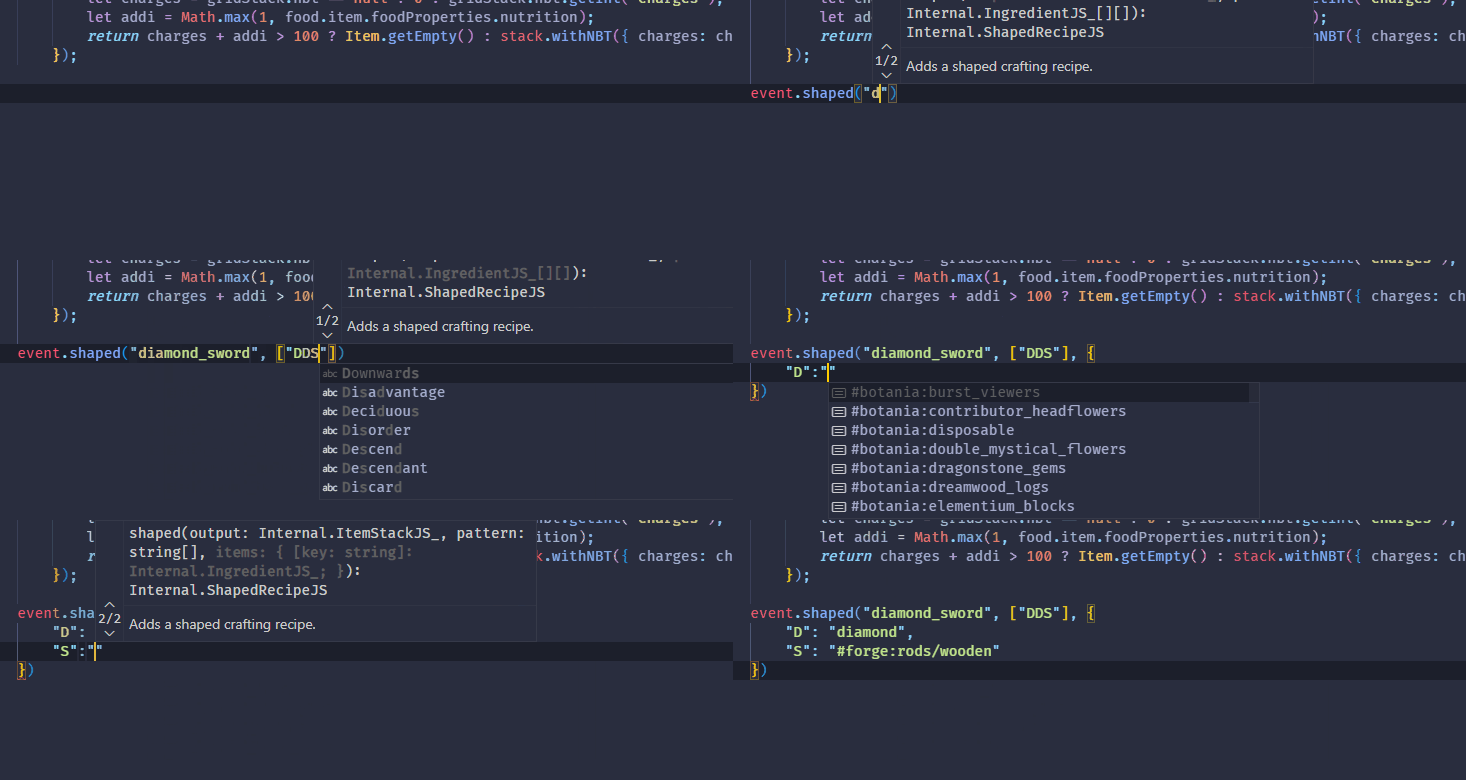
.minecraftfolder in VSCode, you should see snippets and typing functioning. - Re-dump in case of you want to refresh the generated typing. If VSCode is not responding to file changes, restart VSCode to force a refresh in extension and the language server.
常见问题
ProbeJS 支持哪些 Minecraft 版本?
ProbeJS 支持 Minecraft Java 版 1.19.2–1.21.1,共 3 个版本,可用的加载器:Fabric / Forge / NeoForge。下载时注意选择和你游戏版本一致的文件。
ProbeJS 怎么安装?
先用 PCL2 或 HMCL 启动器安装对应版本的 Fabric / Forge / NeoForge,再把下载的 .jar 文件放进游戏目录的 mods 文件夹,重新启动游戏即可。开启了版本隔离的,mods 文件夹在 versions/版本名 下面。运行环境:客户端和服务端都要装。
评论
登录后评论和评分