
PrivateCreative
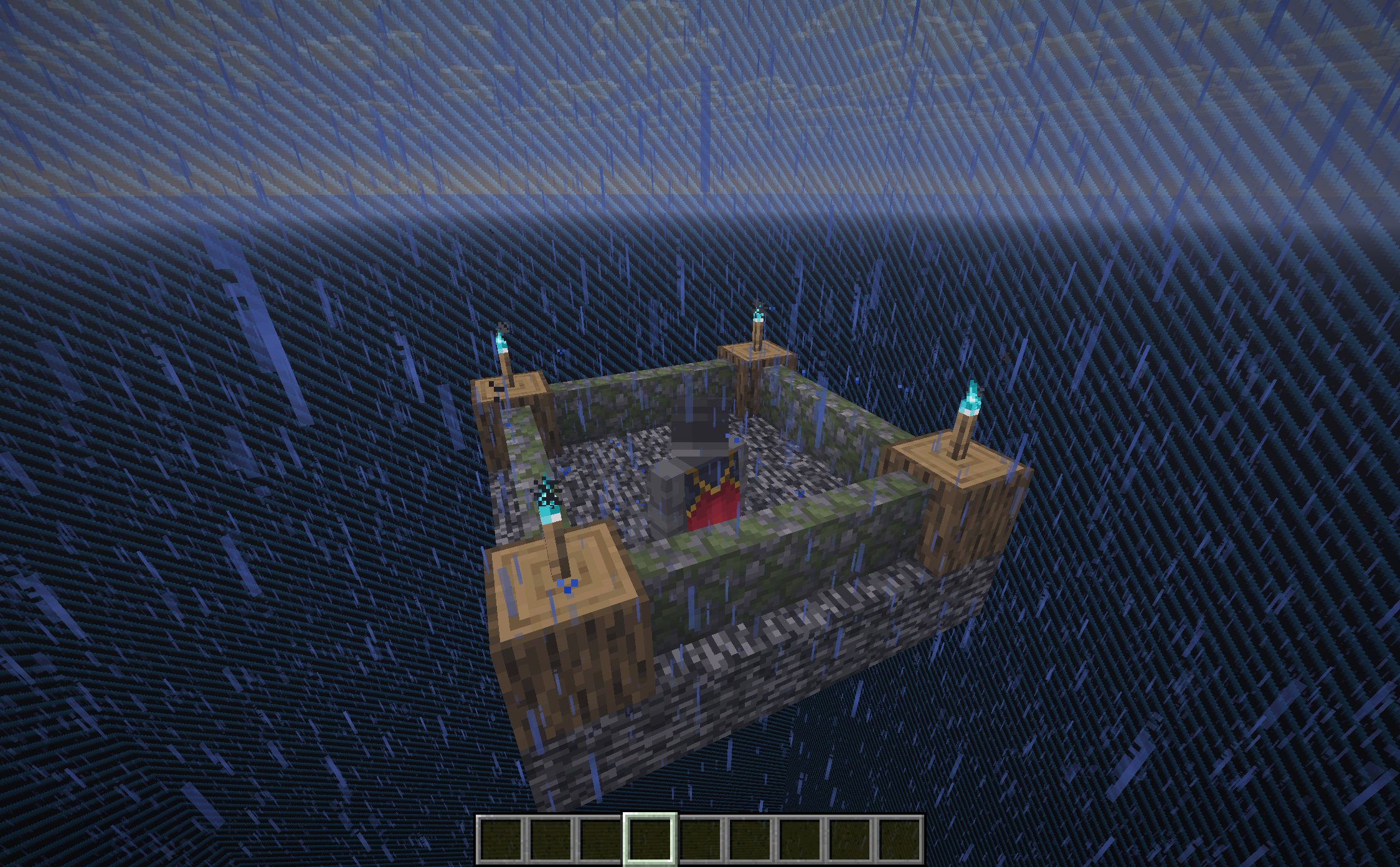
Mod and plugin that allows players to have their separate creative dimension or world for testing.
截图
介绍
PrivateCreative
🎯 Fabric mod — v1.1
A multi-dimensional creative system for Minecraft
This Fabric mod creates three shared creative dimensions that provide a collaborative building environment while keeping the survival world completely isolated. Perfect for players that want to offer creative building without affecting gameplay balance.
Minecraft compatibility:
>= 1.21.11
Requires: Fabric Loader
>= 0.18.4, Fabric API
Key features
- 🌍 Three shared creative dimensions:
- Normal world: Standard terrain generation
- Superflat world: Flat building platform perfect for large projects
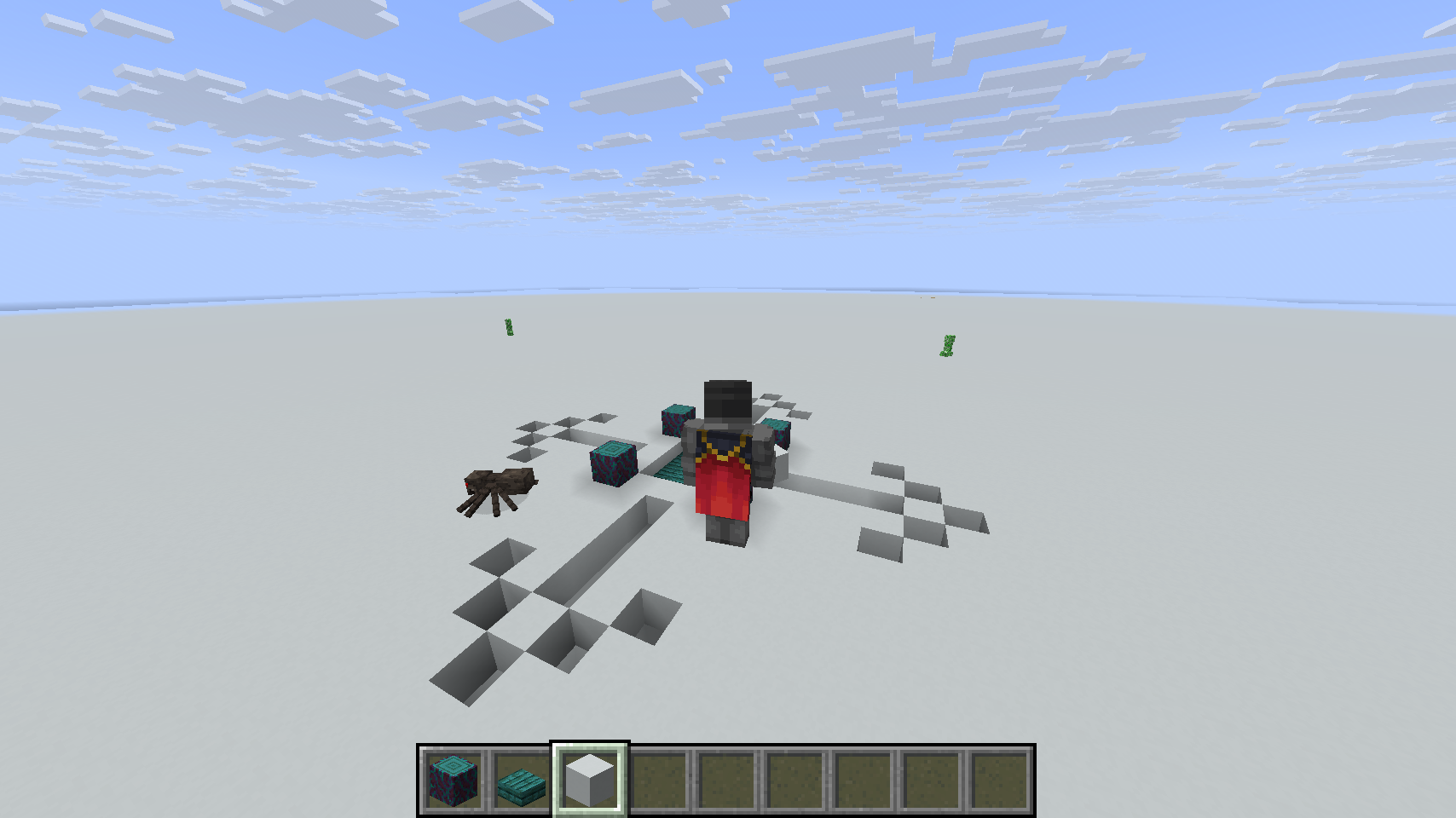
- Void world: Empty space for creative building without terrain limits
- 💾 Complete state isolation:
- Separate inventory for each dimension (survival + 3 creative)
- Independent position, effects, and game mode saving
- Switch between dimensions without losing progress
- Survival spawn position is preserved correctly even after dying in a creative dimension
- 🌐 Multi-Language support: Full interface in 9 languages (EN, DE, ES, FR, PT, IT, RU, ZH, JA) with per-player settings
- 👑 Advanced admin commands:
/cwcommand wrapper restricted to creative dimensions only:
- Give items, apply effects, summon entities
- Enchant items, manage players
- 🤝 Full TPA system: Complete teleport/invite system with automatic timeouts
- 🗺️ World border management: Set custom world borders per creative dimension
- 🔧 Data repair: Emergency
/pc resetcommand to repair corrupt player data
📦 Installation (Fabric)
- Install Minecraft with Fabric Loader
- Download and install Fabric API
- Place both Fabric API and this mod in your
mods/folder - Launch the server — three creative dimensions are automatically available
- Use
/pc creative [normal/superflat/void]to switch dimensions
Usage Examples
# Switch to creative dimensions (Shared)
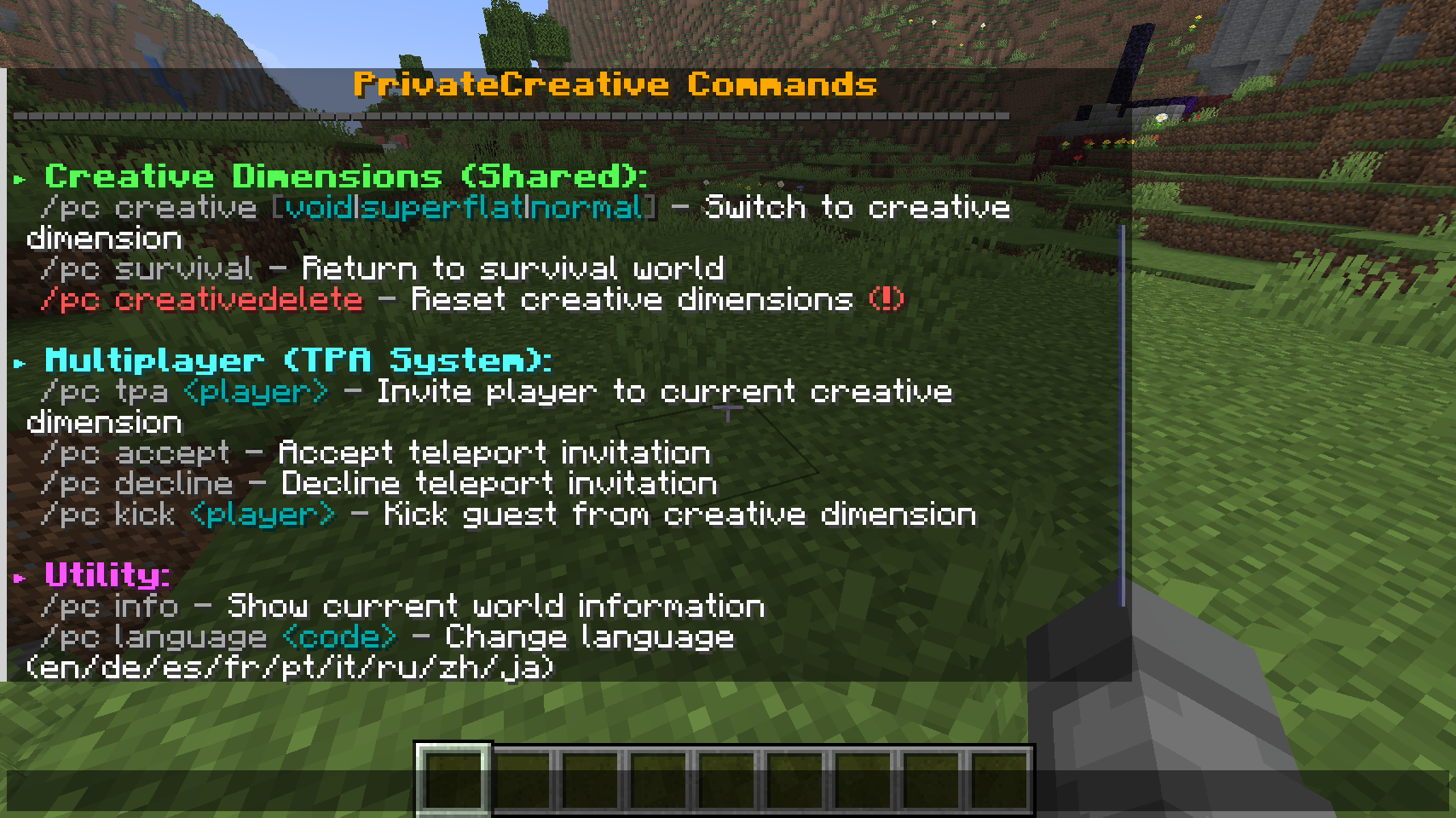
/pc creative normal         # Switch to normal creative dimension
/pc creative superflat      # Switch to superflat creative dimension
/pc creative void           # Switch to void creative dimension
/pc survival                # Return to survival world

# Teleport system
/pc tpa PlayerName          # Invite player to your current creative dimension
/pc accept                  # Accept invitation
/pc decline                 # Decline invitation
/pc kick PlayerName         # Remove player from creative dimension

# World management
/pc creativedelete normal   # Reset the normal creative dimension
/pc creativedelete superflat # Reset the superflat creative dimension
/pc creativedelete void     # Reset the void creative dimension
/pc worldborder void 500    # Set world border radius for void dimension

# Information & settings
/pc info                    # Show current world information
/pc language de             # Switch to German
/pc language                # Show current language
/pc reset                   # Repair corrupt player data (emergency)

# Admin commands (Creative dimensions only)
/cw give Player diamond 64  # Give items to players
/cw effect Player speed 30 2 # Apply effects
/cw summon zombie           # Spawn entities
/cw enchant Player sharp 5  # Enchant held items
/cw kill Player             # Kill players
🔌 Bukkit/Spigot/Paper Plugin — v1.3
Individual private creative worlds for each player
A plugin version that gives each player their own completely private creative world, separate from other players. Designed for smaller servers where players want individual building spaces.
Key features
- 🏠 Private creative worlds: Each player gets their own individual Creative world accessible only to them and invited guests. (Complete separate world, not just a dimension)
- 🚧 Configurable world borders: Players can set custom world border radius when creating their world
- 💾 Basic state management: Automatic saving of inventory and position when switching between survival and creative
- 🤝 Basic TPA system: Simple invite system allowing players to bring guests to their private creative world
- ⚙️ World management: Players can stop, auto-kill, delete and recreate their private worlds as needed
- 🌐 Language support: Per-player language settings via
/pc language
- ⚙️ Auto-unload: Empty creative worlds are automatically unloaded when players go offline (configurable delay)
📦 Installation (Plugin)
- Download the plugin
.jarfile - Place it in your server’s
plugins/folder - Restart your server
- Players can use
/pc creativeto create their private world
Usage Examples
# Private World Management
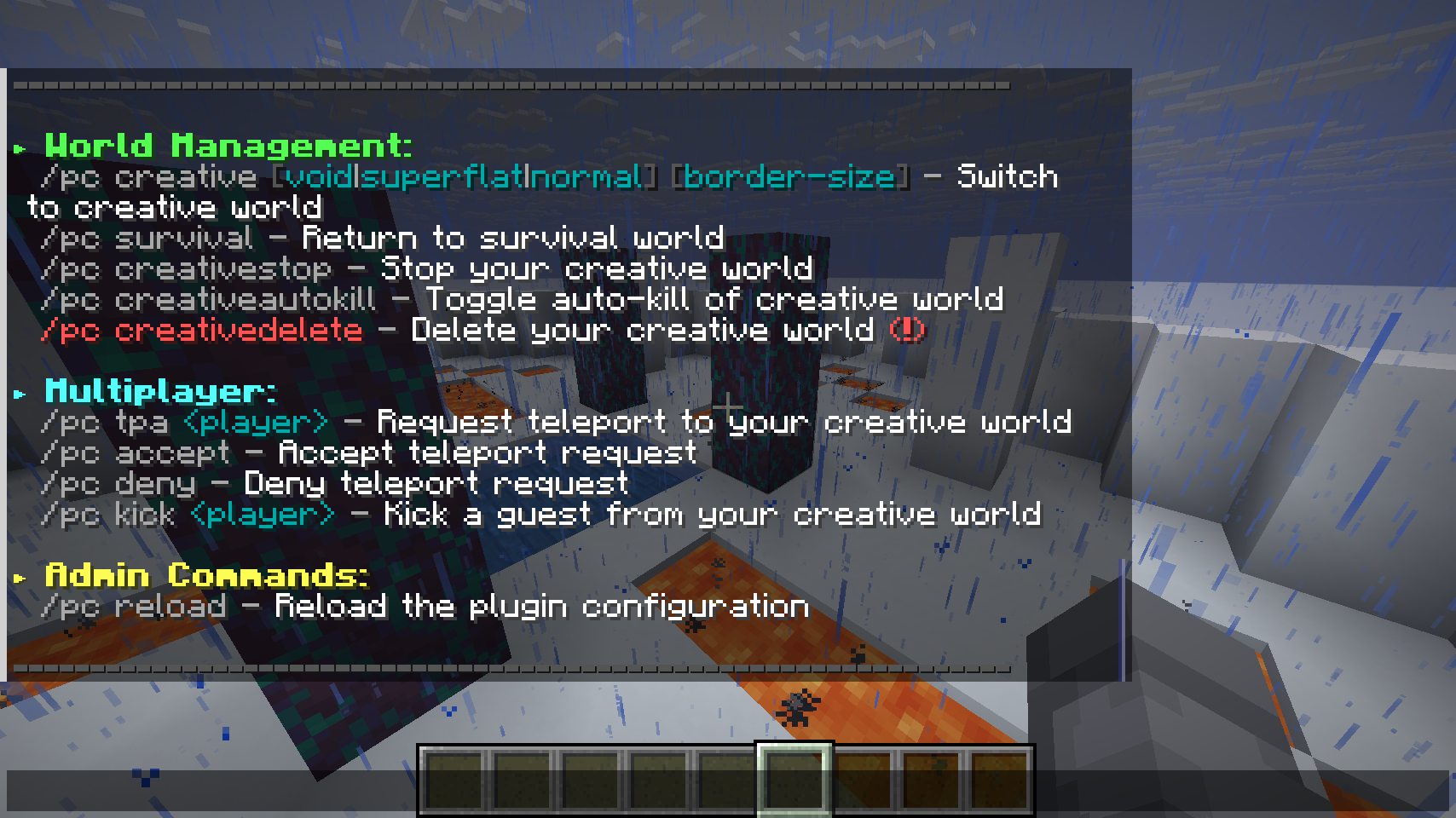
/pc creative                # Create/access your private creative world
/pc creative void 5000      # Create a void world with 5000 block radius border
/pc creative superflat 1000 # Create a superflat world with 1000 block radius border
/pc survival                # Return to survival world
/pc creativestop            # Stop (unload) your creative world without deleting it
/pc creativeautokill        # Toggle automatic world cleanup
/pc creativedelete          # Delete your private creative world

# Guest Management
/pc tpa PlayerName          # Invite player to your private world
/pc accept                  # Accept invitation to someone's world
/pc deny                    # Deny invitation
/pc kick PlayerName         # Remove guest from your private world

# Information & settings
/pc info                    # Show current world information
/pc language de             # Switch to German
/pc language                # Show current language
/pc reload                  # Reload plugin configuration (admin)
🎯 Which version should you choose?
Choose the Fabric-Mod if:
- You want collaborative building with shared creative dimensions
- Or you play offline locally
Choose the plugin if:
- You want each player to have their own private creative (actual) world (importing through FTP possible)
- You’re running a bukkit/paper server
💬 Support
https://github.com/RalphB15/PrivateCreative_feedback
常见问题
PrivateCreative 支持哪些 Minecraft 版本?
PrivateCreative 支持 Minecraft Java 版 1.21–1.21.11,共 11 个版本,可用的加载器:Bukkit / Fabric / Paper / Purpur / Spigot。下载时注意选择和你游戏版本一致的文件。
PrivateCreative 怎么安装?
先用 PCL2 或 HMCL 启动器安装对应版本的 Bukkit / Fabric / Paper / Purpur / Spigot,再把下载的 .jar 文件放进游戏目录的 mods 文件夹,重新启动游戏即可。开启了版本隔离的,mods 文件夹在 versions/版本名 下面。运行环境:客户端 / 服务端。
评论
登录后评论和评分