
PrismCraft: Dyeable Blocks
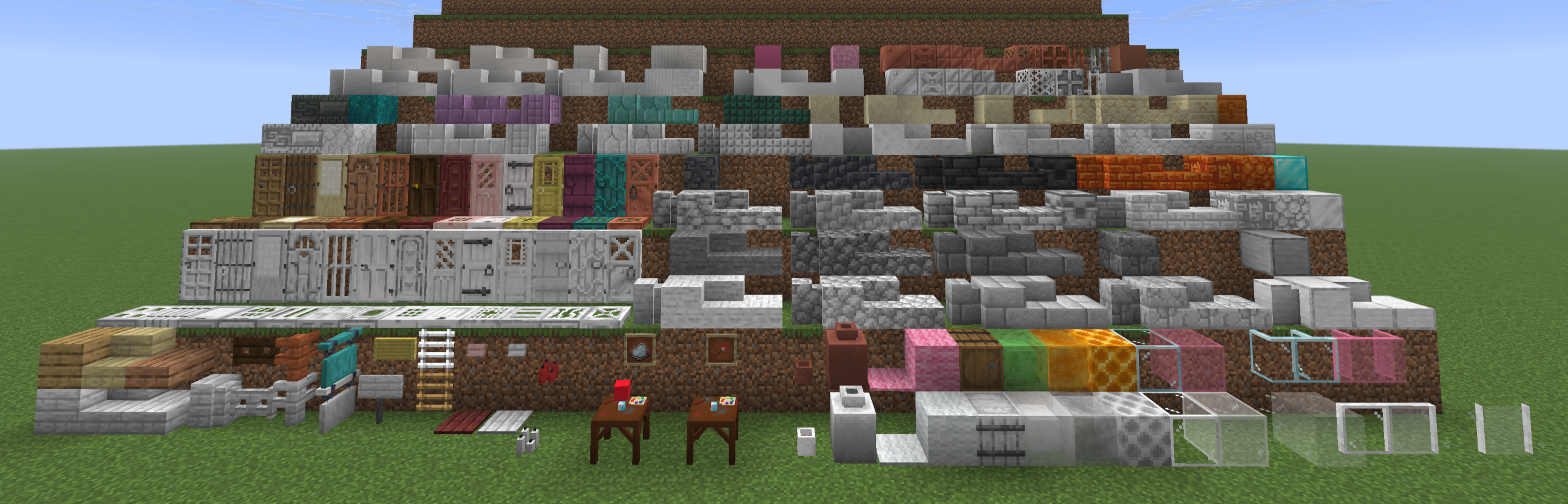
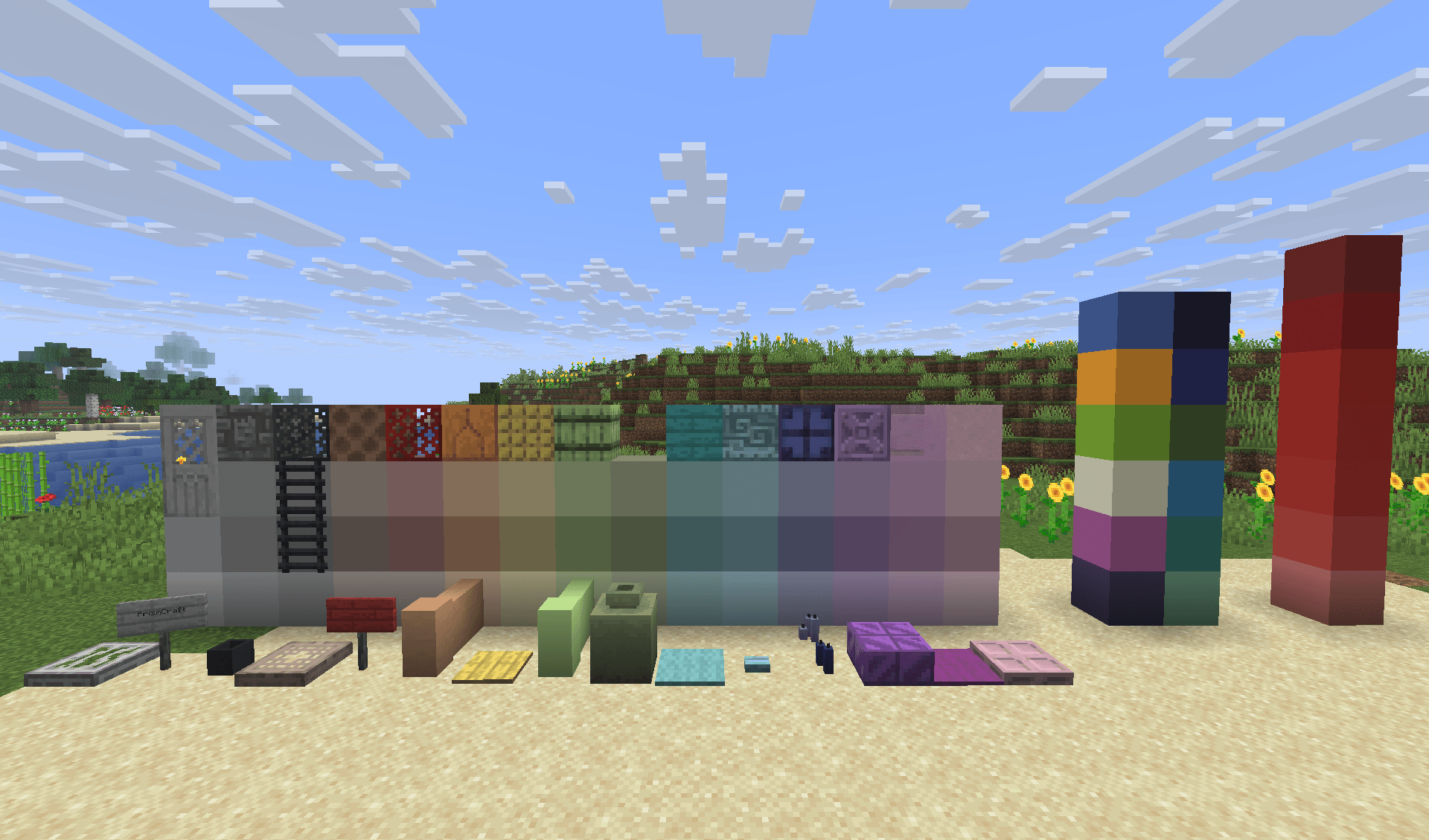
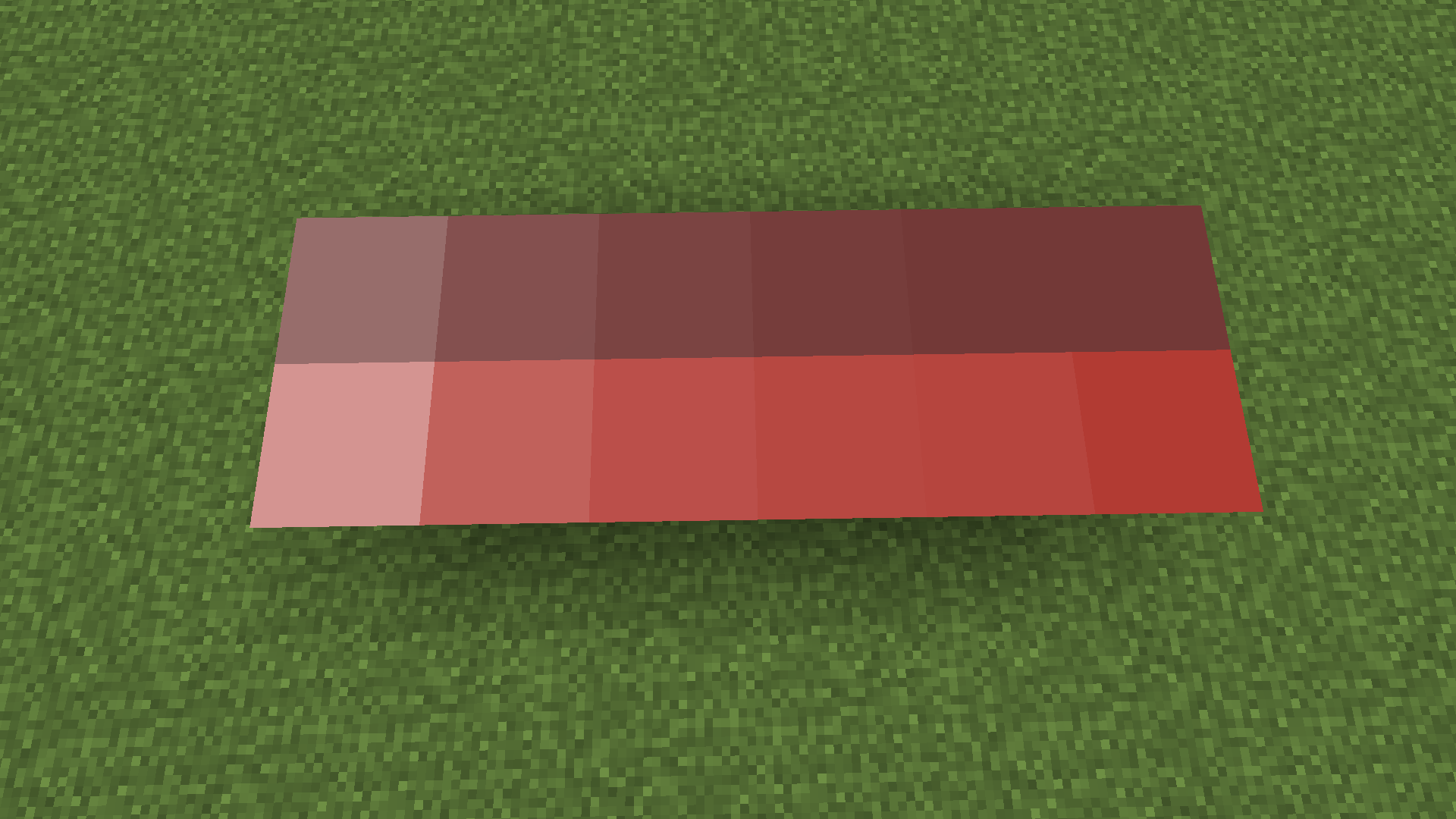
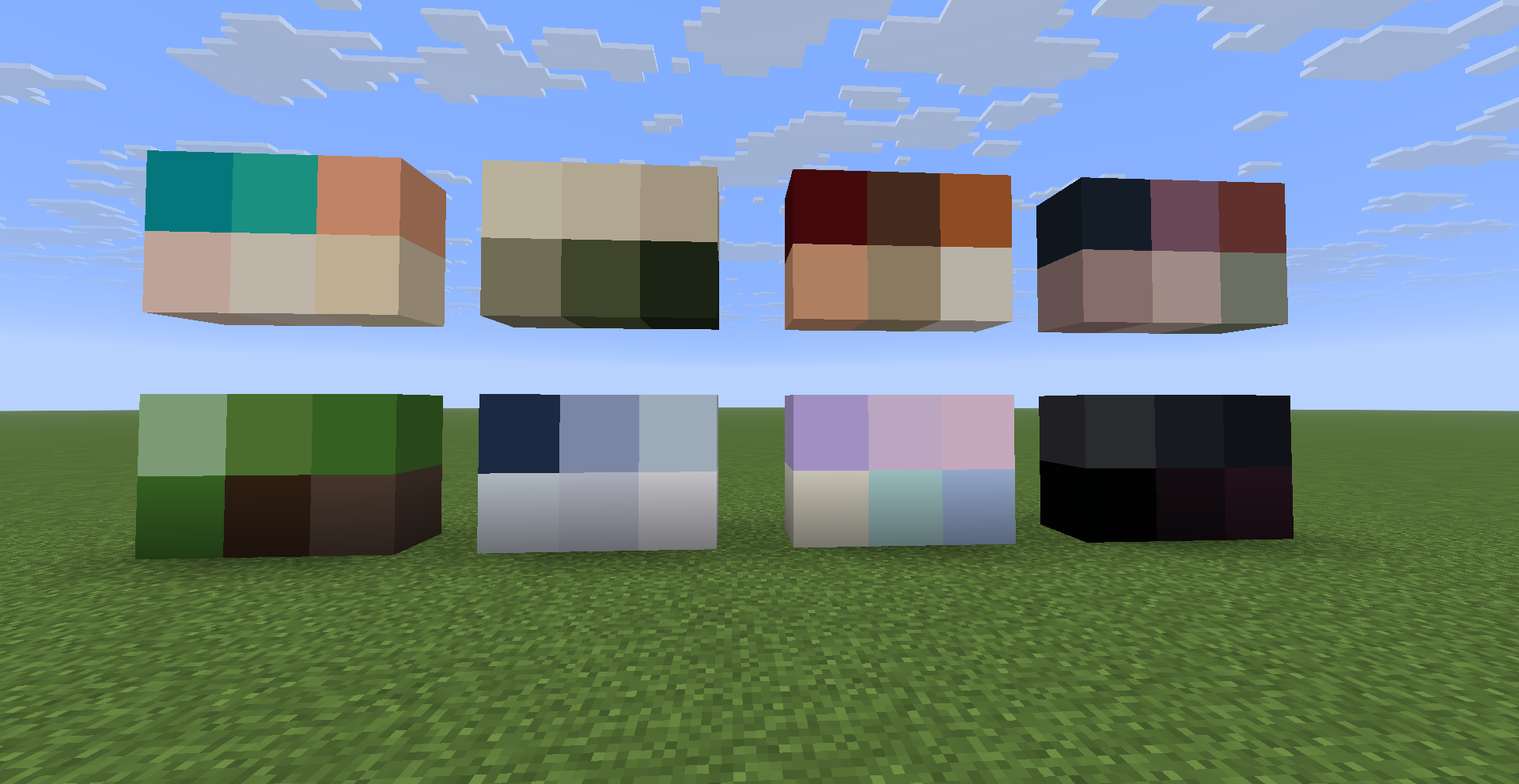
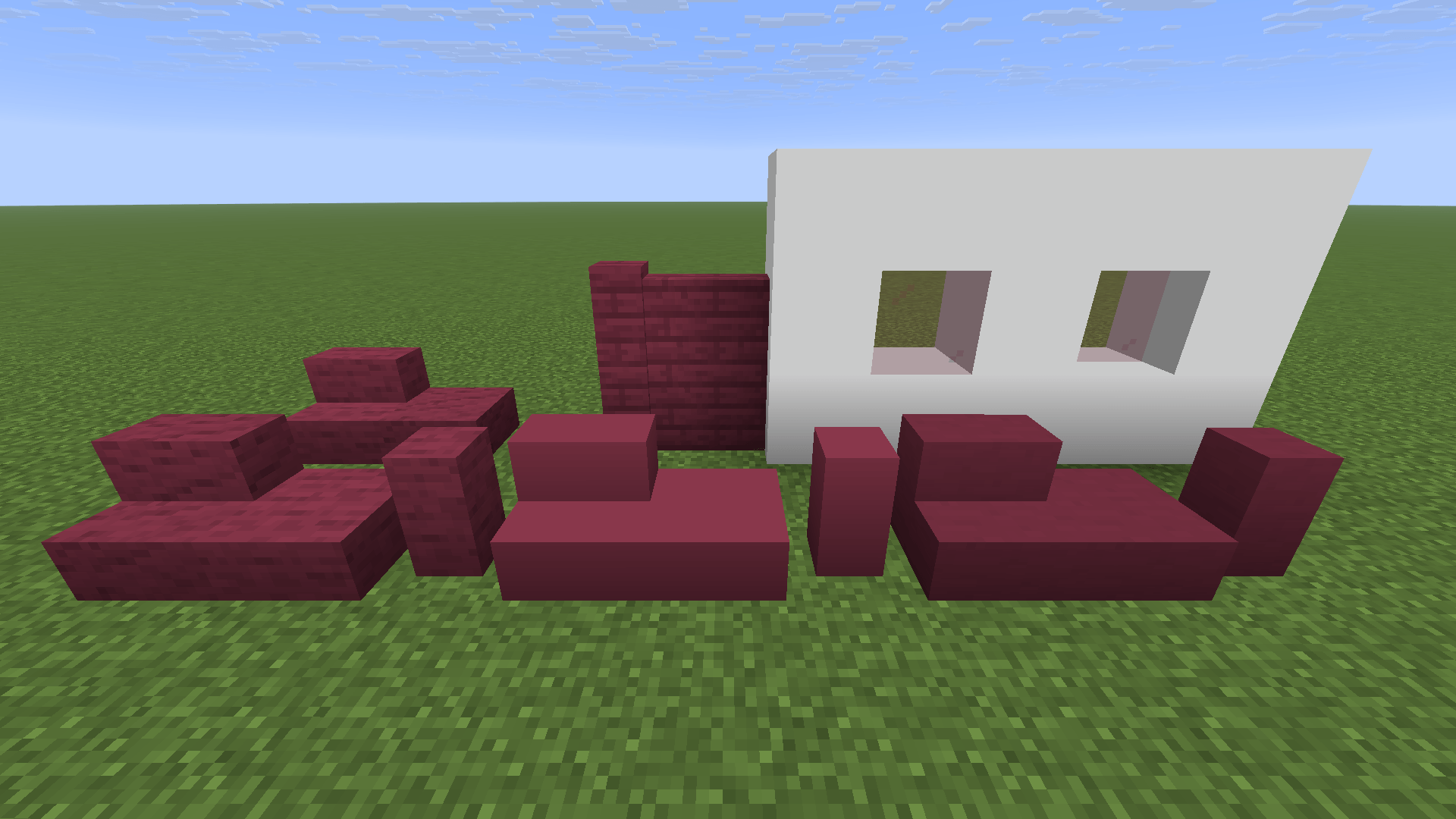
A decoration mod with white basic blocks that can be dyed in every colour of the spectrum.
截图


介绍
PrismCraft: Dyeable Blocks
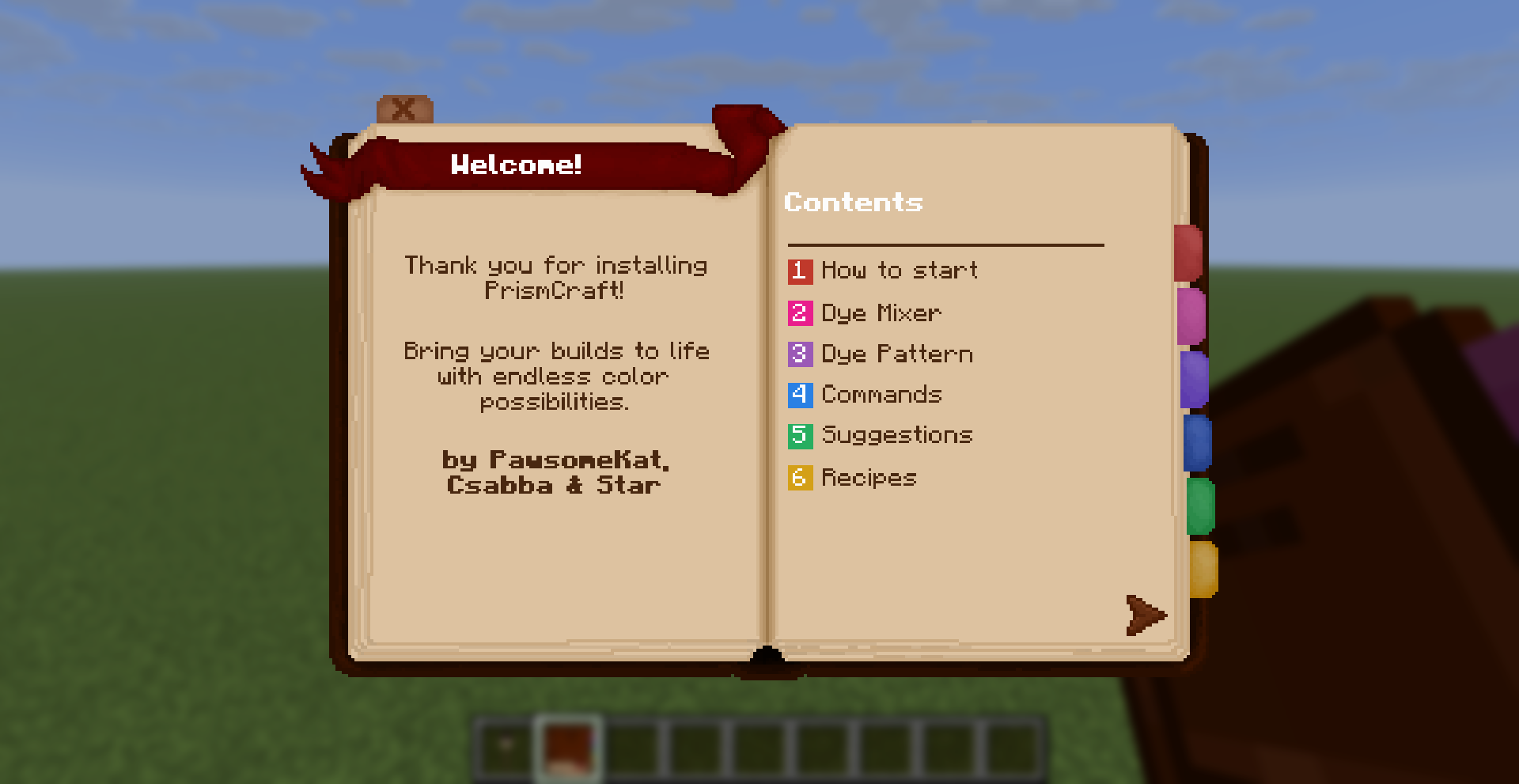
Bring your Minecraft world to life with PrismCraft: Dyeable Blocks, the ultimate mod for unlimited color creativity! Transform ordinary blocks into a spectrum of vibrant hues and craft your own unique designs with ease. PrismCraft expands Minecraft’s dye system by allowing you to fully customize the colors of many vanilla blocks with precision, flexibility, and builder-friendly mechanics designed for large projects.
**Features**
White Dyeable Blocks – Craft special white versions of various vanilla blocks. Simply combine the original block with Titanium Dye (crafted from snowballs) to make it ready for dyeing.
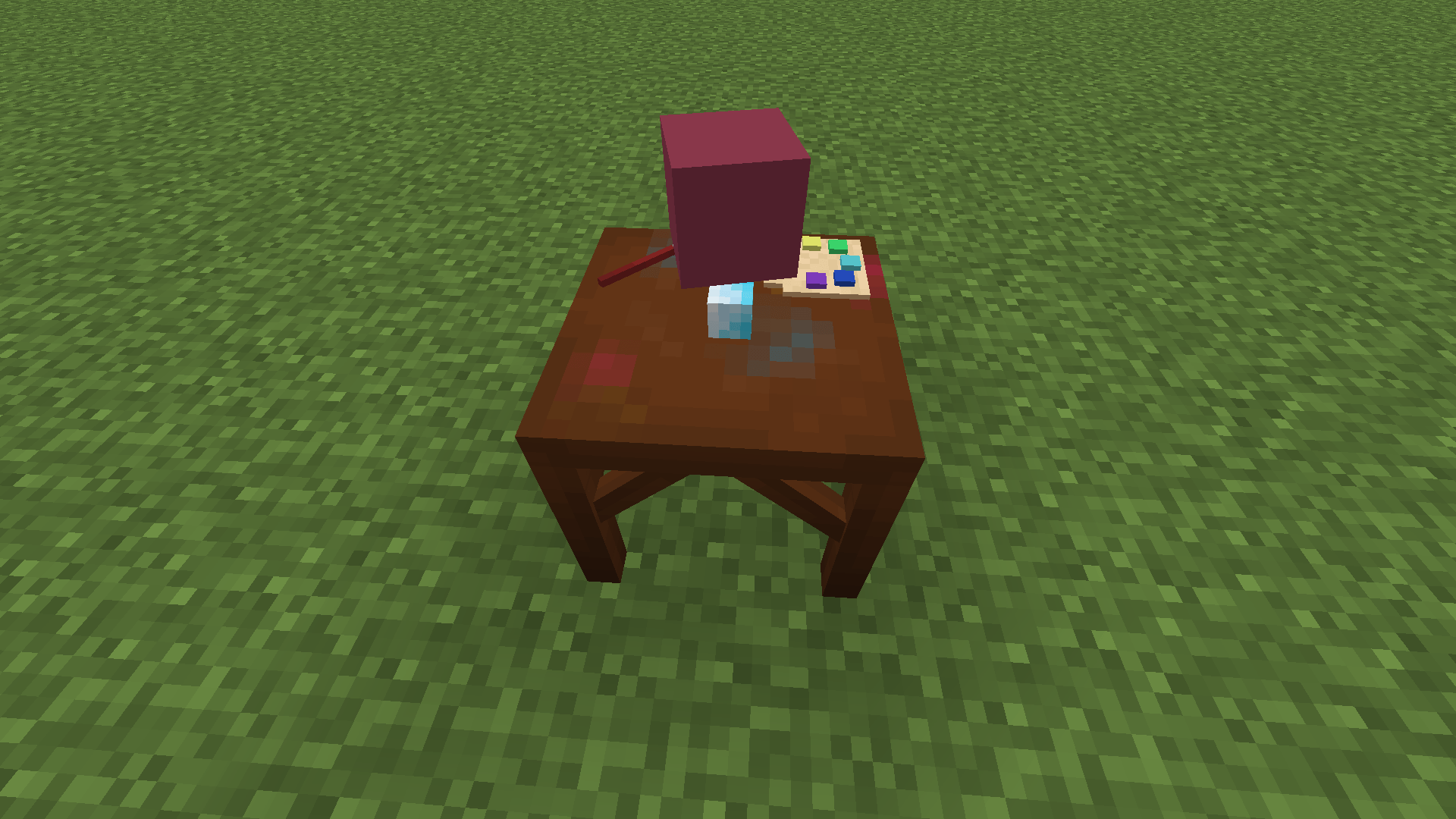
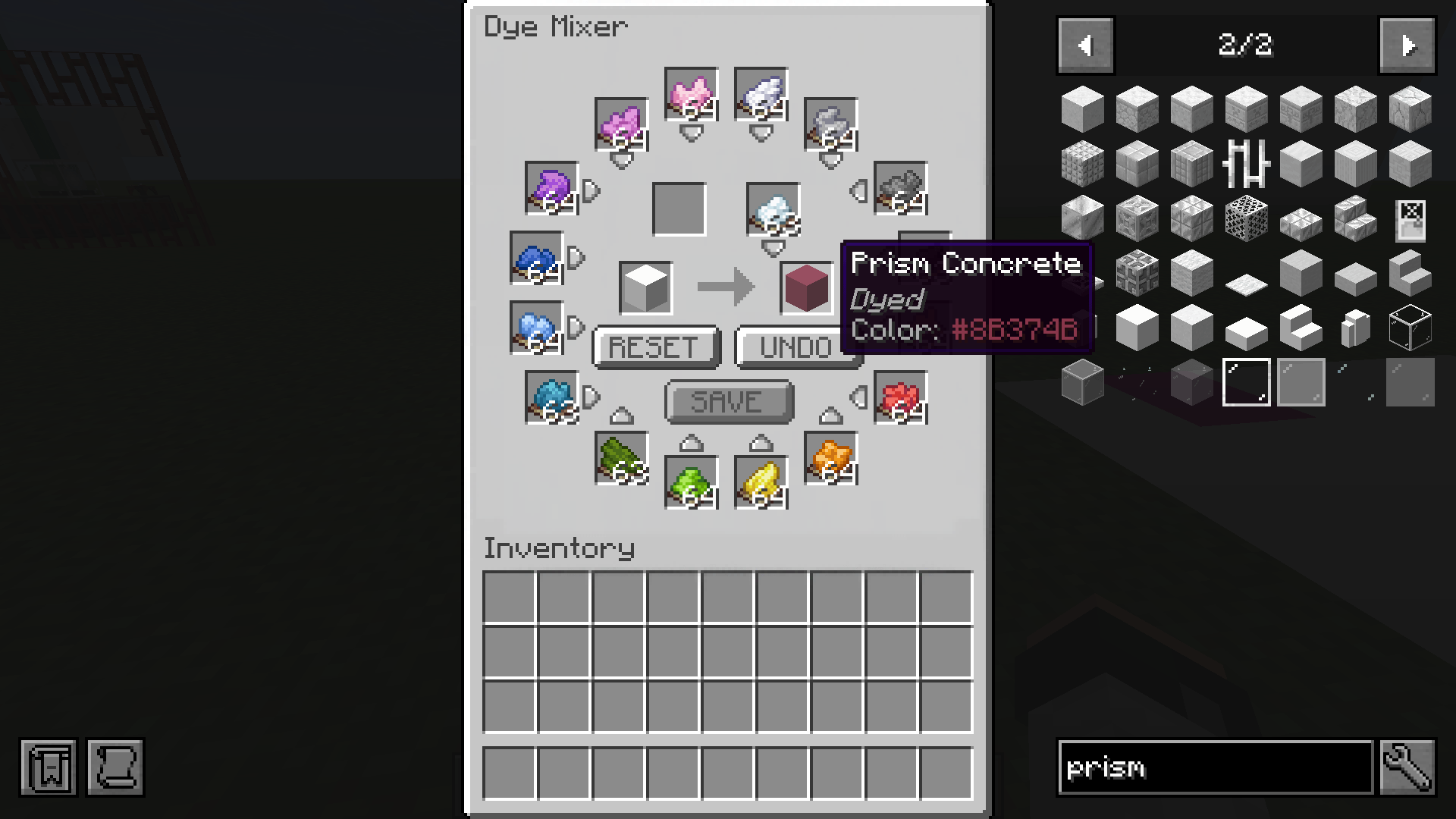
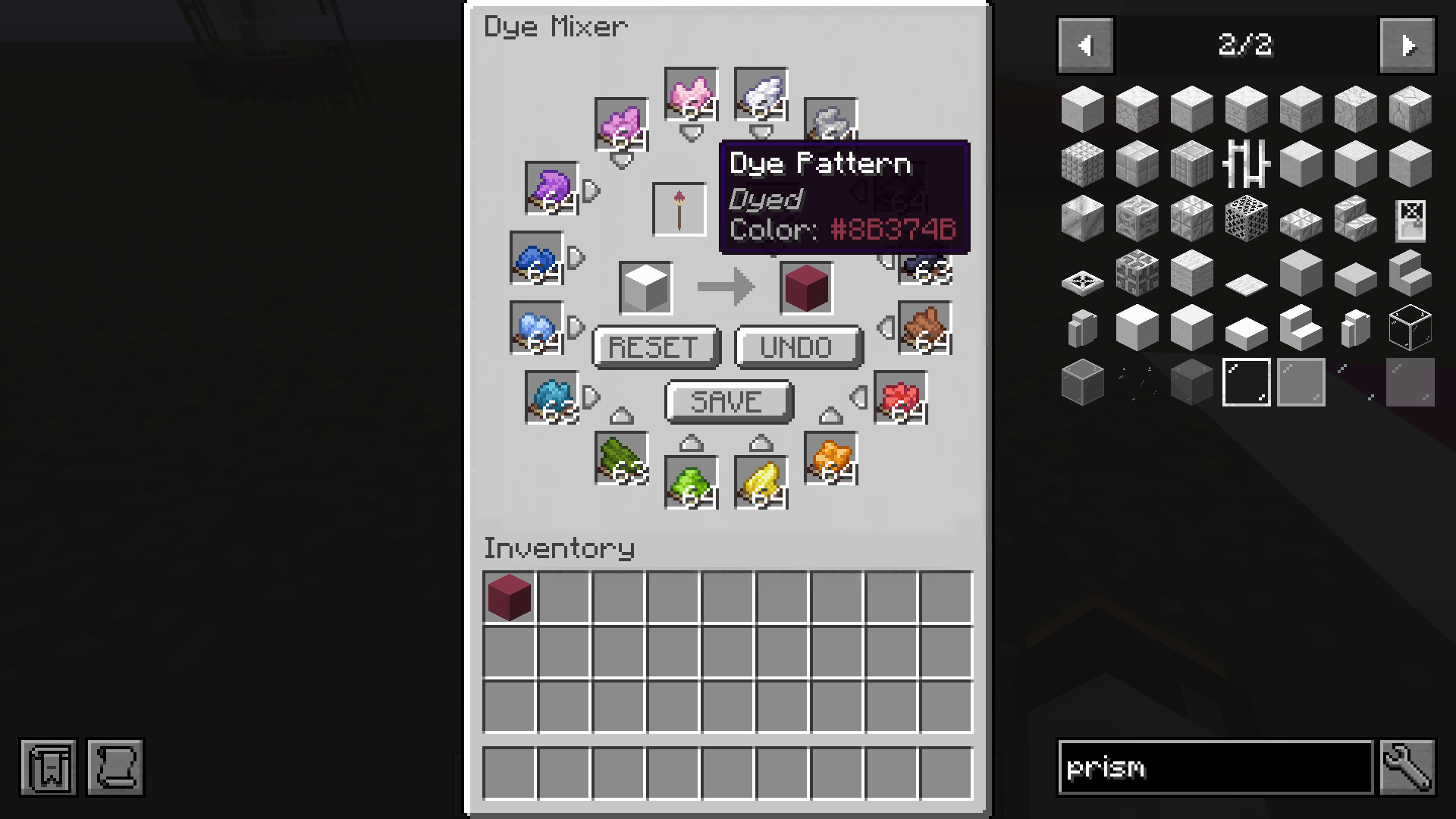
Dye Mixer – Create the Dye Mixer by combining a Crafting Table with any dye. This workstation gives you full control over the dyeing process:
- Add dyes using the arrow buttons — order and number of selections matter
- Use Undo to remove the last added dye, or Reset to start over
- The dye process is saved inside the mixer until the block is dyed; to begin a new process or use a Dye Pattern, the mixer must be reset
- When satisfied, take out the block to confirm the result
- Only one of each selected dye is consumed, regardless of how many times it was added during setup
- Shift-click to dye up to a full stack instantly, still consuming only one dye per selected color
This intentionally low dye cost allows large building projects without resource grinding.
Locked Dyed Blocks:
- Once crafted, dyed blocks are locked and cannot be dyed further
- They can always be reset to their default white version using Titanium Dyeinside the Dye Mixer
- Tooltips display the hex colour code
Dye Pattern System (Custom Colors):
Create fully custom reusable colors using the Dye Pattern.
- Recipe: Dye + Paper + Stick
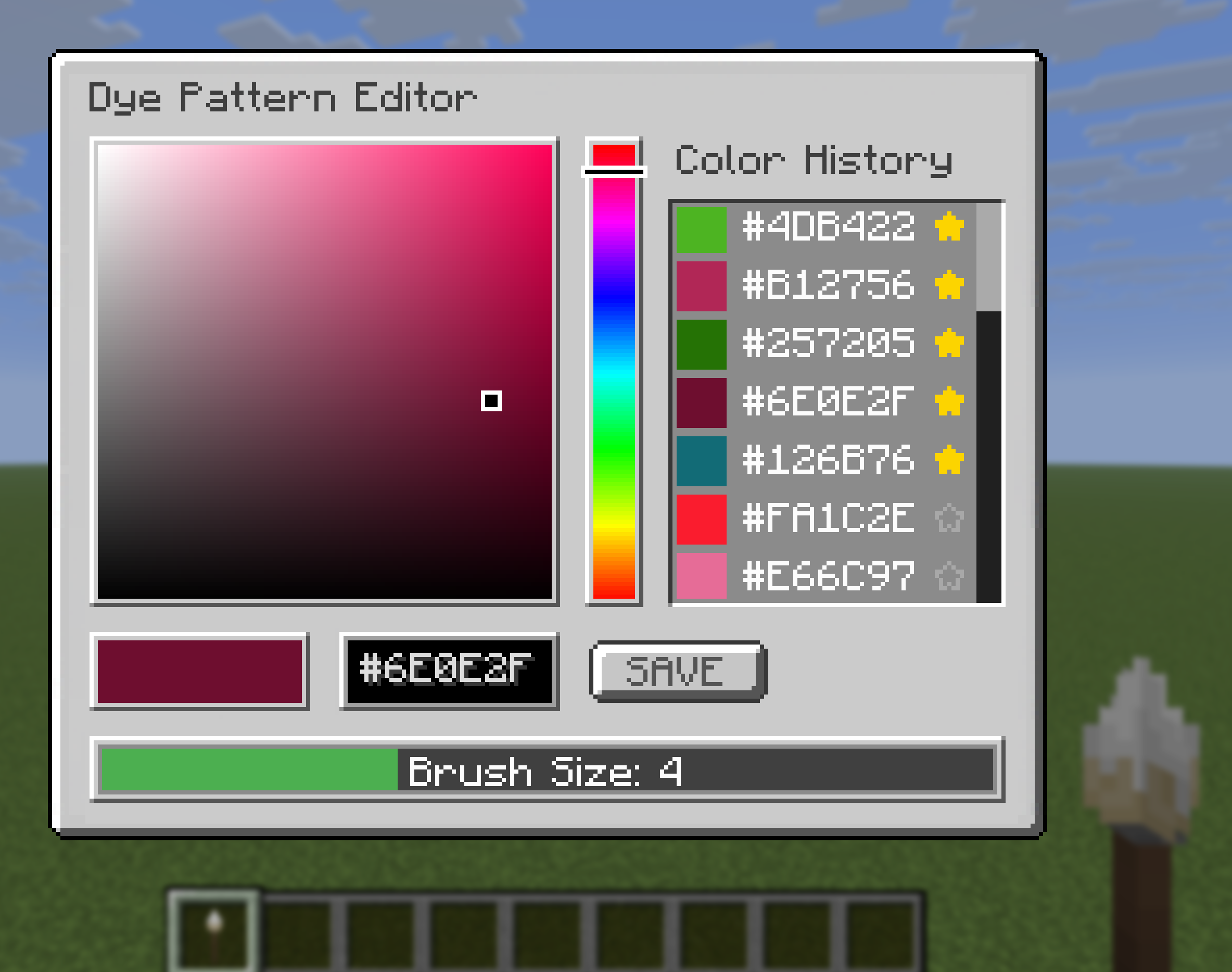
- Right-click to open a color selection UI
- Choose a color using the color bar and hue selector or enter an exact hex color code
- Place the Dye Pattern into the Dye Mixer to apply the saved color
- Saved colors will be shown in the color history (they are saved loacally)
- Favourite colors can be selected with the star icon and will always be disyplayed at the top
- History shows up to 20 (non favourite) colors with unlimited favourite slots
- The item is not consumed and can be reused infinitely
- Dye Patterns can also save colors sampled from existing dyed blocks and be edited anytime
- The Dye Pattern can be used as a brush to paint Prism Blocks by right-clicking.
- You can select a brush size (1–10, spherical) in the editor.
- When targeting Prism blocks, a preview overlay shows the affected area—blue if you have the required dyes, red if not; right-clicking while red lists missing dyes.
- Pick colour feature: middle-click a dyed Prism block with a Dye Pattern to apply its color to the Dye Pattern.
If the required dyes are not present in the Dye Mixer, a preview Dye Pattern will appear in the result slot showing the dyes required (displayed in the tooltip), helping you quickly prepare the correct materials.
Creative Command Support:
Supports WorldEdit and Minecraft commands (like fill, replace, setblock, etc.). Examples:
- //replace grass\_block prismcraft:prism\_concrete{Color:”#FF0000″}
- /setblock {Color:”#FF0000″}
- /setblock ~ ~ ~ prism\_stone{Color:”#FF0000″}
Expandable & Versatile – Perfect for builders, decorators, and creative minds. New blocks and items can be added seamlessly in future updates.
Fully Compatible – Works with vanilla blocks and is designed to integrate smoothly into your existing world.
**Why PrismCraft?**
PrismCraft puts the power of color in your hands. Whether you’re designing interiors, pixel art, or massive builds, this mod lets you express your creativity like never before. Every block becomes your canvas, and every combination opens up endless possibilities. Perfect for Builders, decorators, and modpack creators who want more expressive blocks, consistent color palettes, and full control over their builds.
Unleash the full spectrum and start crafting your colorful world today!
常见问题
PrismCraft: Dyeable Blocks 支持哪些 Minecraft 版本?
PrismCraft: Dyeable Blocks 支持 Minecraft Java 版 1.18.2–1.21.9,共 2 个版本,可用的加载器:Forge / NeoForge。下载时注意选择和你游戏版本一致的文件。
PrismCraft: Dyeable Blocks 怎么安装?
先用 PCL2 或 HMCL 启动器安装对应版本的 Forge / NeoForge,再把下载的 .jar 文件放进游戏目录的 mods 文件夹,重新启动游戏即可。开启了版本隔离的,mods 文件夹在 versions/版本名 下面。运行环境:客户端和服务端都要装。
评论
登录后评论和评分