
截图


介绍

This mod adds different pride flags to the game, you can wear these as capes. It can be installed on either server or client, however, the capes will only show if the user has this mod installed. To change what pride flag you have, go into the mod configs, and type the texture location for the new flag, for any built-in flags, these will be shown alongside the images in the section below.
Available Pride Flags
Rainbow (pridecapeflags:pride)
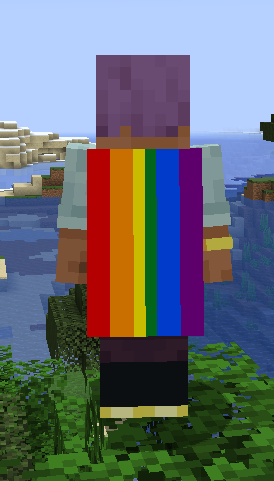
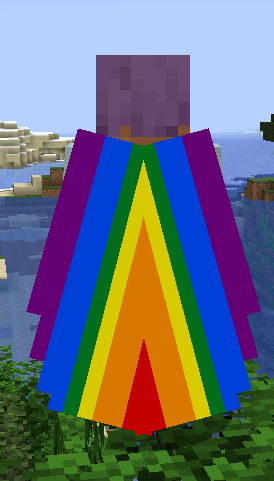
Gay Men (MLM) (pridecapeflags:gay)
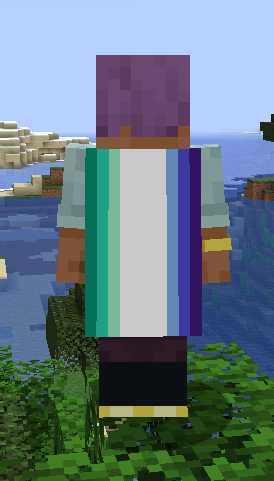
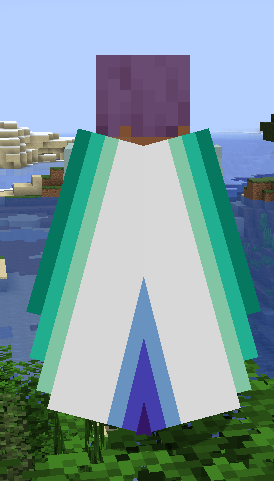
Lesbian (pridecapeflags:lesbian)
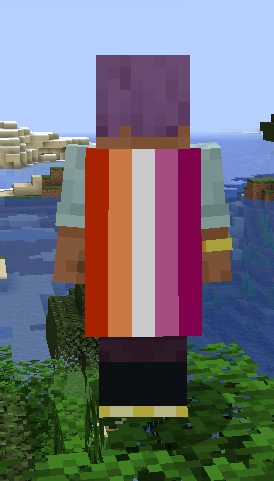
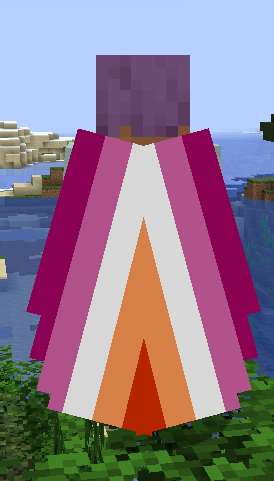
Bi (pridecapeflags:bi)
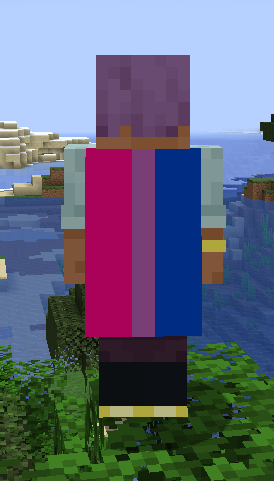
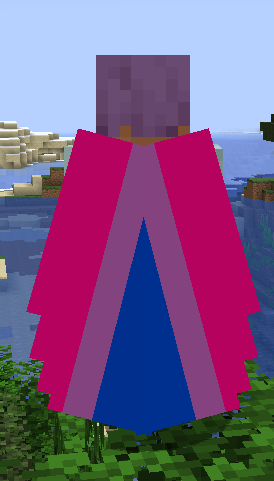
Pan (pridecapeflags:pan)
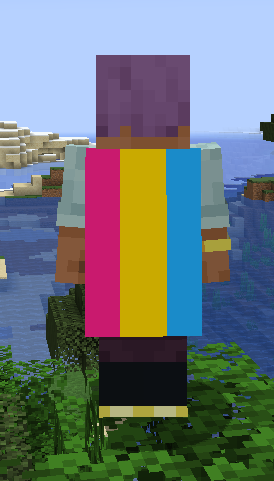
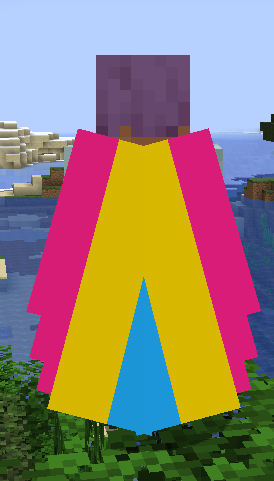
Ace (pridecapeflags:ace)
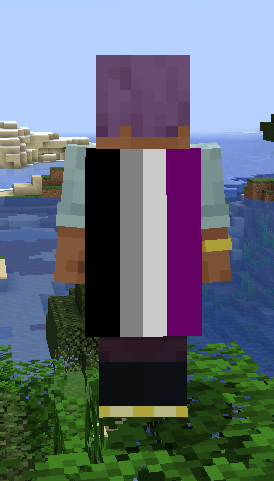
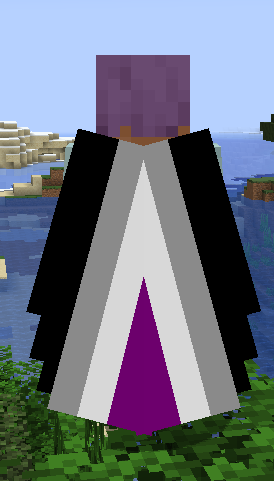
Aro (pridecapeflags:aro)
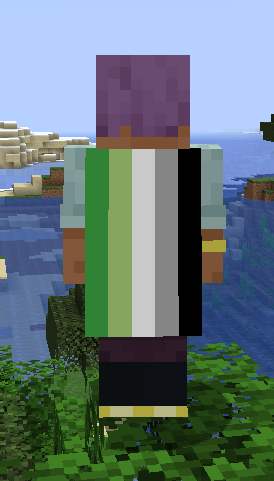
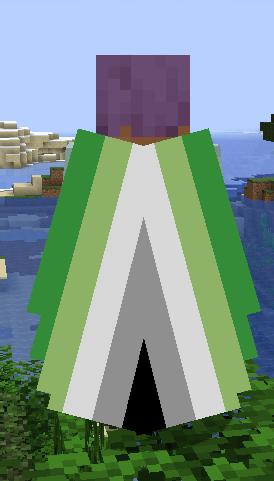
Non-Binary (pridecapeflags:enby)
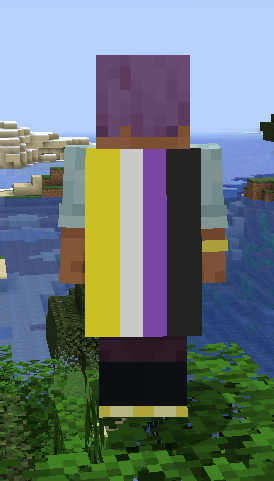
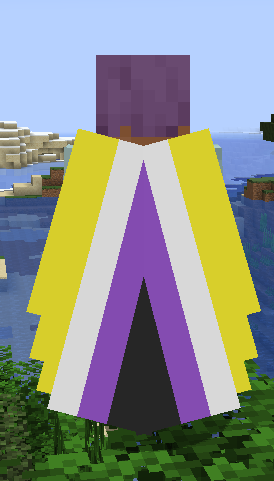
Trans (pridecapeflags:trans)
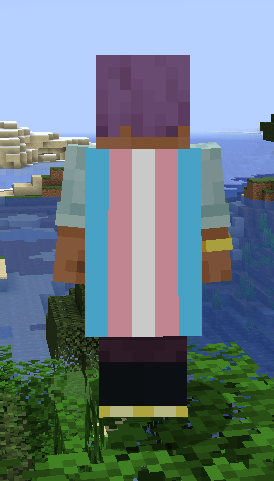
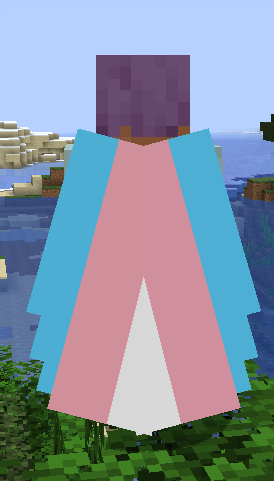
Transfem (pridecapeflags:transfem)
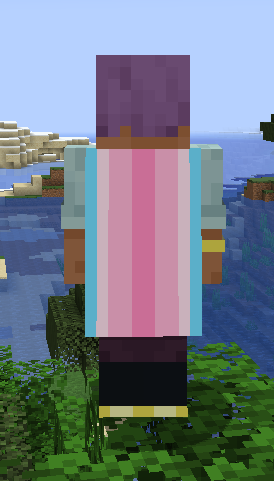
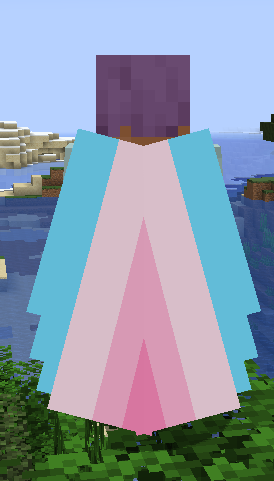
Transmasc (pridecapeflags:transmasc)
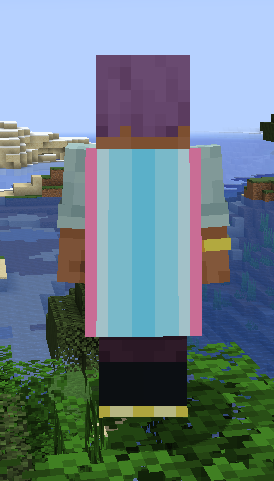
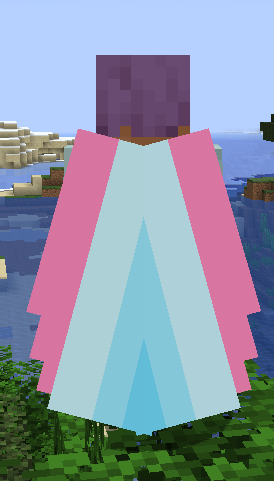
How to add your own pride flag
It is simple to add your own pride flag, it can be done through a simple resource pack. Any player that doesn’t have the same resource pack, they will not see the cape.
Create a folder within a custom namespace in the assets folder called “flags”, in here you can drop any texture to be used as a cape. These will be available to be used in-game by going to settings and typing namespace:texture name, do make sure to ommit the .png file extension.
常见问题
Pride Cape Flags 支持哪些 Minecraft 版本?
Pride Cape Flags 支持 Minecraft Java 版 1.20.1–26.3,共 8 个版本,可用的加载器:Fabric / NeoForge。下载时注意选择和你游戏版本一致的文件。
Pride Cape Flags 怎么安装?
先用 PCL2 或 HMCL 启动器安装对应版本的 Fabric / NeoForge,再把下载的 .jar 文件放进游戏目录的 mods 文件夹,重新启动游戏即可。开启了版本隔离的,mods 文件夹在 versions/版本名 下面。运行环境:客户端 / 服务端。
评论
登录后评论和评分