
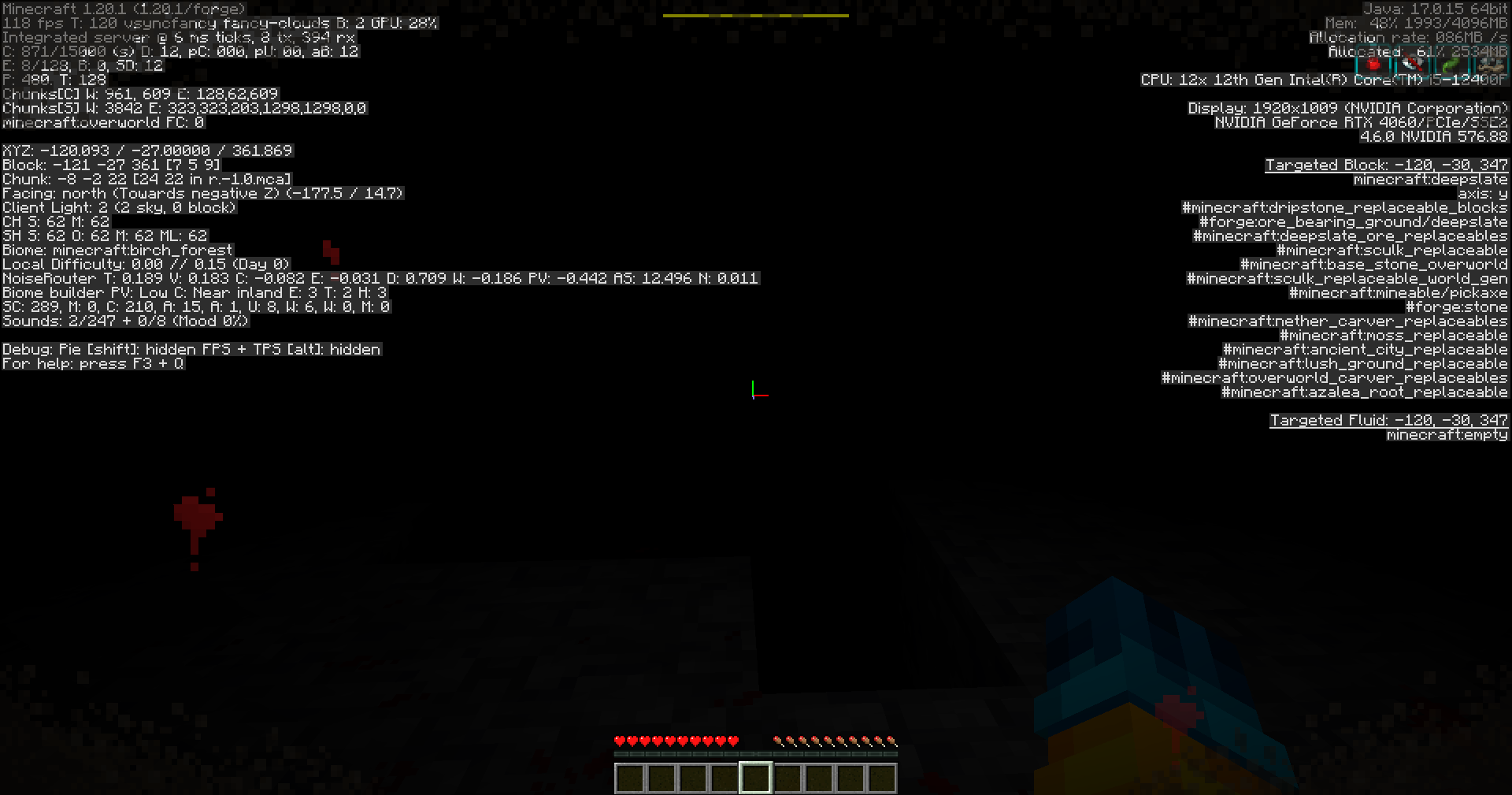
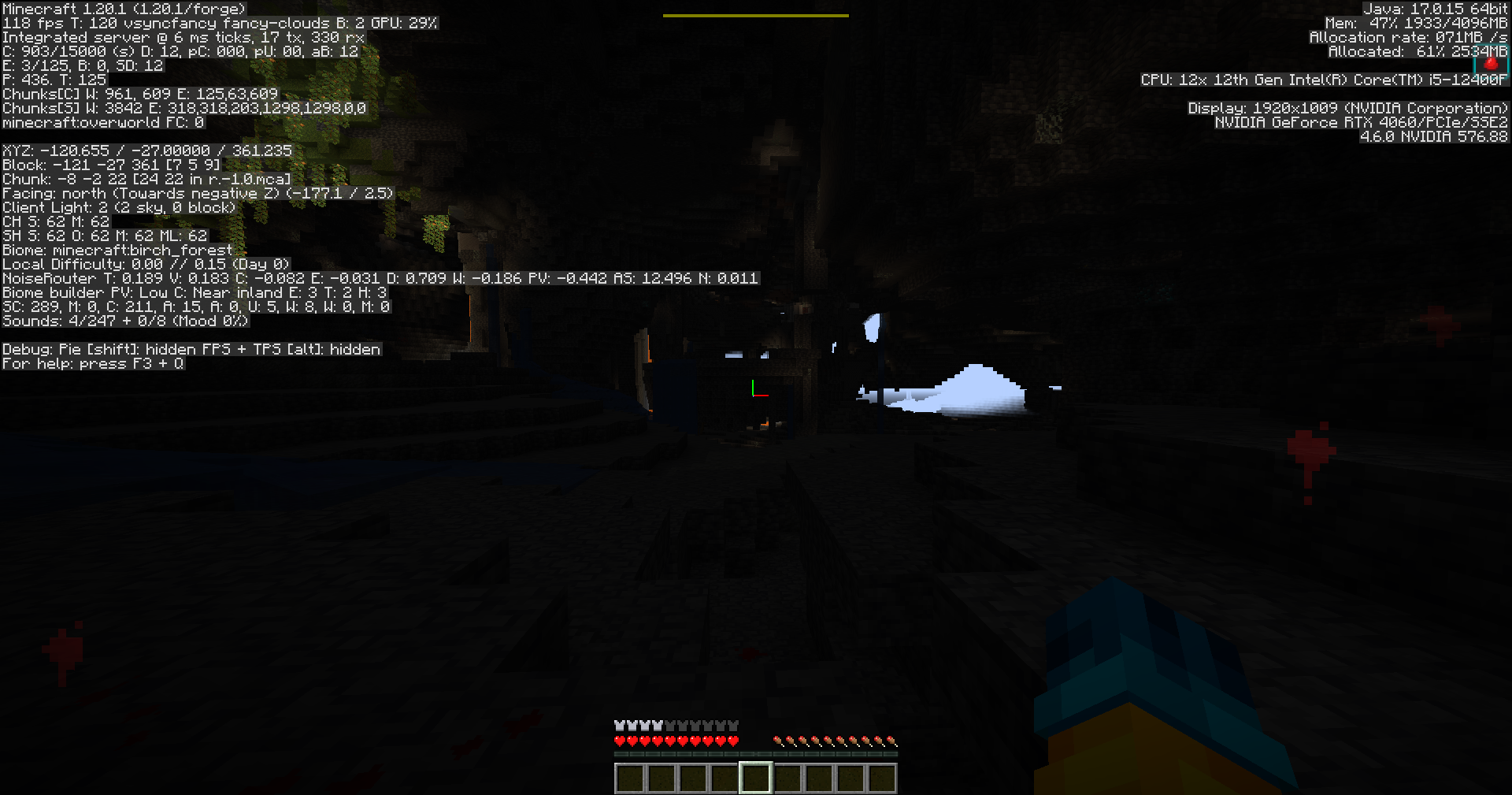
截图



介绍
PressureMod
PressureMod adds a pressure-based survival mechanic to Minecraft.
The system does not aim for medical accuracy, but tries to be as realistic as possible within the limits of gameplay.
The mod affects the player depending on:
- altitude and depth,
- dimension,
- ambient temperature,
- equipment and armor,
- selected pressure physics mode.
Pressure Modes
The mod includes two pressure modes.
Simple Mode (Default)
A simple and easy-to-understand pressure system based on:
- player Y level,
- current dimension,
- total armor protection.
If the armor protection is too low, negative effects are applied.
Important:
Pressure does not affect the player if there is open sky above their head.
Realistic Mode (Beta)
An experimental mode with a more complex and dynamic pressure system.
Each player has a parameter called TC (Tick Pressure):
- normal range: 100–120,
- different debuffs are applied outside the normal range,
- a total of 9 pressure stages.
TC changes over time depending on:
- biome temperature,
- depth,
- dimension,
- temperature of items held in hand,
- weather conditions,
- armor protection level.
The mod also adds a Sphygmomanometer, an item that displays:
- the player’s current TC value,
- the current pressure stage. The crafting recipe can be found on the images page.
Simple Mode: Effects
Overworld
Y ≥ 200
Confusion IV (11 seconds), Wither I every 9 seconds, Poison I every 60 seconds
if armor protection < 10
Y 45–10
Weakness I, Confusion I
if armor protection < 5
Y 9– -30
Weakness II, Confusion I, Wither I every 9 seconds
if armor protection < 8
Y -31– -56
Weakness II, Confusion II, Wither I every 7 seconds
if armor protection < 12
Y -56– -64
Weakness IV, Confusion IV, Blindness I, Wither III every 3 seconds
if armor protection < 15
Y = -64
Weakness V, Confusion V, Blindness I, Poison I, Wither IV every 2 seconds
if armor protection < 15
The Nether
Confusion II, Weakness I, Slowness I
if armor protection < 8
The End
Weakness II, Slowness II, Blindness I, Confusion I
if armor protection < 12
Protection Tablets (Simple Mode)
| Condition | Tablet I | Tablet II | Tablet III |
| ———- | ——– | ——— | ———- |
| Y 10–45 | Yes | Yes | Yes |
| Y -30–9 | Yes | Yes | Yes |
| Y -55– -31 | No | Yes | Yes |
| Y -64– -56 | No | Yes | Yes |
| Y ≤ -65 | No | No | Yes |
| Y ≥ 200 | No | Yes | Yes |
| The Nether | No | Yes | Yes |
| The End | No | No | Yes |
Realistic Mode: TC Stages
| Stage | TC | State | Effects |
| —– | ——- | ————— | —————————————————- |
| -4 | ≤ 29 | critically_low | Weakness III, Slowness II, Blindness I, Confusion II |
| -3 | 30–49 | severely_low | Weakness II, Slowness II, Blindness I, Confusion I |
| -2 | 50–69 | low | Weakness I, Slowness I |
| -1 | 70–99 | slightly_low | Weakness I |
| 0 | 100–120 | normal | No effects |
| 1 | 121–140 | slightly_high | Confusion II, Regeneration |
| 2 | 141–160 | high | Confusion III, Weakness I, Slowness I |
| 3 | 161–180 | severely_high | Confusion III, Weakness I, Slowness I, Blindness I |
| 4 | ≥ 181 | critically_high | Confusion III, Weakness II, Slowness II, Blindness I |
Weather
Rain or snow without a helmet:
+1 TC every 180 seconds.
Sources that Decrease TC
- Torches, campfires, magma blocks, lava
- Hot items held in hand
- Hot biomes
- Depth pressure
- The Nether: -4 TC every 40 seconds if armor protection ≤ 9
Sources that Increase TC
- Ice and snow-related blocks
- Cold biomes
- The End: +4 TC every 40 seconds if armor protection ≤ 9
Cold Dimensions
The End is considered a cold dimension and actively increases TC.
Modpack Compatibility
PressureMod can be safely used in any modpack.
It does not require special configuration and is designed to be compatible with both vanilla-style and heavily modded survival gameplay.
Comands
/pmod help to get all mods commands
常见问题
PressureMod 支持哪些 Minecraft 版本?
PressureMod 支持 Minecraft Java 版 1.20.1,可用的加载器:Forge。下载时注意选择和你游戏版本一致的文件。
PressureMod 怎么安装?
先用 PCL2 或 HMCL 启动器安装对应版本的 Forge,再把下载的 .jar 文件放进游戏目录的 mods 文件夹,重新启动游戏即可。开启了版本隔离的,mods 文件夹在 versions/版本名 下面。运行环境:客户端和服务端都要装。

评论
登录后评论和评分