
Prefix Tag
Fully configurable mod that adds a prefix for your server for roleplay and pvp tier
截图



介绍


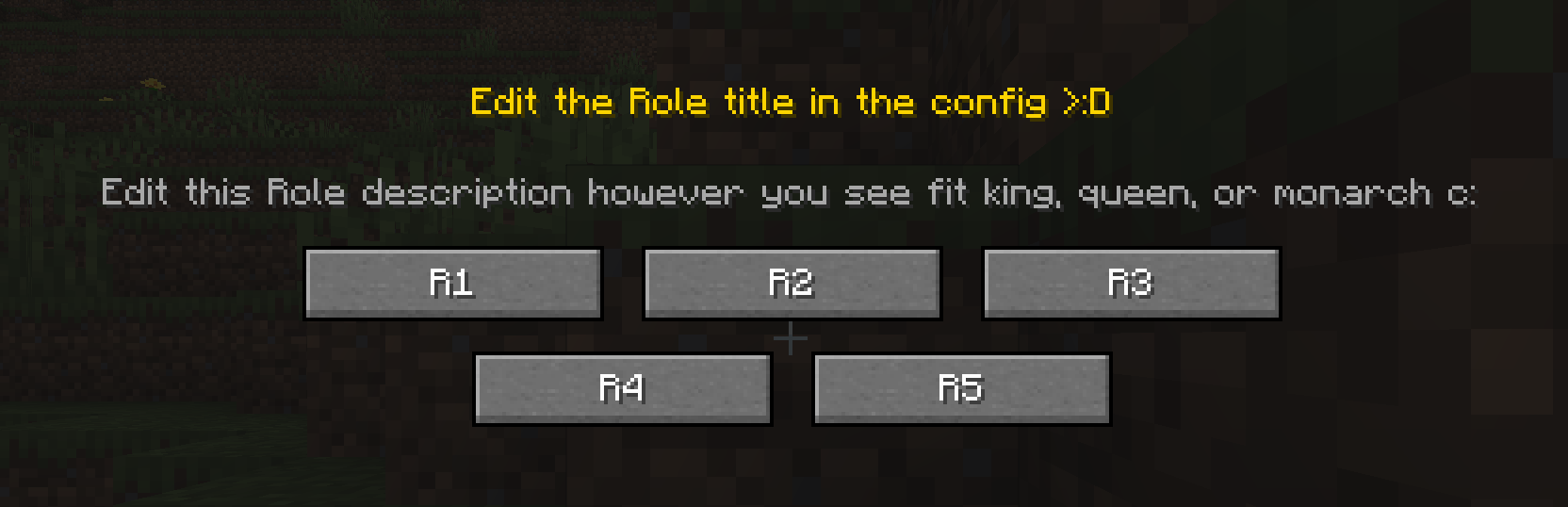
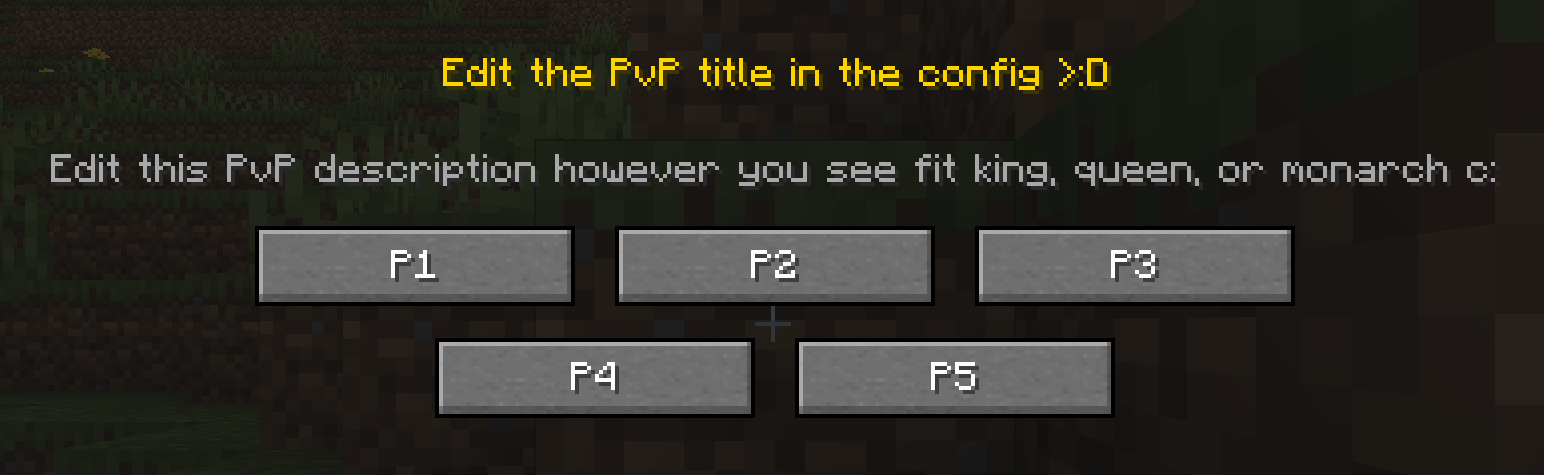
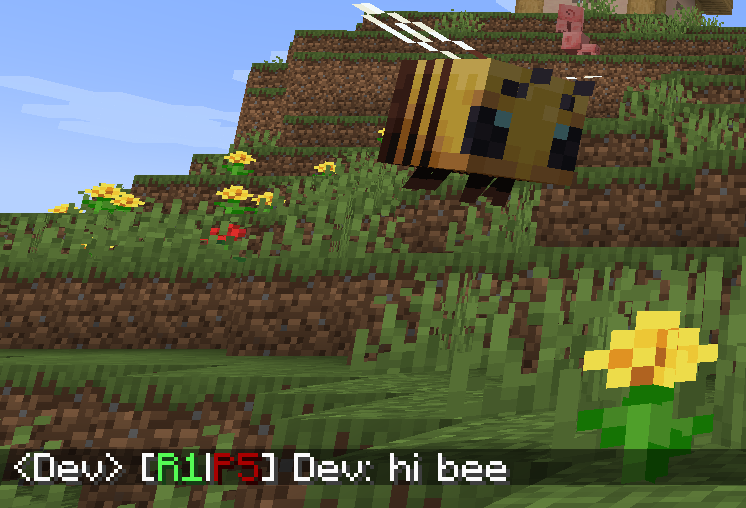
PrefixTag adds a dual tier system to your Minecraft server. Every player carries two independent ranks – one for Roleplay (R1–R5) and one for PvP (P1–P5) (or whatever u want xd) – always displayed as a combined prefix next to their name in chat and above their head in the world.
✦ How it works
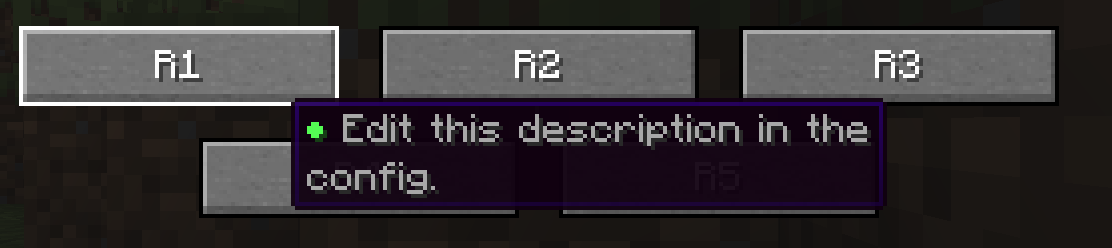
When a player joins the server for the first time, a selection screen appears. They choose their Rol tier and then their PvP tier. From that moment on, their prefix – for example [R2|P3] – is permanently visible in chat and above their head, with colors that reflect their tier level.
Admins can reassign, reset, recolor or clear the custom name of any player at any time using simple commands.
✦ Features
- Rol tiers — chosen by the player on first join
- PvP tiers — chosen by the player on first join
- Configurable tier count — set between 2 and 10 tiers independently for Rol and PvP
- Tier colors — each tier has its own configurable color
- Name color — admins can set a custom color for each player’s name
- Custom display name — players can replace their username with a custom name
- Prefix in chat and nametag — always visible, always up to date
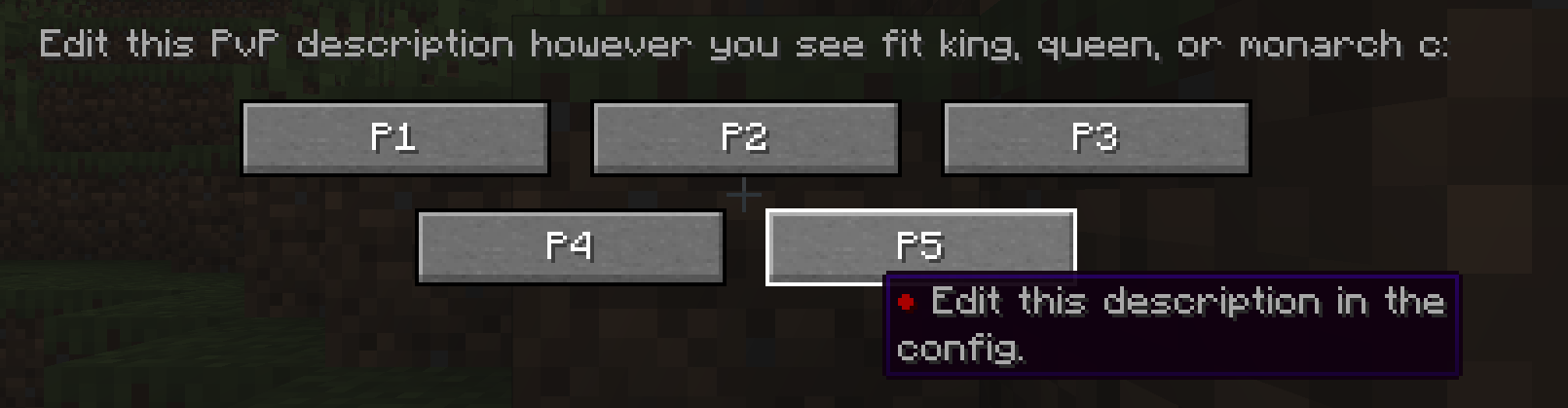
- First-join GUI — clean two-step selection screen, can’t be skipped
- Admin commands — override, reset, recolor or clear any player’s data at any time
- Config file — customize tier count, labels, GUI texts and colors via
prefixtag-server.toml - NBT persistence — all data survives restarts and reconnections
✦ Commands
Spoiler
Admin — requires op level 2
| Command | What it does |
|—|—|
| /tier setrol <player> <1-10> | Set a player’s Rol tier |
| /tier setpvp <player> <1-10> | Set a player’s PvP tier |
| /tier setcolor <player> <color> | Set the color of a player’s name |
| /tier clearname <player> | Remove a player’s custom display name |
| /tier online <player> <true\|false> | Toggle the online indicator (●) on a player’s prefix |
| /tier check <player> | View a player’s current prefix and display name |
| /tier reset <player> | Reset a player’s tiers — they’ll see the GUI on next login |
Player — no permissions required
| Command | What it does |
|—|—|
| /tierself setname <name> | Set a custom display name (no color codes allowed) |
| /tierself clearname | Remove your custom display name |
Available colors: black, dark_blue, dark_green, dark_aqua, dark_red, dark_purple, gold, gray, dark_gray, blue, green, aqua, red, light_purple, yellow, white
✦ Configuration
On first launch, PrefixTag generates a prefixtag-server.toml file in the world/serverconfig folder where you can customize:
- Number of active tiers for Rol and PvP independently (2–10)
- Tier labels (e.g. change
R1toNovice) - GUI titles and descriptions
- Tier colors for each level
- Tier tooltips shown when hovering over each tier button
You are free to include this mod in any modpack
常见问题
Prefix Tag 支持哪些 Minecraft 版本?
Prefix Tag 支持 Minecraft Java 版 1.20.1,可用的加载器:Forge。下载时注意选择和你游戏版本一致的文件。
Prefix Tag 怎么安装?
先用 PCL2 或 HMCL 启动器安装对应版本的 Forge,再把下载的 .jar 文件放进游戏目录的 mods 文件夹,重新启动游戏即可。开启了版本隔离的,mods 文件夹在 versions/版本名 下面。运行环境:客户端和服务端都要装。

评论
登录后评论和评分