
截图


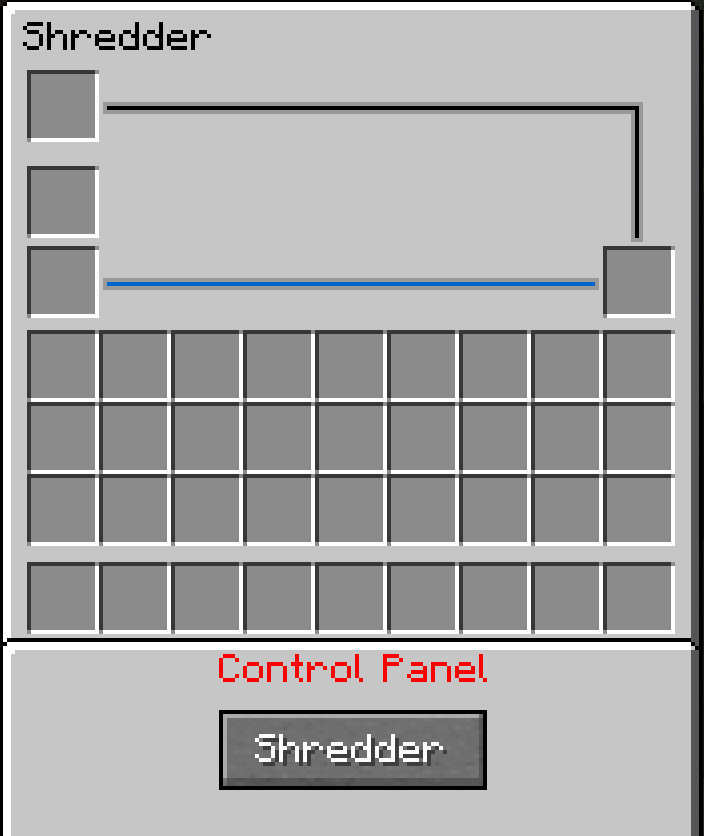
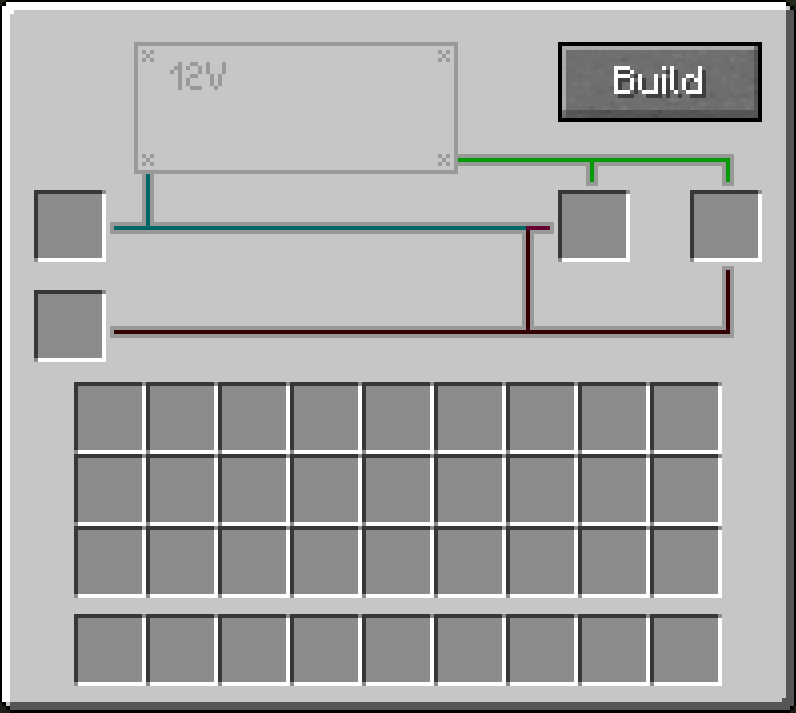
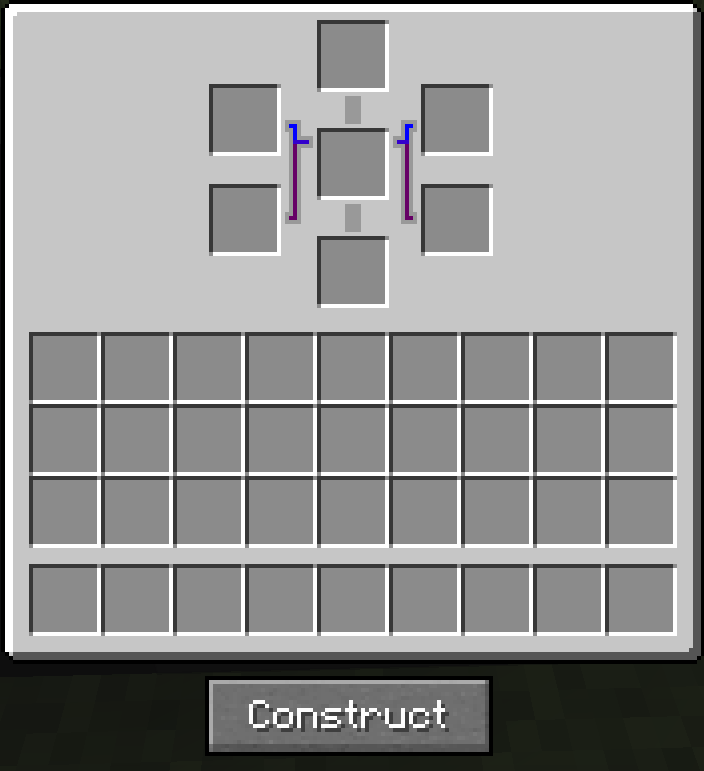
介绍
🎉 PowerTech V2 – Update 2.2.4.5 Released!
The long-awaited PowerTech V2 is here with update 1.2.0! This version brings new features, improvements, and bug fixes to enhance your gameplay experience.
🔽 Download the Latest Version:
Mod File (v2.2.4.5) – [[Download Here]](https://modrinth.com/mod/powertech/version/2.2.4.5)
📄 View the Changelog:
Changelog (v1.2.0) – [[Read More via CurseForge]](https://www.curseforge.com/minecraft/mc-mods/powertech/files/6543865)
❓ What is PowerTech?
PowerTech is a technology-focused mod that introduces a variety of new blocks, items, and mechanics to improve and simplify gameplay. It’s currently in beta, so some bugs may still occur – but we’re working hard on daily fixes!
👉 Please report any bugs in the comments.
⚙️ Features & Highlights:
🔁 Duplicator Block
Use the Duplicator along with Duplicate Chips to clone ores and items!
Example: 1 Iron Ingot + 16x Duplicate Chip = 16 Iron Ingots
Note: Works best with stackable items. Non-stackable items like swords may produce unintended behavior.
💠 Duplicate Chips
These chips are used by the Duplicator to perform duplication. They’re essential for mass production of resources.
💎 Flux Ore
A rare and valuable ore found in Lush Caves. Keep an eye out!
📘 Tutorial Book
Learn how to use all of PowerTech’s features and recipes with the in-game Tutorial Book.
🔍 For the best experience, we recommend using JEI (Just Enough Items) to view all available recipes.
⚠️ Known Issues
Using a full stack of Duplicate Chips (e.g., x64) with non-stackable items like swords may result in unintended stacks.
🧪 Tip: Shift + right-clicking with the stack may let you interact with it in funny ways. 😄
Stay tuned for future updates – and thank you for supporting PowerTech!
Development: NasumiCraft; NCRFD License
常见问题
PowerTech 支持哪些 Minecraft 版本?
PowerTech 支持 Minecraft Java 版 1.20–1.20.1,共 2 个版本,可用的加载器:Forge / NeoForge。下载时注意选择和你游戏版本一致的文件。
PowerTech 怎么安装?
先用 PCL2 或 HMCL 启动器安装对应版本的 Forge / NeoForge,再把下载的 .jar 文件放进游戏目录的 mods 文件夹,重新启动游戏即可。开启了版本隔离的,mods 文件夹在 versions/版本名 下面。运行环境:客户端和服务端都要装。
评论
登录后评论和评分