
截图

介绍
Potion Icons
A mod that puts effect icons in more places, primarily overlaid over potion items and in text.
Features
Item Overlay
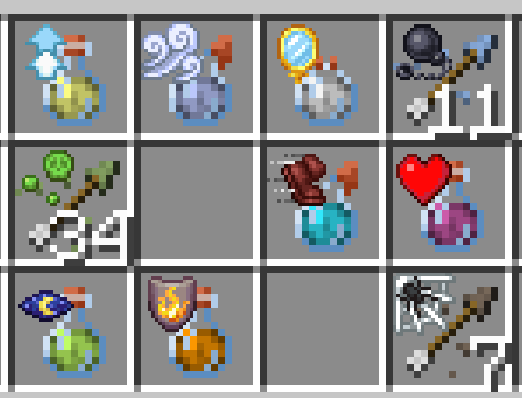
Any item with a potion component has its effect’s icon(s) rendered on top of it in the inventory, hotbar, etc, making it easier to differentiate potions at a glance.
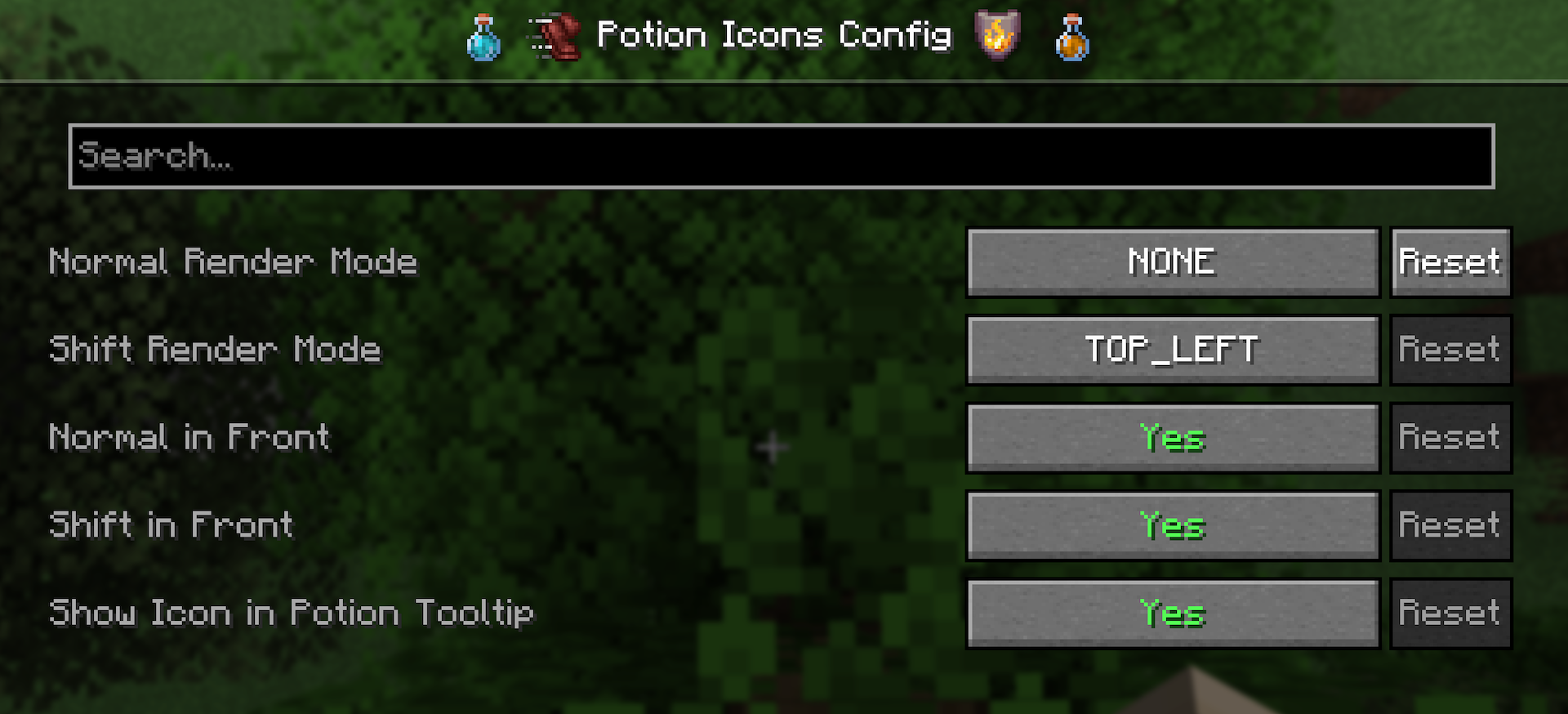
By default, the icon is always rendered in the top-left corner of the item slot, but this can be configured to match your preference! There are 4 modes that determine where the icon is rendered:
- NONE: Icon is not rendered.
- TRY_BOTTOM_RIGHT: Renders in the bottom right corner for non-stackable items. Top left otherwise.
- TOP_LEFT (default): Renders in the top left corner.
- FULL: Renders across the entire item slot.
These can be set separately based on whether you are holding shift or not. You can also set if the icon should render in front of or behind the item.

Potion Tooltips
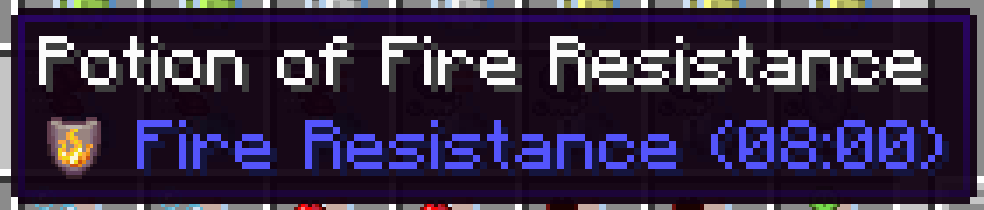
Effect icons are rendered in potion tooltips next to their listed effect. This can be disabled in the config.

Typable in Text
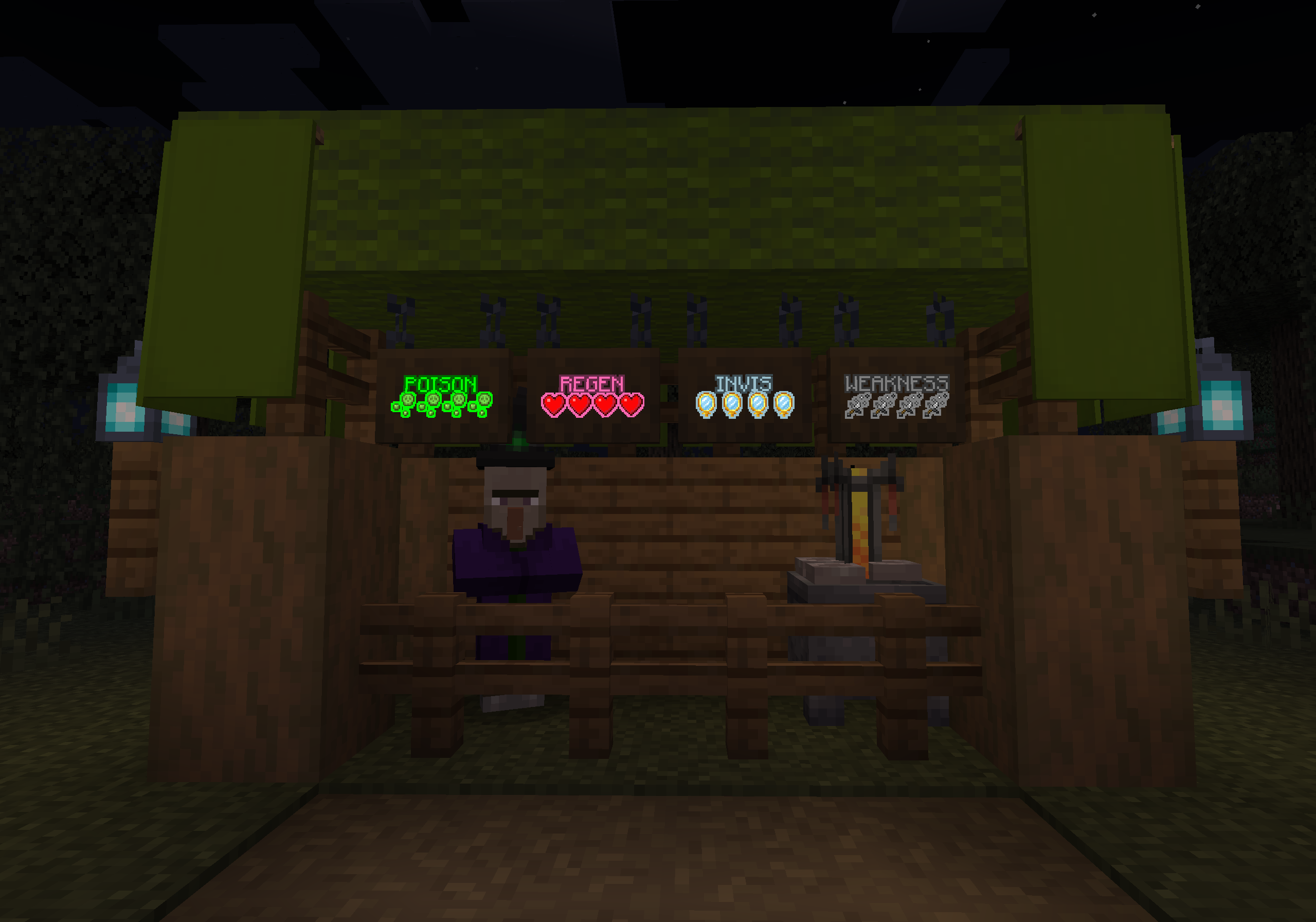
Effect icons can be displayed in chat, signs, or anywhere else that you can type text in game. For example, [effect:fire_resistance] will show as the fire resistance effect icon.
For more info, see Inline’s Page, this is just another matcher.


常见问题
Potion Icons 支持哪些 Minecraft 版本?
Potion Icons 支持 Minecraft Java 版 1.20.1–1.21.1,共 2 个版本,可用的加载器:Fabric / Forge / NeoForge / Quilt。下载时注意选择和你游戏版本一致的文件。
Potion Icons 怎么安装?
先用 PCL2 或 HMCL 启动器安装对应版本的 Fabric / Forge / NeoForge / Quilt,再把下载的 .jar 文件放进游戏目录的 mods 文件夹,重新启动游戏即可。开启了版本隔离的,mods 文件夹在 versions/版本名 下面。运行环境:仅客户端。
SamsTheNerd 的其他作品
查看全部 →
Inline
A mod for inline text rendering
Ducky Periphs
An add-on peripheral mod for computer craft

Potion Icons
Putting effect icons in more places

Why Not Be One Item (WNBOI)
A library mod for context menus
评论
登录后评论和评分