Potion Water
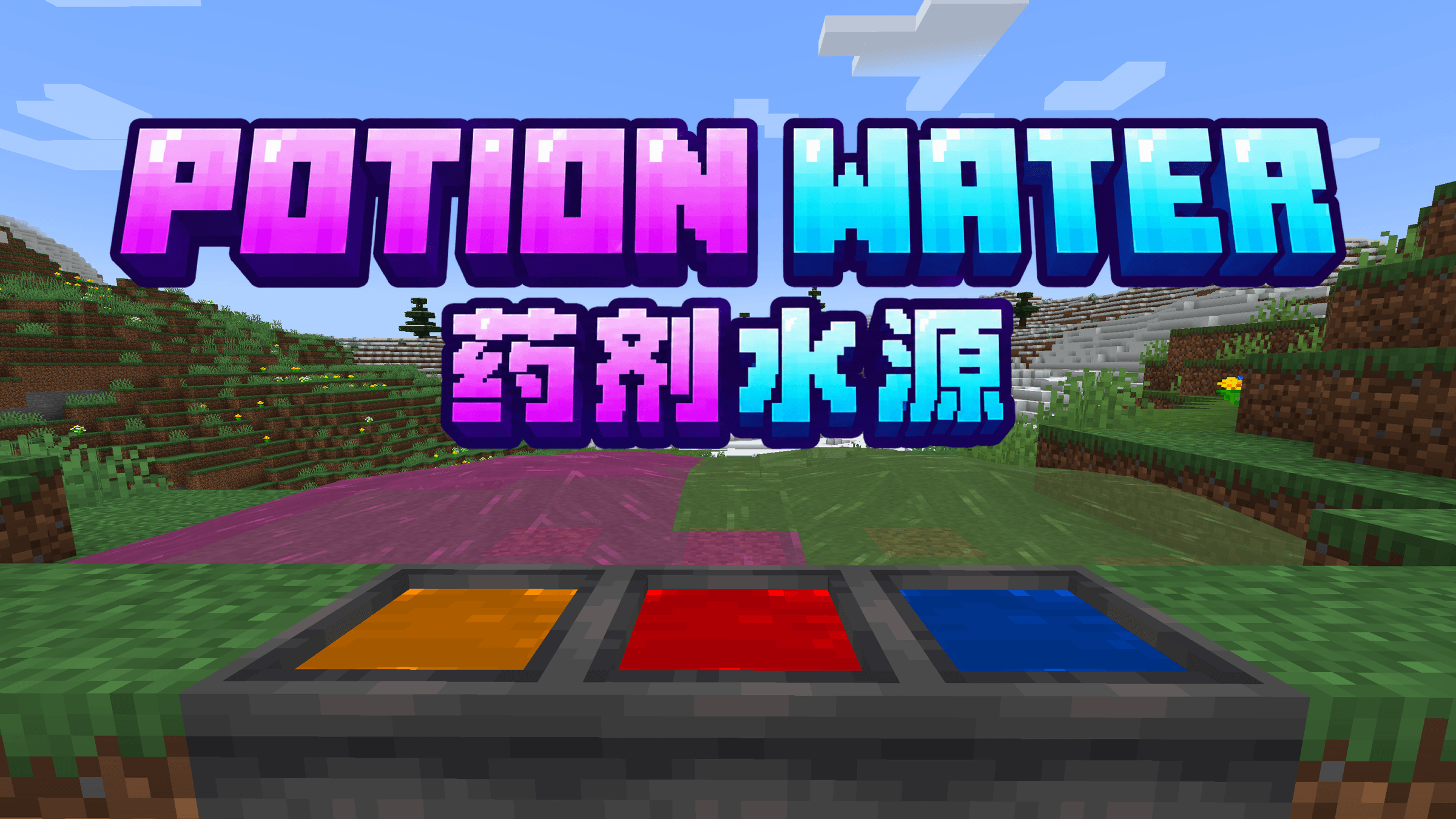
Turn small pools into colorful potion water with splash or lingering potions, then carry it anywhere in a bucket.
截图
介绍
Turn a small pool into a potion you can step into.
Throw a splash or lingering potion into water to give the pool lasting color and effects. Players and mobs gain those effects on contact.
Build a regeneration bath, a swiftness stream, or a poison moat. Carry it in a bucket, or fill glass bottles to take the potion with you.
Features
- Potion pools: Infuse up to 128 connected water blocks, preserving potion levels and durations. Larger bodies of water remain unchanged.
- Water interactions: Use potion water with cauldrons, dispensers, waterlogged blocks, dripstone, infinite sources, and fire extinguishing. It evaporates in the Nether.
- Potion stone: Lava reactions produce potion-marked stone, cobblestone, and obsidian. Breaking these blocks or their infested variants releases a lingering potion cloud.
- Potion portals: Matching potion-marked obsidian frames apply their effects when you arrive in the Nether, using the lowest level and shortest duration. Corners are ignored.
- Infused catches: Food caught in potion water grants its effects when eaten, even after cooking.
- Dyed water: Drop dyes into a small pool to recolor it without removing its effects. Buckets and bottles keep the color; blue dye mimics ordinary water.
- Modded potions: Supports compatible potions that use vanilla potion items.
Support Version
NeoForge · Minecraft 1.21.1 and 26.1.2
Modpacks
You are welcome to include Potion Water in Java Edition modpacks. No additional permission is required.
If you encounter a bug, have a feature request, or want to suggest a new combat mechanic, please leave a comment on the CurseForge project page.
When reporting a problem, please include your Minecraft version, mod version, and the steps needed to reproduce it.
常见问题
Potion Water 支持哪些 Minecraft 版本?
Potion Water 支持 Minecraft Java 版 1.21.1–26.1.2,共 2 个版本,可用的加载器:NeoForge。下载时注意选择和你游戏版本一致的文件。
Potion Water 怎么安装?
先用 PCL2 或 HMCL 启动器安装对应版本的 NeoForge,再把下载的 .jar 文件放进游戏目录的 mods 文件夹,重新启动游戏即可。开启了版本隔离的,mods 文件夹在 versions/版本名 下面。
theRealmOfZero 的其他作品
查看全部 →
rzero’s Armament
An evolving combat mod that reimagines Minecraft’s weapons with new enchantments and mechanics.
rzero’s Rides
Enchant entity rides such as boat and carts, then use them in different way.
Probabilistic Injury
A mod that will give every injury a probabilistic to Immune to the damage or instant dead, let fate decide your life

rzero’s Nonsense Collection
A mod that is full of nonsense items and blocks, created by theRealmOfZero.
评论
登录后评论和评分