截图
介绍
Portal Prep
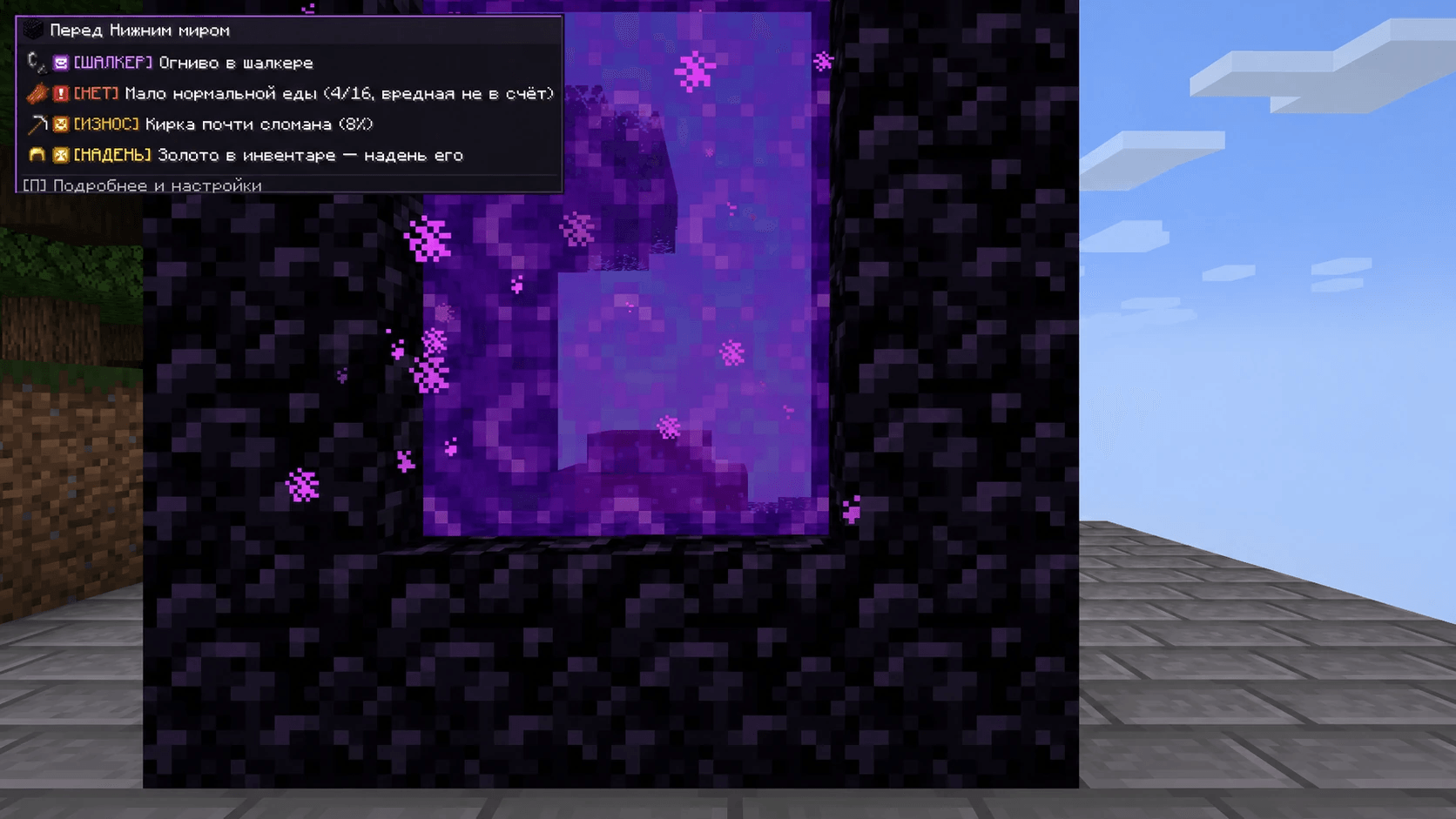
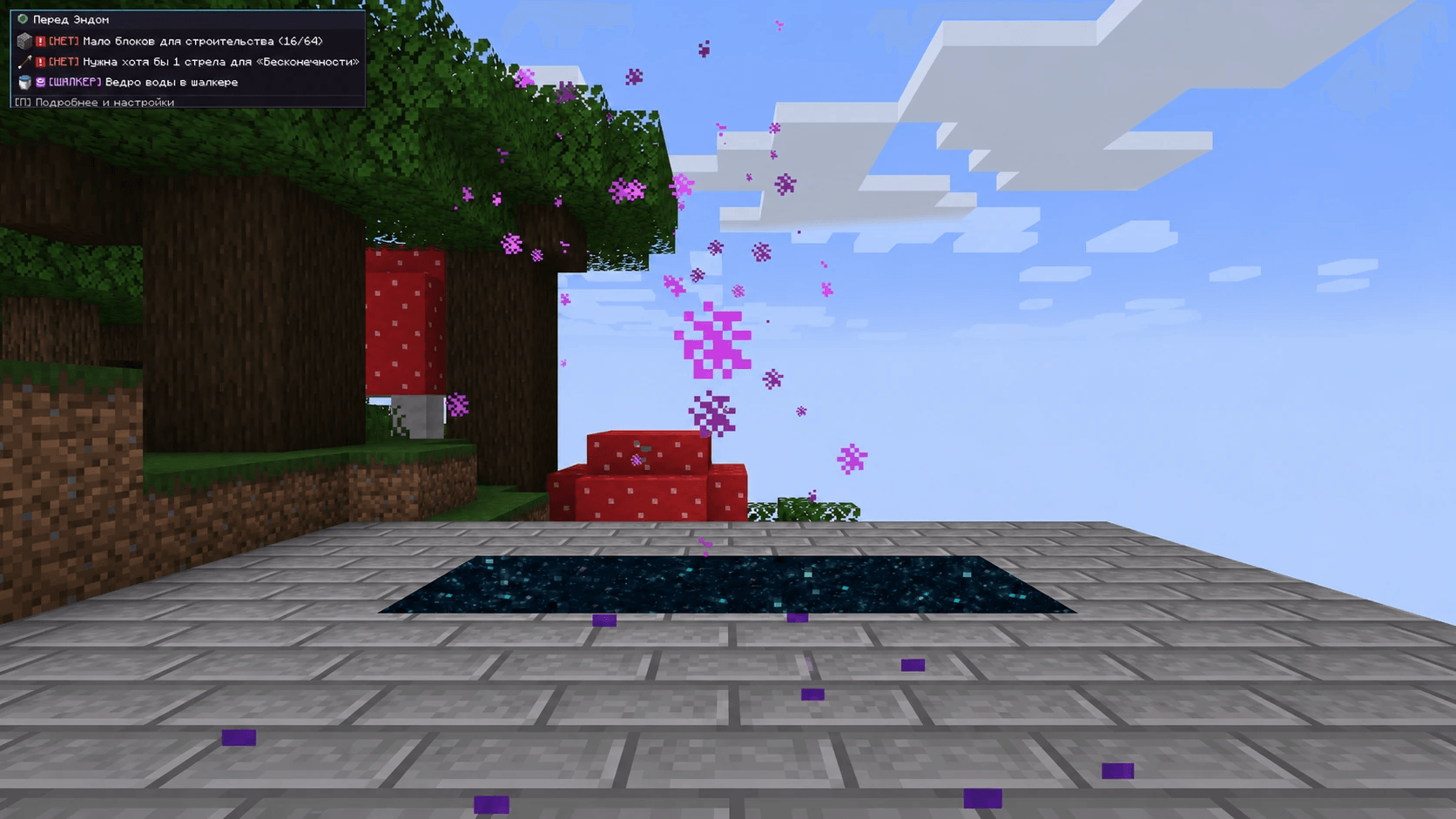
A small checklist appears when you approach a portal. Portal Prep checks supplies, equipment durability and items in vanilla shulker boxes. The Nether and End have separate checklists.
Checks
- Nether: ignition source, food, a usable pickaxe and worn gold armor.
- End: building blocks, a bow or crossbow, ammunition and a water bucket, plus food and equipment.
- An Infinity bow still needs one arrow. Sand and gravel do not count as safe building blocks; harmful food does not count toward the food supply.
- A healthy spare pickaxe counts. Items packed in shulkers are marked separately instead of being treated as already equipped.
Settings
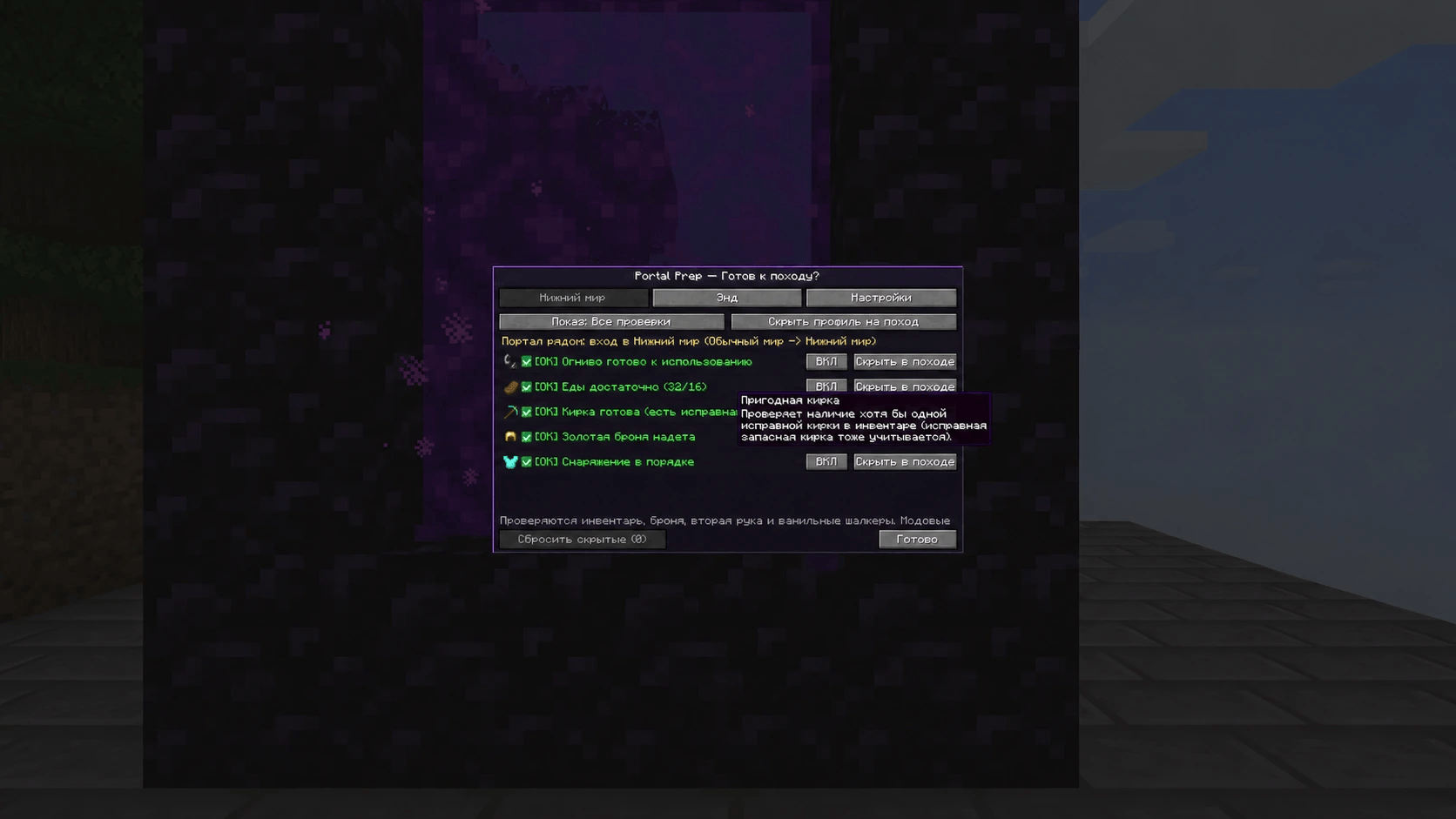
Press G to open the full checklist and settings. The key can be changed in Minecraft controls. Toggle checks individually, change thresholds and HUD placement, or hide a warning for the current trip.
Temporary trip mutes reset when you return to the Overworld, leave the world or use the reset button. The portal detector distinguishes an outbound trip from a return portal, End exit or gateway.
Requirements
Client only: Minecraft Java 1.20.1, Forge 47.1.0+ and Java 17. No extra mods. The server does not need Portal Prep.
Checks the inventory, armor, offhand and vanilla shulker contents. Inventories from third-party backpack mods are not guaranteed. Russian and English interfaces are included.
Created by DEPTANA.
По-русски
Рядом с порталом появляется список того, чего не хватает. Мод проверяет припасы, износ снаряжения и вещи в ванильных шалкерах. Для Нижнего мира и Энда — отдельные списки. Ненужные проверки можно отключить.
Только на клиент. Minecraft Java 1.20.1, Forge 47.1.0+ и Java 17. Настройки открываются клавишей G (П в русской раскладке).
常见问题
Portal Prep 支持哪些 Minecraft 版本?
Portal Prep 支持 Minecraft Java 版 1.20.1,可用的加载器:Forge。下载时注意选择和你游戏版本一致的文件。
Portal Prep 怎么安装?
先用 PCL2 或 HMCL 启动器安装对应版本的 Forge,再把下载的 .jar 文件放进游戏目录的 mods 文件夹,重新启动游戏即可。开启了版本隔离的,mods 文件夹在 versions/版本名 下面。
DEPTANA 的其他作品
查看全部 →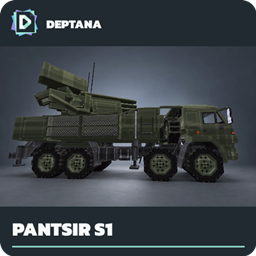
DEPTANA Smart Pantsir-S1
Autonomous air defense for the Pantsir-S1 from Vintage Vehicle Pack.
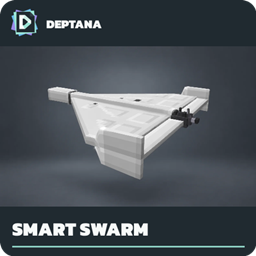
DEPTANA Smart Shahed Swarm
Select and launch a group of Shahed-136 drones from one WarBorn Drones radio.
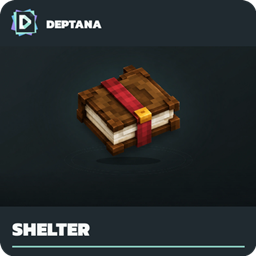
DEPTANA Villager Shelter
Mark shelters and help villagers take cover during nearby military activity.
评论
登录后评论和评分