
截图
介绍
Portal Glimpse
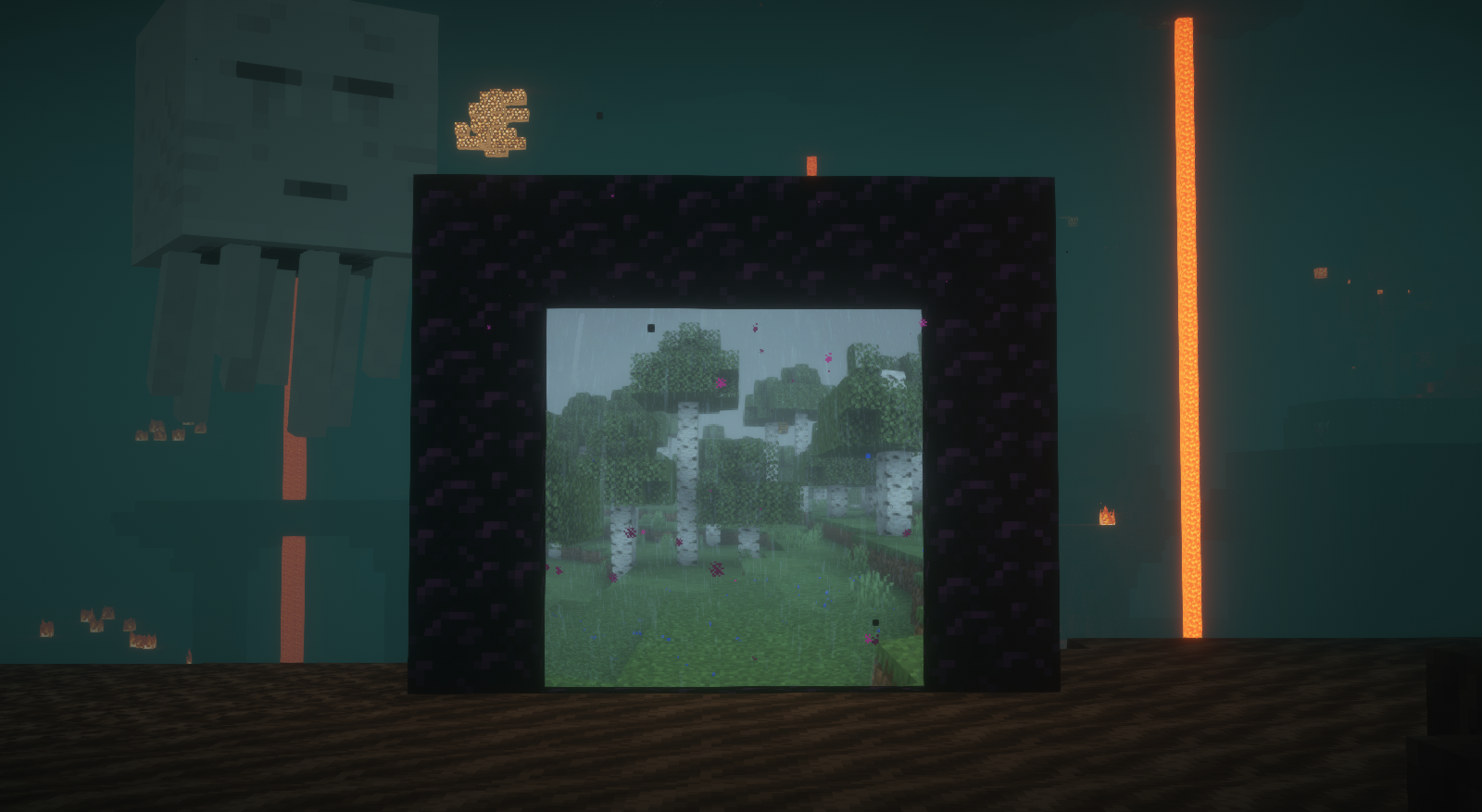
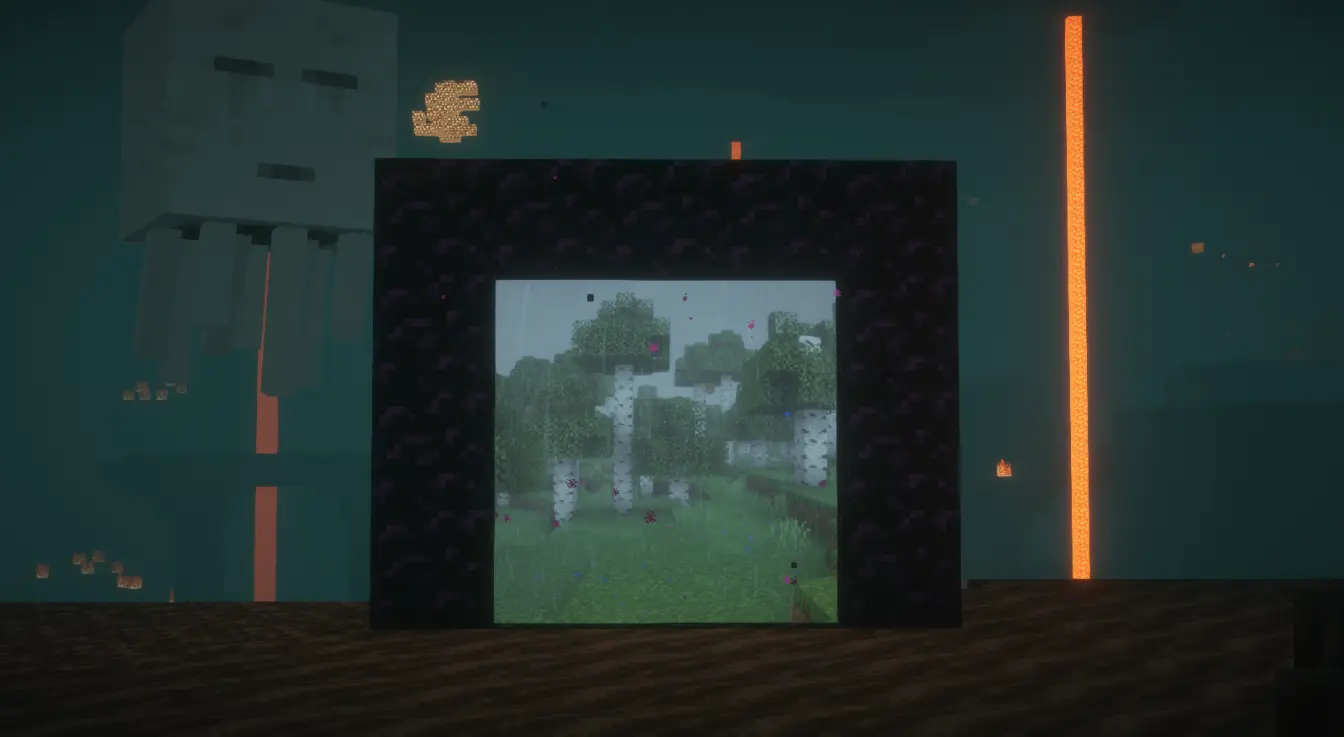
Nether portals show you where they lead.
How it works
Travel through a portal and Portal Glimpse quietly photographs the other side. From then on, that portal shows the destination instead of a purple screen.
You only ever see places you have actually been.
- Walk up to a portal and the view shifts with real perspective
- Step back and it settles into a still image
- Stand inside one and you appear to be standing in the destination

Shaders
Tested and calibrated per pack, with the level of support shown in the settings.
- BSL — full support
- Photon — full support
- Solas — partial, some edge artifacts
Other packs still work, but are uncalibrated and may look too dark or washed out. Sodium is supported throughout.
Showcase
Settings
In game
A small portal beside Advancements in the pause menu opens the settings. Right-drag it to move it, or turn it off entirely.
Worth knowing
- Captured images are stored per world and per server
- The settings screen shows how much disk they use, and can clear them per world
- The portal swirl, view distance, and capture quality are all adjustable
Notes

- Requires Fabric API and Cloth Config
- This is a beta. It works, but expect rough edges
- If you face any bugs, come directly to my discord and tell me about it : rinke_
常见问题
portal glimpse 支持哪些 Minecraft 版本?
portal glimpse 支持 Minecraft Java 版 1.21–1.21.1,共 2 个版本,可用的加载器:Fabric。下载时注意选择和你游戏版本一致的文件。
portal glimpse 怎么安装?
先用 PCL2 或 HMCL 启动器安装对应版本的 Fabric,再把下载的 .jar 文件放进游戏目录的 mods 文件夹,重新启动游戏即可。开启了版本隔离的,mods 文件夹在 versions/版本名 下面。运行环境:仅客户端。
rinke 的其他作品
查看全部 →
animated axolotl
subtle animation for the axolotl

bruh
well its a pack that has a lot of mods in it

Iron Grate
adds the iron grate to the game

HotbarReplace (Unofficial port)
Refills placed blocks in your hotbar when you run out with the same type of block from your inventory, Unofficial port
评论
登录后评论和评分