
Ponified
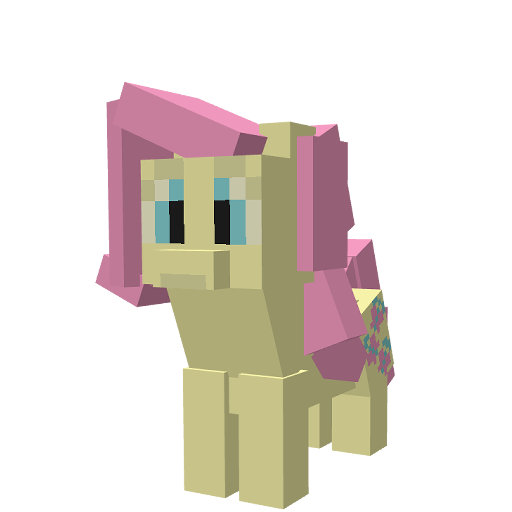
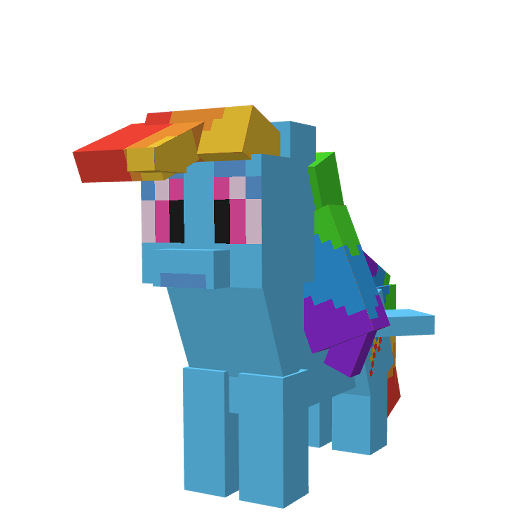
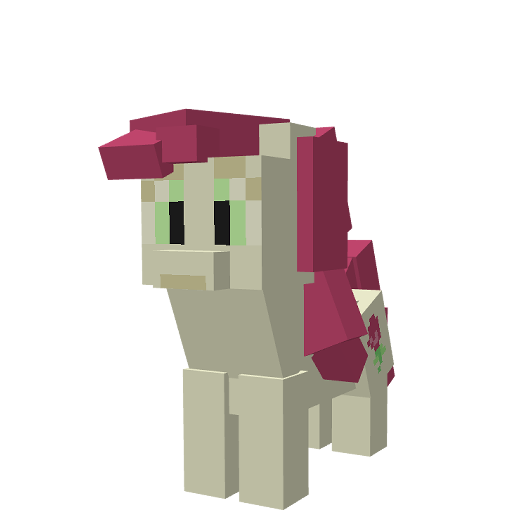
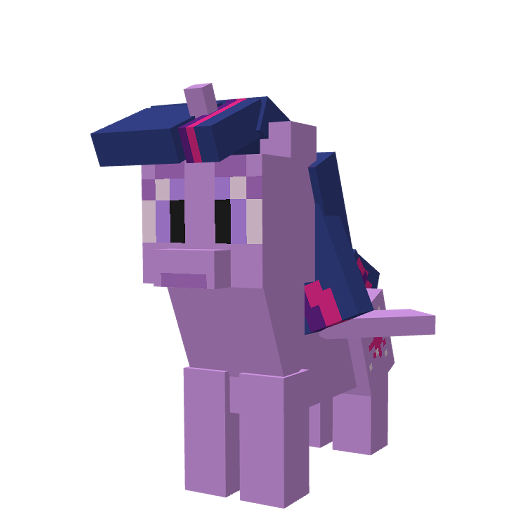
Ponified is a mod that brings adorable plush ponies into your Minecraft world! Each plush pony is tied to unique achievements inspired by beloved characters. Explore the world, and enjoy collecting them!
截图
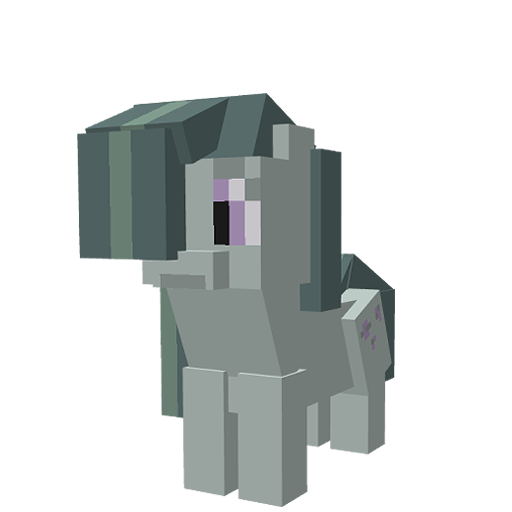
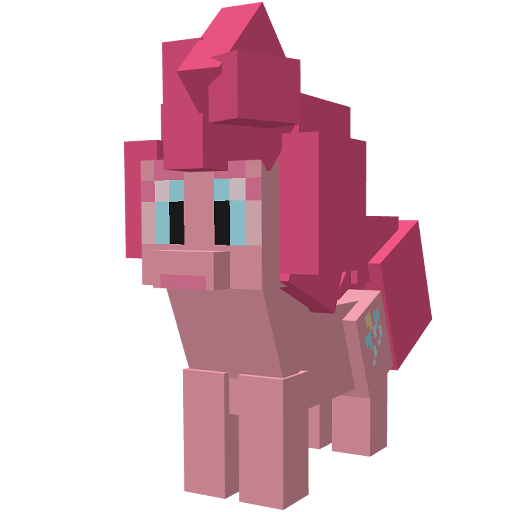
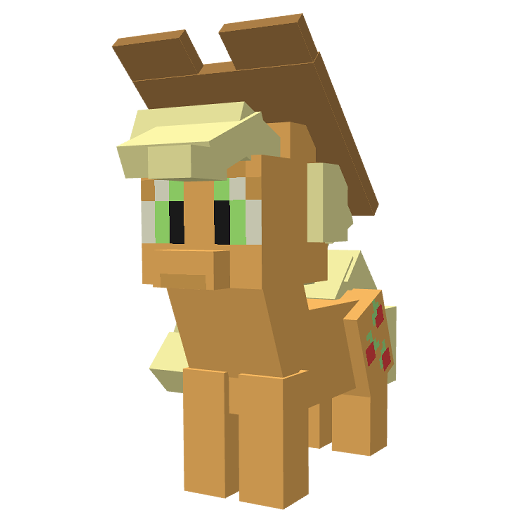
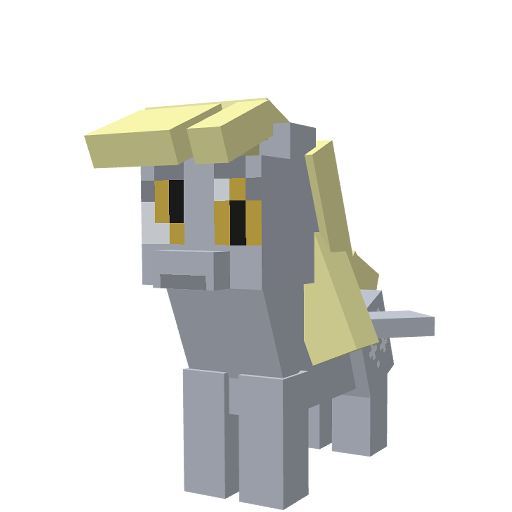


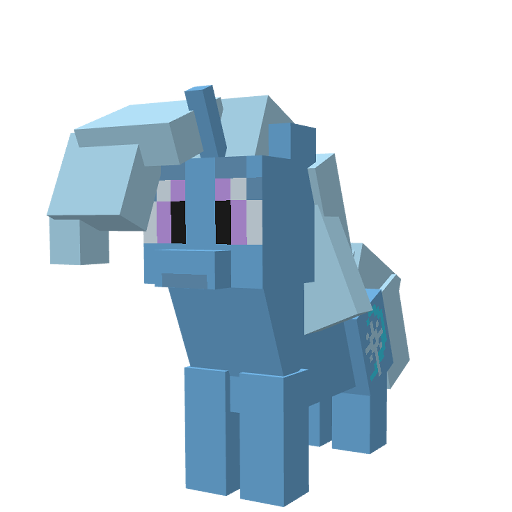
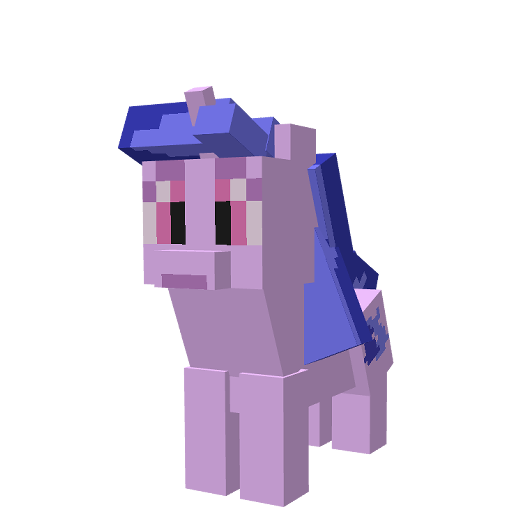
介绍
Discover the Magic of Ponified Minecraft!
Step into a world of charm and collectibles with Ponified! This mod transforms your Minecraft experience with adorable plush ponies, each tied to unique achievements inspired by beloved characters. Adventure awaits as you explore, collect, and display your growing collection of pony plushies!
Features:
🎁 Plushie Collectibles:
Unlock adorable plush ponies by completing unique achievements
inspired by your favorite characters.
Each plushie holds its own charm and story—can you find them all?
🏆 Achievement-Driven Gameplay:
Engage in tasks that reflect the character traits of iconic ponies.
Whether it’s an act of kindness, creativity, or bravery,
each achievement leads to a new collectible!
🌈 Decorate Your World:
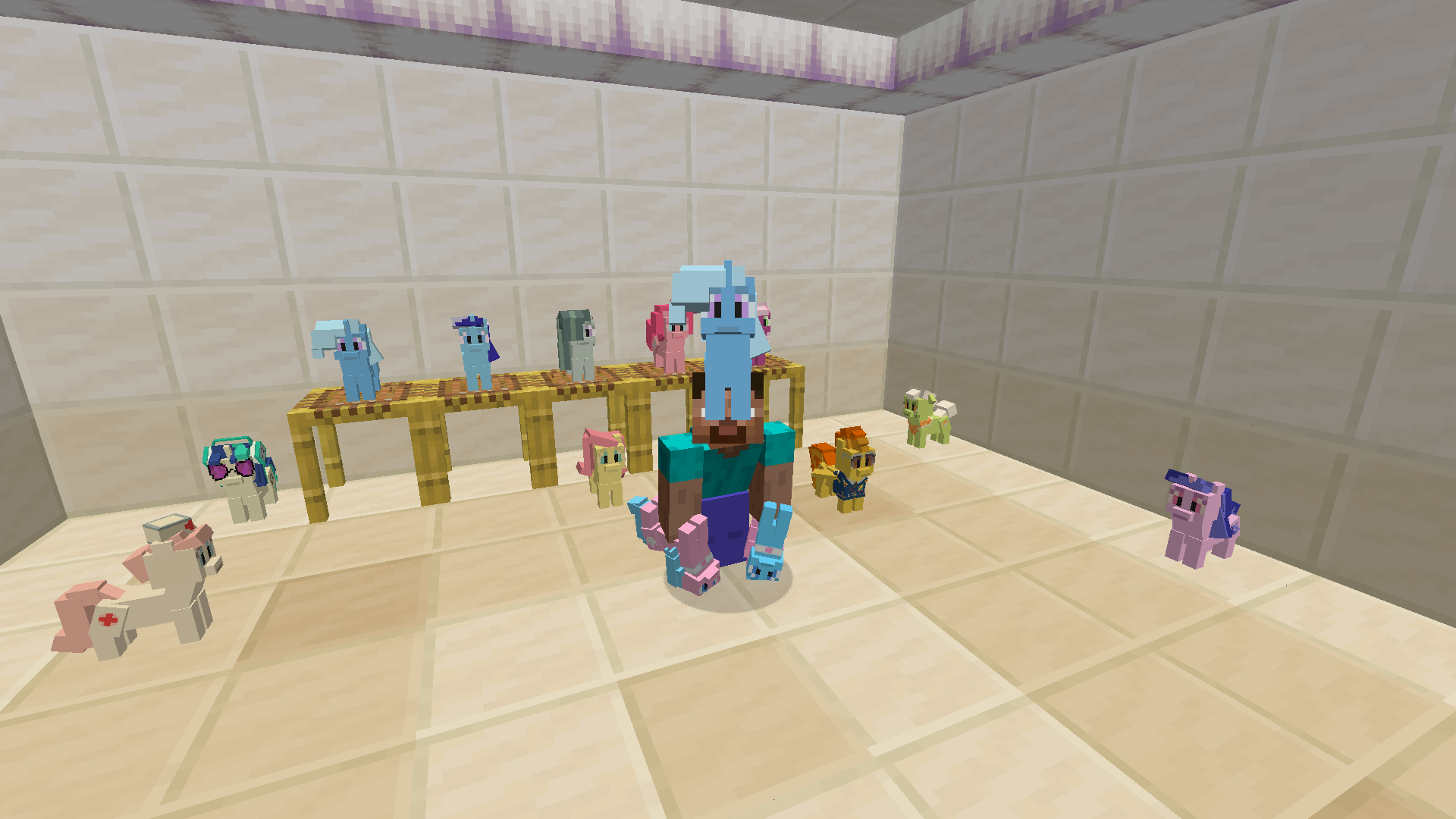
Showcase your collection of plush ponies as decorations in your builds
or create a dedicated display area to celebrate your achievements.
What’s New in Version 0.3?
🏆 More Achievements:
New challenges have been added to test your creativity and exploration skills.
A Focused Experience:
Ponified now centers around plushie collectibles and achievement-based gameplay.
Previous features such as kinds and abilities have been removed to refine the experience and improve performance.
P.S If you want more unique expirience, download those mods too:
If you encounter any bugs or issues, please report them directly on my GitHub Issues Page. Your feedback helps improve the mod for everyone!
Also!
I’m planning to add plushies inspired by your Original Characters (OCs) and ideas from the community. So if you have any ideas just click here!
Found a Bug? Let Me Know!
常见问题
Ponified 支持哪些 Minecraft 版本?
Ponified 支持 Minecraft Java 版 1.20.1,可用的加载器:Fabric / Forge。下载时注意选择和你游戏版本一致的文件。
Ponified 怎么安装?
先用 PCL2 或 HMCL 启动器安装对应版本的 Fabric / Forge,再把下载的 .jar 文件放进游戏目录的 mods 文件夹,重新启动游戏即可。开启了版本隔离的,mods 文件夹在 versions/版本名 下面。运行环境:客户端和服务端都要装。

评论
登录后评论和评分