
Polymesh
Polymesh is a Forge/NeoForge 1.20.1 client runtime for rendering glTF 2.0 models from mod resources.
截图
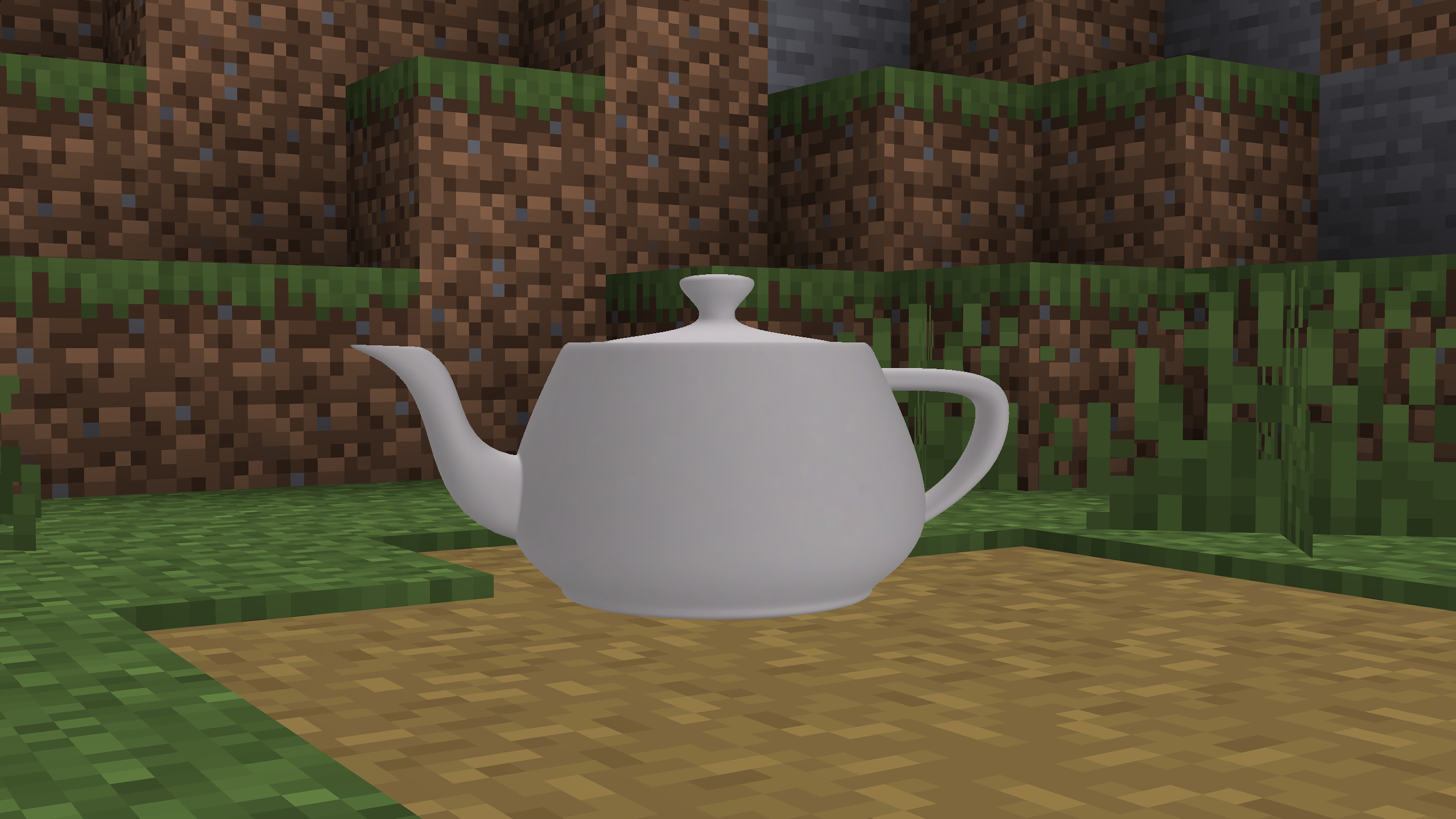
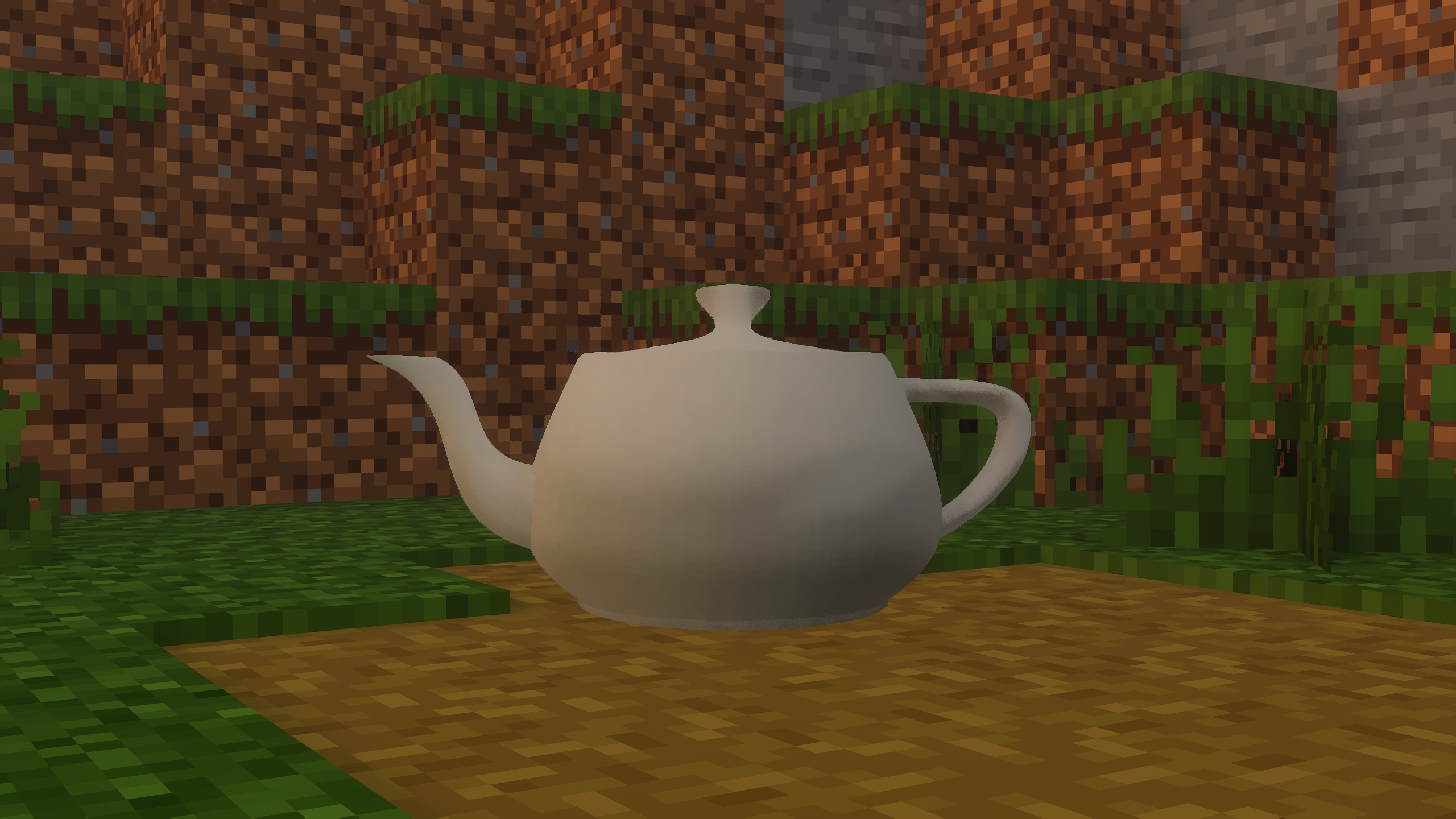
介绍
Polymesh
Polymesh renders glTF 2.0 models in Minecraft Forge and NeoForge 1.20.1.
Mods can use it to render items, entities, and block entities.
Install
If a mod uses Polymesh, install Polymesh.
Put polymesh-1.0.0-forge.jar in the Minecraft mods folder.
This file includes the jgltf and Jackson dependencies.
Model functions
- Load
.gltffiles with relative buffers and textures. - Load
.glbfiles with embedded textures. - Render static meshes, animated meshes, skins, and morph targets.
- Control animation speed and transitions between clips.
- Read node transforms and glTF
extrasmetadata. - Find morph targets by their Blender shape key names.
- Select entity and block entity models by camera distance.
The CPU calculates skin and morph deformation.
With an active Iris or Oculus shader pack, the default setting selects a Minecraft vertex consumer.
The shader pack controls the lighting.
Limits
The renderer does not apply emissive textures or metallic and roughness properties.
Items use the base model at all distances.
Polymesh does not calculate physics or mesh collisions.
Mod development
Read the developer guide for registration examples and API options.
License: LGPL-3.0-or-later.
常见问题
Polymesh 支持哪些 Minecraft 版本?
Polymesh 支持 Minecraft Java 版 1.20.1,可用的加载器:Forge。下载时注意选择和你游戏版本一致的文件。
Polymesh 怎么安装?
先用 PCL2 或 HMCL 启动器安装对应版本的 Forge,再把下载的 .jar 文件放进游戏目录的 mods 文件夹,重新启动游戏即可。开启了版本隔离的,mods 文件夹在 versions/版本名 下面。运行环境:仅客户端。

评论
登录后评论和评分