
Pokethelp
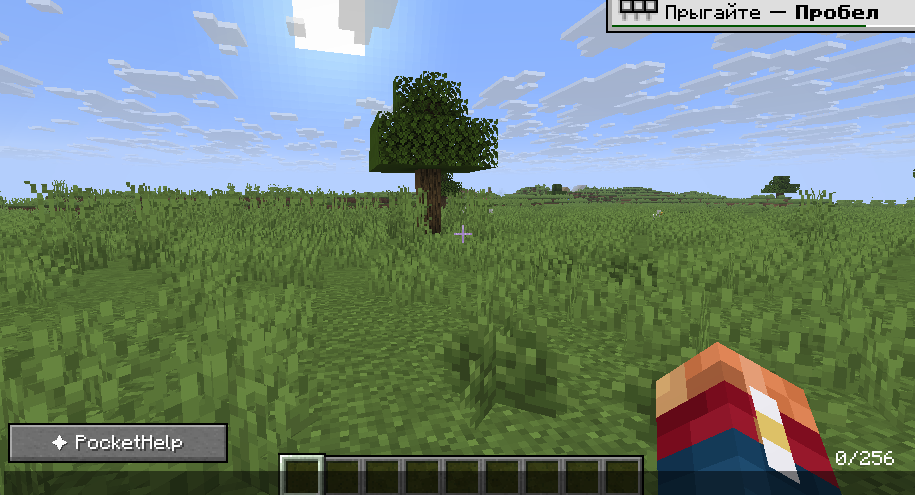
A client-side Fabric mod that provides an interactive interface for inserting Unicode symbols, special characters, formatting codes, and other text elements into Minecraft chat.
截图
介绍
PocketHelp
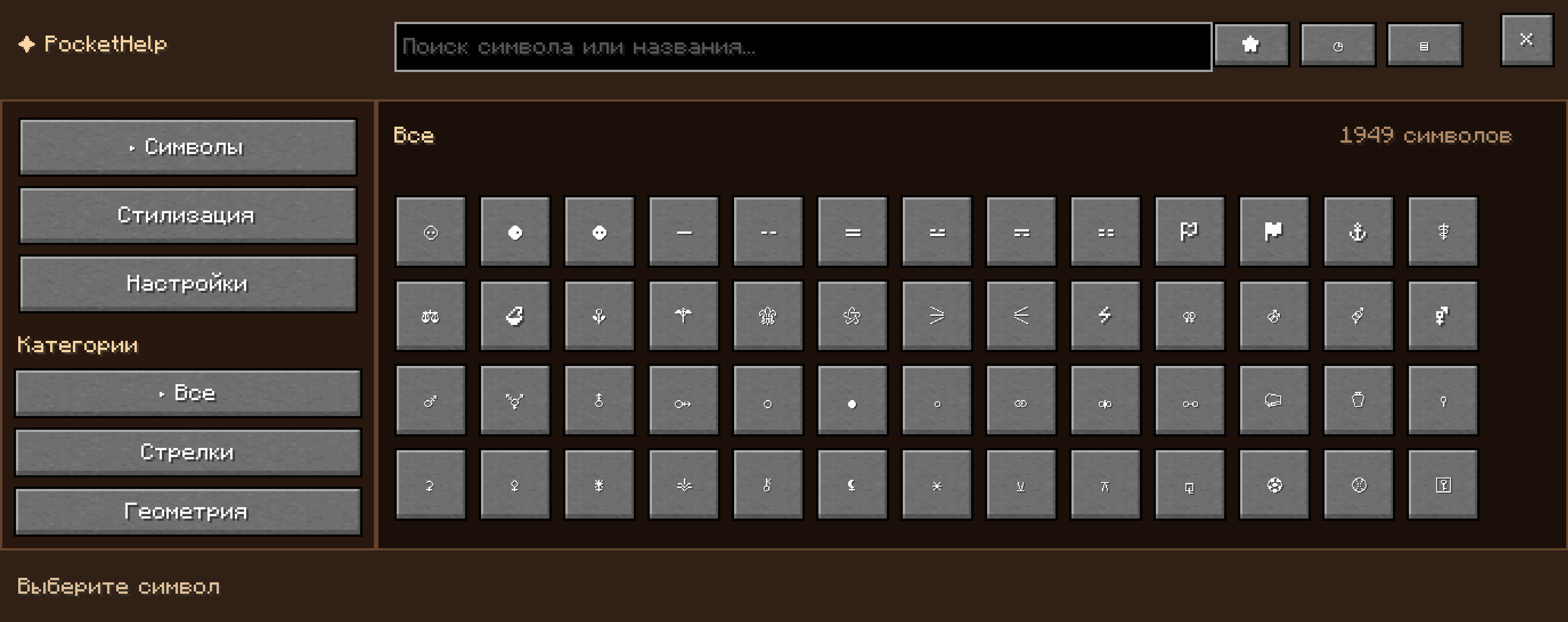
PocketHelp is a client-side Fabric mod for Minecraft that provides an interactive interface for inserting Unicode symbols, special characters, decorative characters, and text formatting codes into chat.
Features
Browse symbols by category
Search symbols by name
Insert symbols directly into the chat
Favorites
Recently used symbols
Text formatting codes
Color codes
Support for Minecraft chat formatting
Adjustable interface adapted to the game window
Client-side
PocketHelp is a client-side mod. It does not need to be installed on the server.
Installation
Install Fabric Loader for Minecraft version 1.21.11 (it is recommended to use the latest version of Fabric Loader for this release).
Download and install Fabric API for Minecraft 1.21.11:
You can download it from the official CurseForge or Modrinth websites.
The Fabric API version must match the game version 1.21.11.
Download the latest version of the PocketHelp mod (compatible with 1.21.11).
Place both the mod .jar file and the Fabric API .jar file into the mods folder of your Minecraft client.
Launch the game using the Fabric profile.
Status
PocketHelp is currently in alpha/beta development. Some features may still change or contain bugs.
常见问题
Pokethelp 支持哪些 Minecraft 版本?
Pokethelp 支持 Minecraft Java 版 1.21.11,可用的加载器:Fabric。下载时注意选择和你游戏版本一致的文件。
Pokethelp 怎么安装?
先用 PCL2 或 HMCL 启动器安装对应版本的 Fabric,再把下载的 .jar 文件放进游戏目录的 mods 文件夹,重新启动游戏即可。开启了版本隔离的,mods 文件夹在 versions/版本名 下面。运行环境:仅客户端。
评论
登录后评论和评分