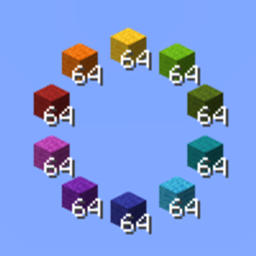
介绍
PocketPalette
Switch between related items without opening your inventory.
Hold the Palette key (default: <kbd>R</kbd>) and scroll to swap your selected hotbar item with another item from the same group. Only items you already have in your inventory are available.
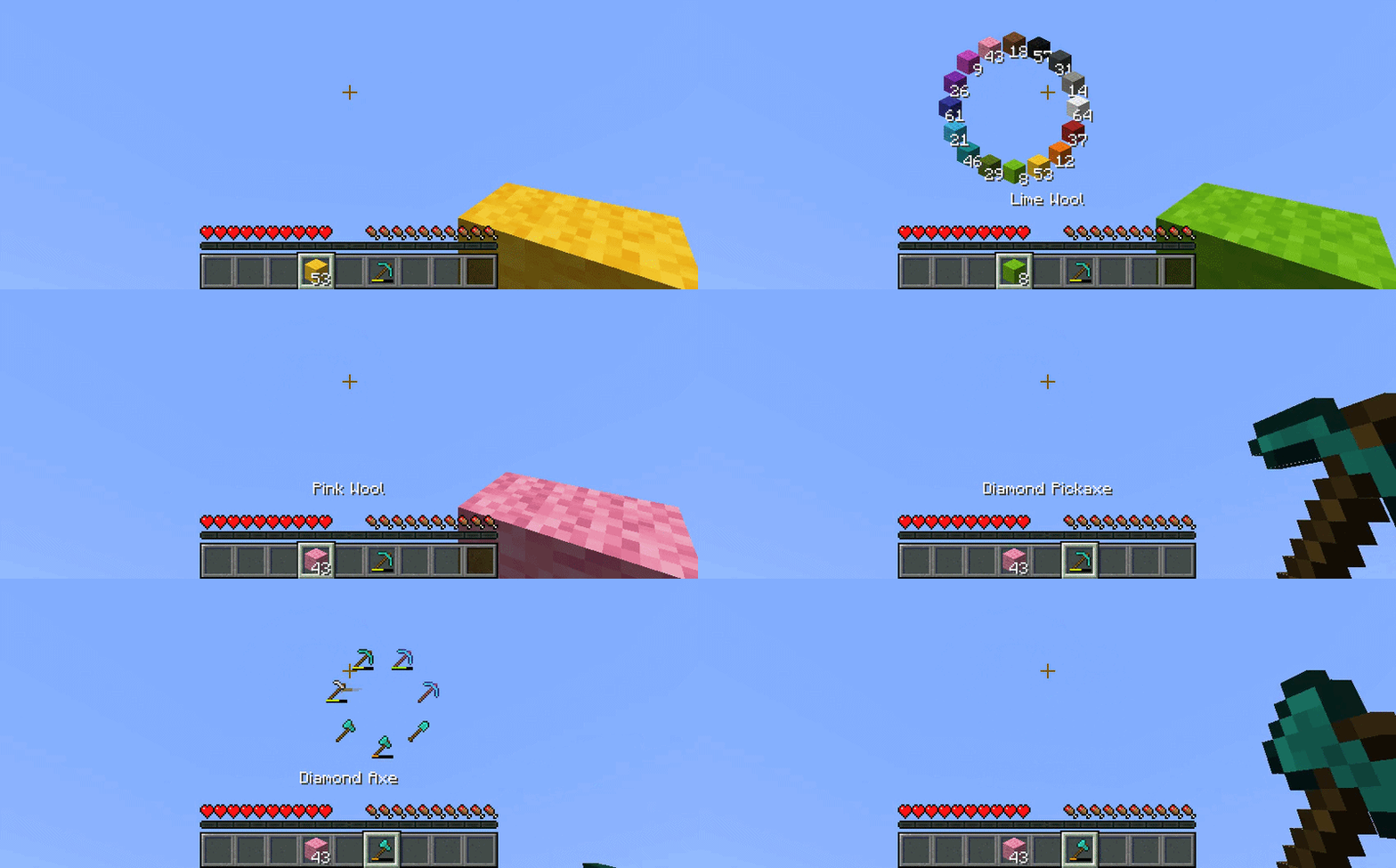
PocketPalette is a client-side mod for Survival and Creative. No server installation is needed.
Ready-to-use item groups are included. To customize a group, hover over an item in your inventory or a container and press the Palette key to open the editor. Your changes are saved automatically when you close it.
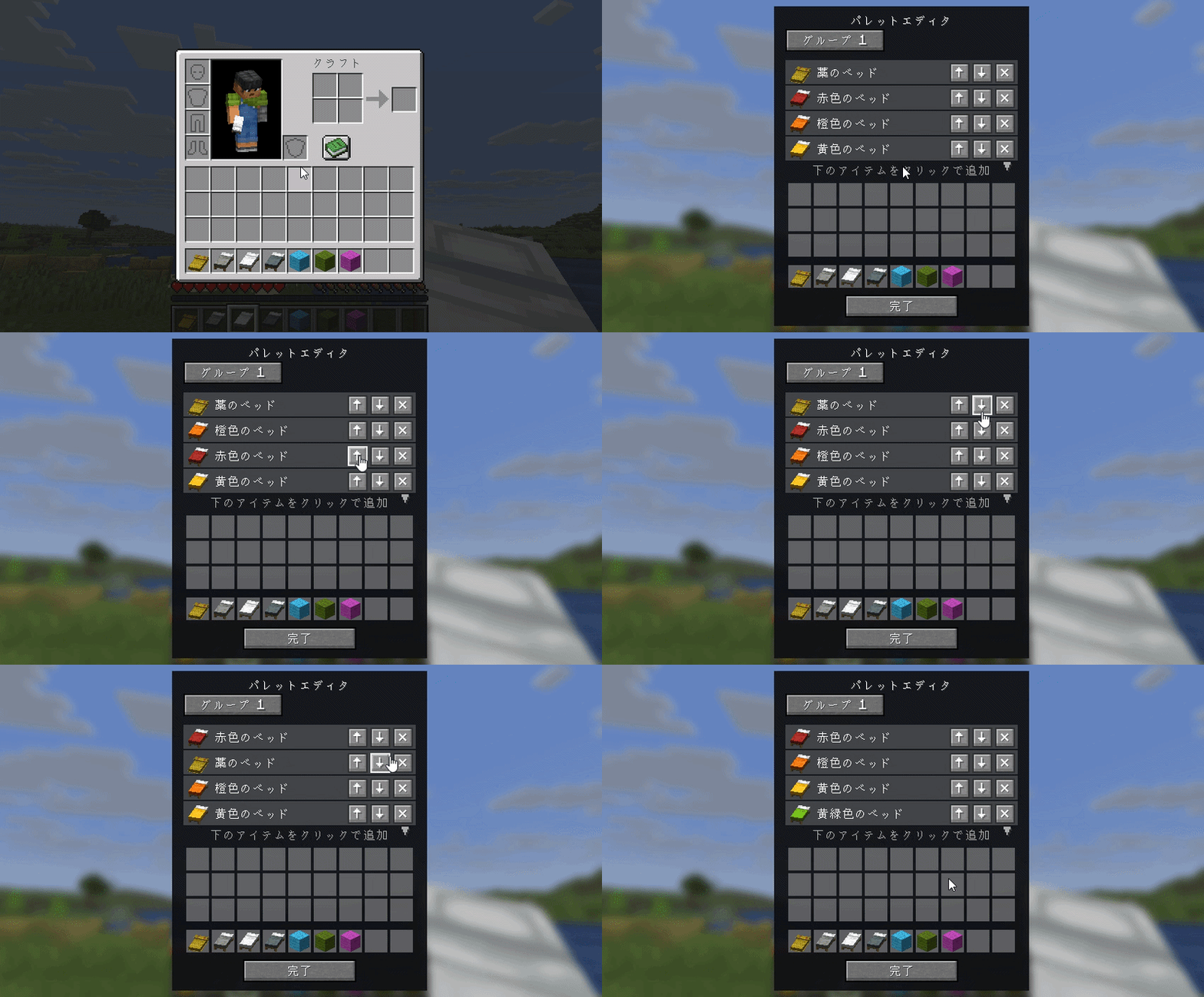
You can also edit config/PocketPalette-ItemGroups.json directly and run /pocketpalette reload to apply your changes.
This mod is a Survival-focused spin-off of the Palette feature from LotTweaks.
If both mods use the same Palette key, LotTweaks handles that key in Creative mode, and PocketPalette continues to work in Survival. To use PocketPalette in Creative alongside LotTweaks, assign it a different Palette key.
常见问题
PocketPalette 支持哪些 Minecraft 版本?
PocketPalette 支持 Minecraft Java 版 1.20.1–26.3,共 8 个版本,可用的加载器:Fabric / Forge / NeoForge。下载时注意选择和你游戏版本一致的文件。
PocketPalette 怎么安装?
先用 PCL2 或 HMCL 启动器安装对应版本的 Fabric / Forge / NeoForge,再把下载的 .jar 文件放进游戏目录的 mods 文件夹,重新启动游戏即可。开启了版本隔离的,mods 文件夹在 versions/版本名 下面。


评论
登录后评论和评分