
截图







介绍
Physically simulated weather in Minecraft, beautiful, huge, turbulent, realistic
All storms (scenarios) are physically simulated, and accurate to real life

Full charge separation simulation for realistic lightning activity

Physically accurate sky, atmosphere

Wide range of atmoshperic phenomena included

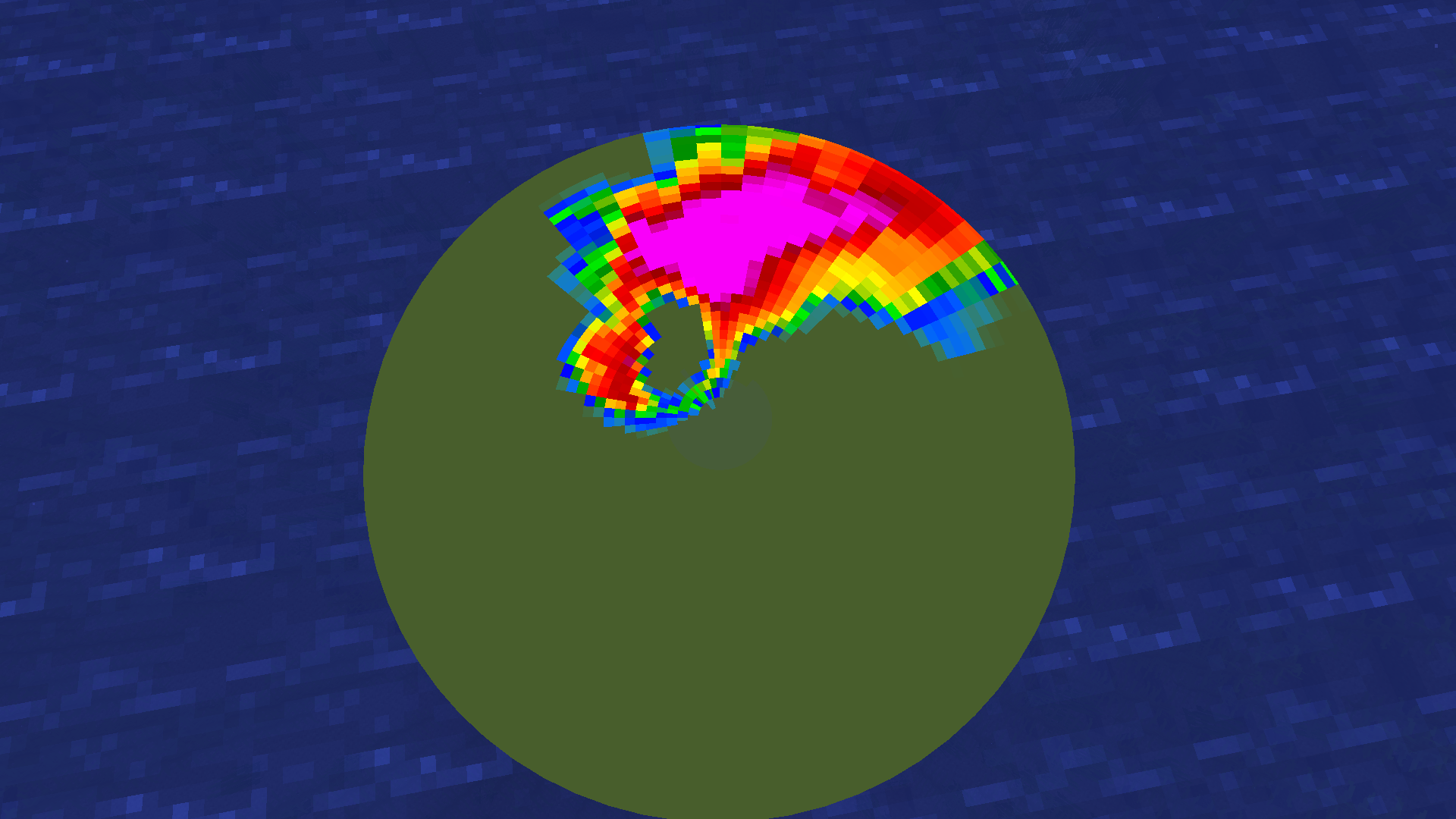
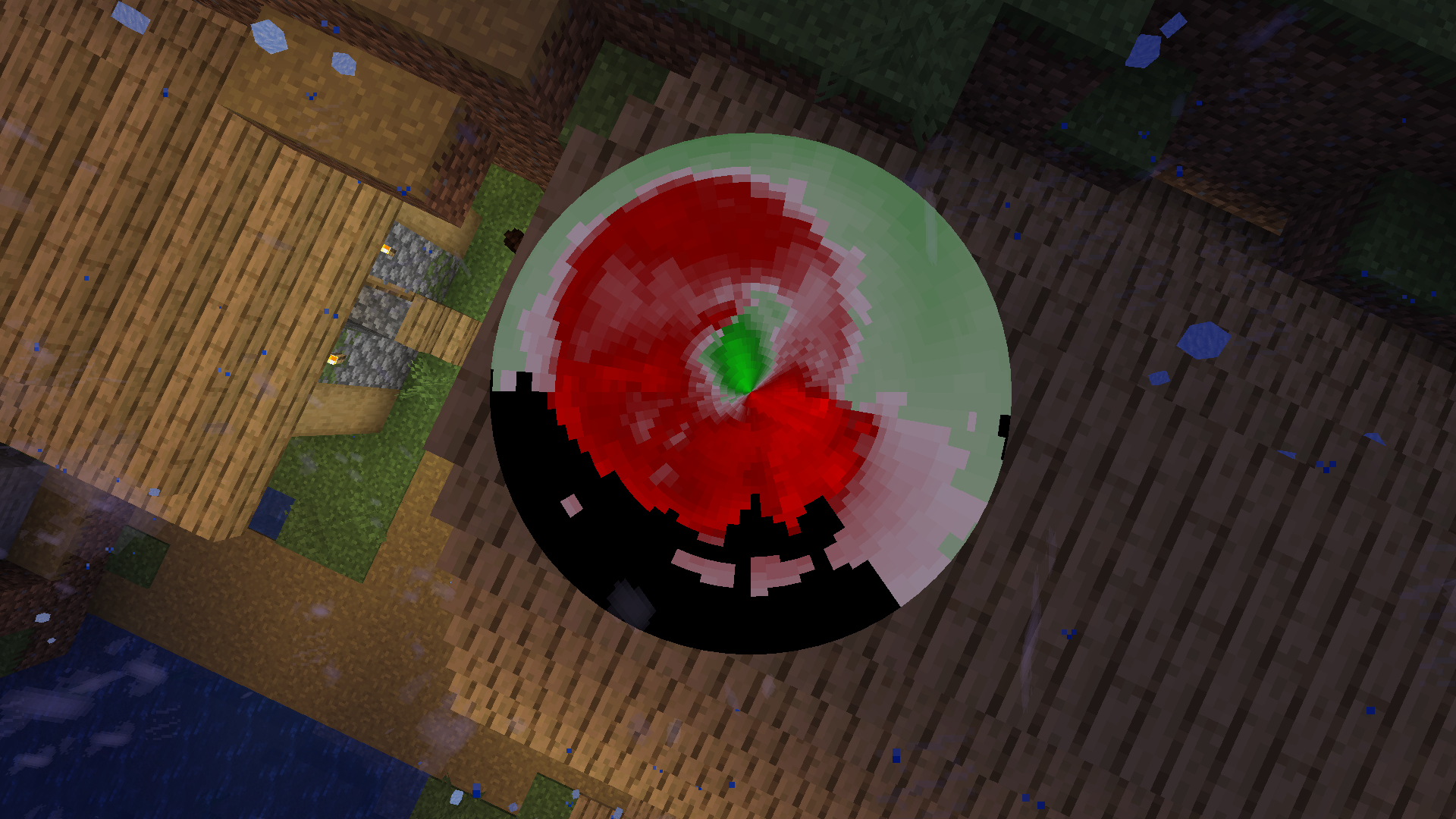
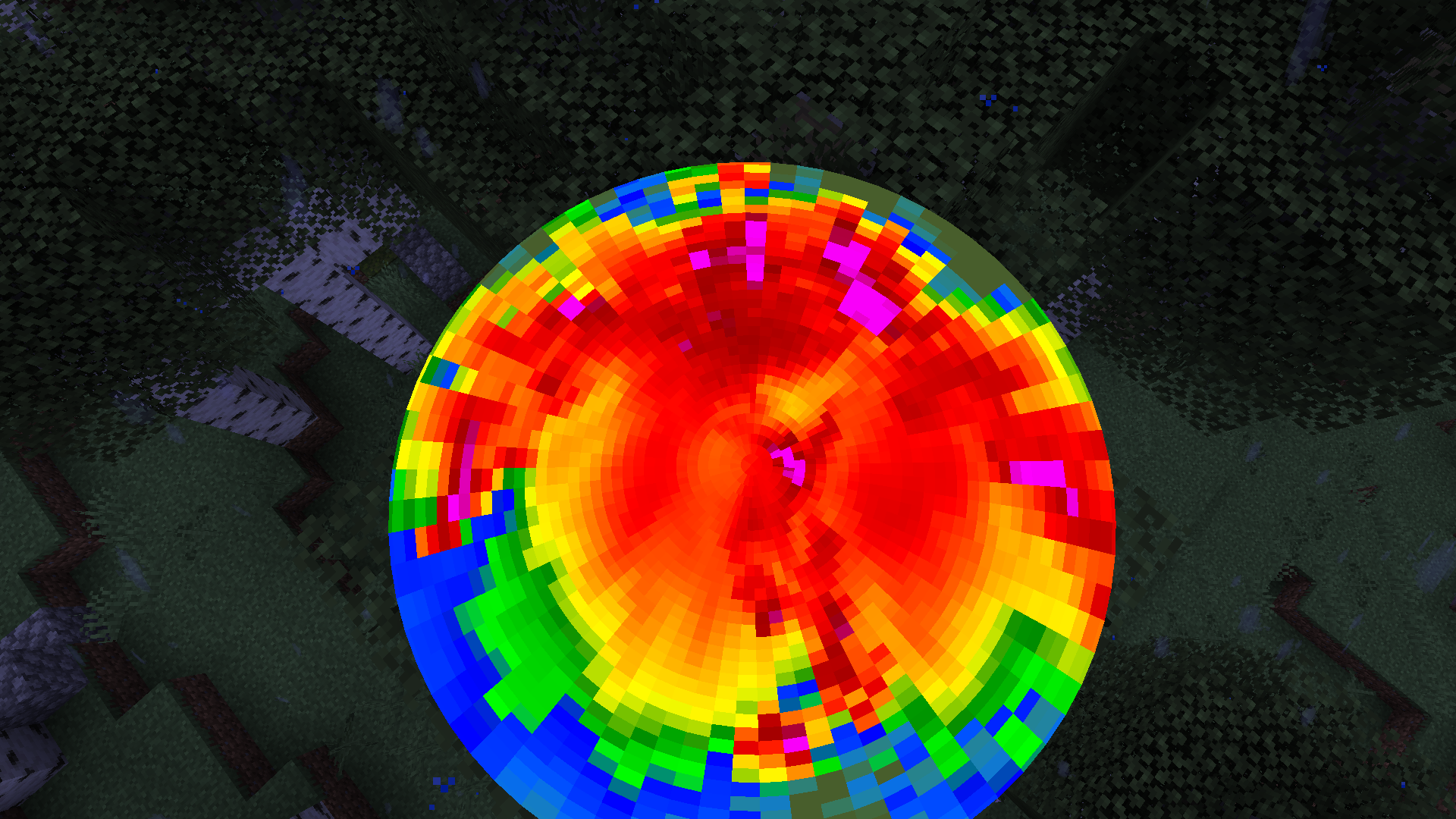
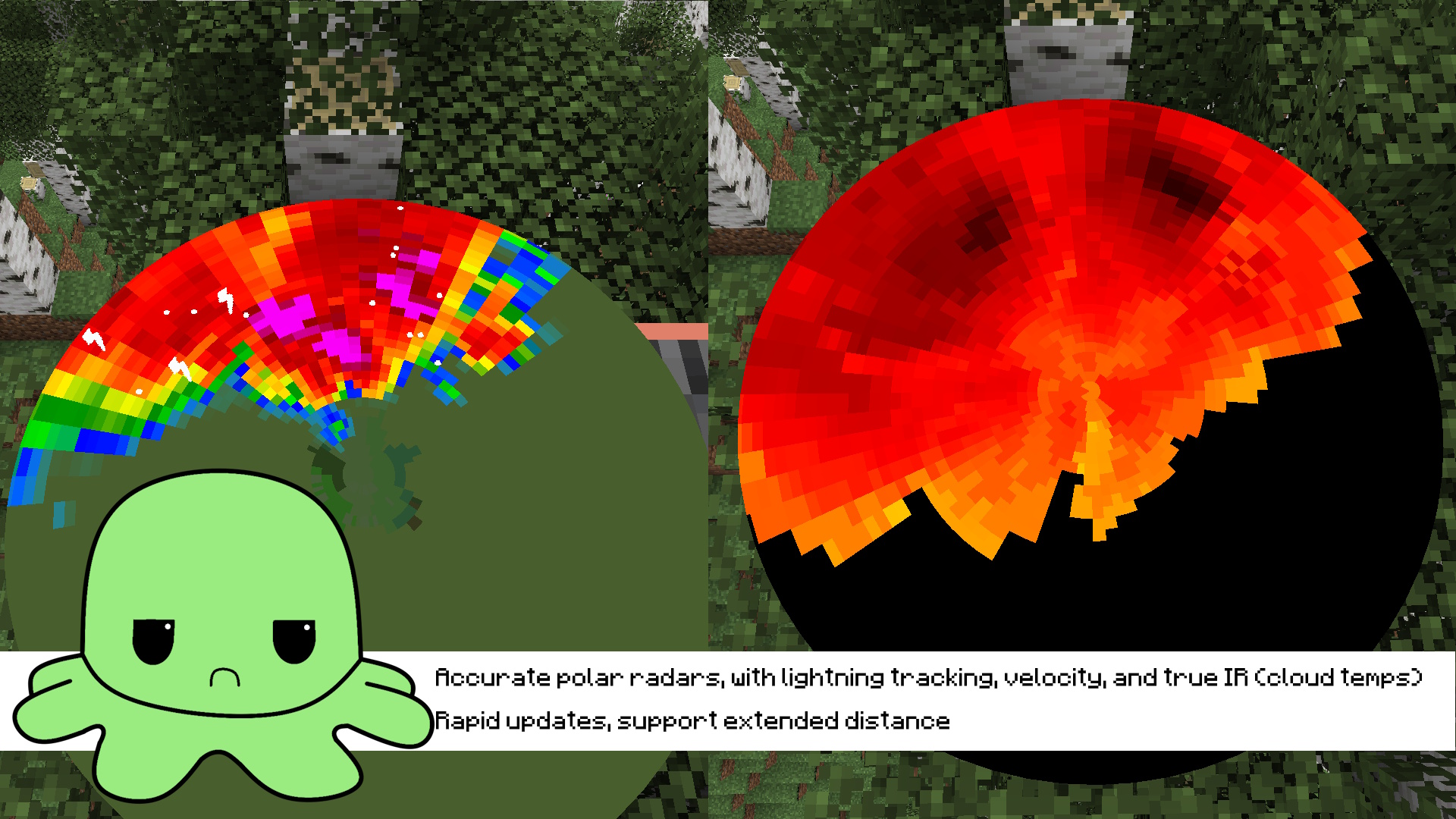
Accurate polar radars
Installation guide:
- Install Protomanly’s Weather 0.16.4
- Install this addon
- Download simulation pack from here: https://github.com/odvigajlo/PMWeatherCM1/releases/
- Put all simulations in .minecraft/config/pmweather/simulations (if those folders are missing, create them)
- Allocate _atleast_ 4GB of RAM in launcher to avoid OOM errors
- Enjoy! Wait for storms to spawn naturally or use /pmweather spawn scenario
RTX 3060+ is recommended for comfortable performance, if using worse GPU higher downsampling is needed
Known Issues:
LAN and Multiplayer may be unstable, they havent been fully tested!
Other addon support or mod compatibility not guaranteed!
常见问题
PMWeatherCM1 支持哪些 Minecraft 版本?
PMWeatherCM1 支持 Minecraft Java 版 1.21.1,可用的加载器:NeoForge。下载时注意选择和你游戏版本一致的文件。
PMWeatherCM1 怎么安装?
先用 PCL2 或 HMCL 启动器安装对应版本的 NeoForge,再把下载的 .jar 文件放进游戏目录的 mods 文件夹,重新启动游戏即可。开启了版本隔离的,mods 文件夹在 versions/版本名 下面。运行环境:客户端和服务端都要装。

评论
登录后评论和评分