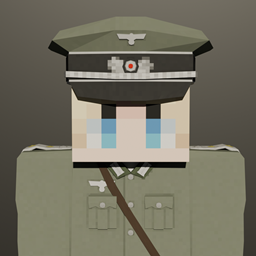
截图
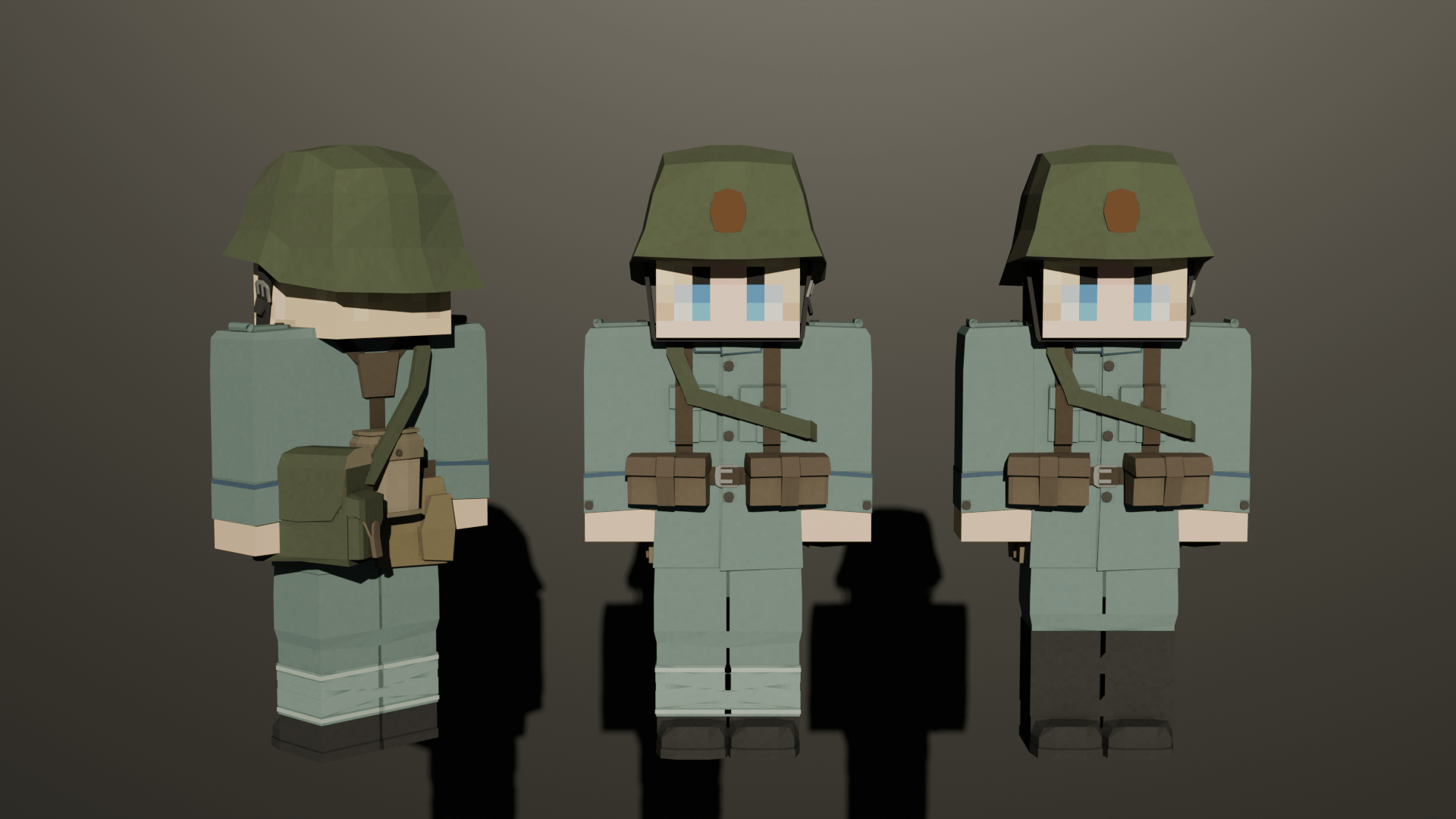
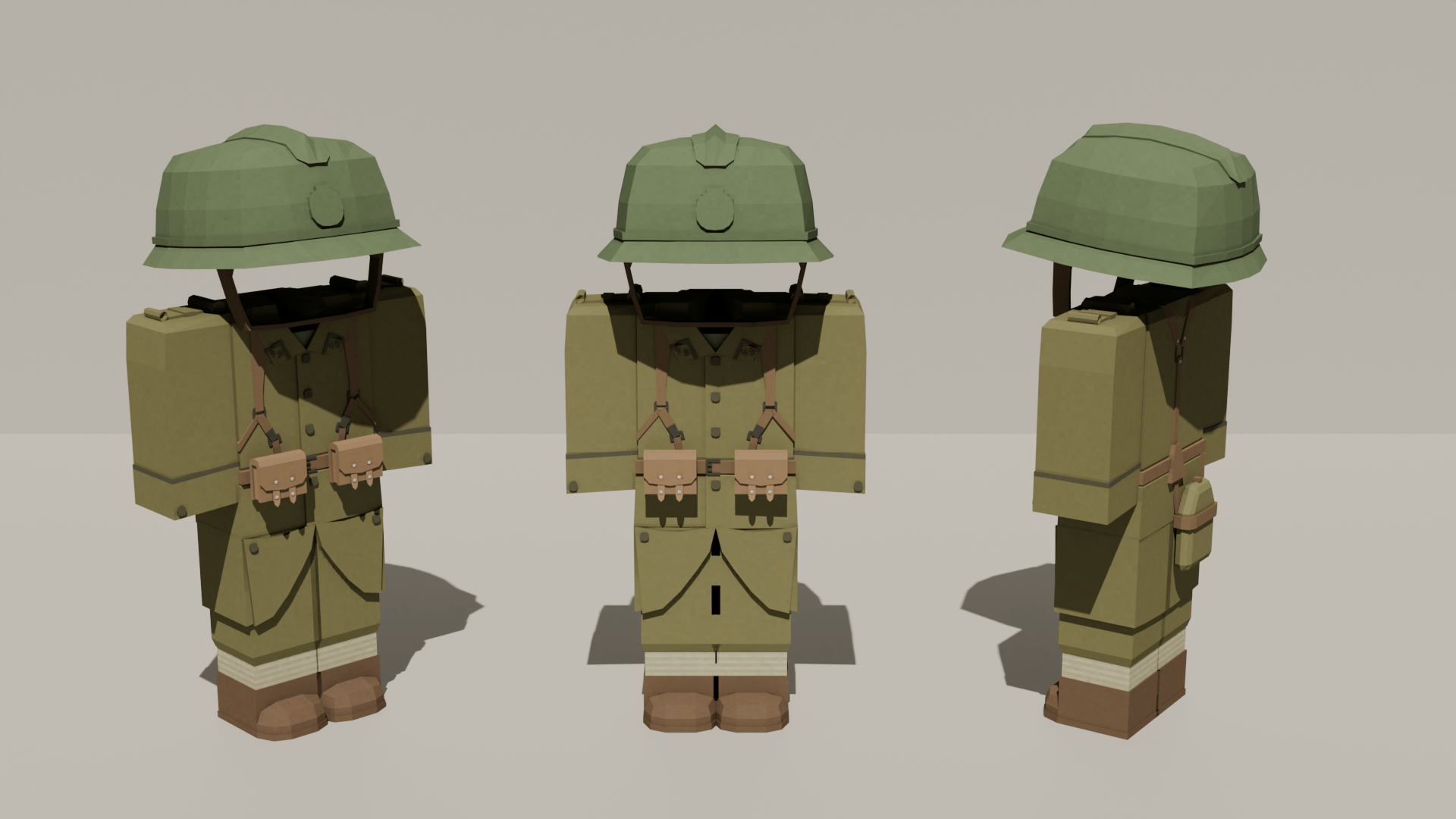
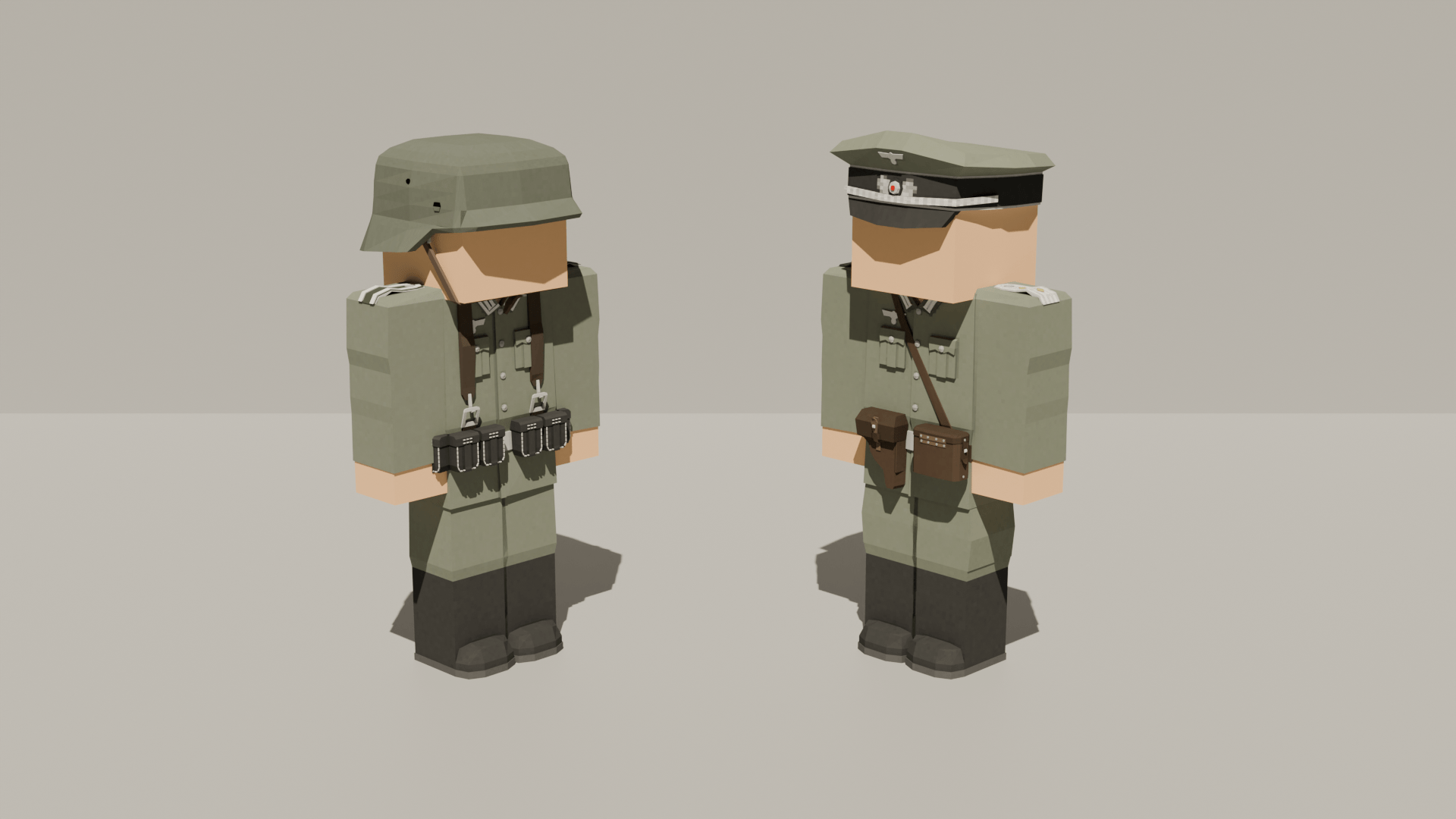
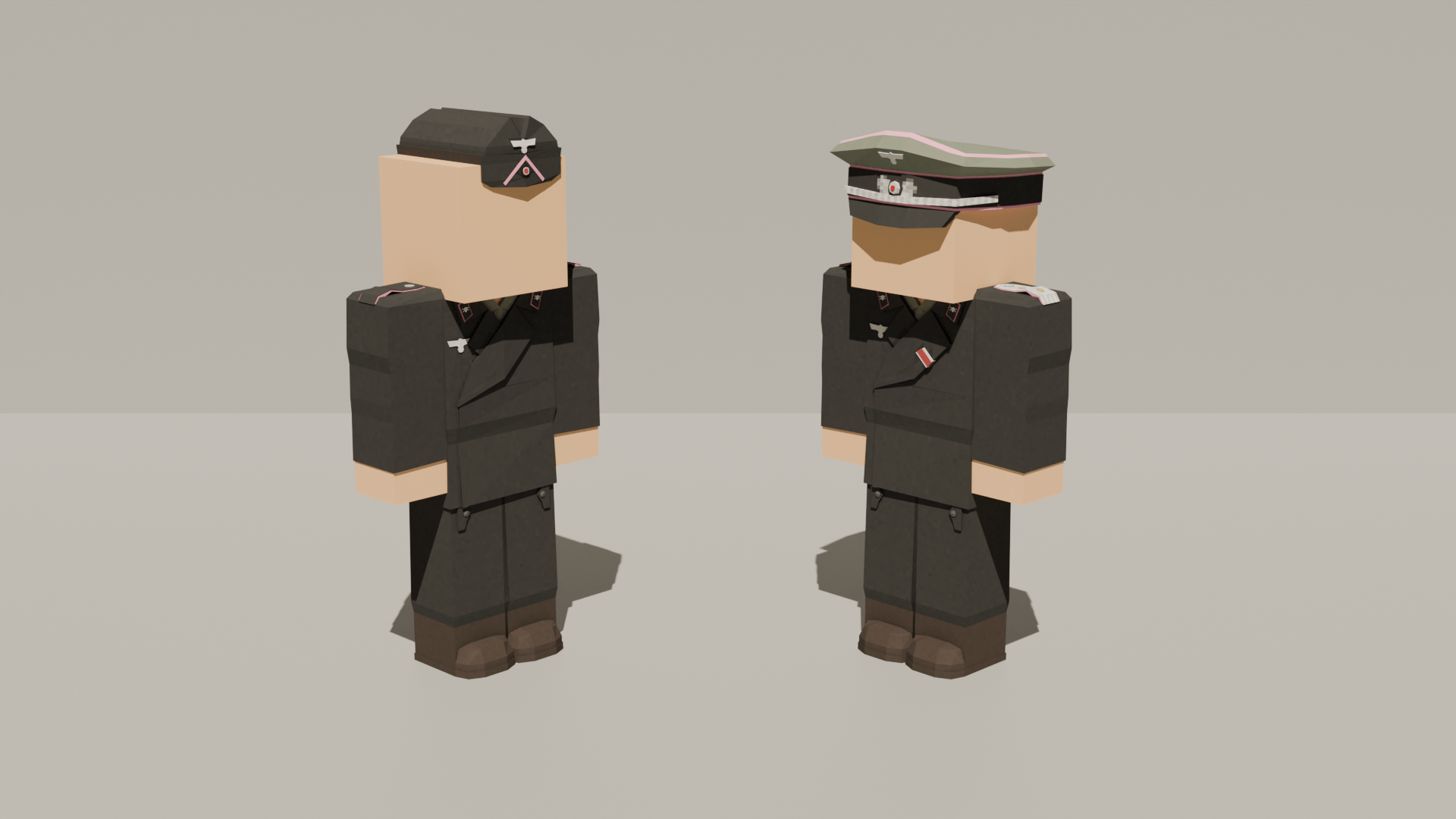
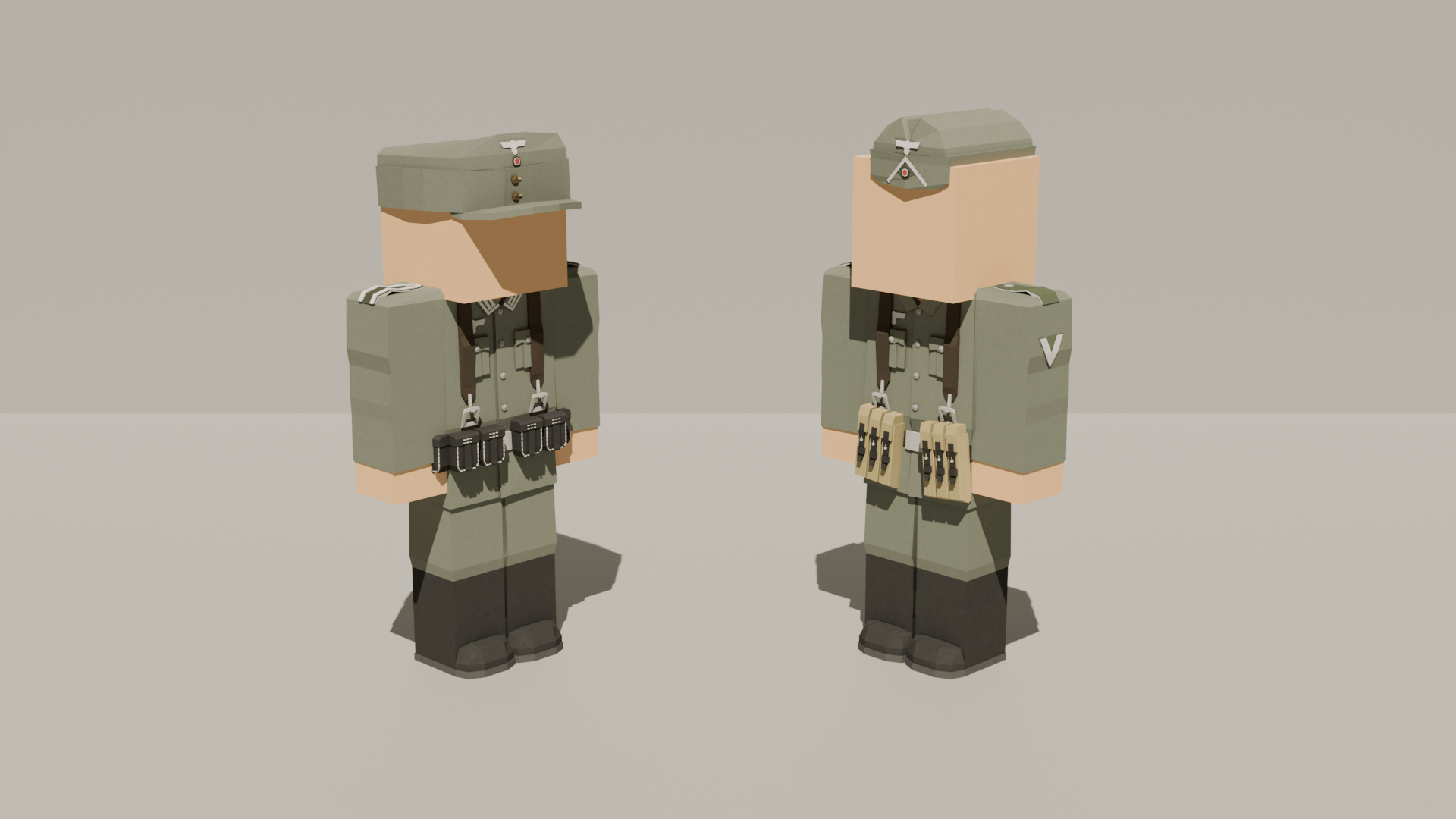
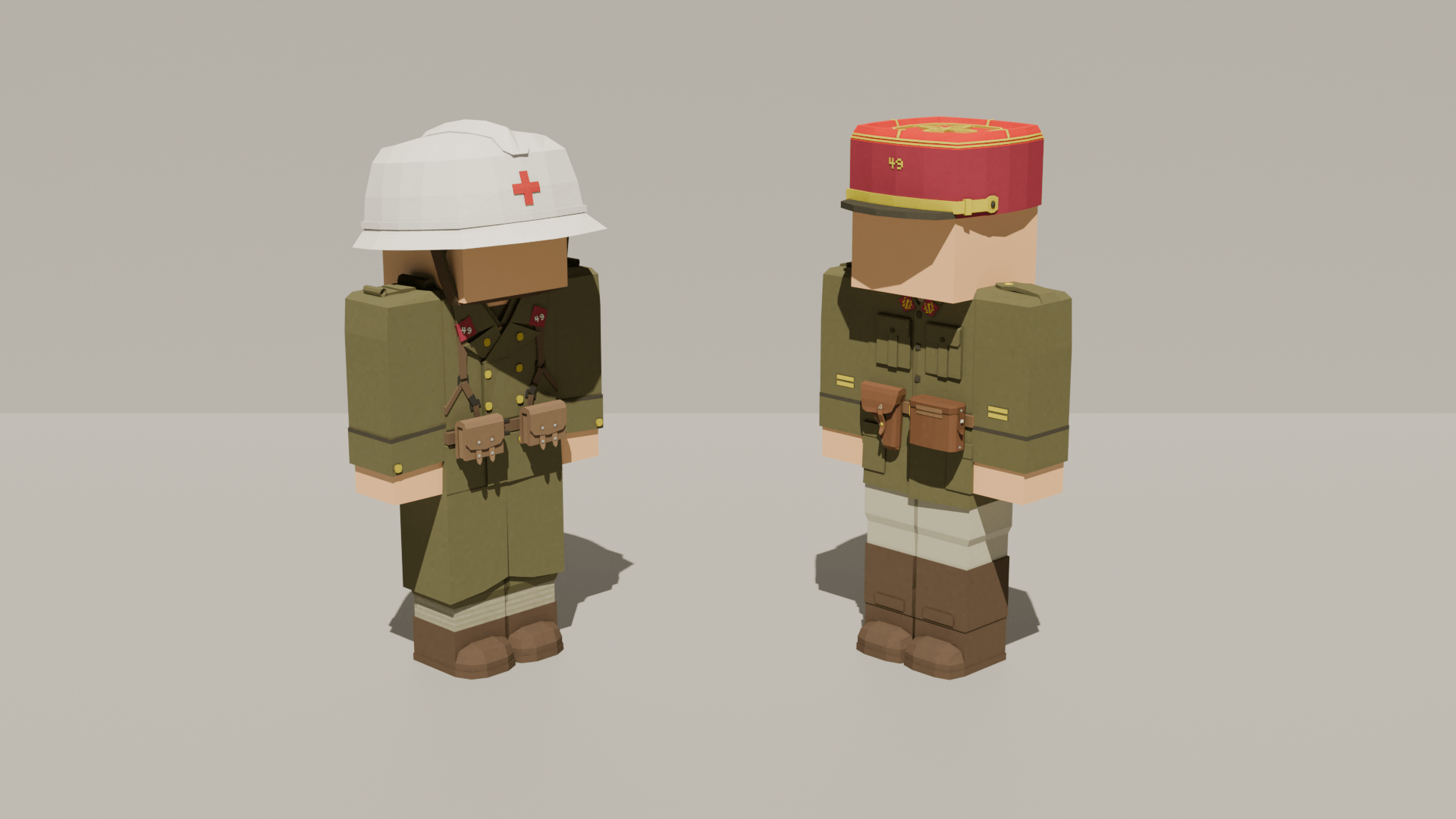
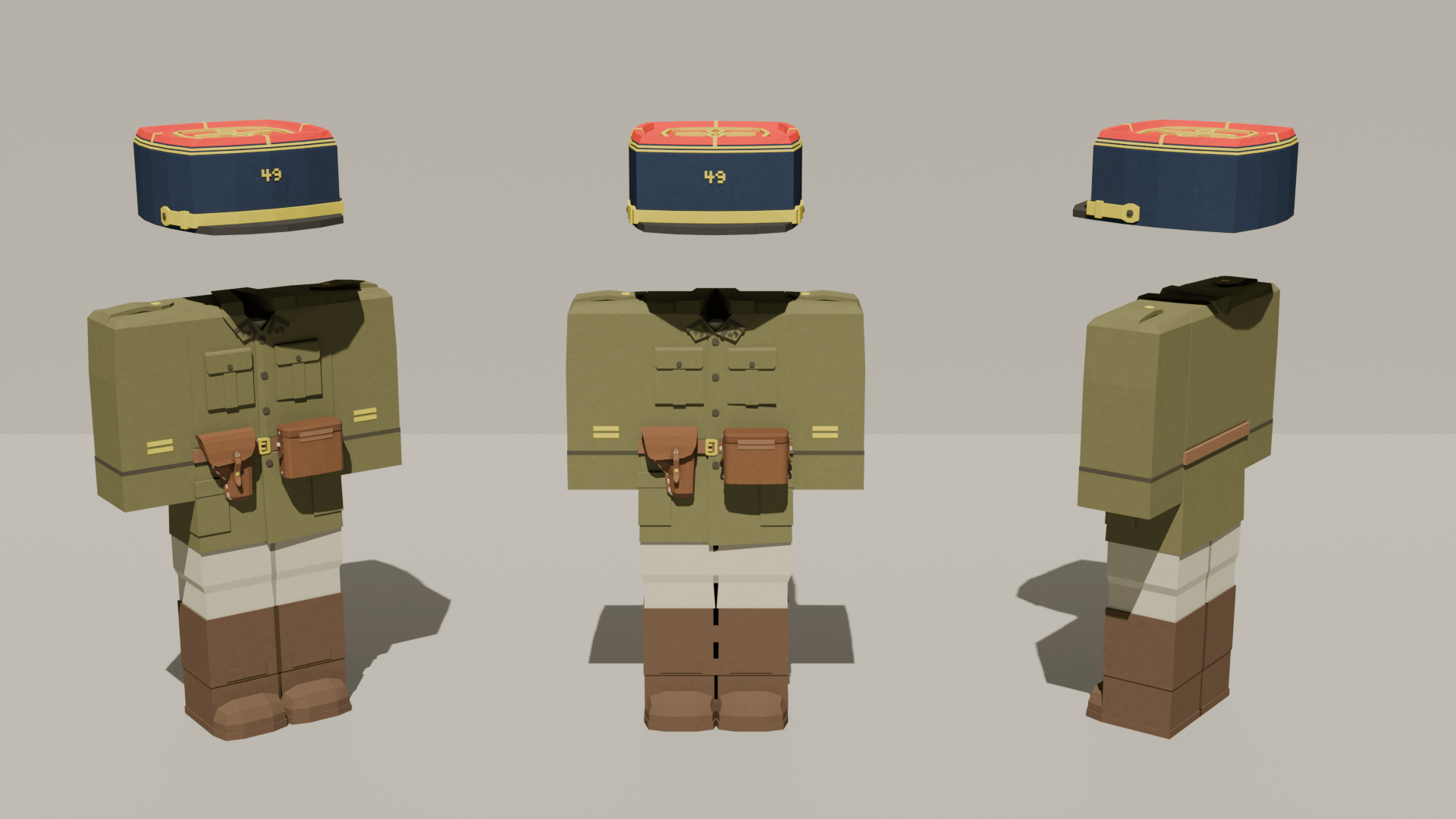
介绍
Plumepack: WW2 is a brand new World War Two content pack for Minecraft.
Curseforge.com is the only legitimate website where you can download this pack, all other websites offering to download the pack without going through Curseforge.com stole my content.
PLEASE FOLLOW THE TUTORIAL TO INSTALL PLUMEPACK:WW2!
- Download Forge 1.12.2, if you do not know how to install mods please follow a tutorial.
- Download Modular Warfare, install it into the mods folder, located in your %appdata%/Roaming/.minecraft. Please make sure to also install McGLTF, Modular Warfare’s dependency.
- Create a ModularWarfare folder inside your .minecraft folder.
- Install Plumepack: WW2 into the ModularWarfare folder, launch the game!
This pack is 1940 themed, as such it heavily focuses on French, British and low-countries content, as well as early German content.
In the first release, you’ll find french infantry uniforms, medical uniforms and officer uniform, as well as German wehrmacht infantry uniforms, medical uniform and officer uniform, also panzer crew uniforms.
There are currently no guns in the pack, they will be coming in a further update. Please visit the official plumepack website for an in-depth roadmap.
To play with this pack you need to install its depedency, Modular Warfare. Please follow the installation instructions provided by Modular Warfare. To get help, please visit the Plumepack discord server, where we provide support and we show WIP content for further plumepack updates.
常见问题
Plumepack: WW2 支持哪些 Minecraft 版本?
Plumepack: WW2 支持 Minecraft Java 版 1.12.2,可用的加载器:Forge。下载时注意选择和你游戏版本一致的文件。
Plumepack: WW2 怎么安装?
先用 PCL2 或 HMCL 启动器安装对应版本的 Forge,再把下载的 .jar 文件放进游戏目录的 mods 文件夹,重新启动游戏即可。开启了版本隔离的,mods 文件夹在 versions/版本名 下面。
plumepack 的其他作品
查看全部 →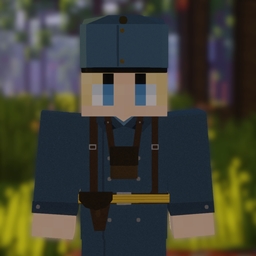
PlumePack WW1 – Flan’s mod version!
已过时——请使用模块化战争版本!

PlumePack: WW1 – Modular Warfare edition
一个为 Modular warfare 打造的一战内容包!
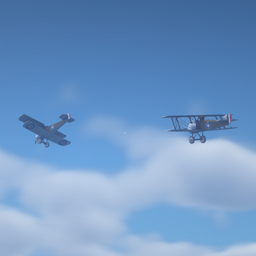
PlumePack WW1’s Misc pack
A WW1 contentpack for MTS!
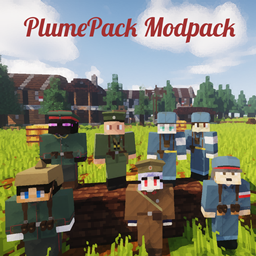
PlumePack WW1’s Modpack
A modpack with all the content of PlumePack WW1!
评论
登录后评论和评分