
Please Sit
作者:remorej
A redstone-controlled villager chair that lets you assign seats, call villagers, and release them.
截图
介绍
中文介绍正在准备中,下面暂时显示原文。
Please Sit
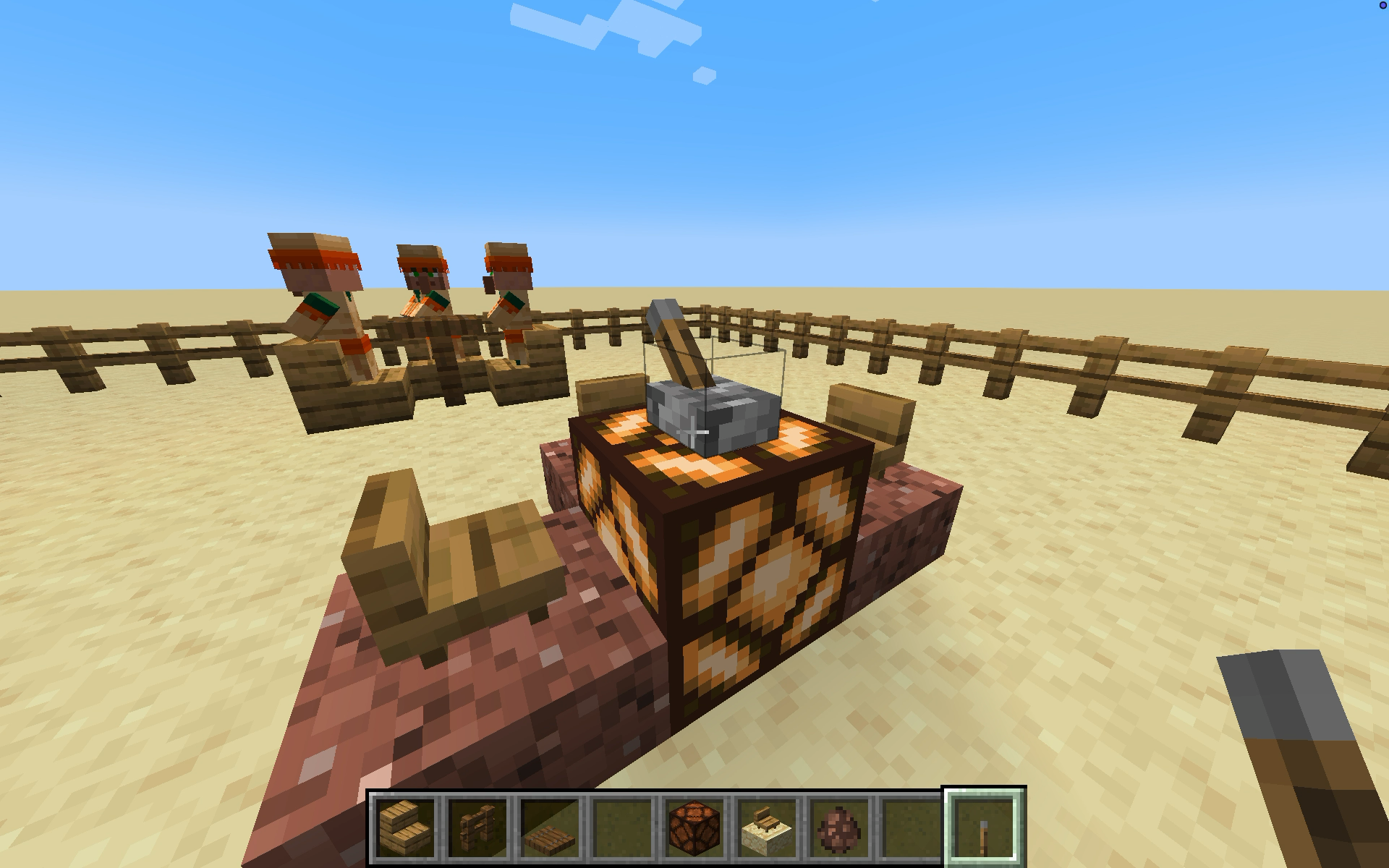
Please Sit is a NeoForge mod that adds a redstone-controlled villager controller. You select a target seat block first, place the control block, and then use redstone to call and release villagers.
Demo
How It Works
- Use the Please Sit Controller item on a target block to store the seat location.
- Optionally, sneak-right-click a villager with the item to lock that villager to the controller item.
- Place the control block where you want the wiring.
- Power the block to call a villager to the target seat.
- If the controller was locked to a villager, only that villager will respond. Otherwise, the controller will pick an eligible nearby villager.
- Remove power to release the villager to a nearby clear block.
Settings
- The mod uses NeoForge’s built-in config screen.
- Open the Mods list, select
Please Sit, and pressConfigto adjust settings. Villager Search Radiuscontrols how far from the target seat the controller searches for a villager.- Each controller can be configured for a different search radius by right clicking on it.
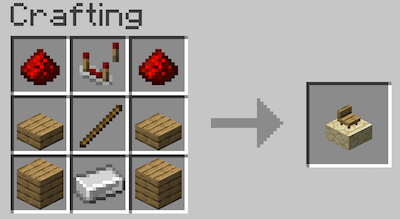
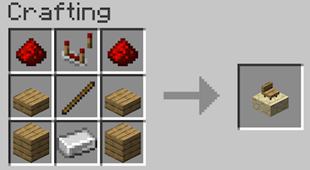
Recipe
Change log
1.1.0
- Each controller have a configurable search radius now. Right click on the controller to set it.
AI Usage
Unless otherwise noted, please expect that:
- Graphical assets are AI generated slop.
- Code is AI generated slop.
- Algorithms and ideas are mine.
常见问题
Please Sit 支持哪些 Minecraft 版本?
Please Sit 支持 Minecraft Java 版 1.21.1–1.21.11,共 4 个版本,可用的加载器:NeoForge。下载时注意选择和你游戏版本一致的文件。
Please Sit 怎么安装?
先用 PCL2 或 HMCL 启动器安装对应版本的 NeoForge,再把下载的 .jar 文件放进游戏目录的 mods 文件夹,重新启动游戏即可。开启了版本隔离的,mods 文件夹在 versions/版本名 下面。
评论
登录后评论和评分