
截图




介绍

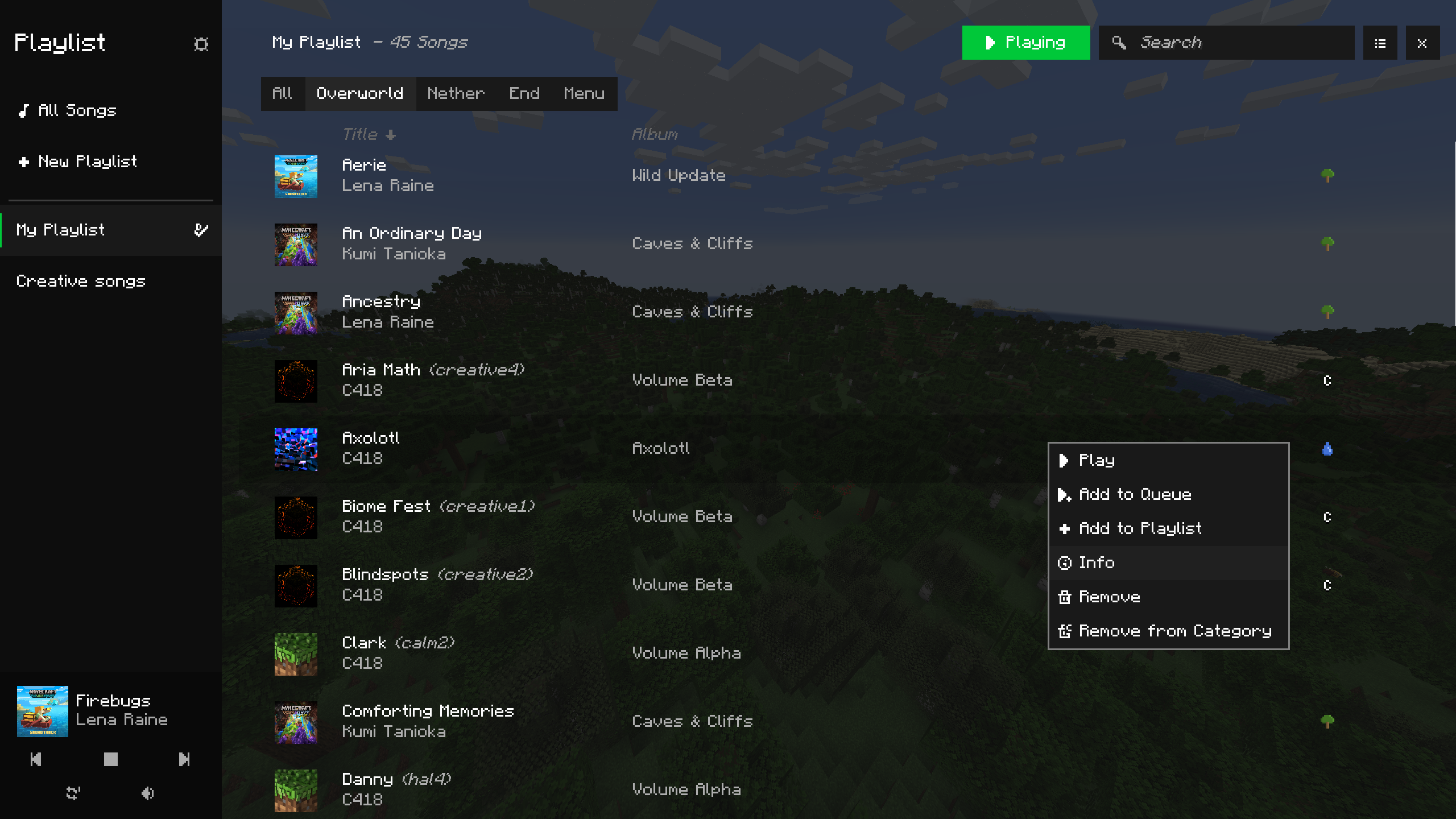
Take control of Minecraft’s in-game music – An in-game media player that allows you to create playlists, skip songs, create queues, edit song play conditions, and much more

This mod is in beta! Please report any bugs – it helps a lot!

_More screenshots available in the gallery_
Feature Overview
- Play any in-game song at any time _(excluding records, for now)_
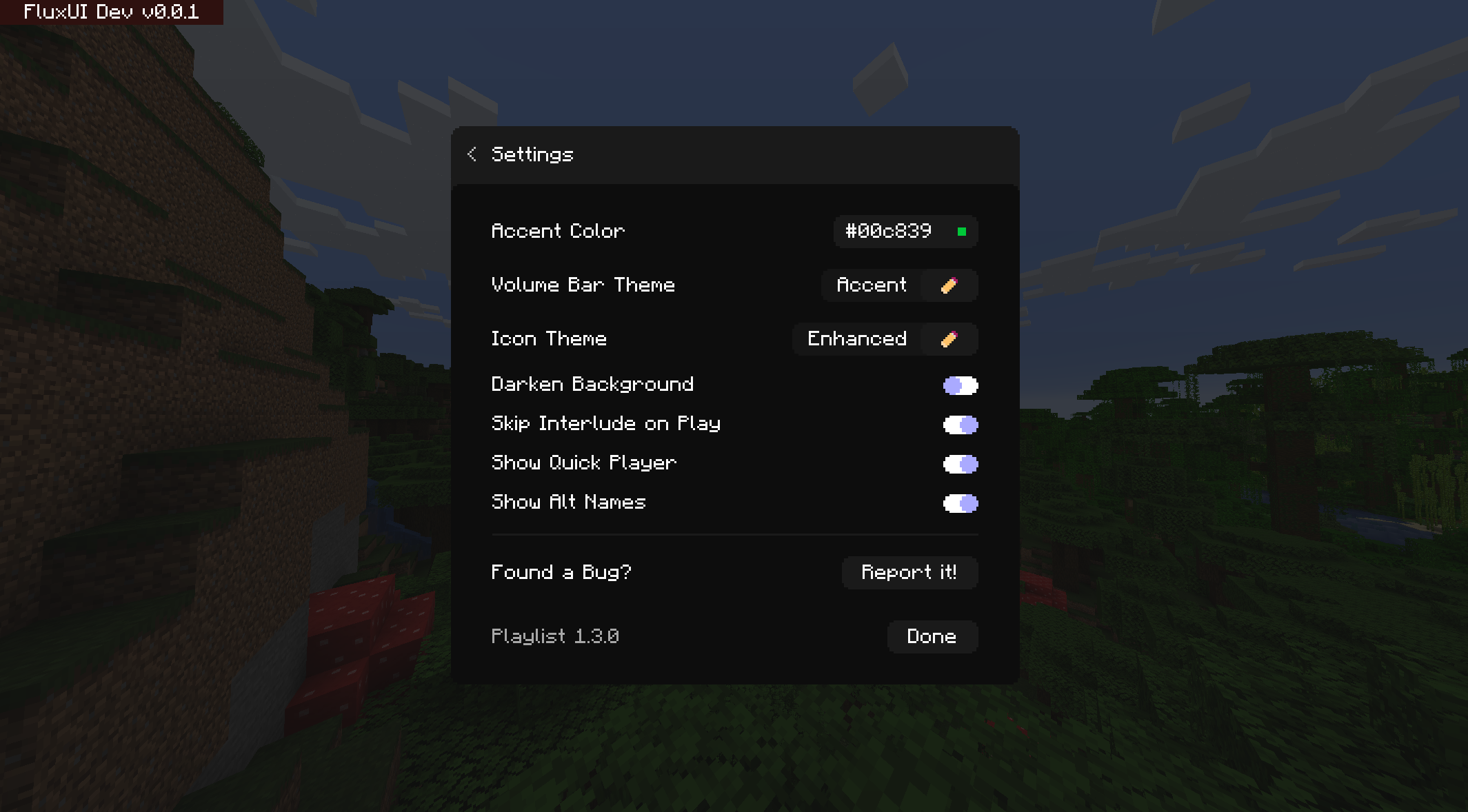
- Create playlists with many customization options
- Stop, skip, or go back to songs
- Create queues of songs to play
- Customize how often songs play (or don’t play)
- Customize which songs play where and when based on environmental or player conditions
- Control volume right from the menu and keybinds
- And more!
You Should Know
- The default key bind to open the menu is G
- This mod is still in beta – it should mostly be stable, though I fully expect minor bugs to still exist. Please report them so that I may squash them!
- Modpack developers – you may add this mod to your modpack without asking – though please keep in mind that this mod is in beta and will likely interfere with other mods that add music to the game!
Other info
• Before anyone asks, a Forge version will be considered if enough interest is shown
• This mod works by replacing Minecraft’s entire music logic. This allows for complete control over how, when, and what music plays. However, this breaks the ability for other mods to add music to the game. This will be fixed in the future, but please do still report any mods that this mod breaks!
• I will try to push out updates as much as possible, forgive me if I’m a little slow! I’ve got quite a bit goin’ on
Currently available for Fabric, with the latest version supported being 1.20.1, requires the Fabric API
Feel free to ask any questions in the GitHub if you are unsure about something in the mod!
Enjoy!
常见问题
Playlist 支持哪些 Minecraft 版本?
Playlist 支持 Minecraft Java 版 1.19–1.20.1,共 6 个版本,可用的加载器:Fabric / Quilt。下载时注意选择和你游戏版本一致的文件。
Playlist 怎么安装?
先用 PCL2 或 HMCL 启动器安装对应版本的 Fabric / Quilt,再把下载的 .jar 文件放进游戏目录的 mods 文件夹,重新启动游戏即可。开启了版本隔离的,mods 文件夹在 versions/版本名 下面。运行环境:仅客户端。
评论
登录后评论和评分