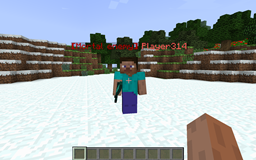
截图
介绍
中文介绍正在准备中,下面暂时显示原文。
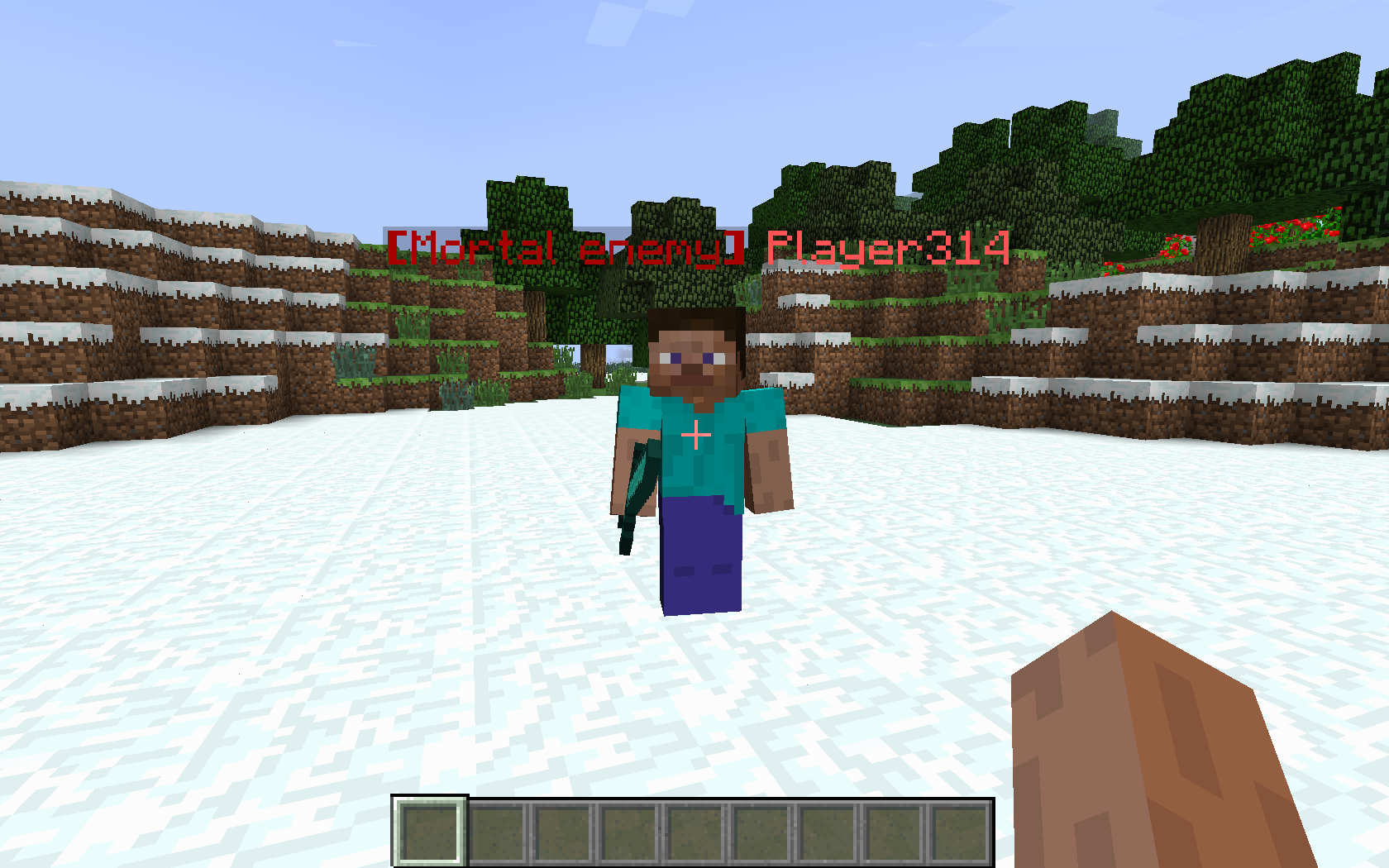
Have you ever been playing on a server, and suddenly someone kills you? Or maybe they did the opposite, and helped you out. Either way, you want to mark them somehow, so you know that they are friendly, mean, indifferent, etc.
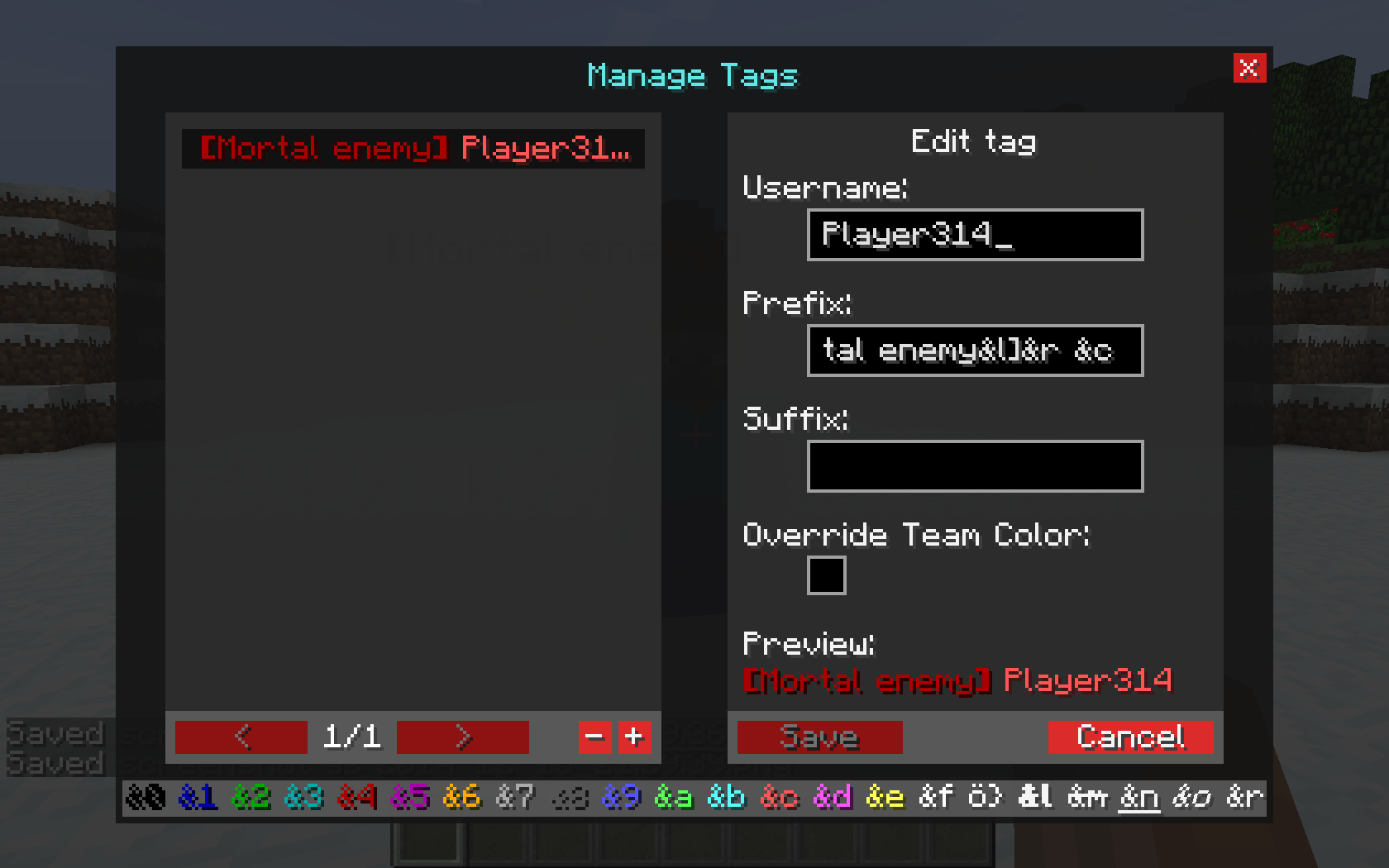
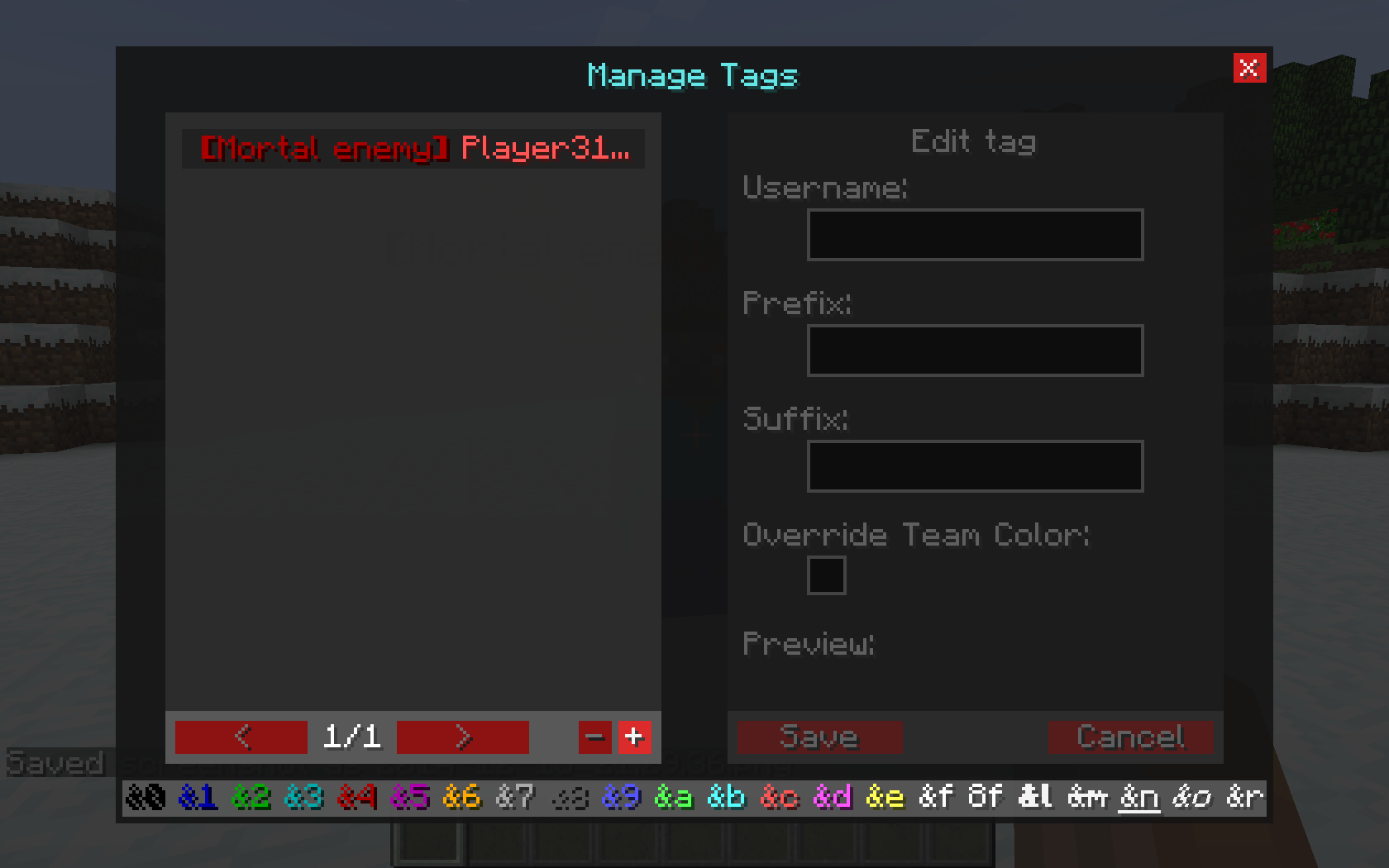
Well, now you can. Introducing PlayerTag, the easy way to mark players however you want.
To use, simply go in-game and press ‘c’ (configurable)
WARNING:
This may not be ‘legal’ on some servers. Use at your own risk.
(Source code here)
常见问题
PlayerTag 支持哪些 Minecraft 版本?
PlayerTag 支持 Minecraft Java 版 1.7.10,可用的加载器:Forge。下载时注意选择和你游戏版本一致的文件。
PlayerTag 怎么安装?
先用 PCL2 或 HMCL 启动器安装对应版本的 Forge,再把下载的 .jar 文件放进游戏目录的 mods 文件夹,重新启动游戏即可。开启了版本隔离的,mods 文件夹在 versions/版本名 下面。
thislooksfun1 的其他作品
查看全部 →
Hide Names
by thislooksfun1
隐藏其他玩家头顶的名字标签
187.3万
5 年前
CurseForge
EnviroMine
by Funwayguy, Timbucktato 等
增添一点真实感:全新物理系统、温度、水分等更多内容!
62.8万
10 年前
CurseForge
ForgeUpdater
by thislooksfun1
A small API to allow easy version checking for modders
9,024
11 年前
CurseForge
CommandAPI
by thislooksfun1
CommandAPI
6,936
12 年前
CurseForge
评论
登录后评论和评分