PlayerRules – Per player gamerules in a multiplayer worlds
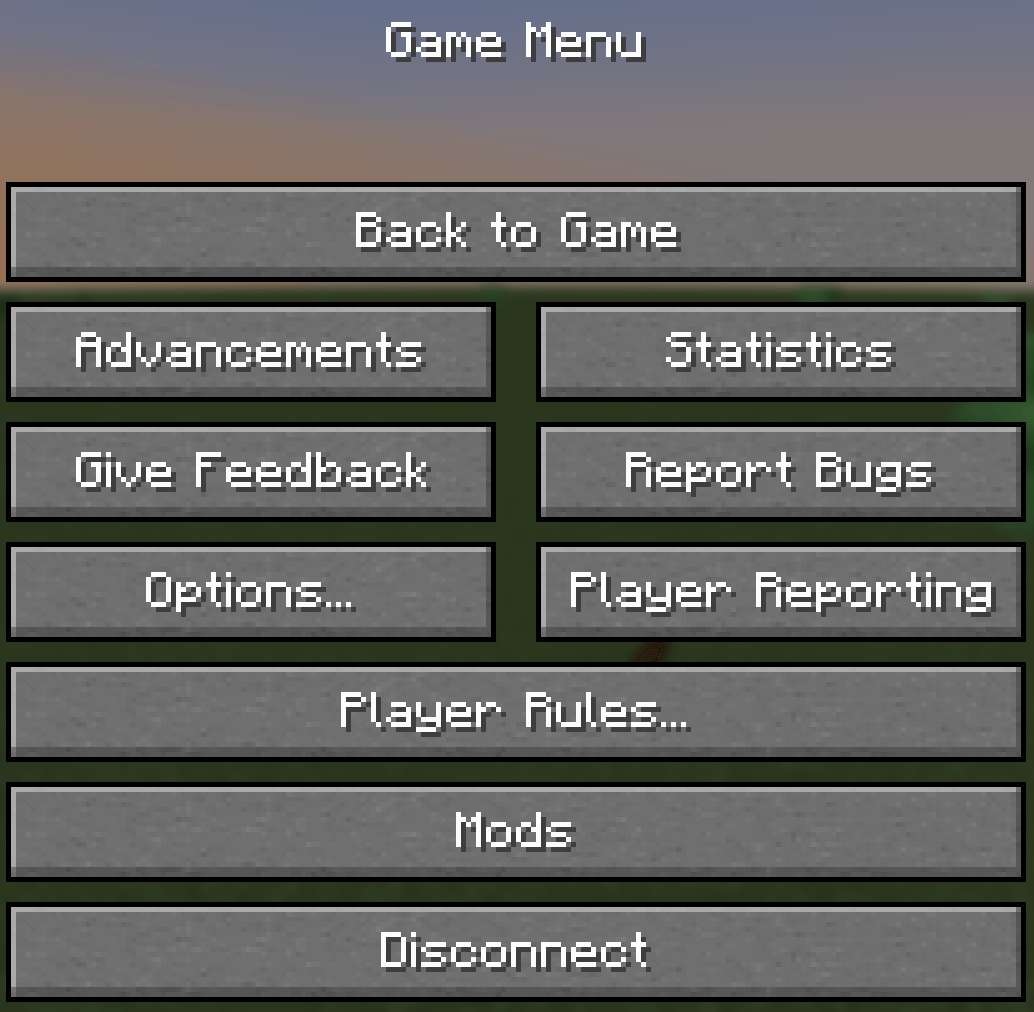
Customize Keep Inventory, Insomnia, and Hardcore individually for each player in the same world. Change your rules through the pause menu, with server-side controls for available options.
截图
介绍
At a glance
- Each player picks their own Keep Inventory, Insomnia and Hardcore in the same world.
- Change them from a Player Rules… button in the pause menu.
- Default follows the world’s gamerule, so nothing changes until you choose.
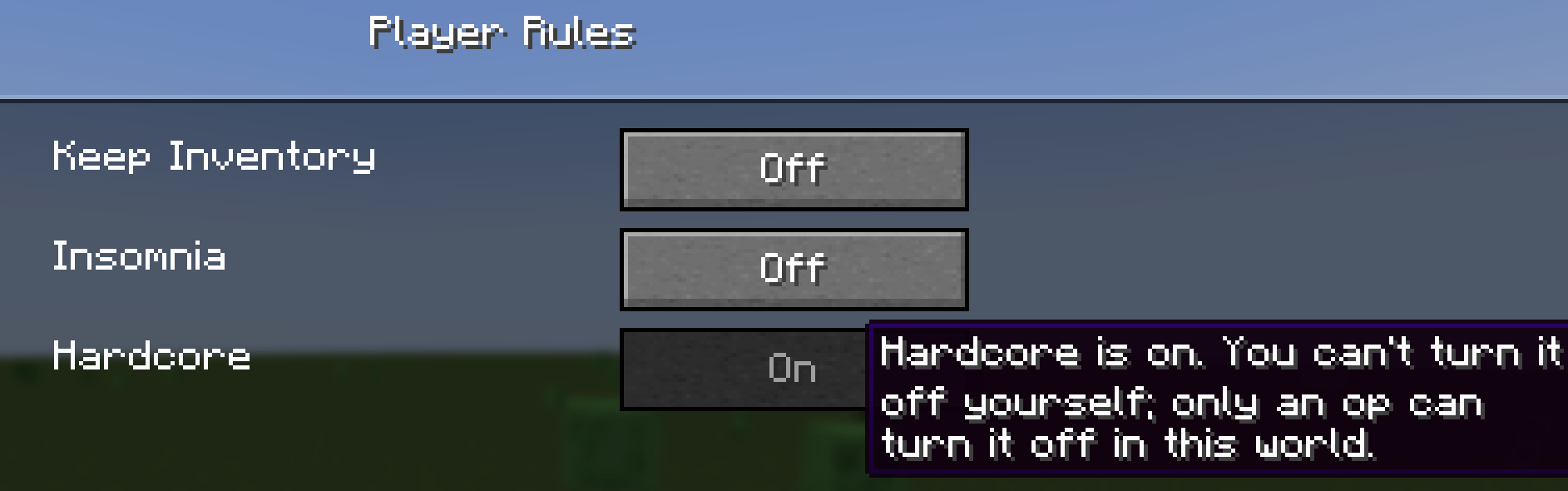
- Hardcore is one-way. Once it’s on, only an op can turn it off.
- Server owners choose which options players get for each rule, or lock a rule outright.
- Ops can check or set anyone’s rules with
/playerrules.
Setup
- Install the mod on the server and on every client.
- Press Esc and click Player Rules….
- Click a rule to cycle its state. Hover it to see what it does.
- Click Done. Your choice saves and applies straight away.
How it works
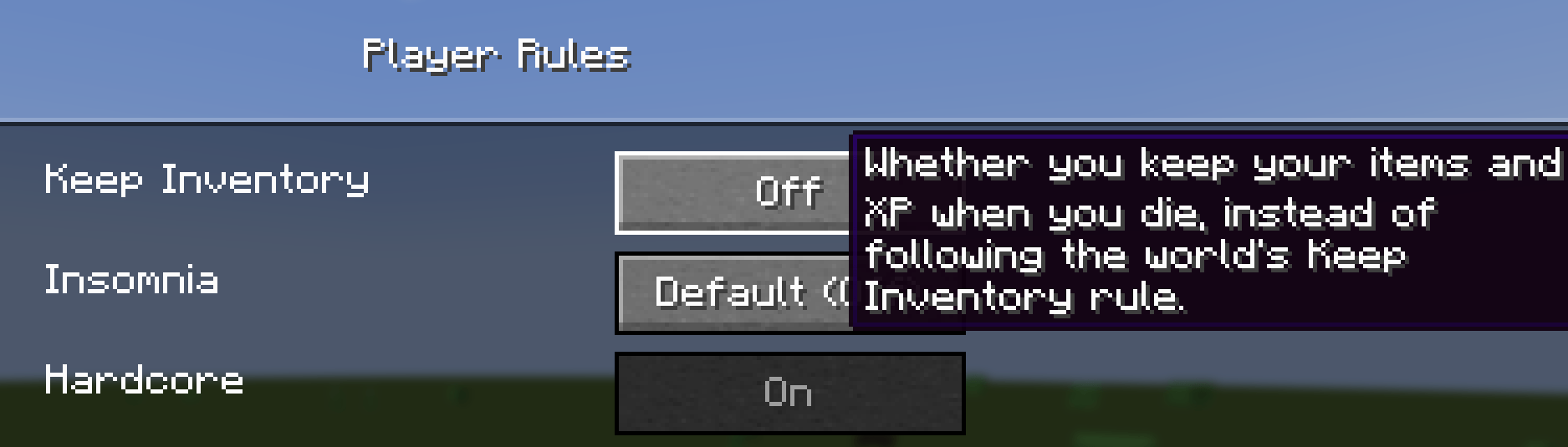
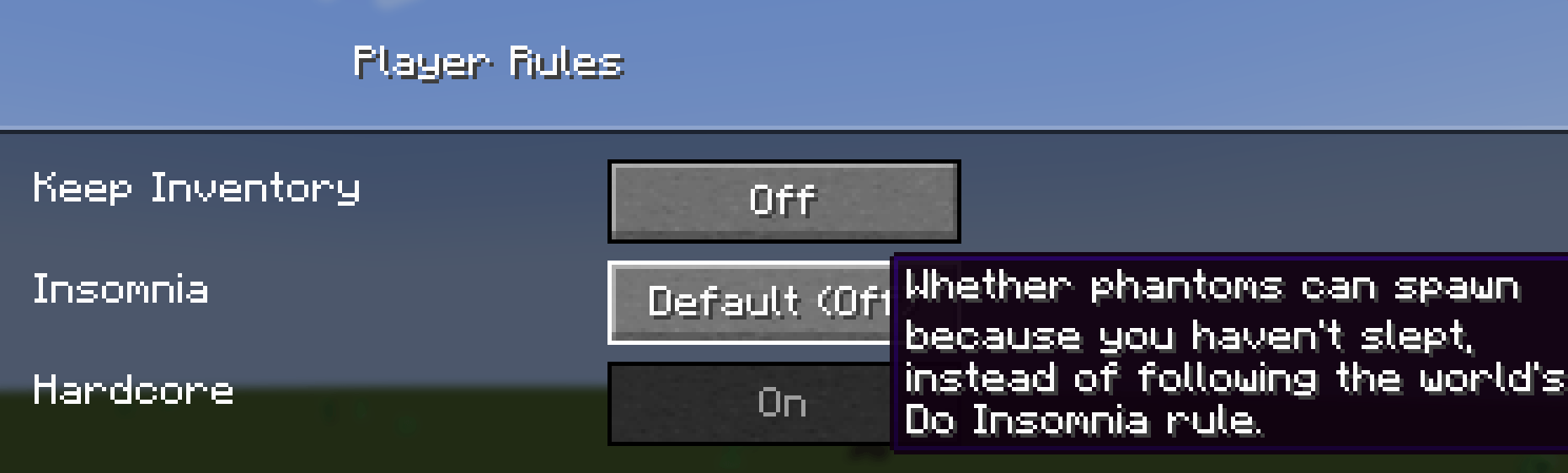
Each rule is Default, On or Off. Default follows the world’s gamerule, and the menu shows what that means right now (on or off)
- Keep Inventory decides whether you keep your items and XP on death. On behaves exactly like vanilla
keepInventory, Curse of Vanishing included. Off drops everything even when the world keeps inventory. - Insomnia decides whether your missed sleep summons phantoms. Turn it off and your sleepless nights stay quiet. A friend who skips bed can still draw them in, though.
- Hardcore gives you vanilla hardcore: hardcore hearts, and spectator mode when you die. It only has Default and On, so it can add hardcore for you but never removes it from a hardcore world. You get a confirm screen first. After that you can’t switch it off yourself.
A Hardcore player who dies stays in spectator mode, across relogs and restarts, until an op brings them back.
For server owners
- The world’s server config (
serverconfig/playerrules-server.toml) has an Allowed States list for each rule. Want Keep Inventory for everyone? Allow onlyon. Don’t want Hardcore offered at all? Allow onlydefault. - A rule with a single allowed state shows as locked in the menu.
- Take away a state someone already picked and their choice is kept, but it acts as Default until you allow it again.
- Edits to the file apply live. No restart needed, and open menus update too.
- Anyone can run
/playerrules <player>to see a player’s rules. Ops (level 2) can set them with/playerrules <player> <rule> <state>, and the Allowed States list doesn’t apply to them.
Requirements
- NeoForge 21.1.259 or newer, for Minecraft 1.21.1.
- Needed on both the server and the client.
Modpacks
Feel free to use my mods in your modpack, just don’t forget to give proper credit.
常见问题
PlayerRules – Per player gamerules in a multiplayer worlds 支持哪些 Minecraft 版本?
PlayerRules – Per player gamerules in a multiplayer worlds 支持 Minecraft Java 版 1.21.1,可用的加载器:NeoForge。下载时注意选择和你游戏版本一致的文件。
PlayerRules – Per player gamerules in a multiplayer worlds 怎么安装?
先用 PCL2 或 HMCL 启动器安装对应版本的 NeoForge,再把下载的 .jar 文件放进游戏目录的 mods 文件夹,重新启动游戏即可。开启了版本隔离的,mods 文件夹在 versions/版本名 下面。
takl 的其他作品
查看全部 →
Create Safe Seating
坐在机械动力座椅上即可安全挂机:生物会无视你,你会缓慢恢复生命值和饥饿值,幻翼和闪电也不会来打扰你。

Create: Take a seat, Piglin! – Automated Bartering
机械动力附属模组:用传送带和卸货站自动化猪灵以物易物。

PAPA: Portable Aeronautics Physics Assembler
使用手持工具组装和拆卸机械动力:航空物理结构,而无需一直放置/破坏物理装配器。
Applied Glyphs – Inscribe and Bud Glyphs
新生魔艺的 AE2 符文:用法术铭刻 AE2 组件,并强制芽生水晶按命令生长。
评论
登录后评论和评分