
Player tracker
A cool client side mod that let you track player with a compass 🧭
截图

介绍
中文介绍正在准备中,下面暂时显示原文。
Player Tracker Mod by UHB217
How to use?
# Install the latest version.
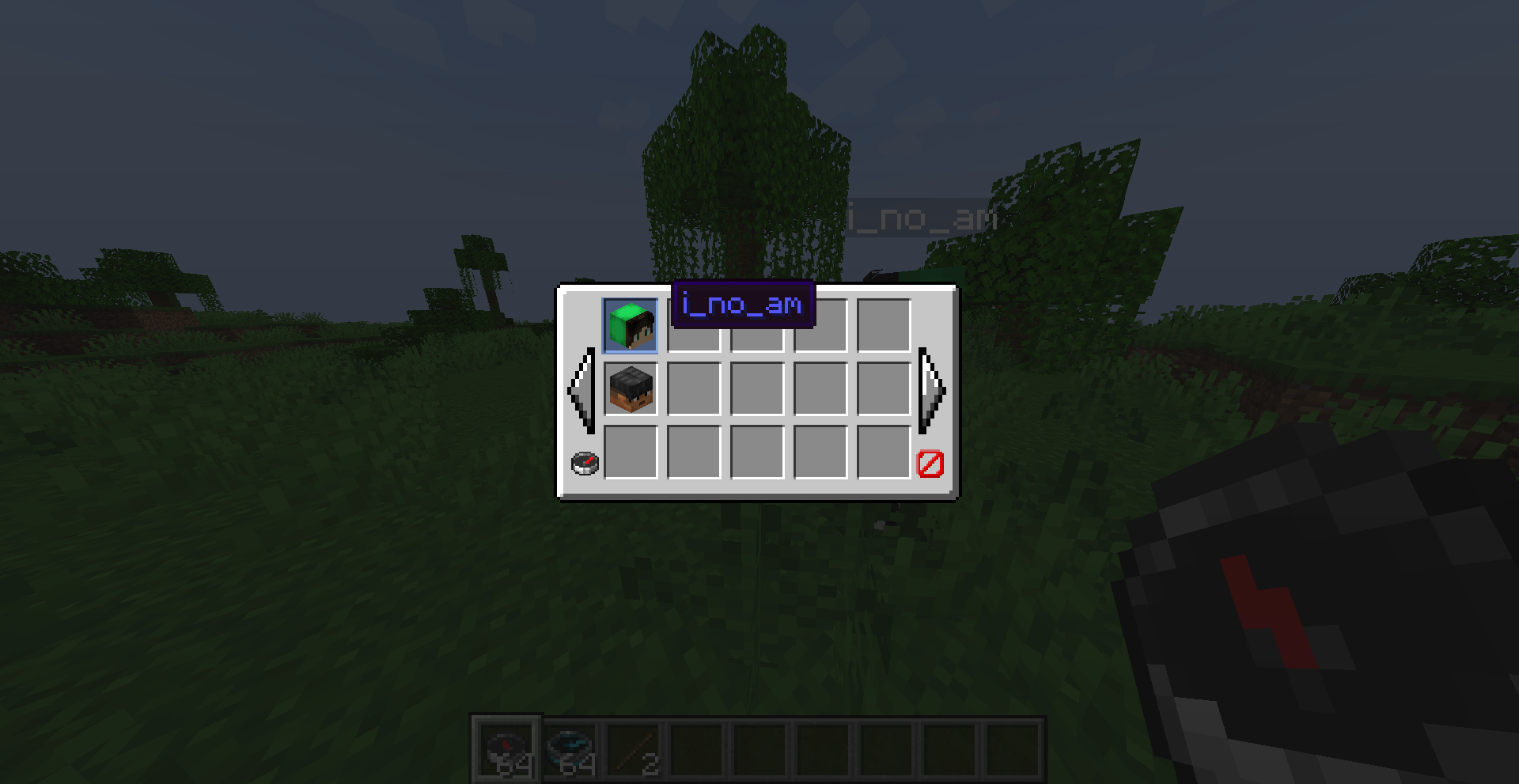
# Press the keybind R on your keyboard to open the GUI.
# Choose the player that you want to follow.
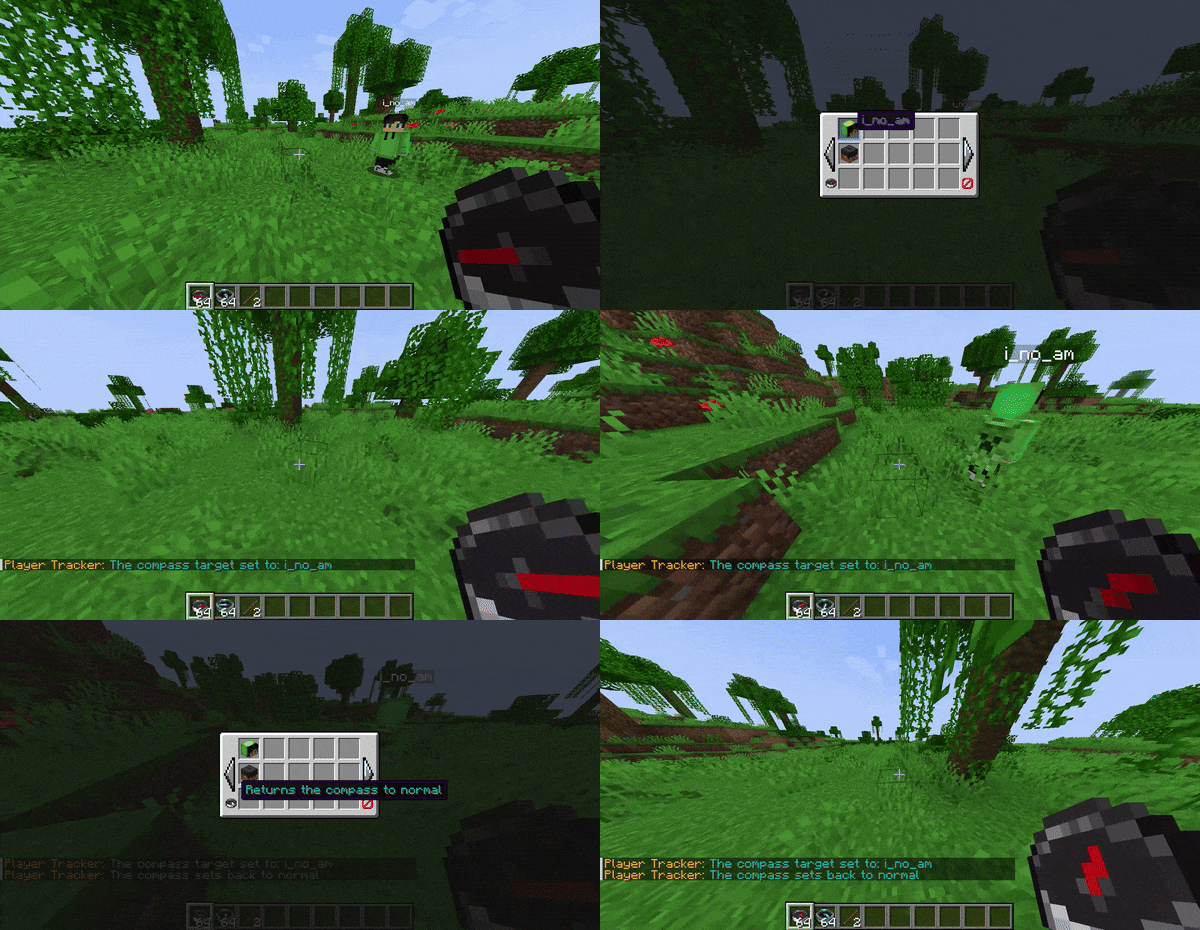
# Hold the compass and if the player is within your render distance it will show you the target player direction.
Showcase:
GUI
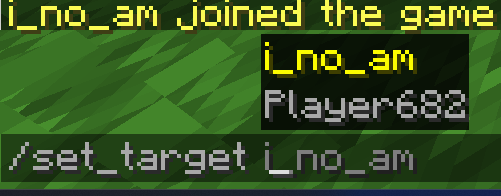
COMMAND
Setting The Keybind
In Game Example:
BE AWARE THAT YOU CAN ALSO USE THE COMMAND AS SHOWN
tysm for using this mod
you are more then welcome to more features or mods in the report issues link🙏
常见问题
Player tracker 支持哪些 Minecraft 版本?
Player tracker 支持 Minecraft Java 版 1.20.4–1.21.11,共 2 个版本,可用的加载器:Fabric。下载时注意选择和你游戏版本一致的文件。
Player tracker 怎么安装?
先用 PCL2 或 HMCL 启动器安装对应版本的 Fabric,再把下载的 .jar 文件放进游戏目录的 mods 文件夹,重新启动游戏即可。开启了版本隔离的,mods 文件夹在 versions/版本名 下面。运行环境:仅客户端。


评论
登录后评论和评分