
Player Statistics Utils
Mod that add multiple player statistique like game play or last connection.
截图
介绍
Player Statistics



A Minecraft 1.20.6 Fabric mod that tracks per-player statistics and provides a
lightweight in-game economy. All persistence is delegated to the
Custom Player Data framework.
Requirements
The custom-player-data-1.0.3 mod must be installed.
Currently available features
Tracking
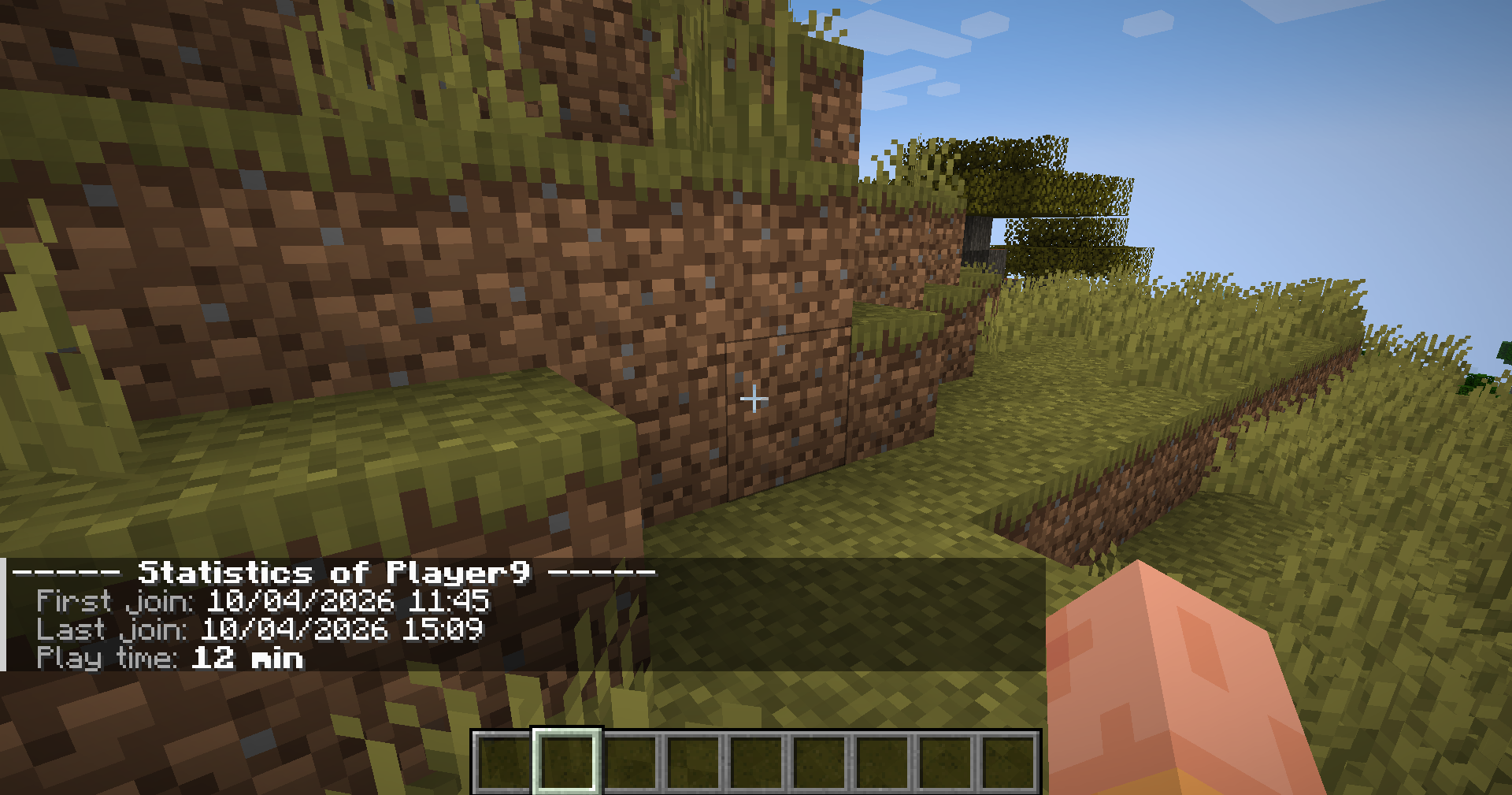
- First join — recorded once on the player’s very first connection.
- Last join — refreshed on every connection.
- Play time — accumulated in seconds. The session start time is held in memory and added to the persisted total on disconnect (or on
SERVER_STOPPINGas a safety net)./playerinfoand/leaderboard play_timeadd the in-progress session to the displayed value so the number is always current.
Commands
| Command | Permission | Description |
|——————|:———-:|————————————————————–|
| /playerinfo | everyone | Show your own statistics. Play time is formatted as X jours, Y heures, Z min. |
| /playerinfo <player> | op (lvl 2) | Show another player’s statistics. |
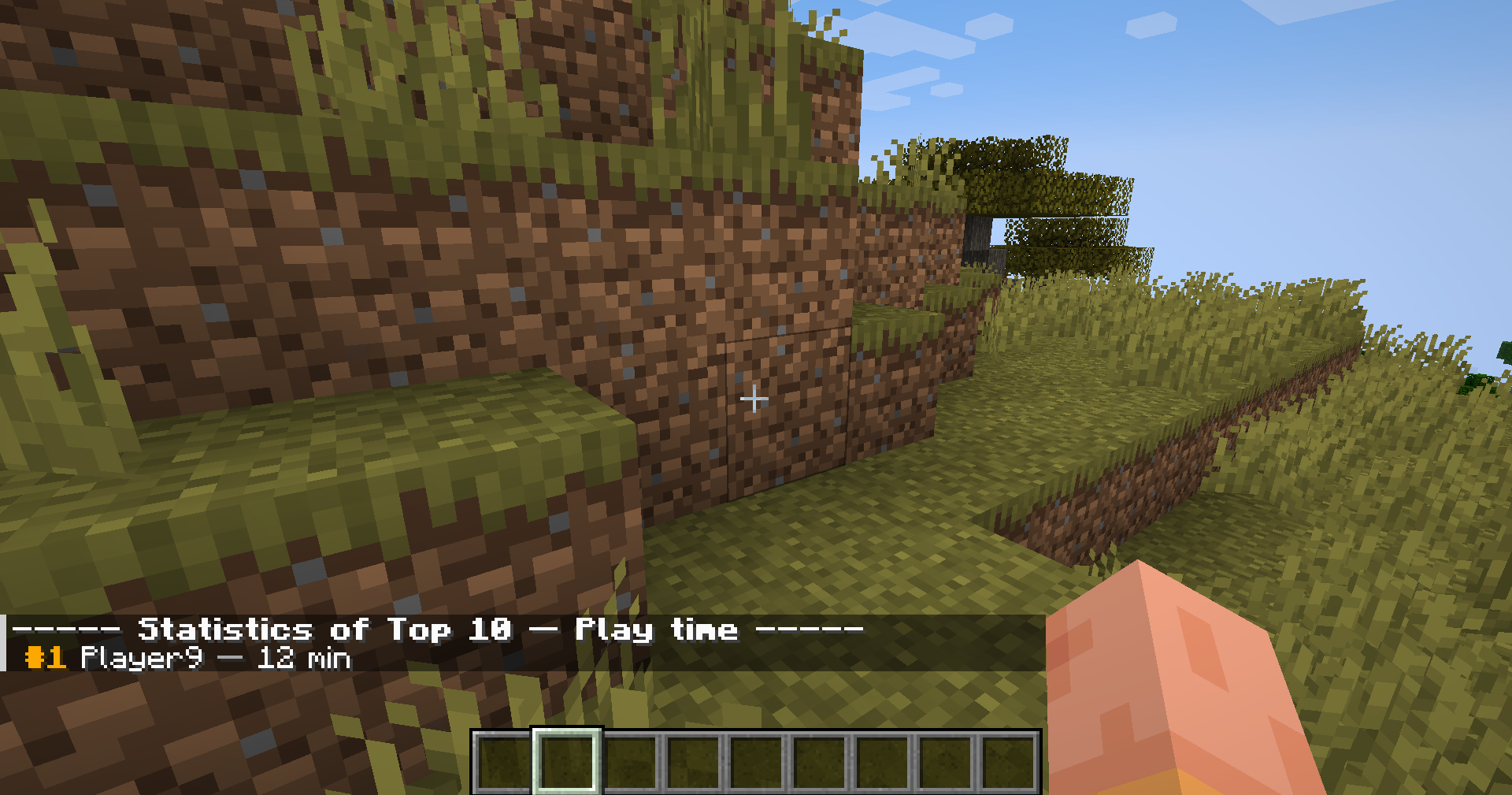
| /leaderboard <stat> | everyone | Top 10 leaderboard. Built from currently connected players (the framework does not expose offline data). |
Connection counter — join_count
- Increments
join_counton every successful login. - Adds a line to
/playerinfo.
Death tracking — death_count
- Listens to
ServerLivingEntityEvents.AFTER_DEATHand incrementsdeath_countwhenever aServerPlayerEntitydies. - Exposes a
death_countleaderboard via/leaderboard death_count. - Adds a line to
/playerinfo.
Player kill tracking — player_kills
- Increments
player_killson the attacker when one player kills another. Self-kills are filtered out. - Exposes a
player_killsleaderboard via/leaderboard player_kills. - Adds a line to
/playerinfo.
Hostile mob kill tracking — mob_kills_hostile
- Increments
mob_kills_hostilewhenever a player kills an hostile entity. - Exposes a
mob_kills_hostileleaderboard via/leaderboard mob_kills_hostile. - Adds a line to
/playerinfo.
Passive mob kill tracking — mob_kills_passive
- Increments
mob_kills_passivewhenever a player kills an passive entity. - Adds a “Mobs passifs tues” line to
/playerinfo.
Economy — balance
The whole economy module is gated behind the BALANCE stat. Activating it
unlocks the following commands:
| Command | Permission | Description |
|————————————————–|:———-:|——————————————————————————|
| /balance | everyone | Show your own balance. |
| /balance <player> | op (lvl 2) | Show another player’s balance. |
| /pay <player> <amount> | everyone | Transfer money. Refused if the source balance is insufficient or the target is yourself. |
| /money <player> give <amount> | op (lvl 2) | Add money to a player’s balance. |
| /money <player> take <amount> | op (lvl 2) | Remove money — clamped at zero, never negative. |
| /money <player> set <amount> | op (lvl 2) | Set a player’s balance to a specific value. |
Activating balance also adds a styled “Solde” line to /playerinfo and a
balance entry to /leaderboard.
Language support
- English
- French
Installation
- Install Fabric Loader for Minecraft 1.20.6: https://fabricmc.net/use/installer/
- Download Fabric API for 1.20.6 and drop the
.jarinto yourmods/folder. - Drop
player-statistics.jarinto the samemods/folder. - Launch the game!
常见问题
Player Statistics Utils 支持哪些 Minecraft 版本?
Player Statistics Utils 支持 Minecraft Java 版 1.20.6,可用的加载器:Fabric / Quilt。下载时注意选择和你游戏版本一致的文件。
Player Statistics Utils 怎么安装?
先用 PCL2 或 HMCL 启动器安装对应版本的 Fabric / Quilt,再把下载的 .jar 文件放进游戏目录的 mods 文件夹,重新启动游戏即可。开启了版本隔离的,mods 文件夹在 versions/版本名 下面。运行环境:客户端和服务端都要装。
Hdi 的其他作品
查看全部 →
Custom Player Data
A useful mod for Minecraft servers or framework for mod developers.

Star Wars Original Trilogy
Enter in the Star Wars original trilogy universe

Custom Item Data
A useful mod for Minecraft servers or framework for mod developers to store easily data on item.

Star Wars Universe
Star Wars Roleplay Modpack for solo or Oldrilion Star Wars RP server
评论
登录后评论和评分