
Player Panel
A self-hosted web panel for managing Minecraft Java servers, players, Crafty Controller, Fabric, BlueMap and squaremap.
截图
介绍

Player Panel
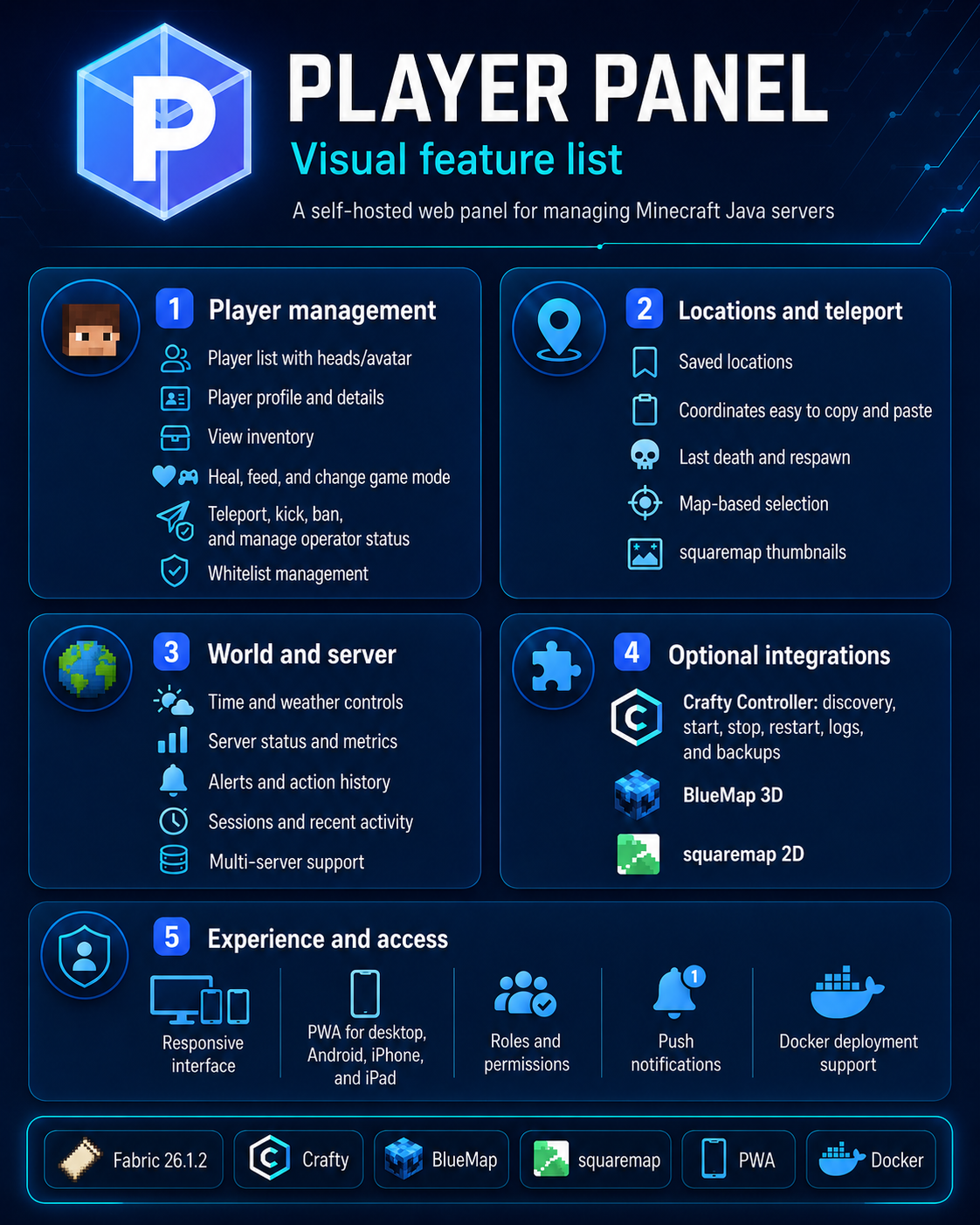
Player Panel is a server-side Fabric mod and self-hosted web control panel for managing Minecraft Java servers, players, locations, maps, backups, and server operations from a modern browser interface.
The Fabric mod provides the secure server API used by the Player Panel web application. The JAR can be installed on a Fabric server, but the complete management interface requires the separate Player Panel web panel.
Screenshots
Dashboard

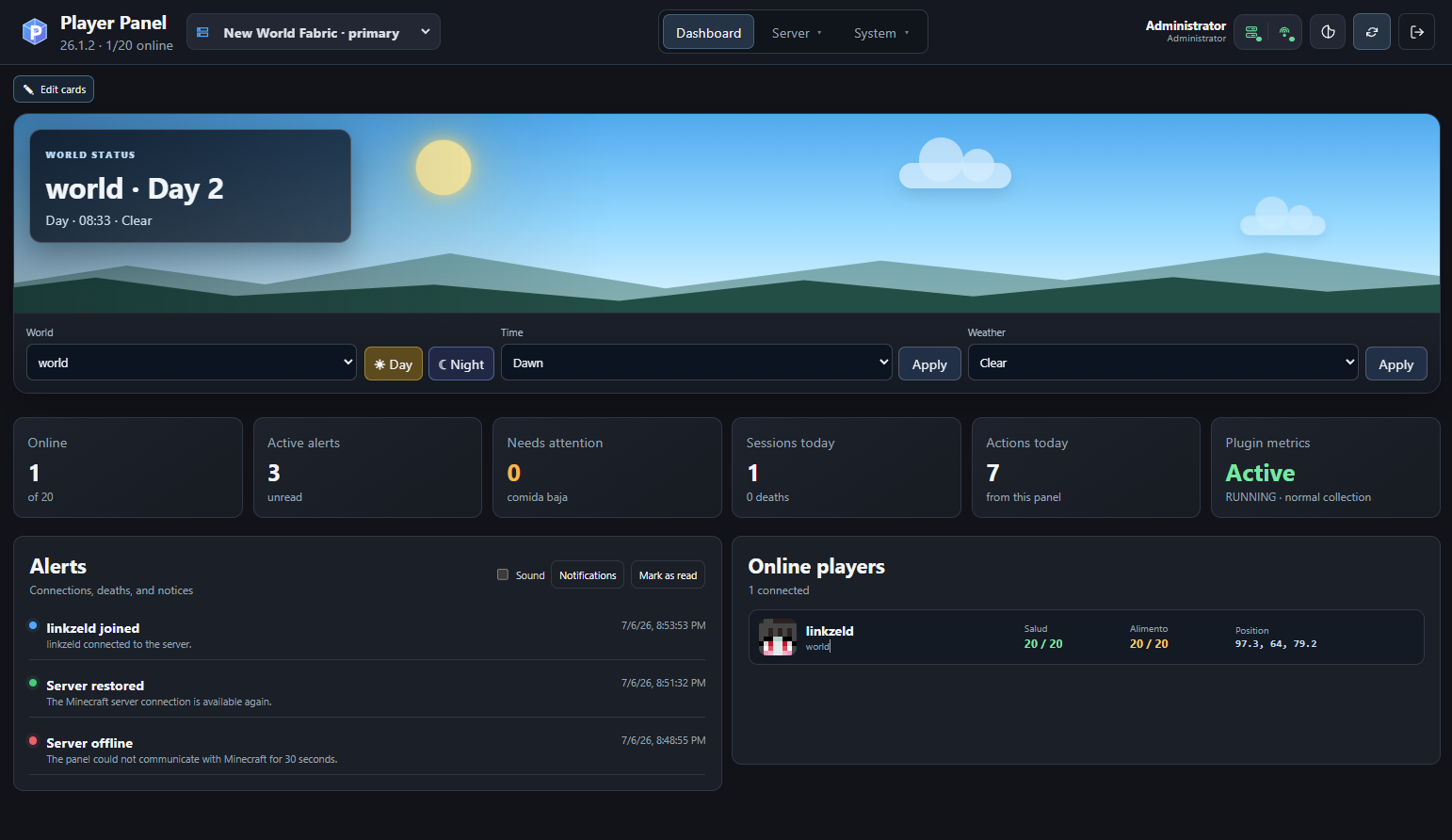
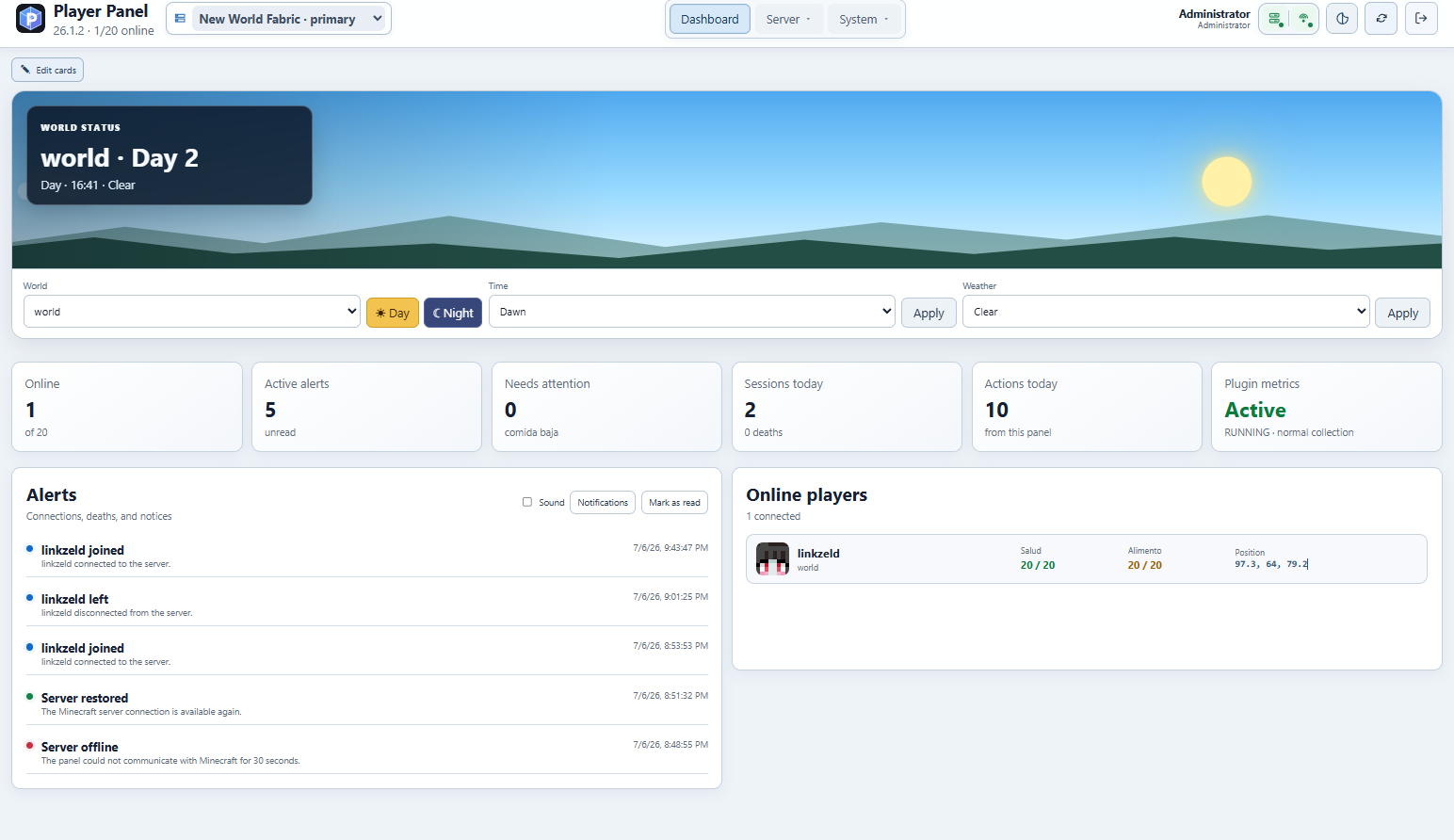
The dashboard provides a real-time overview of the selected Minecraft server, including world status, time and weather controls, online players, active alerts, recent sessions, actions, and plugin metrics.
Light and dark modes
Dark mode
Light mode
Player management
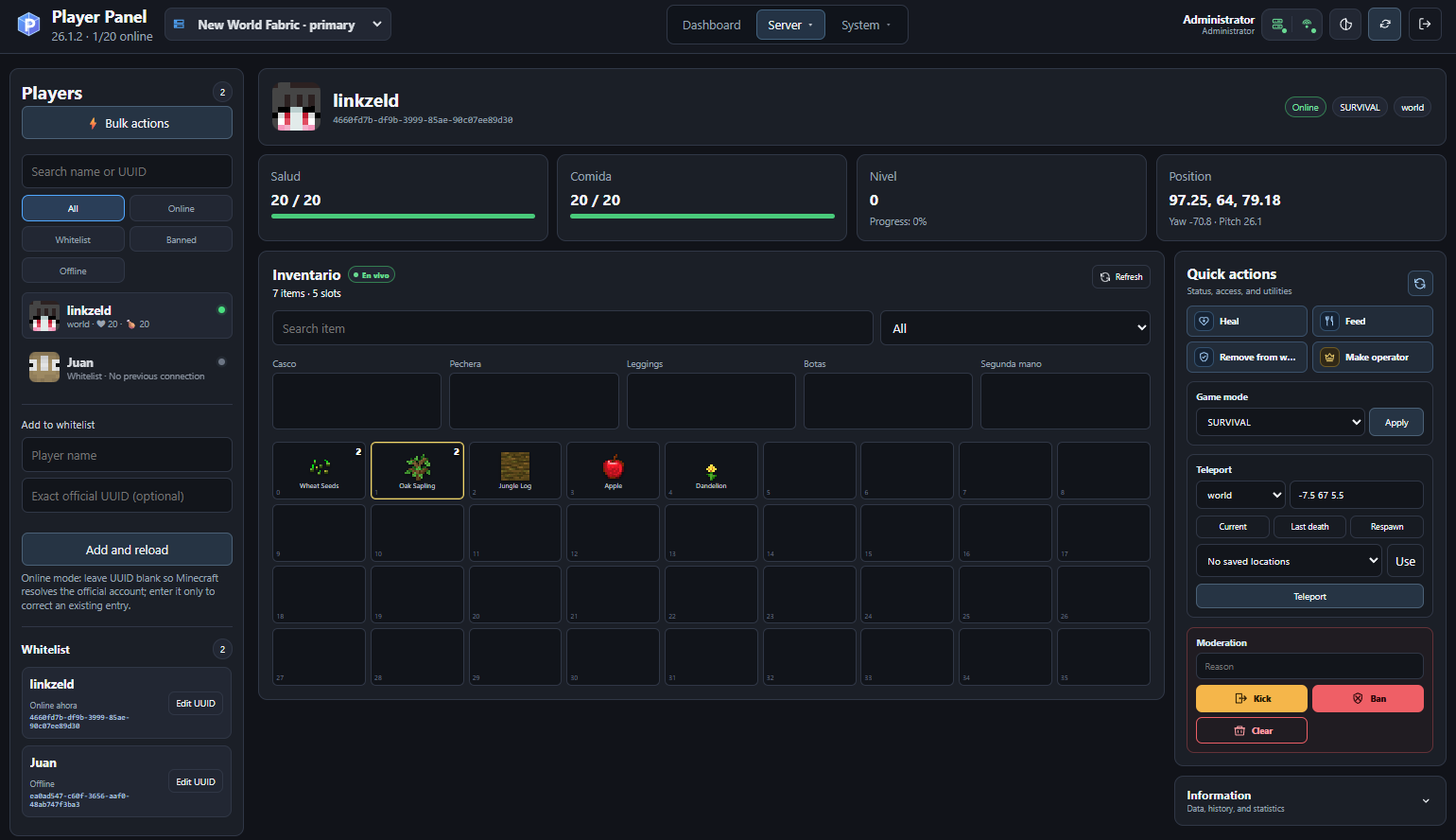
Player Panel provides player profiles, live inventory viewing, health and food information, game mode controls, teleportation, whitelist management, operator permissions, kicks, bans, and other moderation actions.
Saved locations and teleportation
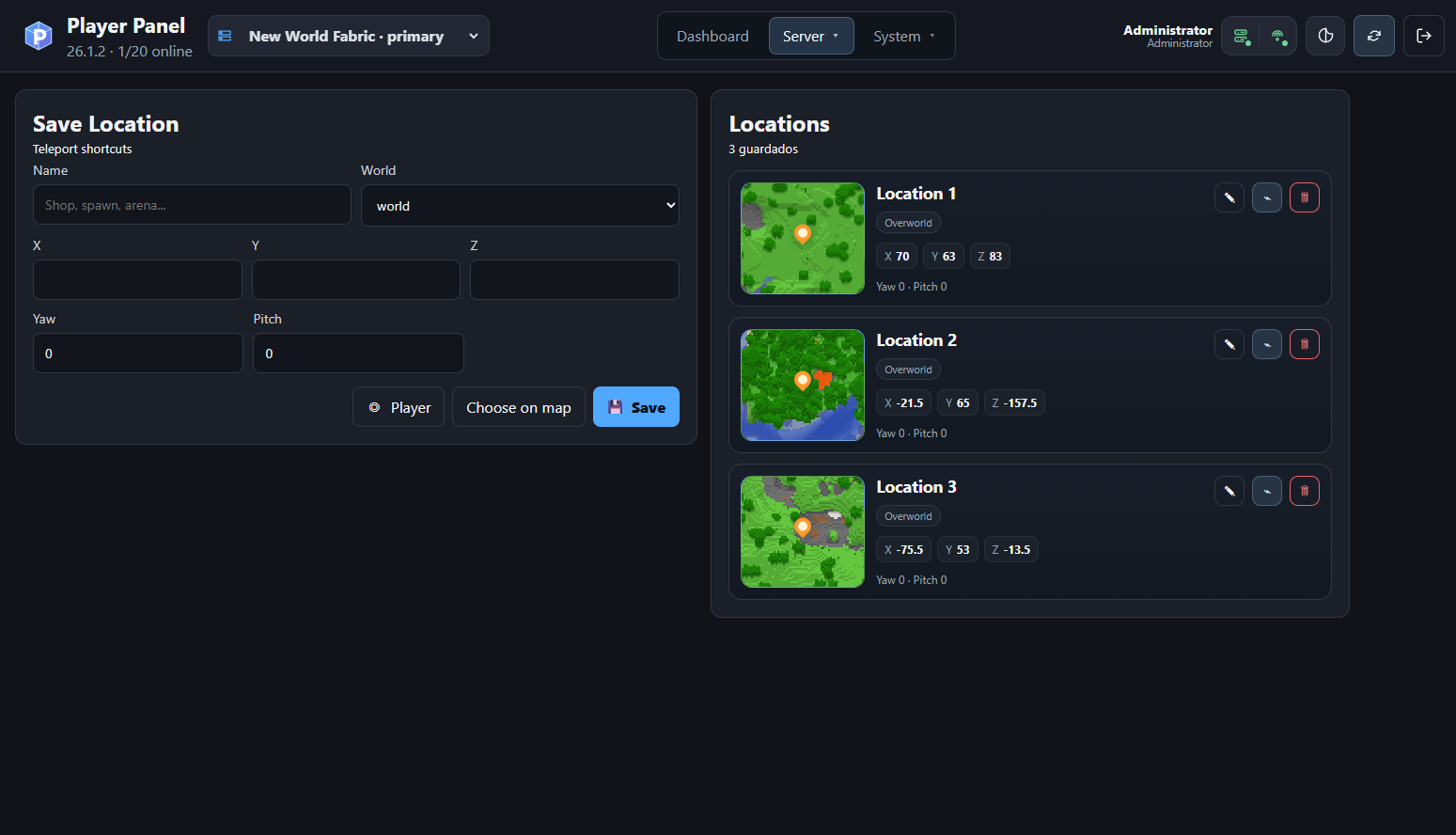
Save reusable teleport destinations with world coordinates, orientation, map thumbnails, and direct access to BlueMap or squaremap coordinate selection.
Map-based coordinate selection
Bluemap 3D

Select an exact Minecraft block and send its X, Y and Z coordinates directly to Player Panel.
squaremap 2D
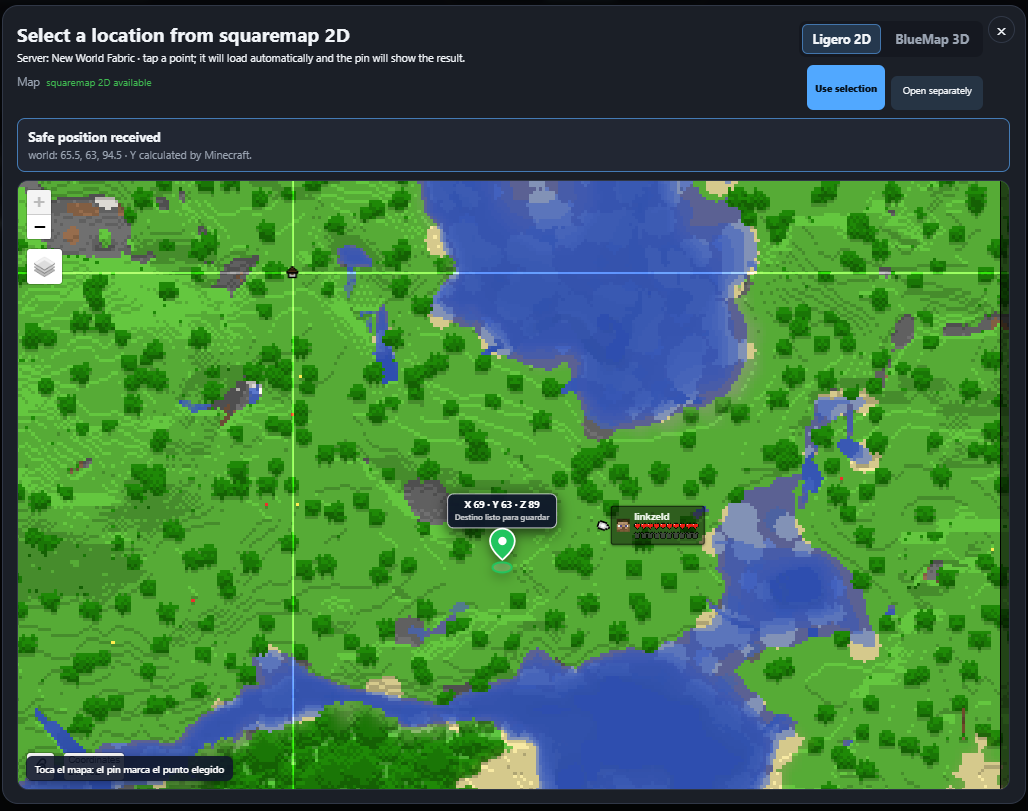
Choose a destination from a lightweight two-dimensional map with safe Y-coordinate calculation.
Server configuration
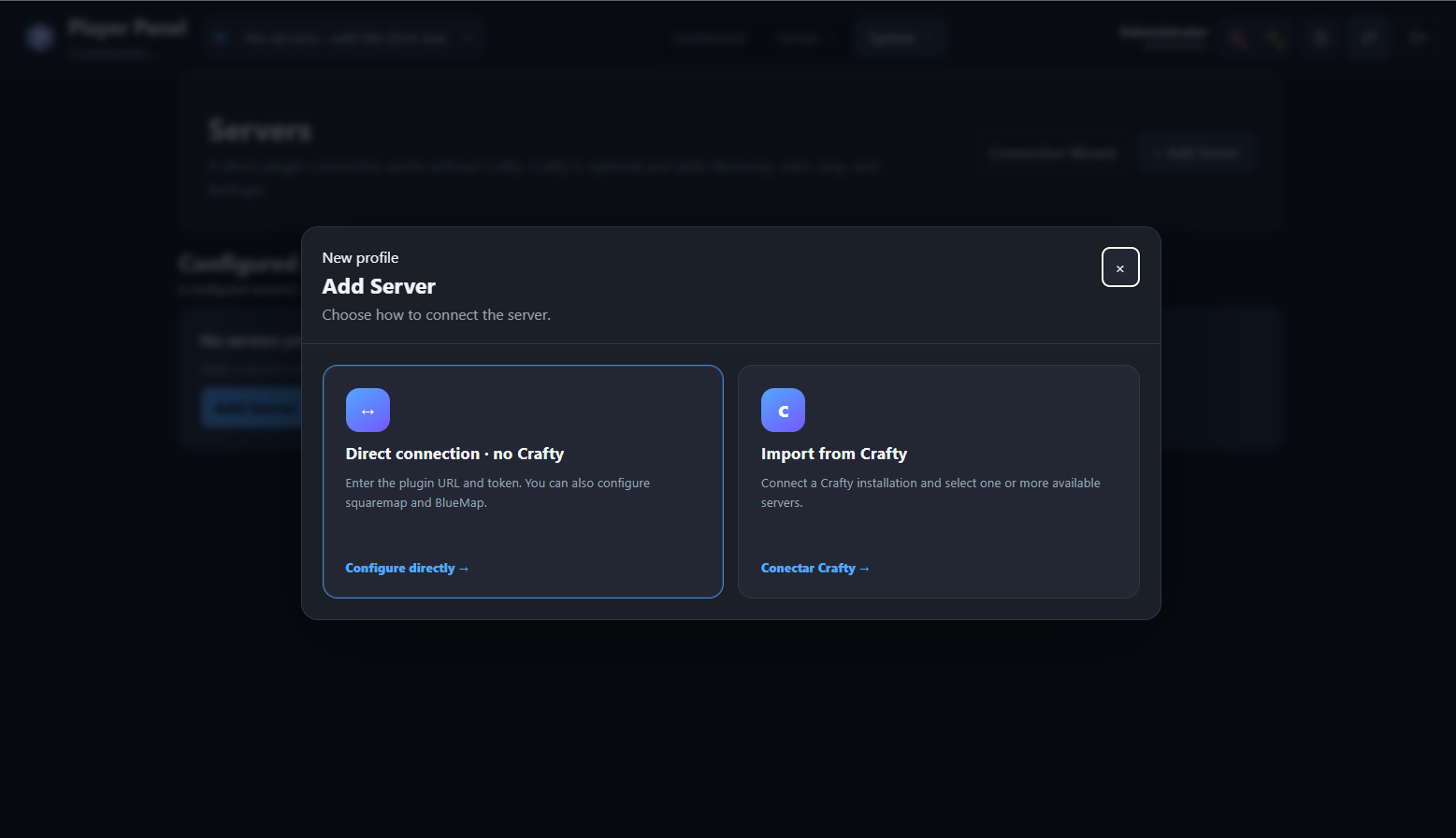
Servers can be added through a direct connection to the Player Panel Fabric API or imported from an existing Crafty Controller installation.
Crafty Controller integration
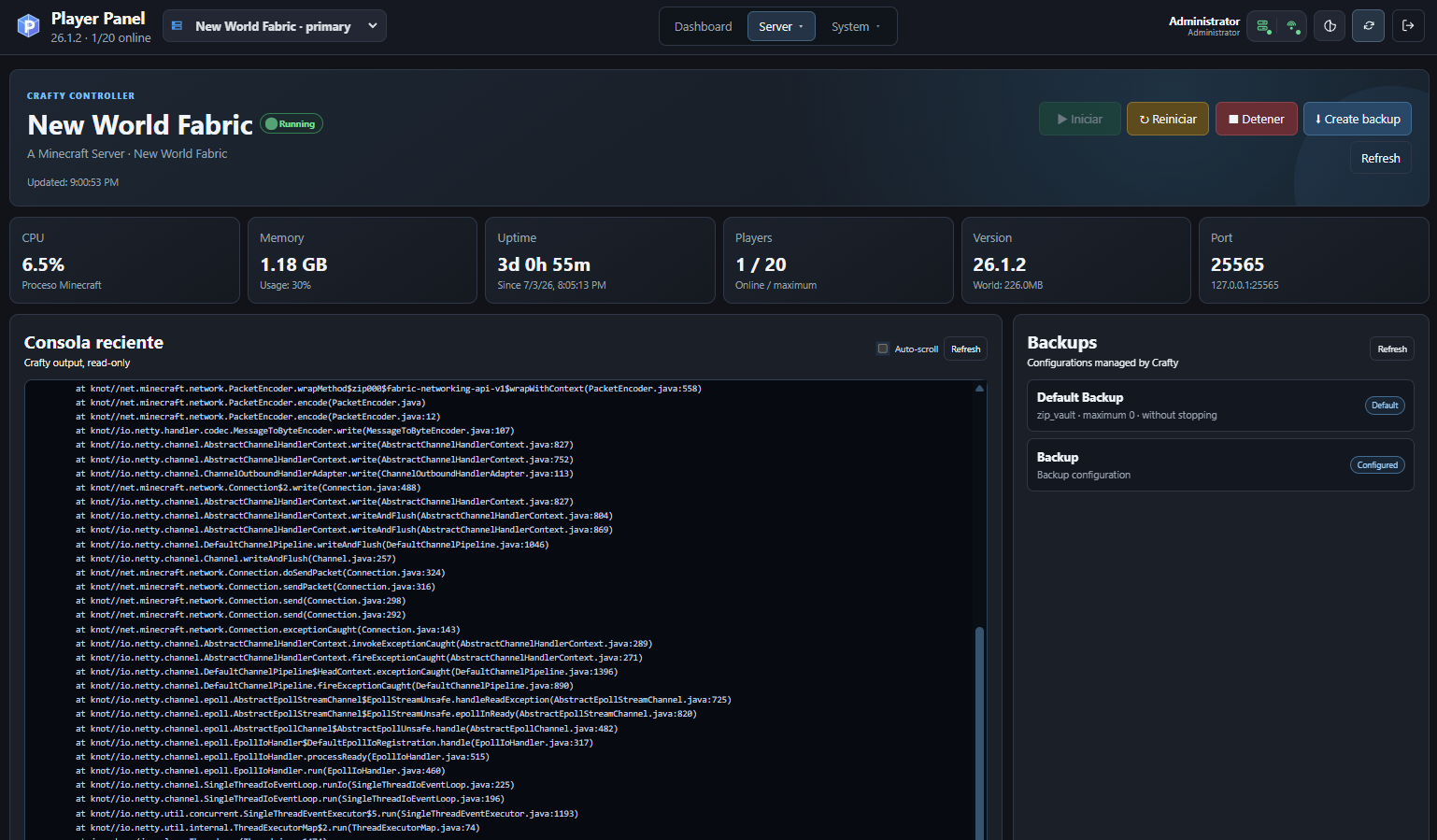
The optional Crafty Controller integration provides server discovery, status and metrics, start, stop and restart actions, recent console output, and backup management.
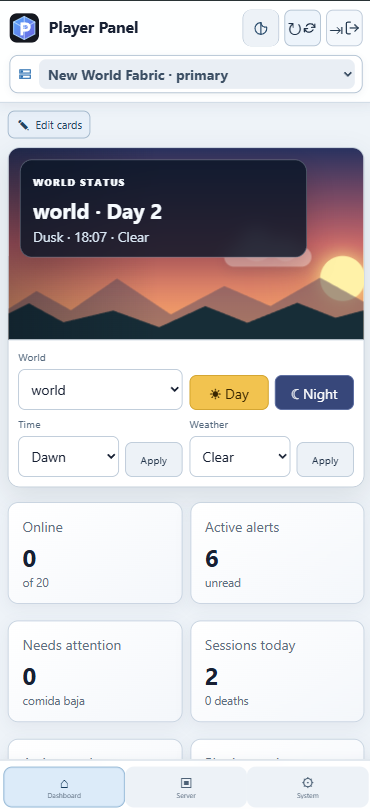
Responsive mobile interface
|
Desktop and mobile support
Player Panel includes a responsive interface designed for desktop computers, tablets, Android devices, iPhone and iPad. The mobile layout provides: • touch-friendly navigation; • compact server selection; • responsive dashboard cards; • world time and weather controls; • alerts and server status information; • PWA installation support. |
常见问题
Player Panel 支持哪些 Minecraft 版本?
Player Panel 支持 Minecraft Java 版 26.1.2,可用的加载器:Fabric。下载时注意选择和你游戏版本一致的文件。
Player Panel 怎么安装?
先用 PCL2 或 HMCL 启动器安装对应版本的 Fabric,再把下载的 .jar 文件放进游戏目录的 mods 文件夹,重新启动游戏即可。开启了版本隔离的,mods 文件夹在 versions/版本名 下面。运行环境:仅服务端。
评论
登录后评论和评分