Player Maps
Maps bound to a player that stay centered on them wherever they go, with explored terrain shared across the whole server for co-op.
截图
介绍
Player Maps
A map that tracks a player instead of staying fixed in one place. Built for co-op multiplayer.
Features
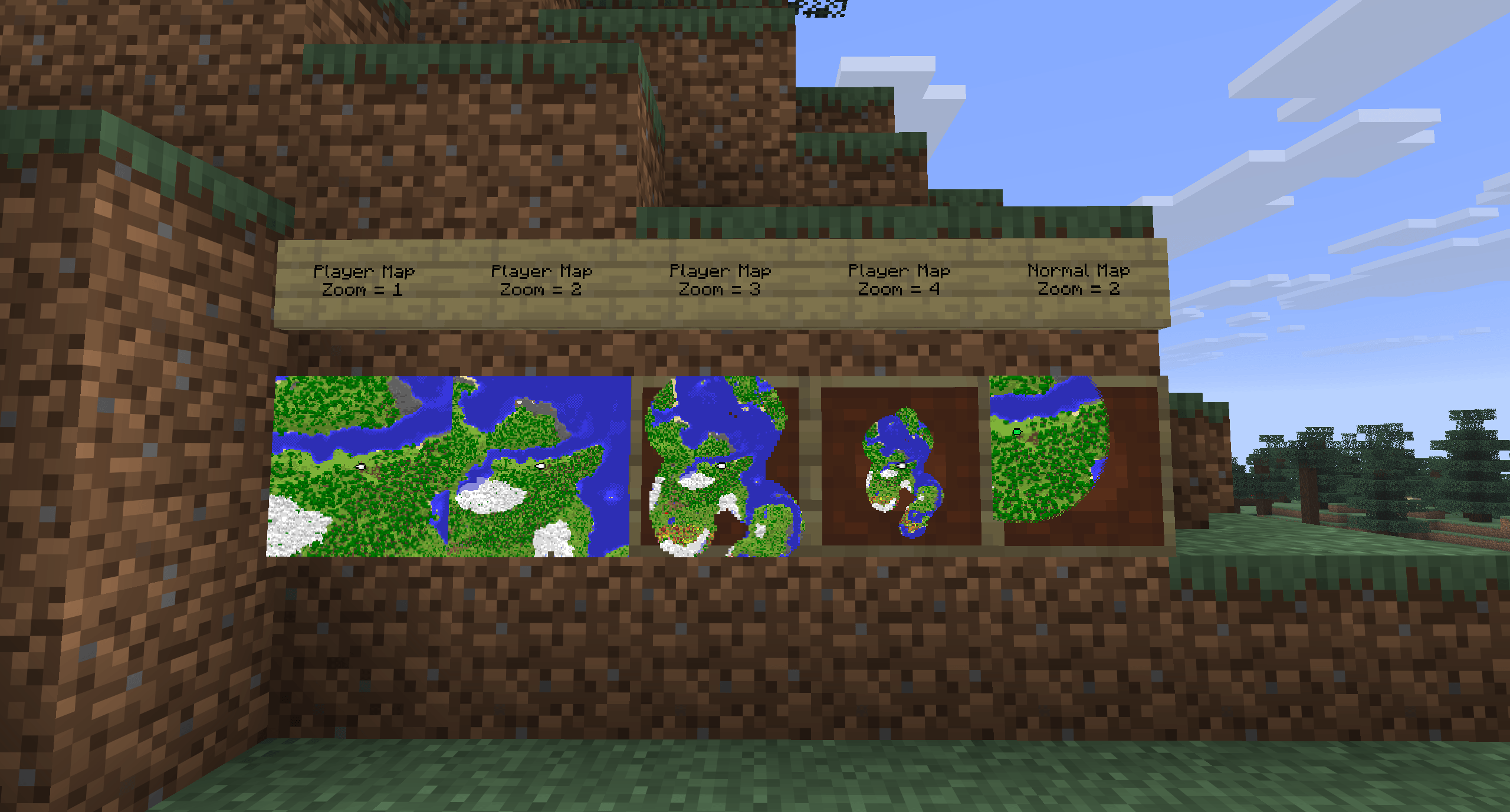
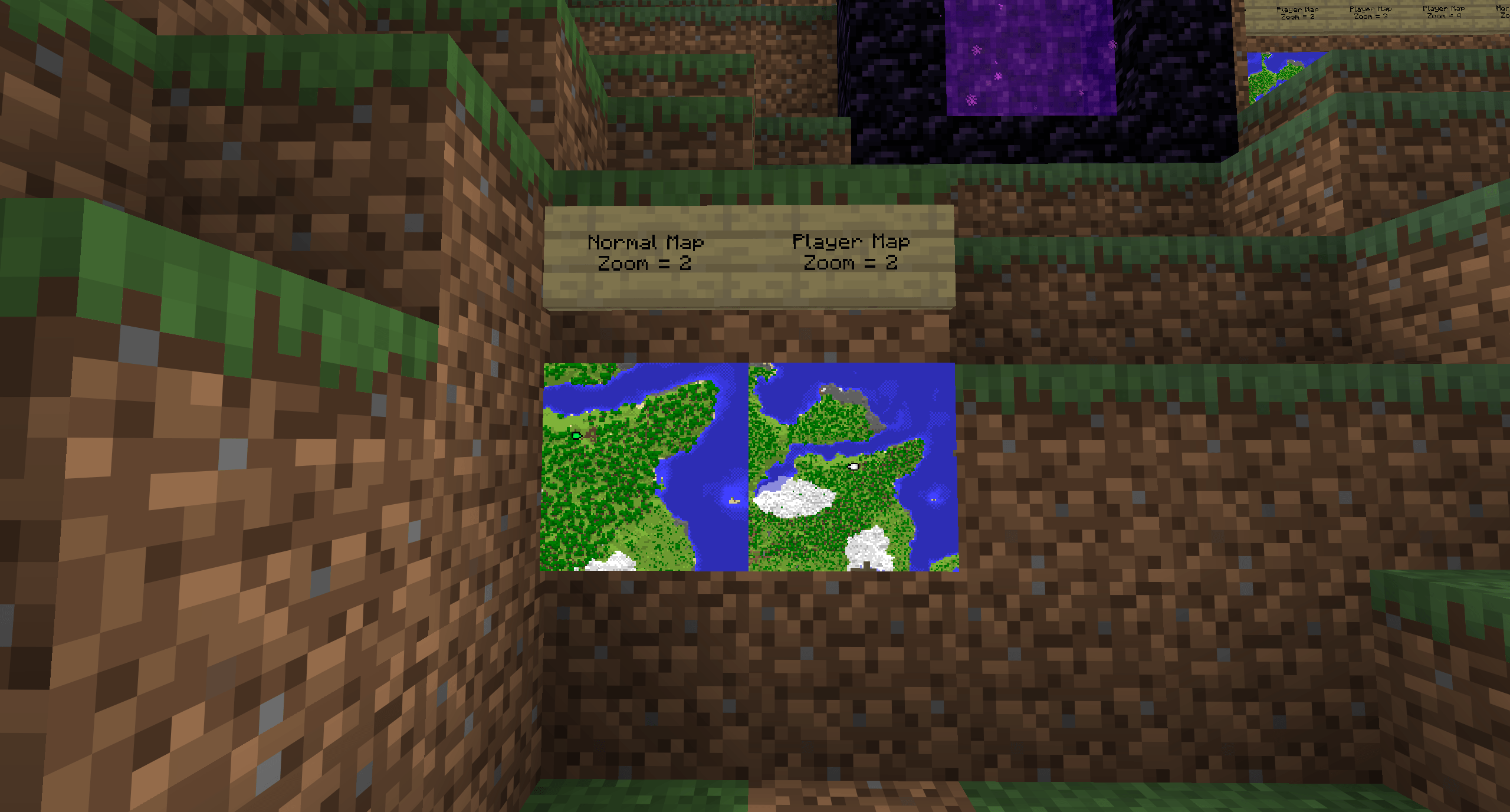
- Follows its player. The map stays centered on the player it’s bound to, in your hand or in an item frame at base.
- Shared exploration. Every tracked player reveals terrain for everyone’s Player Maps, so a group fills in one shared atlas together, saved with the world.
- Works in item frames. A framed Player Map is a live tracker at base.
- Zoom levels 0-4, vanilla-style. North is always up. Terrain is drawn in vanilla map colours.
- Maps remember players by account, so they keep working after a name change.
Crafting
Everything happens at a vanilla cartography table. Rename a name tag at an anvil to a player’s name (that player must have joined the world).
- Make a map: renamed name tag + empty map
- Rebind: Player Map + renamed name tag
- Copy: Player Map + empty map
- Zoom out: Player Map + paper (max zoom 4)
Reading the map
- White arrow: tracked player in the Overworld
- Red arrow: in the Nether (shown at Nether position x8)
- Magenta arrow: in the End (pinned where they left)
- Grey arrow: offline (last known position)
- Green arrow: you, when holding someone else’s map
Server config
Scan radius, scan budget, position sync rate, and bandwidth limits can be adjusted in serverconfig/player_maps-server.toml. Operators also get /playermap give | stats | dump | compare.
Requirements
- Minecraft Java Edition 26.3
- NeoForge 26.3.0.6-beta
- Required on both the server and every client.
Planned Features Coming Soon:
- Nether/End terrain drawing
- JEI/EMI recipe entries
- Cartography table preview
Source and full docs: GitHub
常见问题
Player Maps 支持哪些 Minecraft 版本?
Player Maps 支持 Minecraft Java 版 26.3,可用的加载器:NeoForge。下载时注意选择和你游戏版本一致的文件。
Player Maps 怎么安装?
先用 PCL2 或 HMCL 启动器安装对应版本的 NeoForge,再把下载的 .jar 文件放进游戏目录的 mods 文件夹,重新启动游戏即可。开启了版本隔离的,mods 文件夹在 versions/版本名 下面。
ty10y 的其他作品
查看全部 →
Arrow Fletching
Firework Update! Adds a new firework arrow to celebrate 300 downloads on Curseforge! Base mod adds 31 craftable arrows — each with custom art and its own effect — from TNT to summoning bees.

Torch Slot
Adds a light slot beside your chestplate. Put in a torch, lantern or any light block and you glow, with smooth light that follows you as you move.
评论
登录后评论和评分