Player Jetpack
Craft and upgrade a 3D jetpack with powered flight, glide mode, coal charging, and animated machines.
截图
介绍

Build your way into the sky. Player Jetpack adds a detailed 3D jetpack and two dedicated machines to your survival world. Your first pack starts modestly: gather materials, keep it charged, and develop the upgrades that fit the way you fly.
Fly vertically to reach a build, switch into a forward glide to travel, and use powered thrust to control your descent. The pack is equipment you learn to manage—its energy and upgrades matter throughout the journey.
Content creators and modpack authors are welcome to include Player Jetpack in their modpacks, provided they credit Haider x or include a link to the official project page. No additional permission is required. This permission applies to official, unmodified releases; all other rights remain reserved.
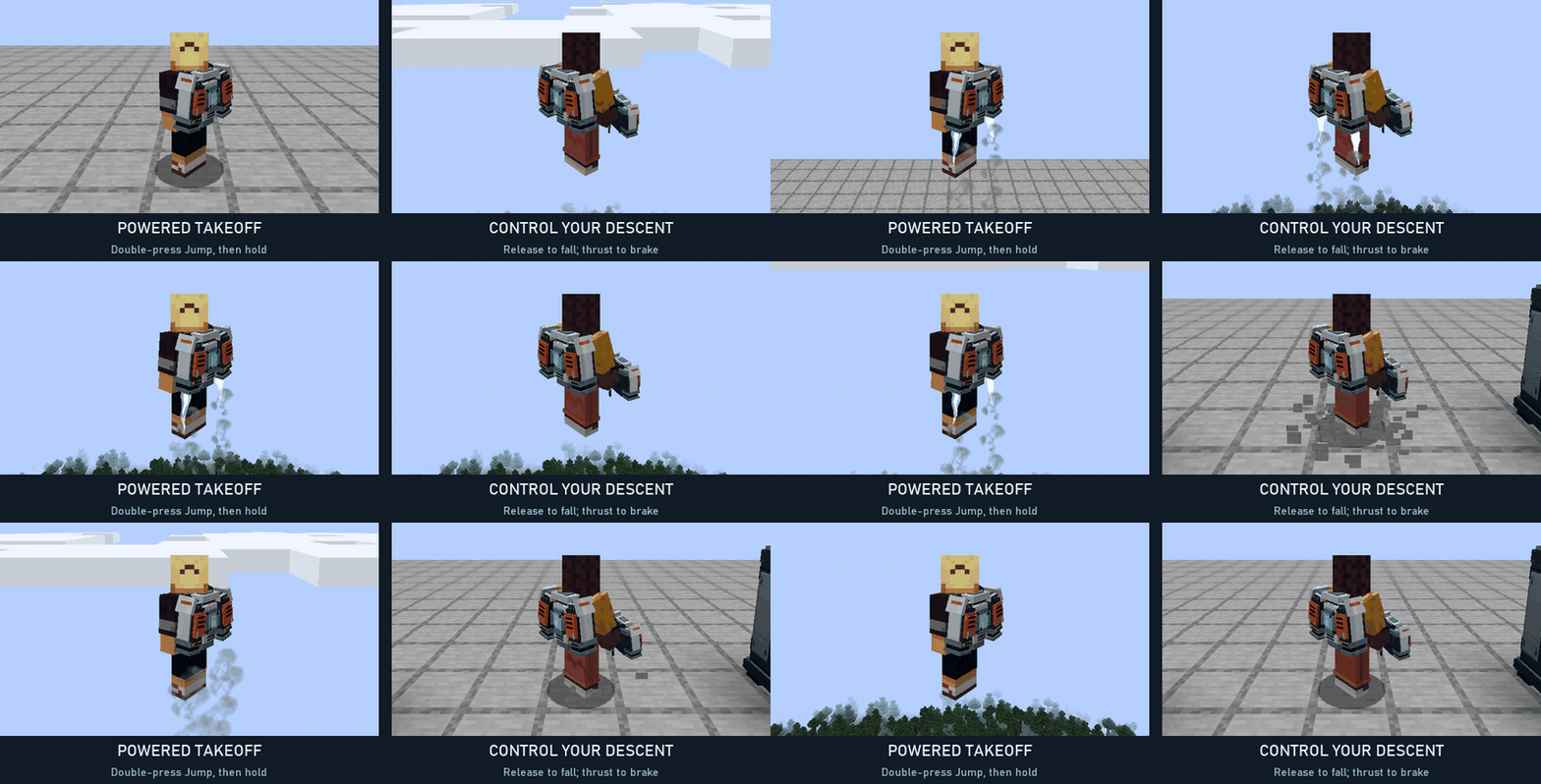
Take off: double-press Jump, then hold Jump for thrust. Descend: release Jump to fall naturally; apply thrust again to control your descent before touching down.
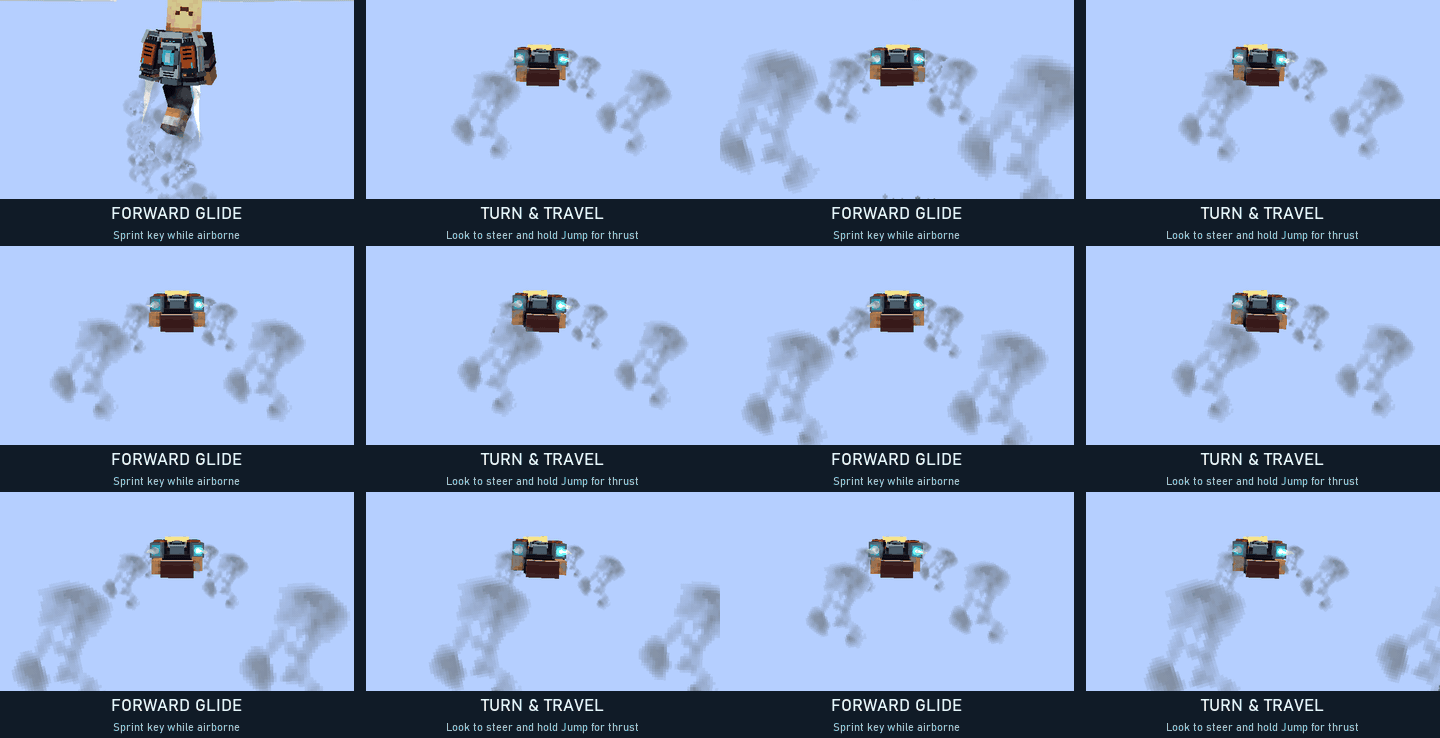
Travel: press the Sprint key while airborne to enter the elytra-style glide pose. Look where you want to go and use thrust to propel yourself. Press Sprint again to return upright. Default keys are Space for Jump and Left Ctrl for Sprint; remapped bindings are supported.
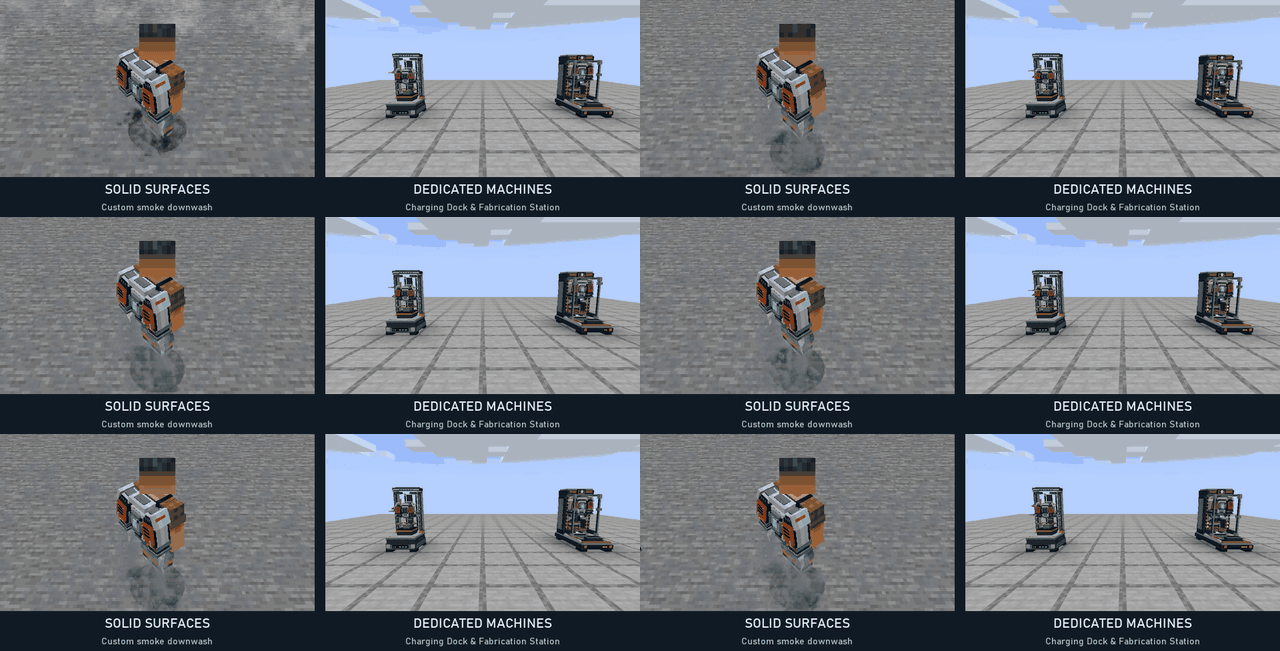
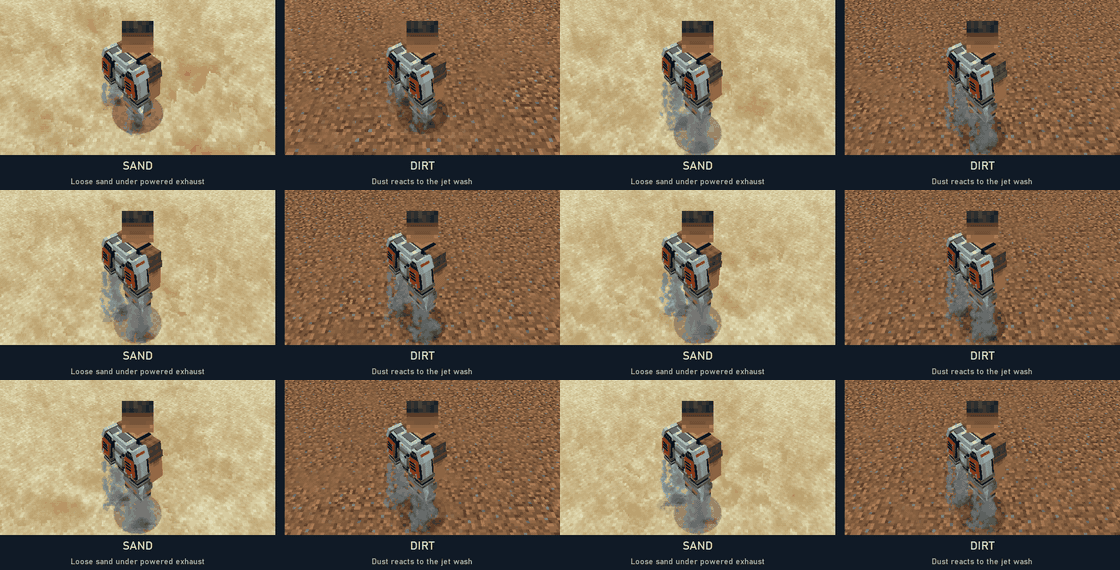
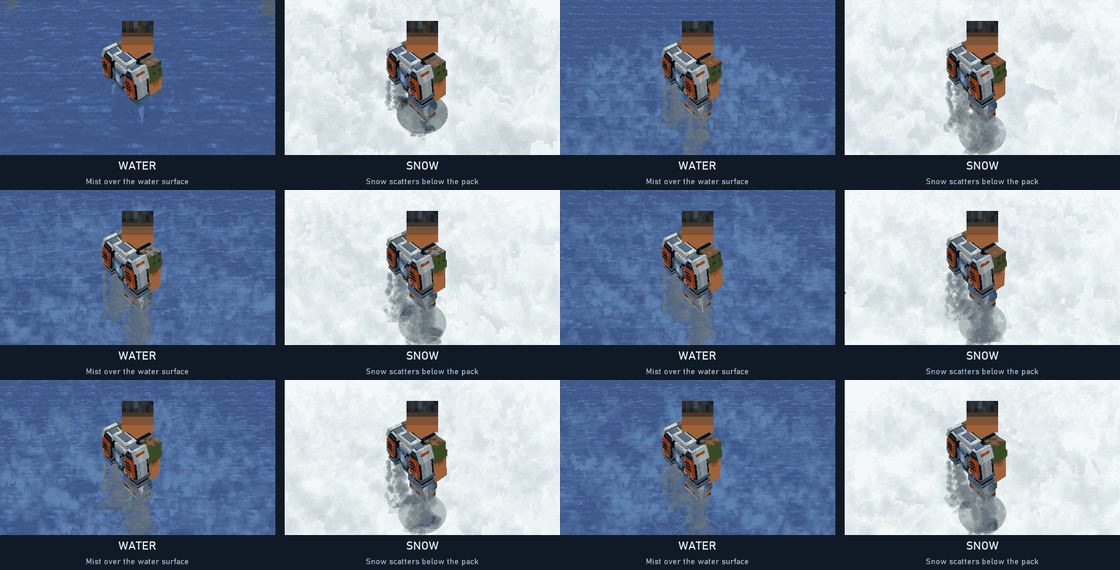
When powered exhaust reaches a nearby surface, downwash responds to the material below the pack. The effect is strongest close to the ground.
Sand: loose sand blows out beneath the jets. Dirt: a dusty plume spreads across the surface.
Water: mist rises around the impact. Snow: pale snow particles scatter beneath the exhaust.
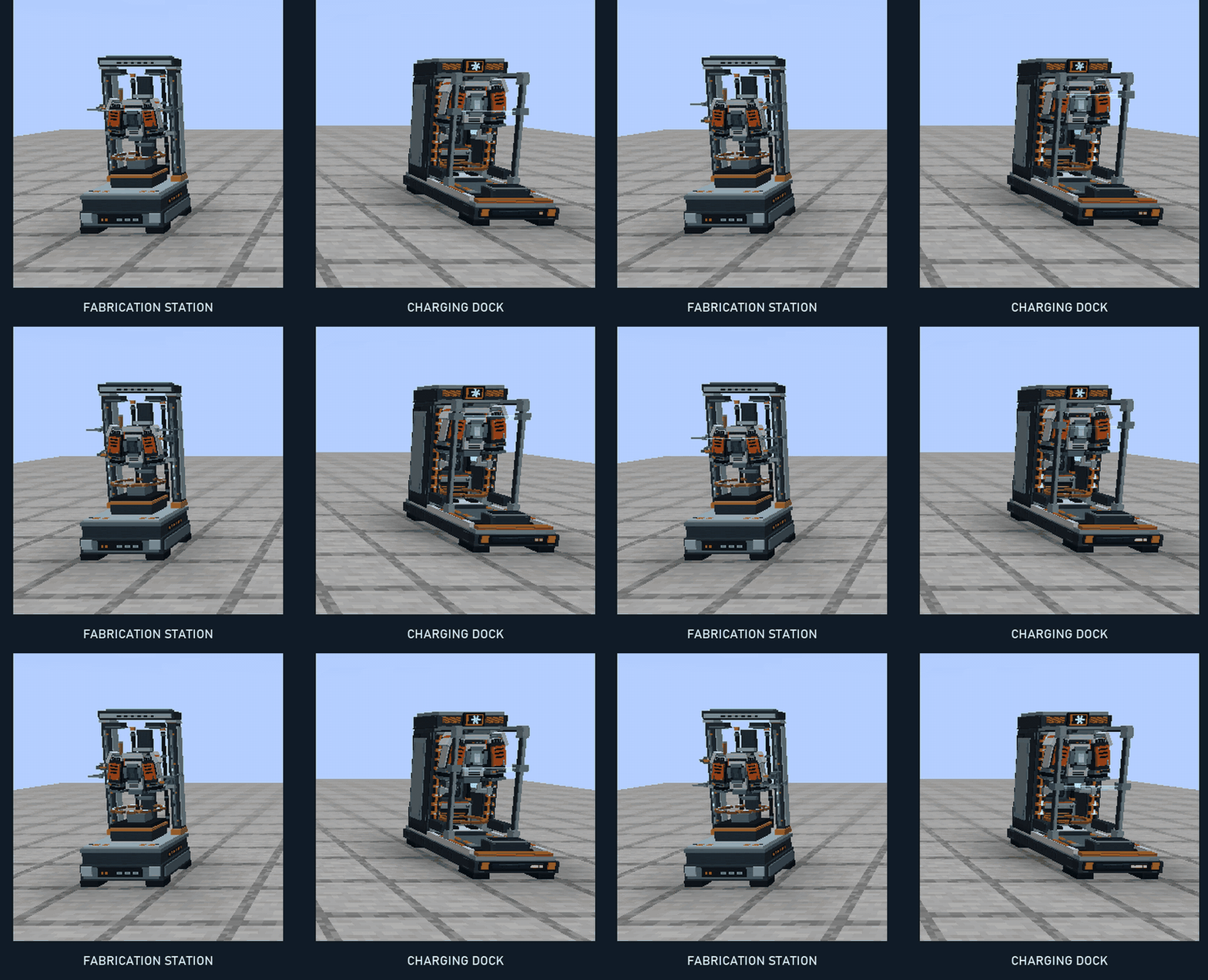
Other solid surfaces: the pack’s custom smoke provides the downwash. Machines: dedicated charging and fabrication equipment displays the inserted pack and animates while working.
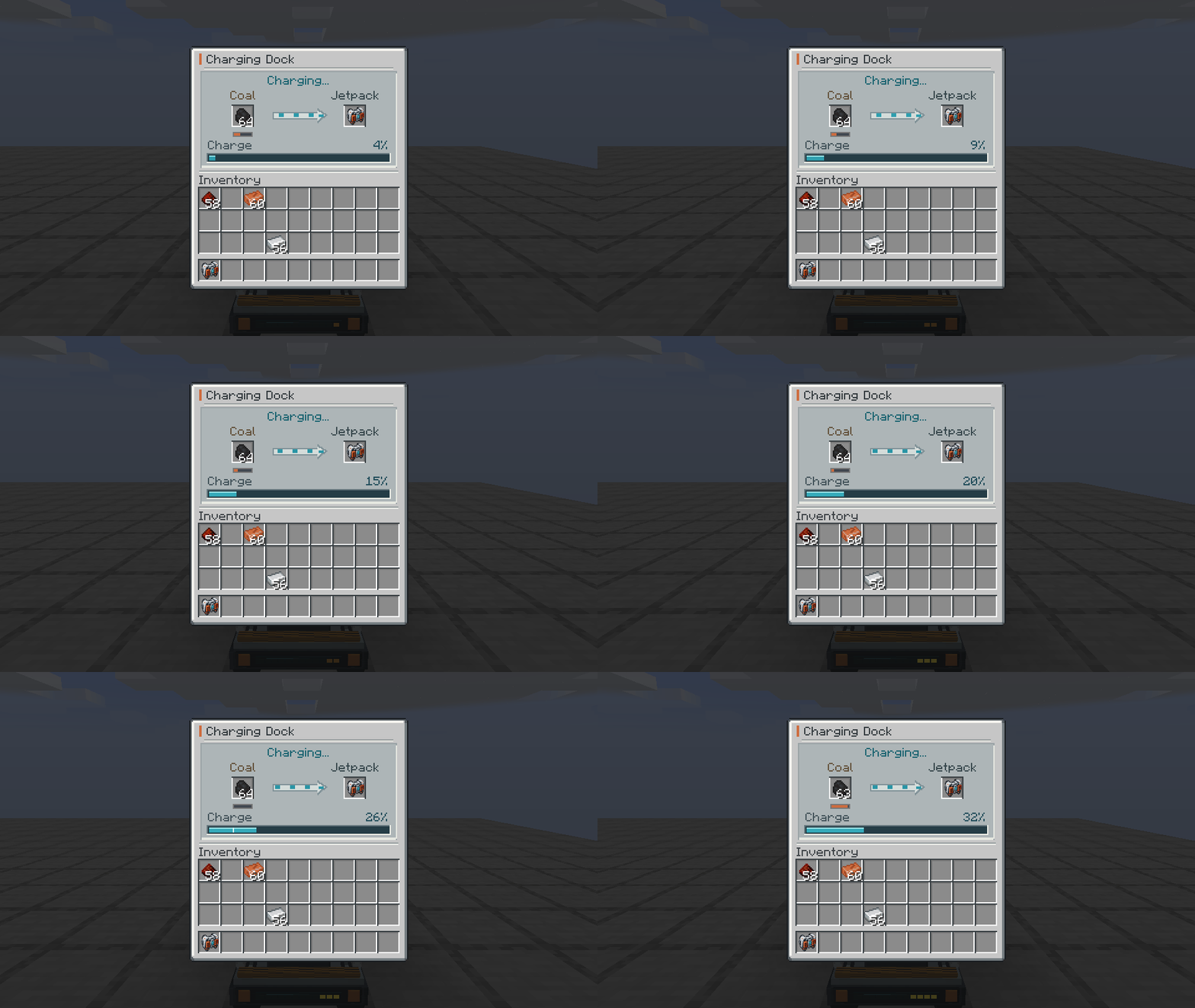
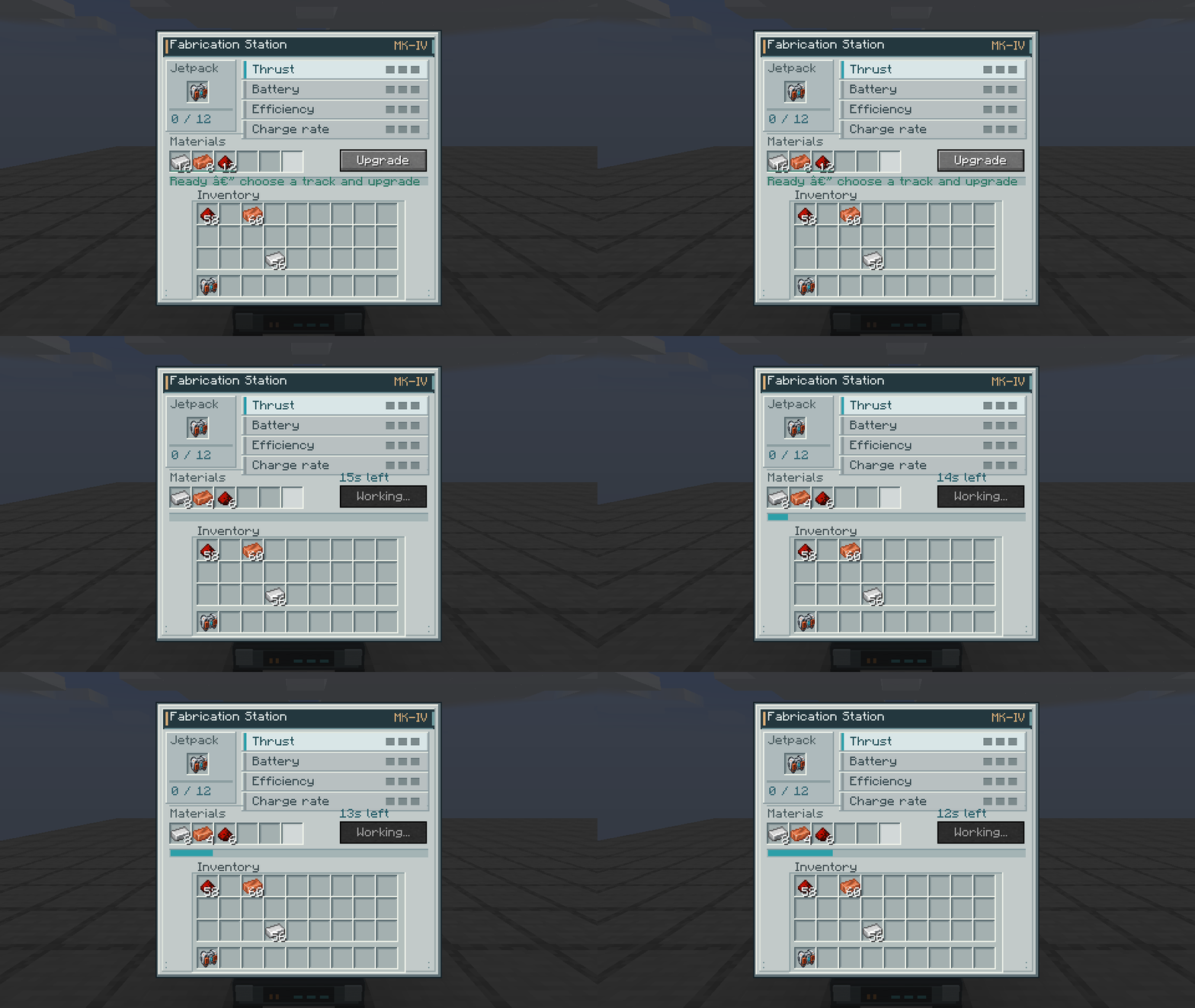
Open Charging Dock at full size | Open Fabrication Station at full size
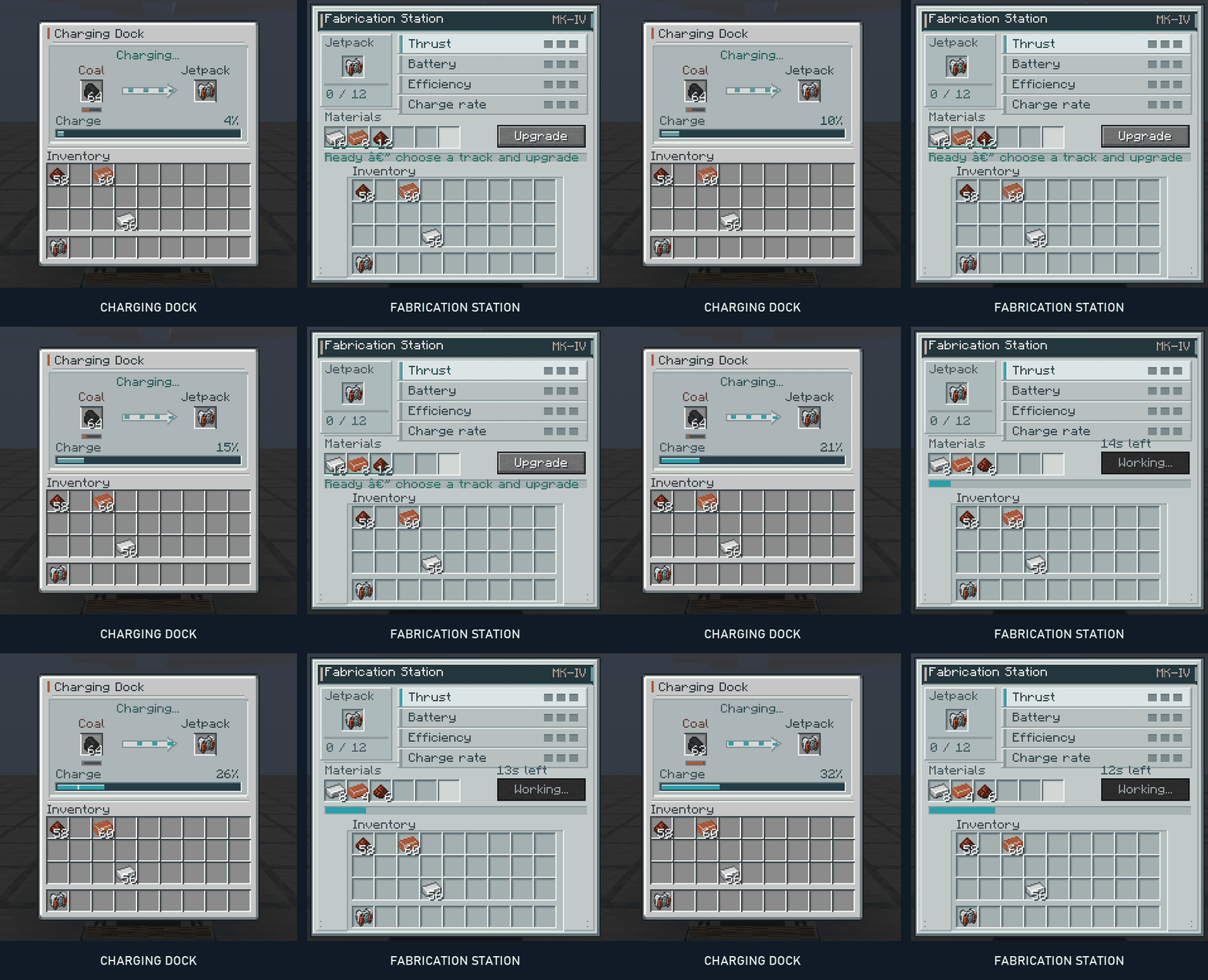
Charging Dock — insert your pack and coal or charcoal. Fuel is converted into charge, the pack appears in the machine, and the interface shows its current charge and fuel reserve.
Fabrication Station — insert the pack, choose an upgrade track, and supply the indicated materials. Ghost item hints and quantities help explain the recipe. Each upgrade takes a short amount of time, with visible progress while the station works.
| Upgrade | What it improves |
|---|---|
| Thrust | Acceleration and ascent speed |
| Capacity | Energy available between charges |
| Efficiency | Energy used during powered flight |
| Charging | How quickly the dock charges the pack |
Each track has three levels. Capacity upgrades preserve the energy already in the pack instead of granting free charge.
常见问题
Player Jetpack 支持哪些 Minecraft 版本?
Player Jetpack 支持 Minecraft Java 版 1.20.1–26.3,共 5 个版本,可用的加载器:Fabric / Forge / NeoForge。下载时注意选择和你游戏版本一致的文件。
Player Jetpack 怎么安装?
先用 PCL2 或 HMCL 启动器安装对应版本的 Fabric / Forge / NeoForge,再把下载的 .jar 文件放进游戏目录的 mods 文件夹,重新启动游戏即可。开启了版本隔离的,mods 文件夹在 versions/版本名 下面。
Haider_x 的其他作品
查看全部 →
Luna shader
Luna 光影:优化了水面反射,呈现深蓝色调,并为末地传送门加入独特的旋转黑洞效果。

Aetheria Shaders
Aetheria Shaders 是 Complementary Reimagined 的一款华丽奇幻改版光影。拥有自定义维度氛围、发光的青绿色水体、银河主题的下界传送门、流动的熔岩,以及体积化的末地龙卷风。性能表现有保障。

Quanta Shader
快速呈现精美的《Minecraft》画面。柔和的阴影、动态云朵、波光粼粼的水面和绚丽天空,同时优化性能,畅玩高帧率游戏。

Vanilla Rebuild
保留 Minecraft 的经典风格,同时增强光照效果,呈现逼真的天空、体积云、柔和阴影,以及各维度独具特色的浓郁氛围。
评论
登录后评论和评分