
Player Head Hud
Adds a clean player head HUD above nearby players. By default it shows only the avatar, then expands to show the player's name and distance when you look at them or move close enough.
截图
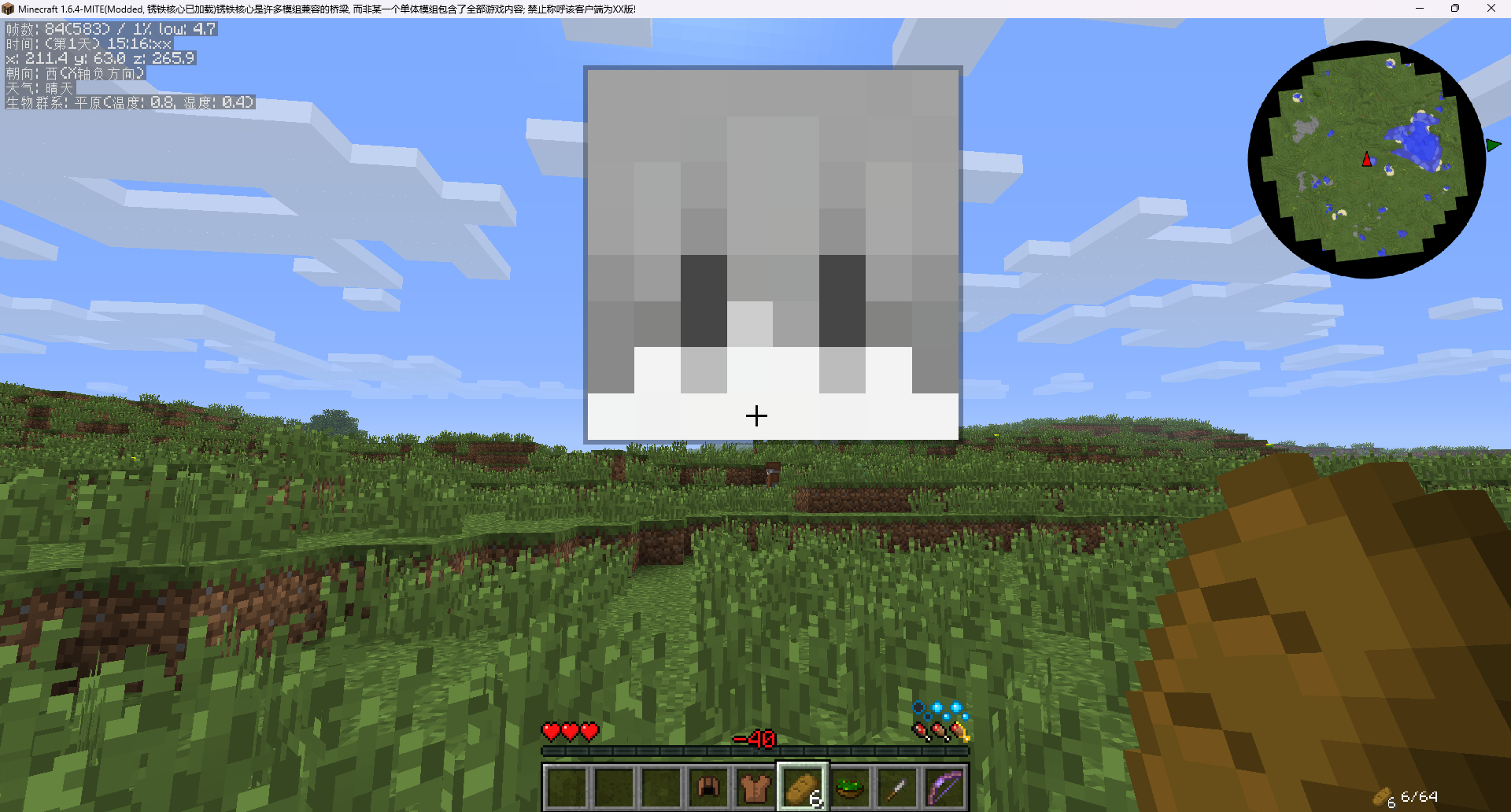
介绍
Player Head HUD
Player Head Hud is a client-side display mod for MITE 1.6.4 + FishModLoader that replaces or supplements the default display of player names above their heads.
Its main goal is simple: make nearby players easier to spot and recognize.
Key Features
- Displays the player’s head, name, and distance above their head
- By default, only shows the head
- When the crosshair hovers over the player or their head, it expands to show the name and distance
- Automatically shows name and distance when the player is close enough and there’s no obstruction
- Supports scaling heads based on distance while maintaining a minimum size
- Supports distance-based blur
- Supports real player skins, falling back to the default Steve head if unavailable
- Can switch between “Player Head Display” and “Vanilla Name Display”
常见问题
Player Head Hud 支持哪些 Minecraft 版本?
Player Head Hud 支持 Minecraft Java 版 1.6.4。下载时注意选择和你游戏版本一致的文件。
Player Head Hud 怎么安装?
先用 PCL2 或 HMCL 启动器安装对应版本的 模组加载器,再把下载的 .jar 文件放进游戏目录的 mods 文件夹,重新启动游戏即可。开启了版本隔离的,mods 文件夹在 versions/版本名 下面。运行环境:仅客户端。
ModdedMITE 的其他作品
查看全部 →
Bread Skin MITE
Display saturation on your MITEmod screen

Resource Crops
Resource Crops is a FishModLoader mod for MITE that adds configurable resource crops.

BetterGameSetting [BTW/MITE]
Ports the game settings screen from 1.7.2+ to Minecraft 1.6.4.

Forge Config [LegacyFabric]
Port config system from forge to legacy Fabric
评论
登录后评论和评分