
Player Compass+ HUD
作者:alvaromiguel
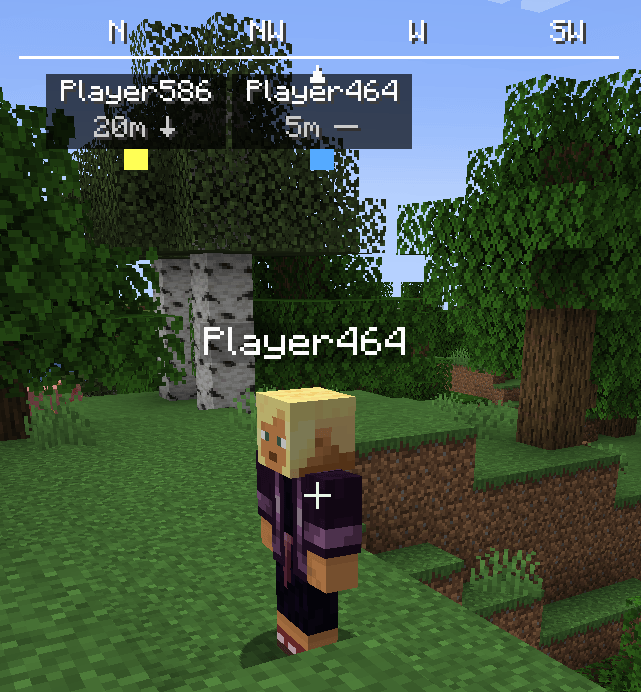
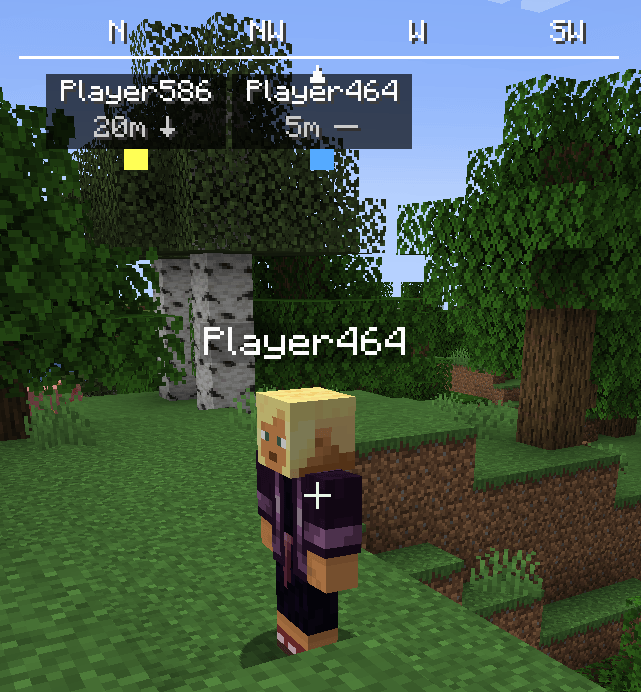
A customizable compass HUD that shows nearby players, their direction, distance, and height.
截图
介绍
中文介绍正在准备中,下面暂时显示原文。
Player Compass
Player Compass is a lightweight client-side Minecraft mod that adds a customizable compass HUD to your screen.
The compass helps you keep track of nearby players by showing their direction, distance, and height relative to you.
Features
- 🧭 Compass HUD with the 8 cardinal and diagonal directions
- 👤 Displays nearby players around the compass
- 📏 Shows the distance to each player
- ↕ Shows whether a player is above or below you
- 🎨 Each player can have a distinct color
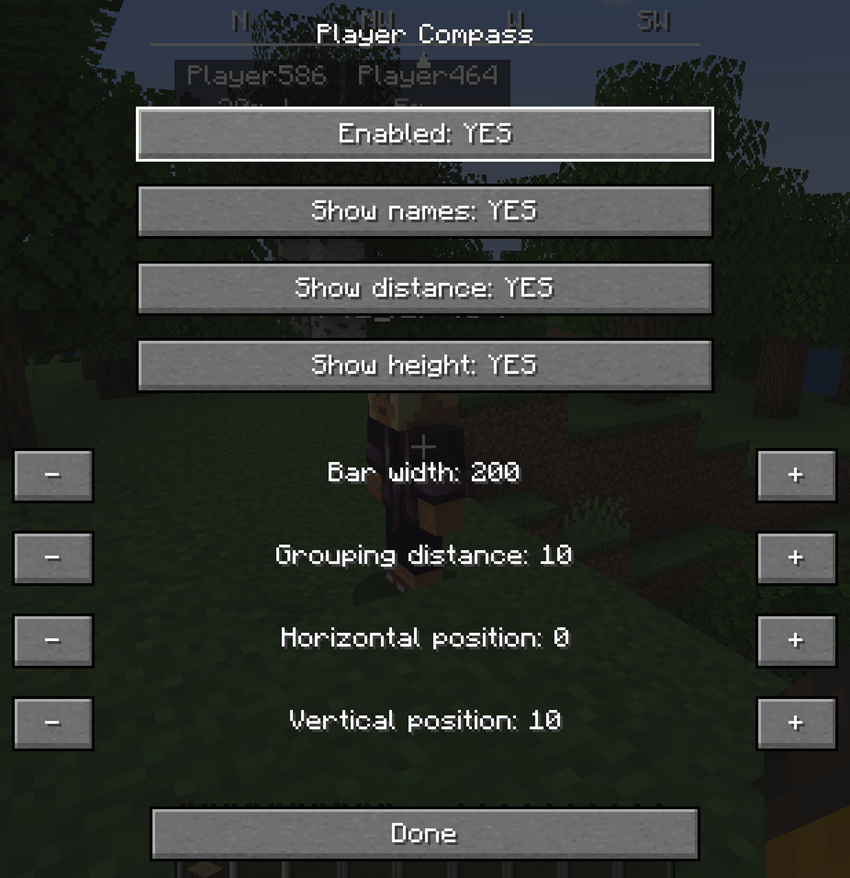
- ⚙️ Customizable HUD settings
- 📐 Adjustable compass width
- ↔ Adjustable horizontal HUD position
- ↕ Adjustable vertical HUD position
- 👥 Adjustable player grouping distance
- 🔤 Toggle player names
- 📏 Toggle distance display
- ↕ Toggle height display
- 💾 Settings are saved automatically
Configuration

The mod includes an in-game configuration screen accessible directly from the Minecraft Options menu.
You can customize:
- Enable/disable the compass
- Show/hide player names
- Show/hide distance
- Show/hide height
- Compass bar width
- Player grouping distance
- Horizontal HUD position (X)
- Vertical HUD position (Y)
Screenshots

Client-Side
Player Compass is a client-side mod. It does not need to be installed on the server.
Compatibility
Minecraft: 1.20.1
Mod Loader: Fabric
常见问题
Player Compass+ HUD 支持哪些 Minecraft 版本?
Player Compass+ HUD 支持 Minecraft Java 版 1.20.1,可用的加载器:Fabric。下载时注意选择和你游戏版本一致的文件。
Player Compass+ HUD 怎么安装?
先用 PCL2 或 HMCL 启动器安装对应版本的 Fabric,再把下载的 .jar 文件放进游戏目录的 mods 文件夹,重新启动游戏即可。开启了版本隔离的,mods 文件夹在 versions/版本名 下面。
评论
登录后评论和评分