Planetary Terraforming
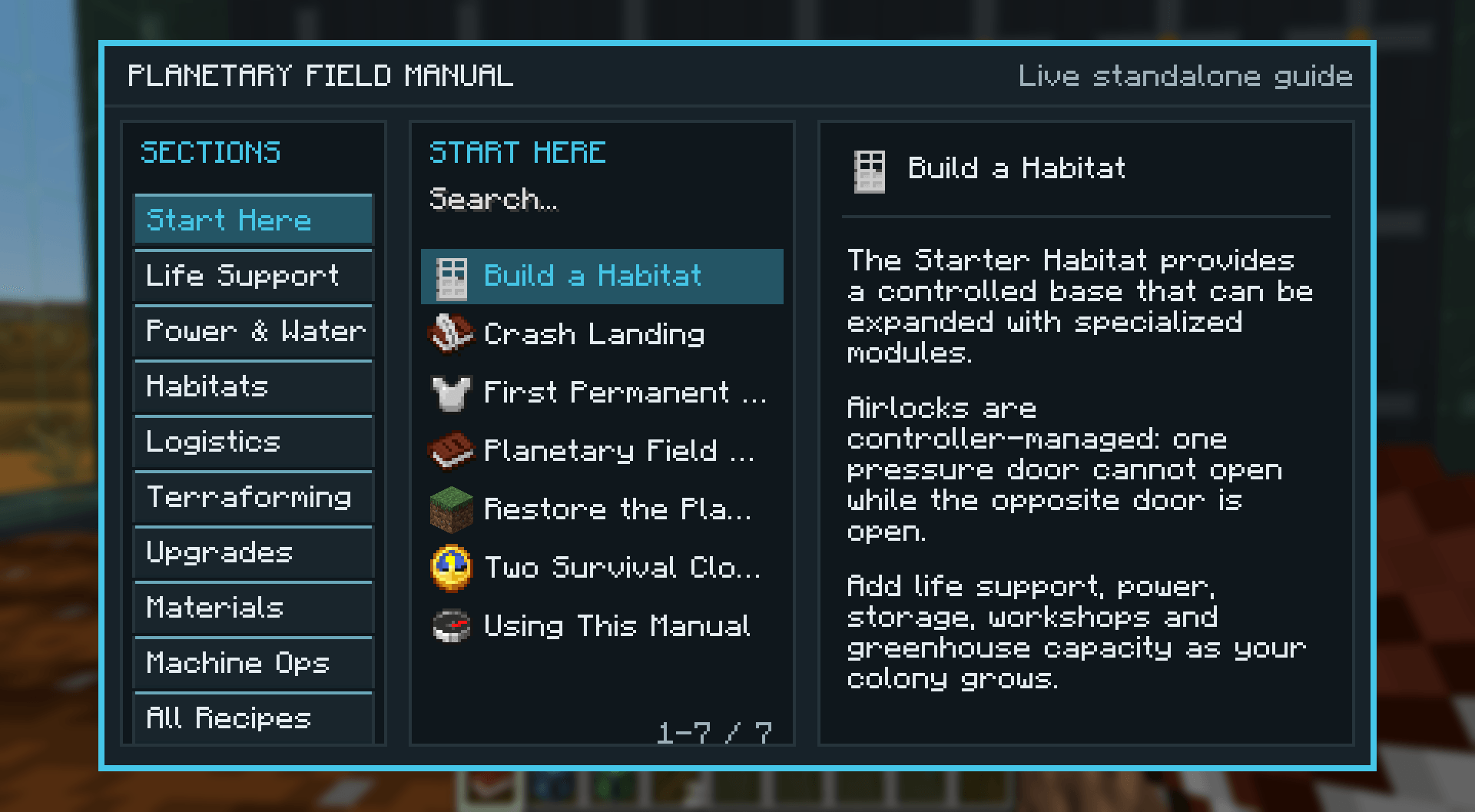
Have you ever wanted to terraform Minecraft? Well, now you can! Restore a dead world and transform it into a living planet.
截图
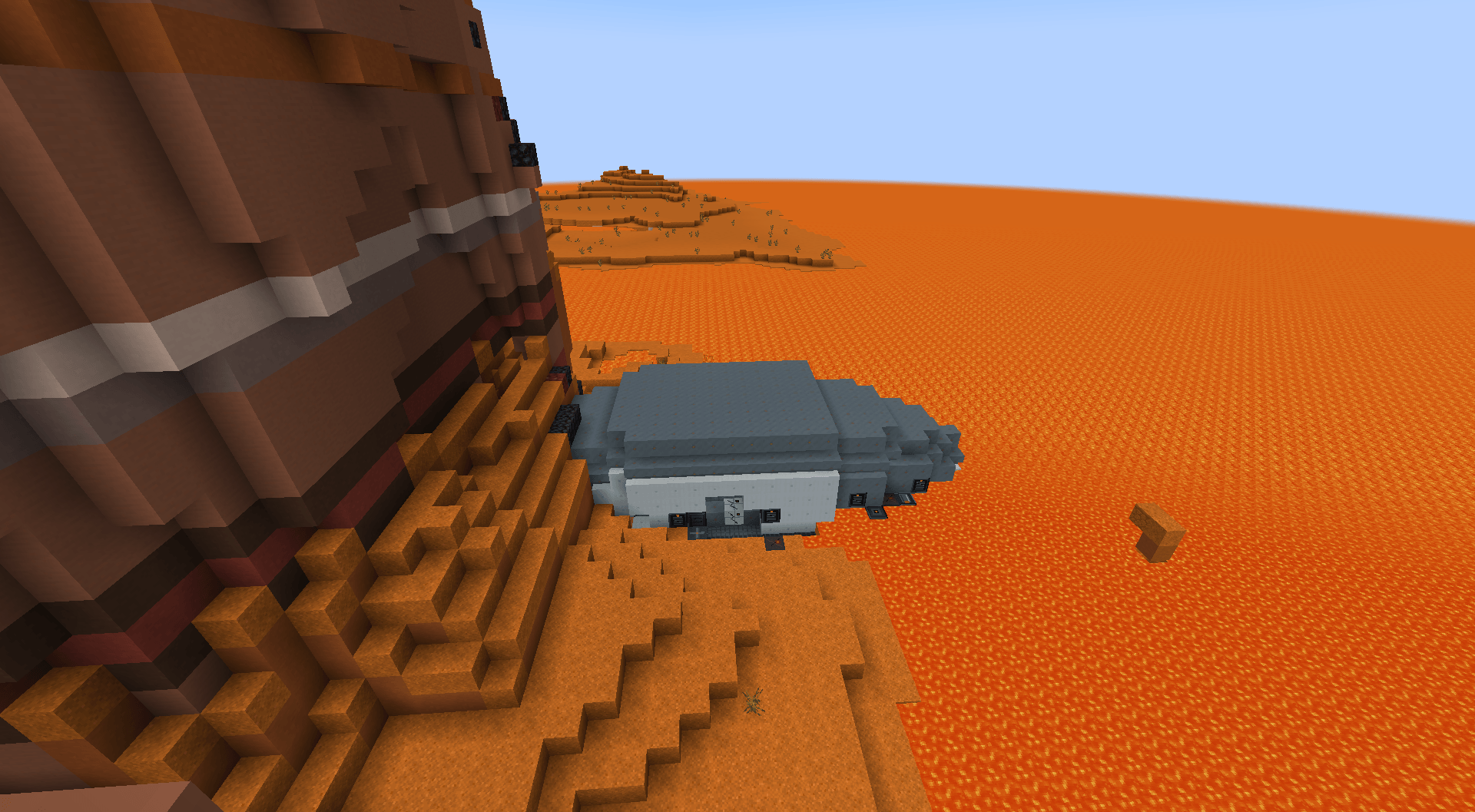
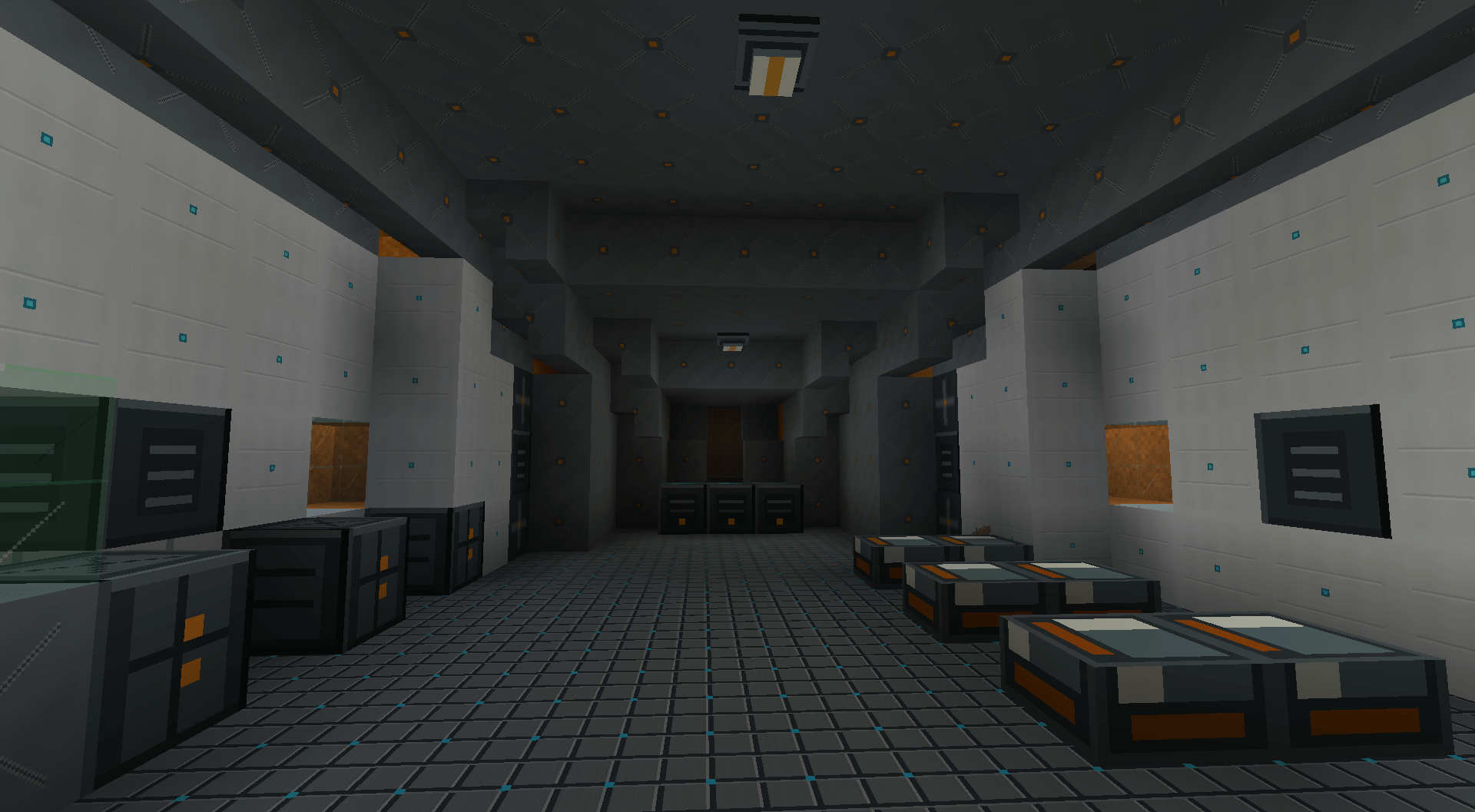
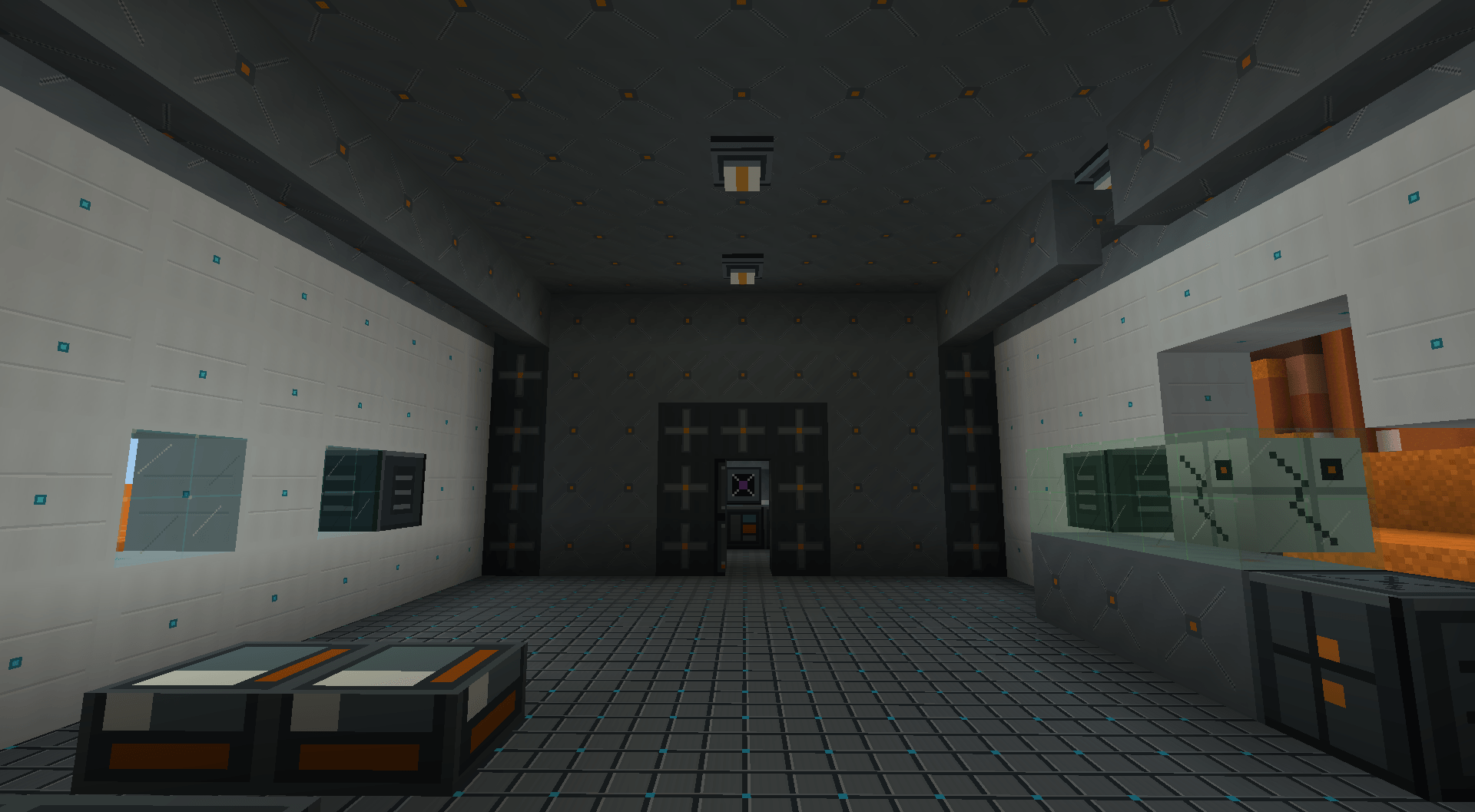
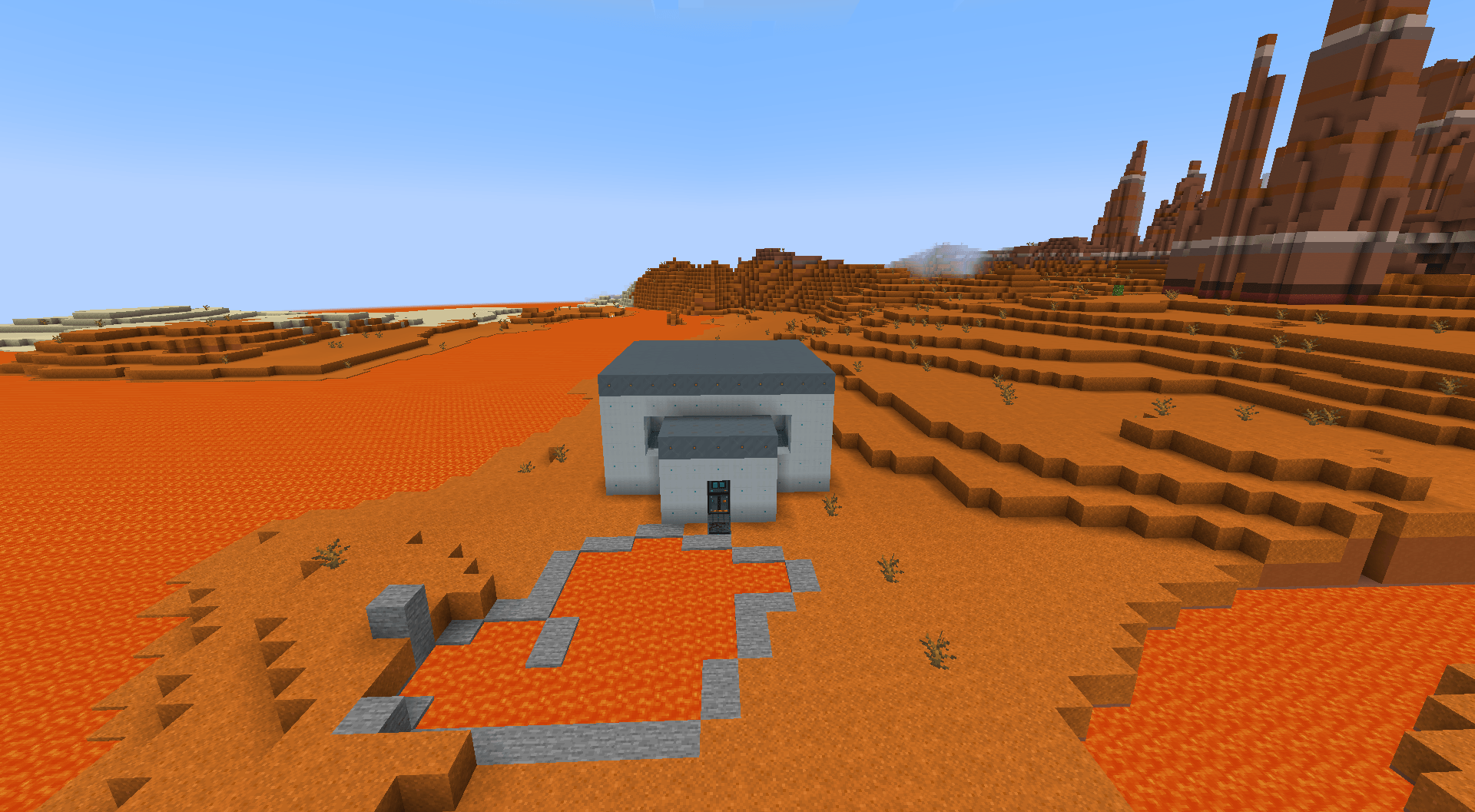
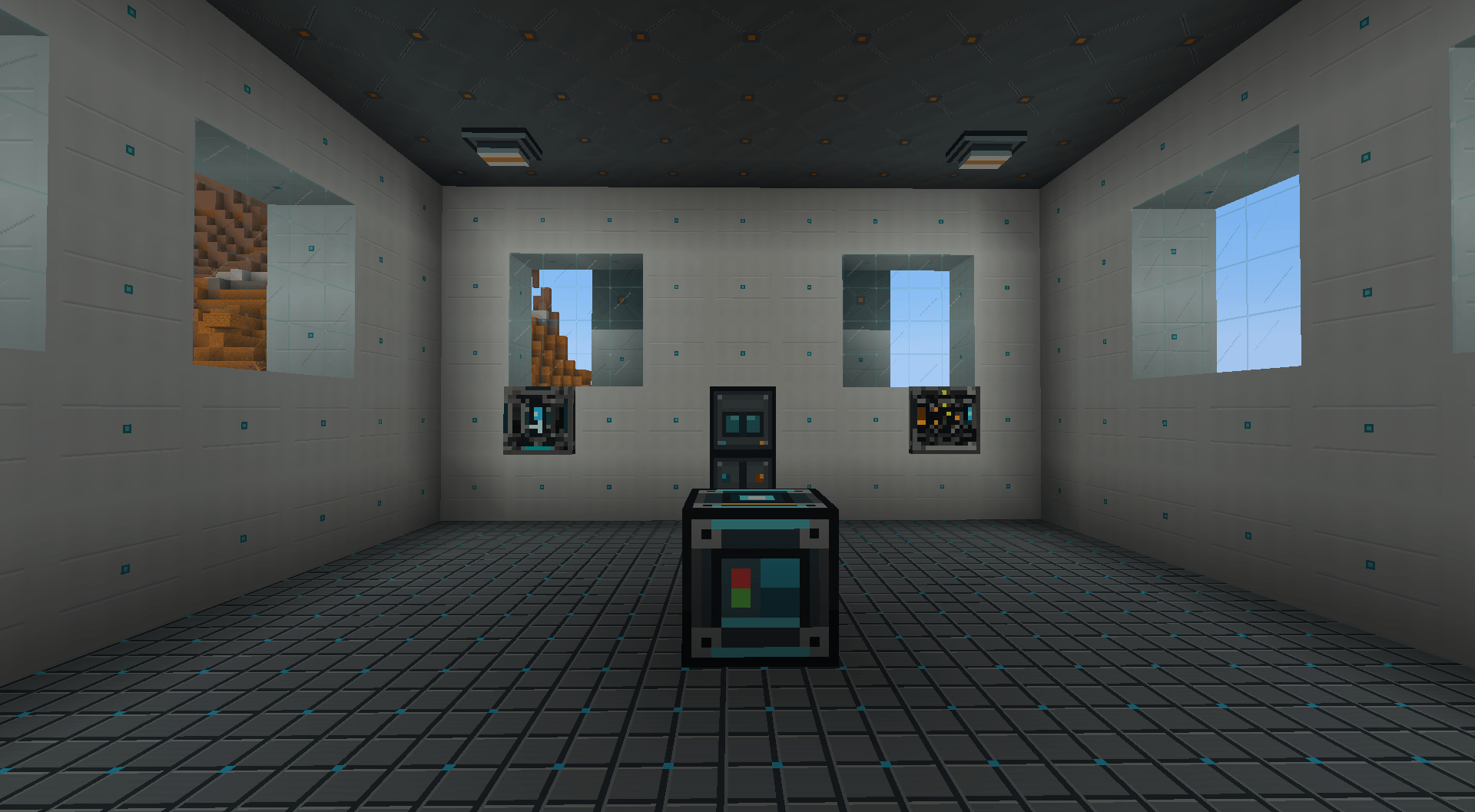
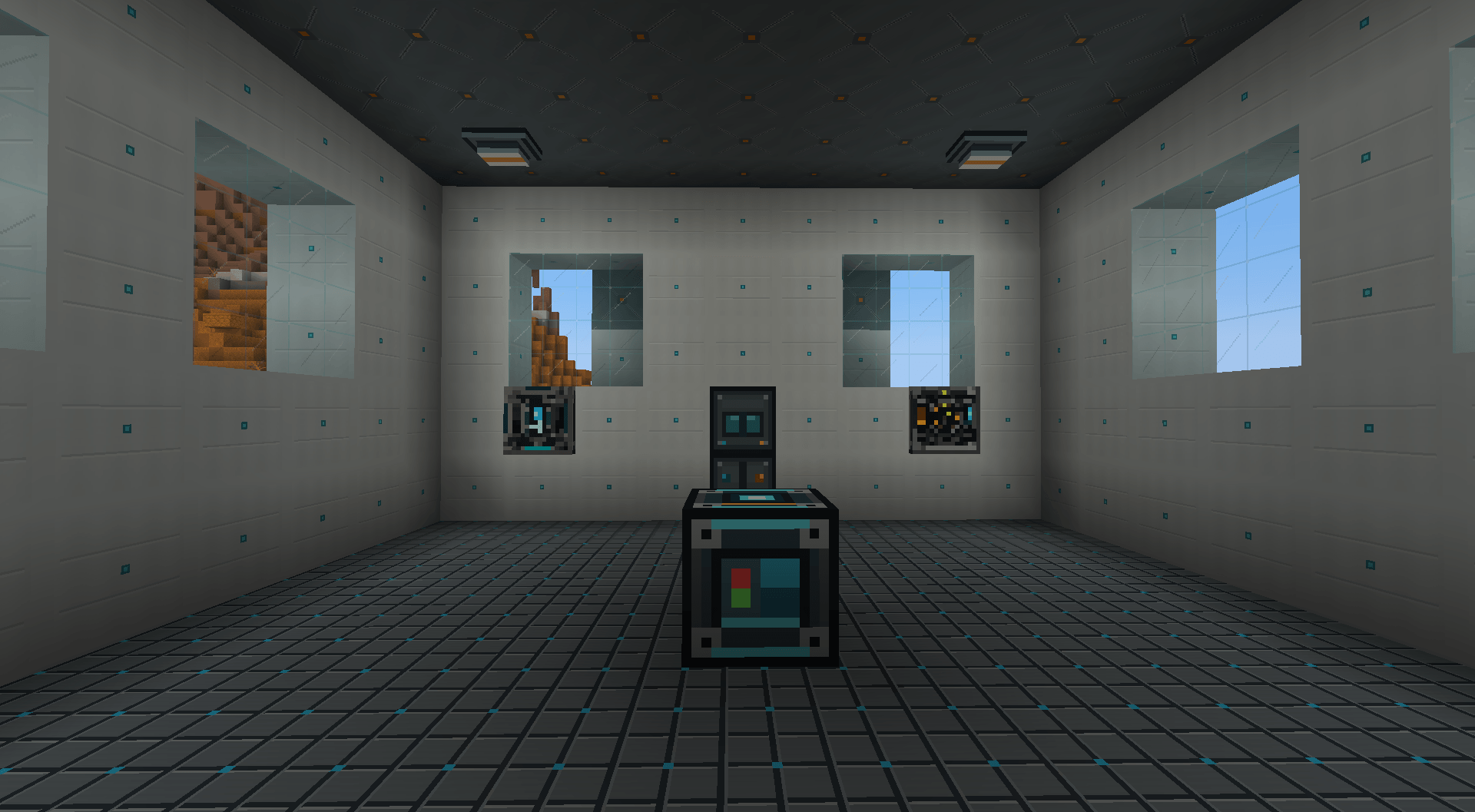
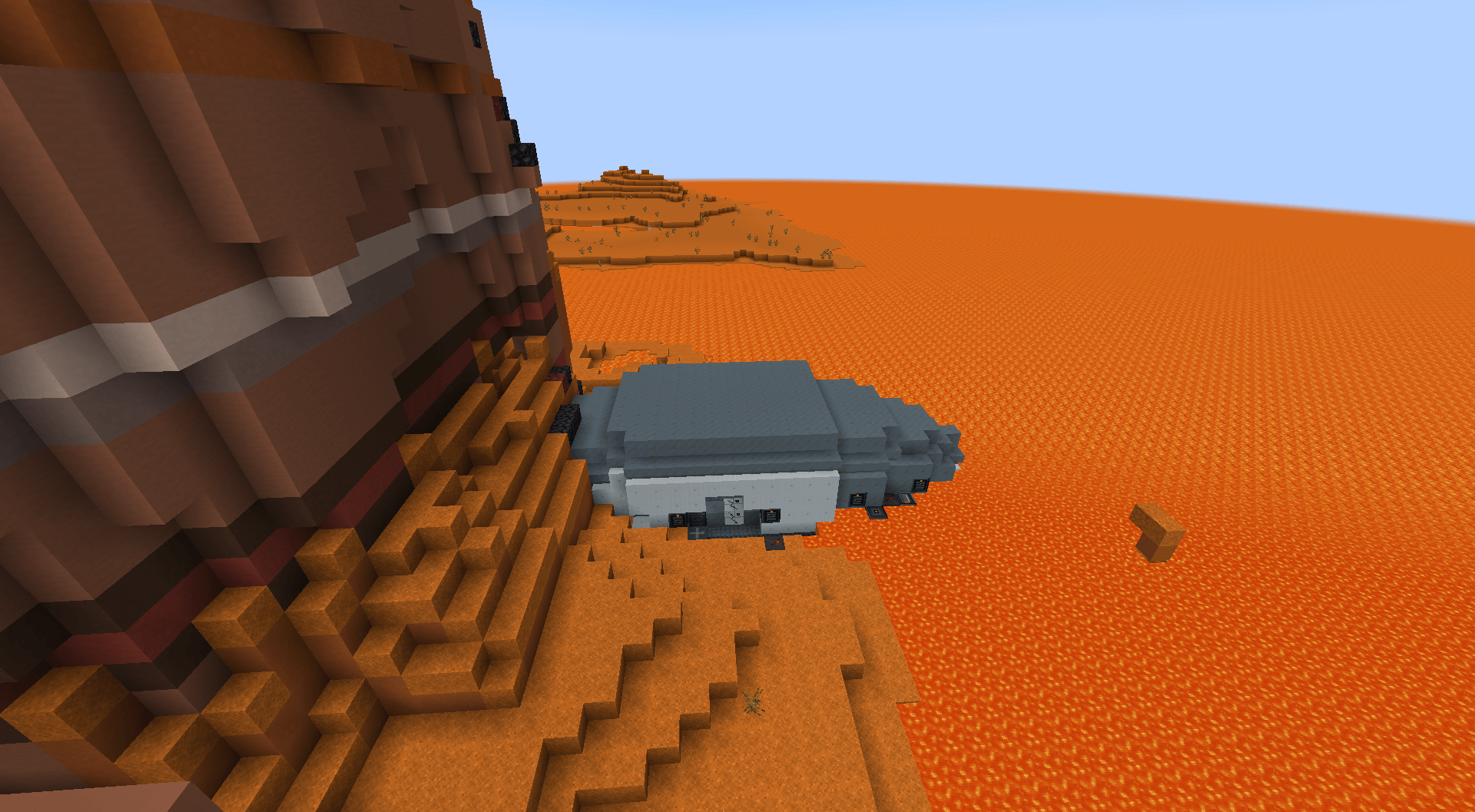
介绍
Planetary Terraforming
Have you ever wanted to terraform Minecraft? Well, now you can!
Planetary Terraforming turns survival into a long-term mission to bring a dead world back to life.
Build habitats, manage oxygen, pressure, temperature, power, and water, construct specialized machines, and work toward the ultimate goal: restoring an entire planet one stage at a time.
Start with limited supplies and temporary life support. Establish a permanent habitat, automate resources, expand your infrastructure, and construct the Terraformer that will gradually transform the world around you.
As terraforming progresses, the planet changes with you—restoring terrain, water, vegetation, resources, atmosphere, and eventually a world capable of supporting life on its own.
Features
-
Multi-stage planetary terraforming progression
-
A world that visually changes as restoration advances
-
Oxygen, pressure, and temperature survival mechanics
-
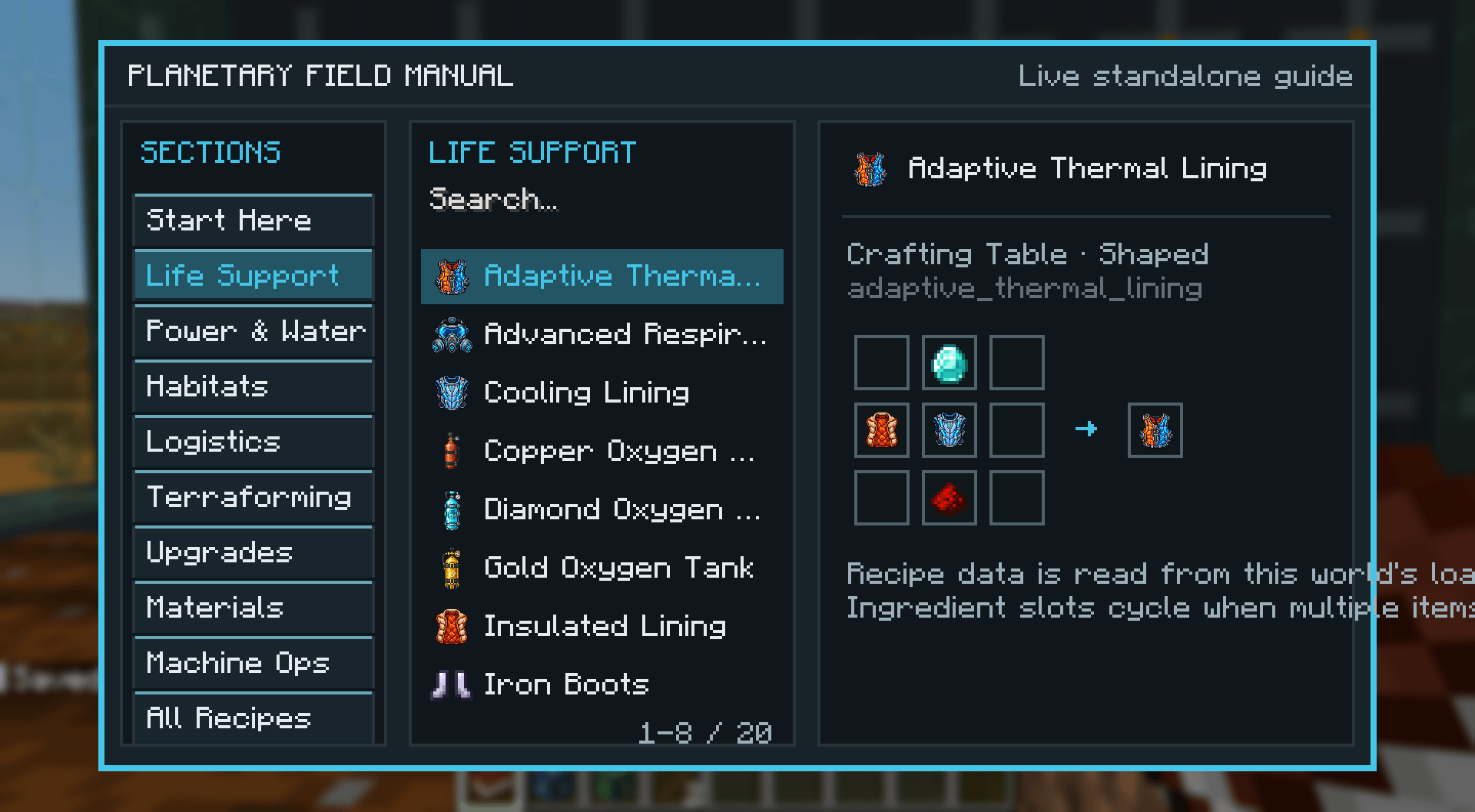
Wearable oxygen tanks, masks, and pressure-sealed equipment
-
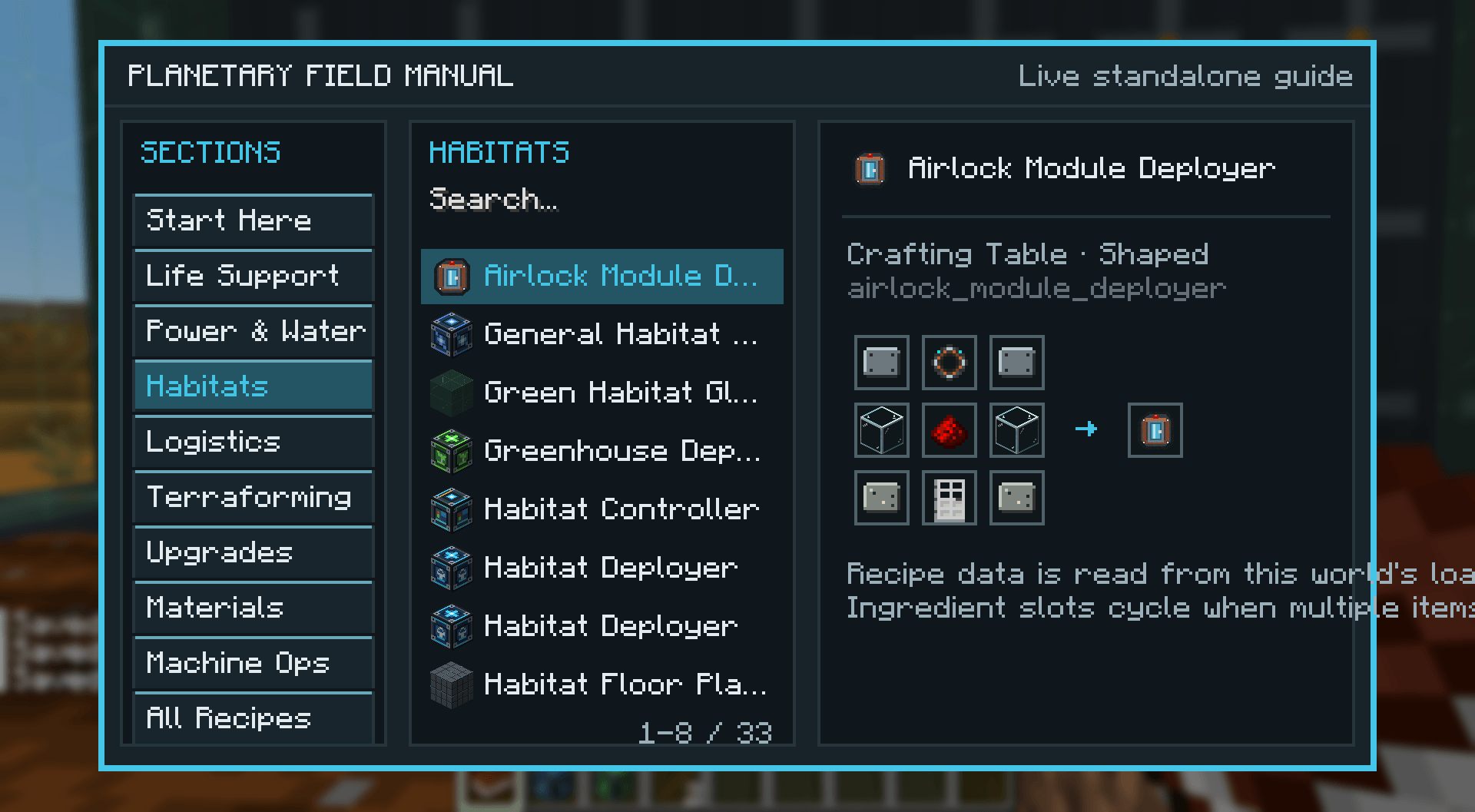
Deployable habitats, airlocks, greenhouses, workshops, and utility modules
-
Internal and external life-support systems
-
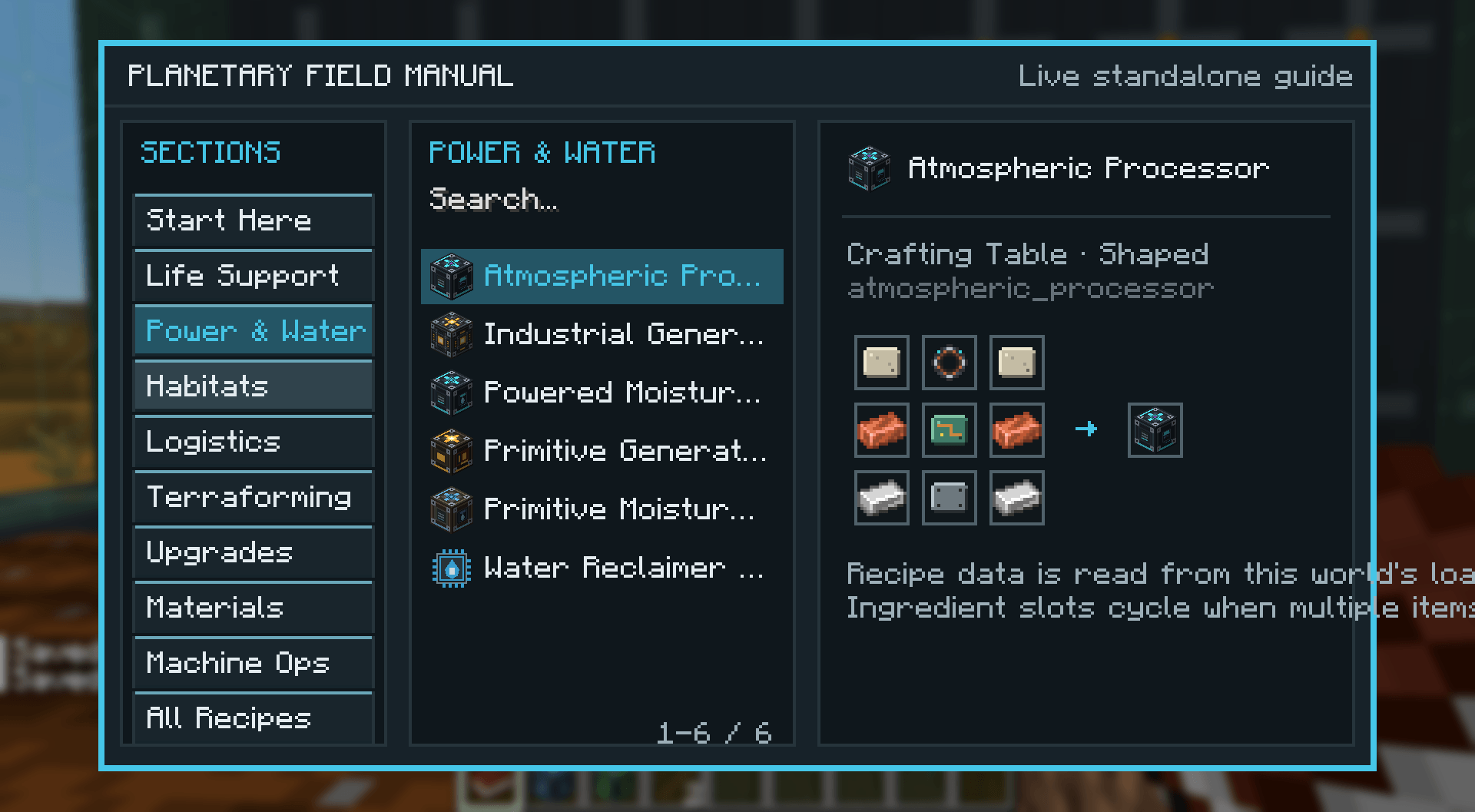
Power, water, item, and logistics networks
-
Material processing and synthetic resource production
-
Machine upgrades and automation
-
Resource crops and plant breeding support
-
Progression designed to grow from desperate survival into a fully automated colony
-
Nether and End progression integrated into late-game planetary restoration
Whether you want a new survival challenge or simply want to watch a lifeless world slowly become green again, Planetary Terraforming gives you a planet to rebuild.
常见问题
Planetary Terraforming 支持哪些 Minecraft 版本?
Planetary Terraforming 支持 Minecraft Java 版 1.21.1,可用的加载器:NeoForge。下载时注意选择和你游戏版本一致的文件。
Planetary Terraforming 怎么安装?
先用 PCL2 或 HMCL 启动器安装对应版本的 NeoForge,再把下载的 .jar 文件放进游戏目录的 mods 文件夹,重新启动游戏即可。开启了版本隔离的,mods 文件夹在 versions/版本名 下面。
评论
登录后评论和评分