
截图
介绍
中文介绍正在准备中,下面暂时显示原文。
Requirements:
Fabric API is required!
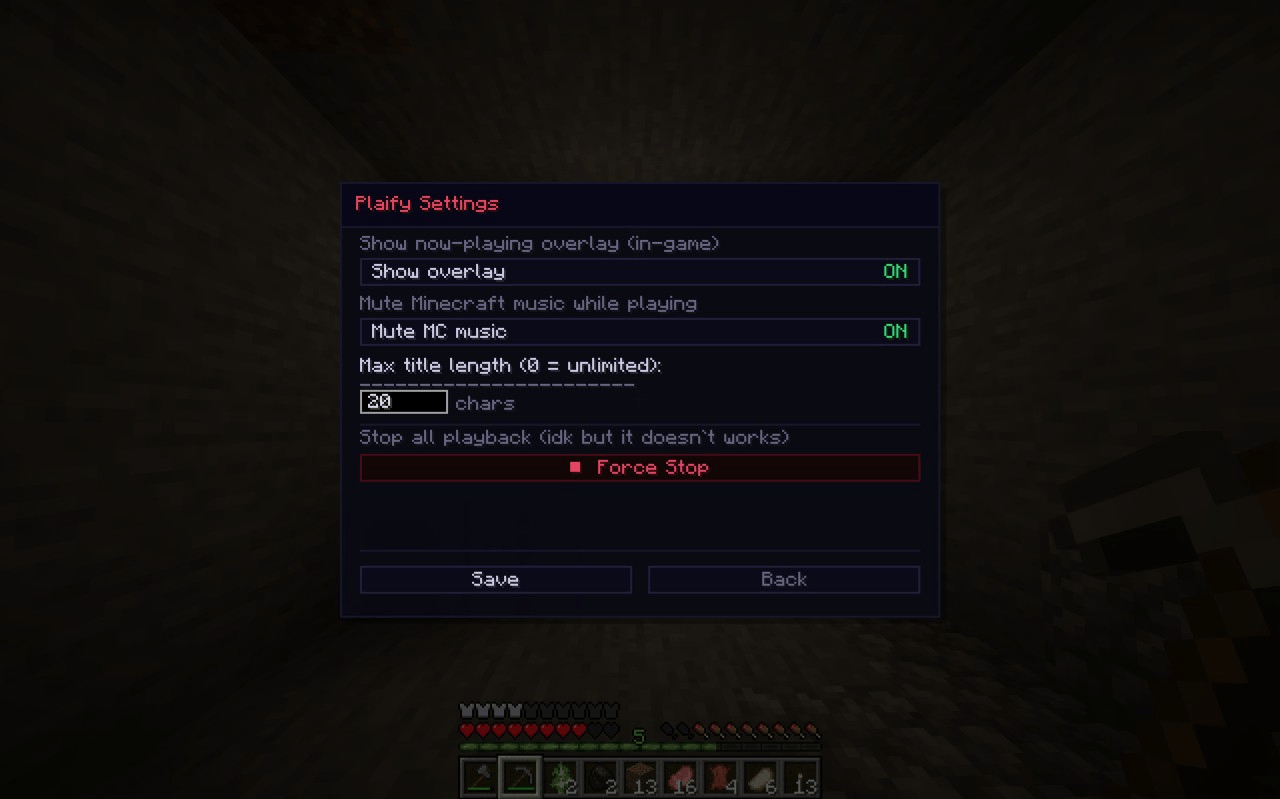
For better expirience turn off Menu Background Blur in Accessibility Settings

Description:
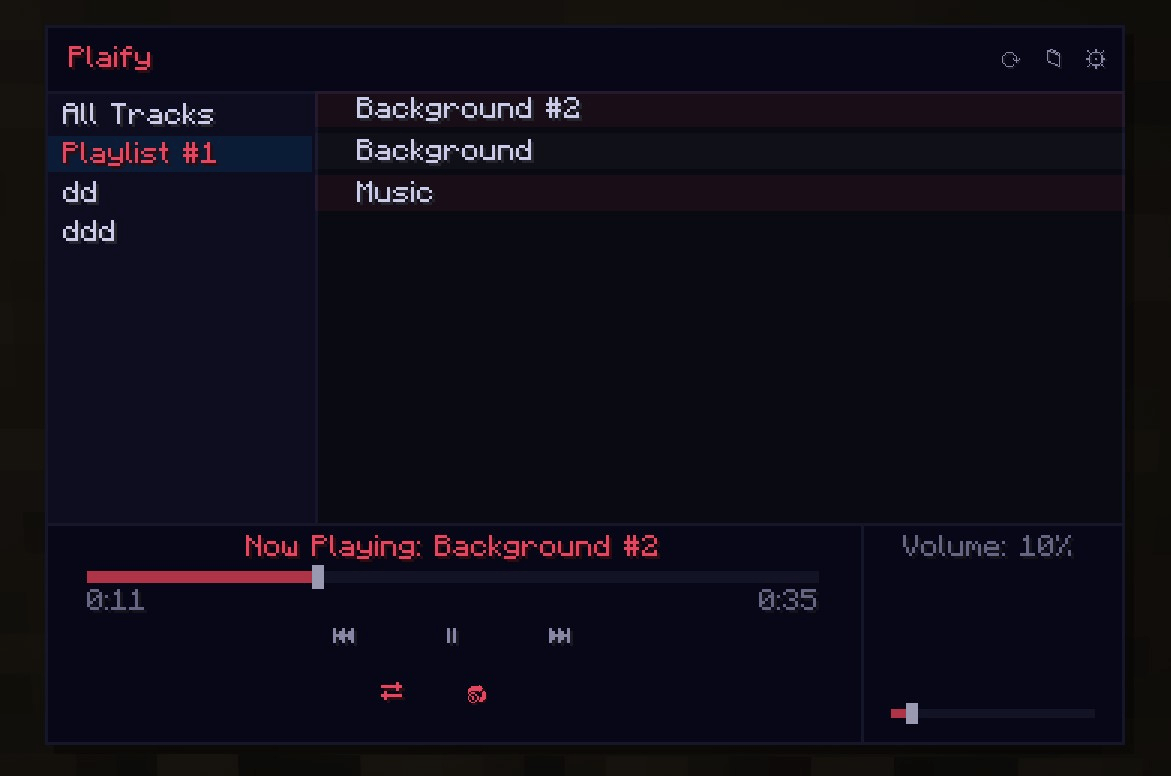
With this mod you can listen to music right in game!
Press U to open the player.
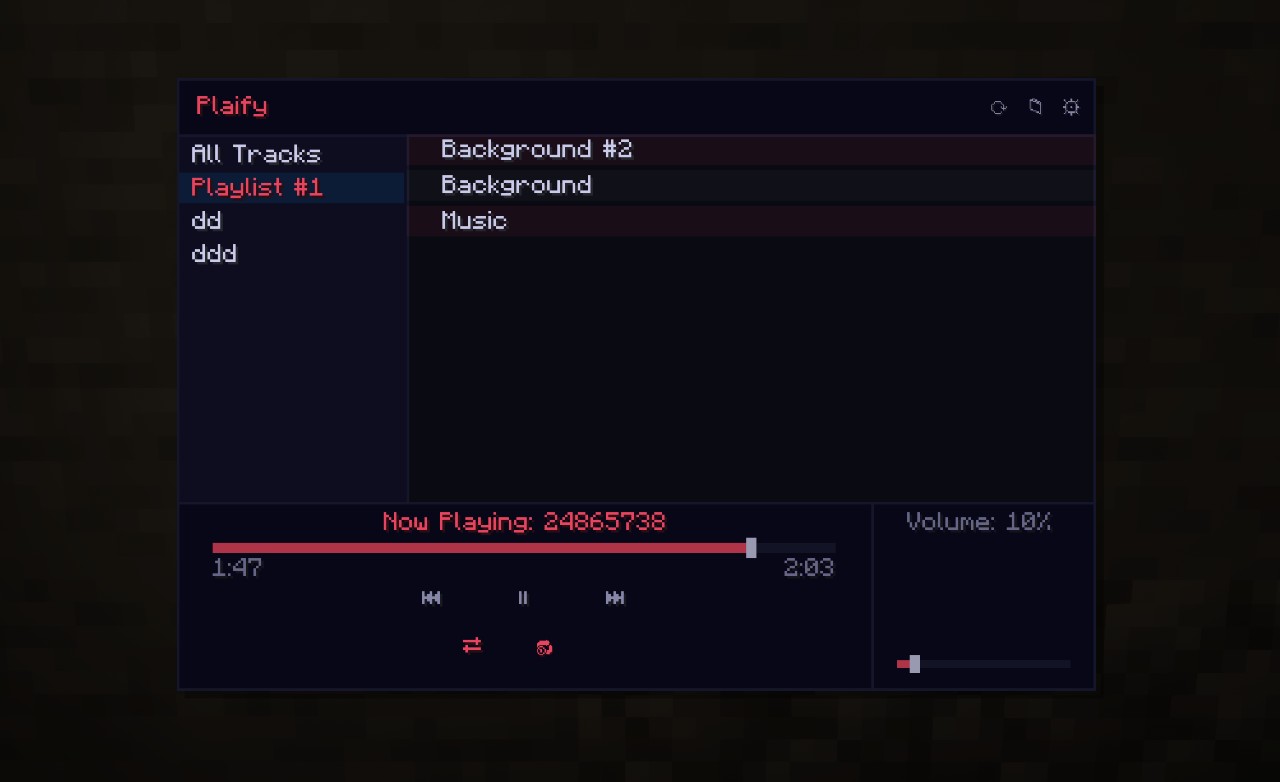
How to make playlist?
- Launch Minecraft (If it wasn’t opened with the mod before.)
- Open game folder
- Open folder “Music”
- Create a folder, folder name is the playlist name
- The created playlist(s) will appear in Minecraft
We make it quicker soon!
How to add music?
- Launch Minecraft (If it wasn’t opened with the mod before.)
- Open game folder
- Open folder “Music”
- Place the music into the folder.
- The placed music will appear in Minecraft.
常见问题
Plaify 支持哪些 Minecraft 版本?
Plaify 支持 Minecraft Java 版 1.21.4–1.21.5,共 2 个版本,可用的加载器:Fabric。下载时注意选择和你游戏版本一致的文件。
Plaify 怎么安装?
先用 PCL2 或 HMCL 启动器安装对应版本的 Fabric,再把下载的 .jar 文件放进游戏目录的 mods 文件夹,重新启动游戏即可。开启了版本隔离的,mods 文件夹在 versions/版本名 下面。运行环境:仅客户端。

评论
登录后评论和评分