PixelGO – Shop x Pixelmon
Pixelmon spreads its shops over dozens of shopkeeper NPCs, and each one only sells its own list. 🏃 Running across the map to find the right vendor? Not anymore.
截图
介绍
🛒 PixelGO – Shop
Pixelmon spreads its shops over dozens of shopkeeper NPCs, and each one only sells its own list. 🏃 Running across the map to find the right vendor? Not anymore.
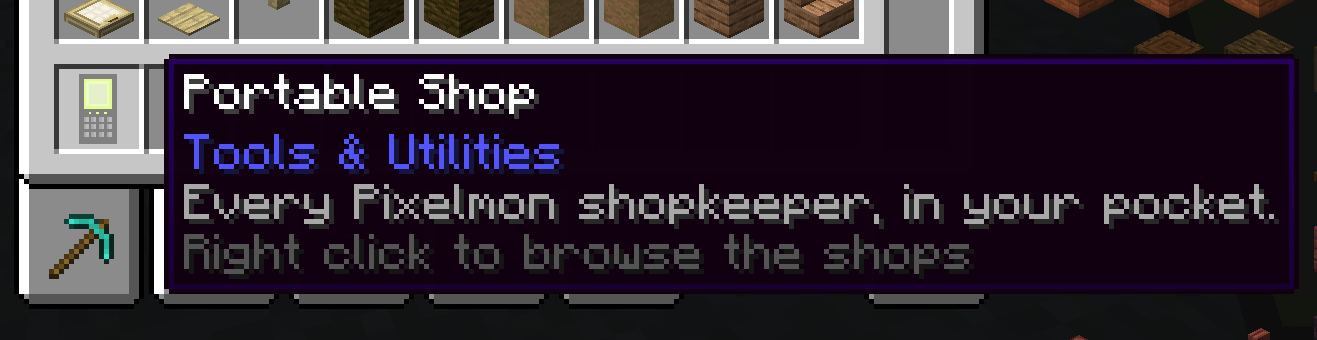
PixelGO – Shop gathers every one of them behind a single hand-held item.
🎒 The Portable Shop
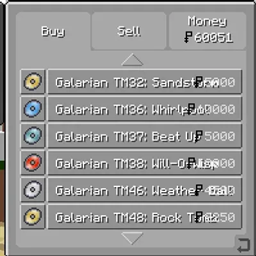
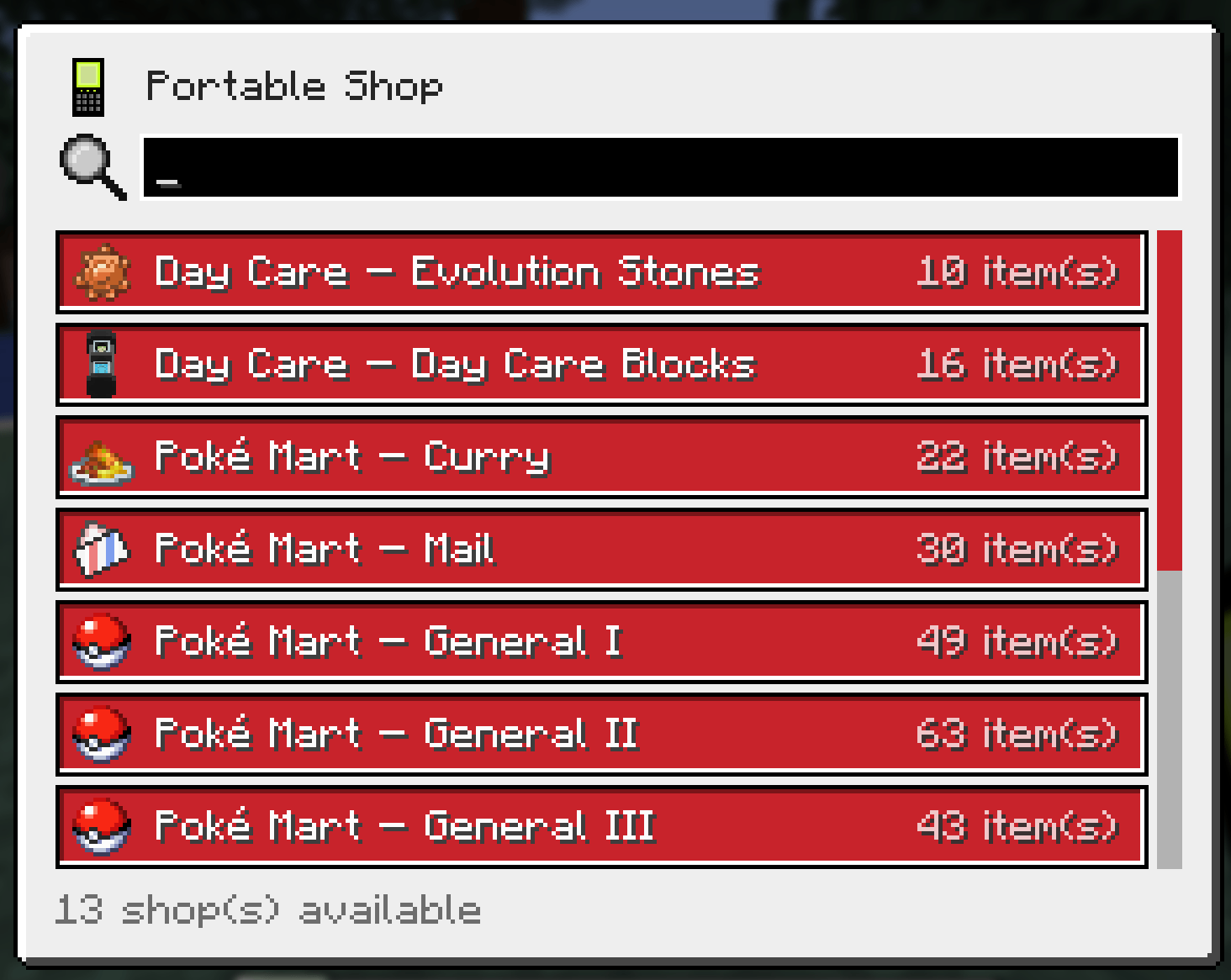
Right click anywhere with the Portable Shop to open a selection screen listing every shop the server knows about. Pick one and Pixelmon’s own shop screen opens, exactly as if you had talked to that shopkeeper: 📦 same stock, 💰 same prices, same buying and selling logic. A search box is there for when the list gets long.
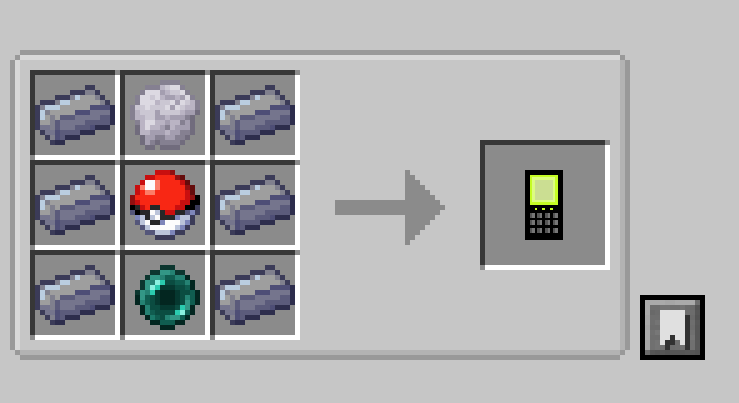
🔨 Crafted with aluminum, silicon, a Poké Ball and an ender pearl — recipe and description page visible in JEI.
🔍 Shops found automatically
The mod scans every loaded data pack for Pixelmon shop presets on each world load and /reload. 📚 Add a shop in your own data pack and it shows up in the list on its own, with zero configuration. Duplicate type-flavour shops (fire, water, dragon…) are folded into one clean entry, unless a data pack actually changes one — then it gets its own labelled variant. 🧹 Pixelmon’s 91 shopkeeper presets become 12 tidy entries.
⚙️ Server friendly
A simple config file lets you decide exactly which shops the Portable Shop may open:
✅ WHITELIST — only the shops you list
🚫 BLACKLIST — everything except the ones you list
✨ Wildcards supported (shopkeeper/daycare/*)
♻️ Changes apply instantly — no restart, no /reload
Disabled shops are hidden from the list and refused server-side if a client asks anyway. 🔒
📖 A ready-to-drop example data pack is included to show how to add and name your own shops.
📋 Requirements
⚡ Pixelmon 9.4.0+
🍰 JEI (optional)
常见问题
PixelGO – Shop x Pixelmon 支持哪些 Minecraft 版本?
PixelGO – Shop x Pixelmon 支持 Minecraft Java 版 1.21.1,可用的加载器:NeoForge。下载时注意选择和你游戏版本一致的文件。
PixelGO – Shop x Pixelmon 怎么安装?
先用 PCL2 或 HMCL 启动器安装对应版本的 NeoForge,再把下载的 .jar 文件放进游戏目录的 mods 文件夹,重新启动游戏即可。开启了版本隔离的,mods 文件夹在 versions/版本名 下面。
Kyusama 的其他作品
查看全部 →
PixelGO – To the Sky
在天空中体验宝可梦冒险,感受科技模组、定制宝可梦蛋,还有 900 个任务等你挑战!

PixelGO – Spawn Notification (for Pixelmon)
当野生闪光宝可梦、Boss、传说宝可梦、团体战宝可梦、究极异兽出现,或发现大师宝箱、基格尔德细胞/核心时,会向玩家发送通知(消息)。

PixelGO – Balls (for Pixelmon)
为 Pixelmon 添加具有全新机制的精灵球。

PixelGO – Items (for Pixelmon)
为 Pixelmon 添加新物品(闪光宝可梦替换器、皮肤替换器、随机等级、随机个体值、增加个体值、增加努力值)
评论
登录后评论和评分