
PIxel Painter – Decals
A Pixel Painter addon that allows you to place premade low res images in the world.
截图
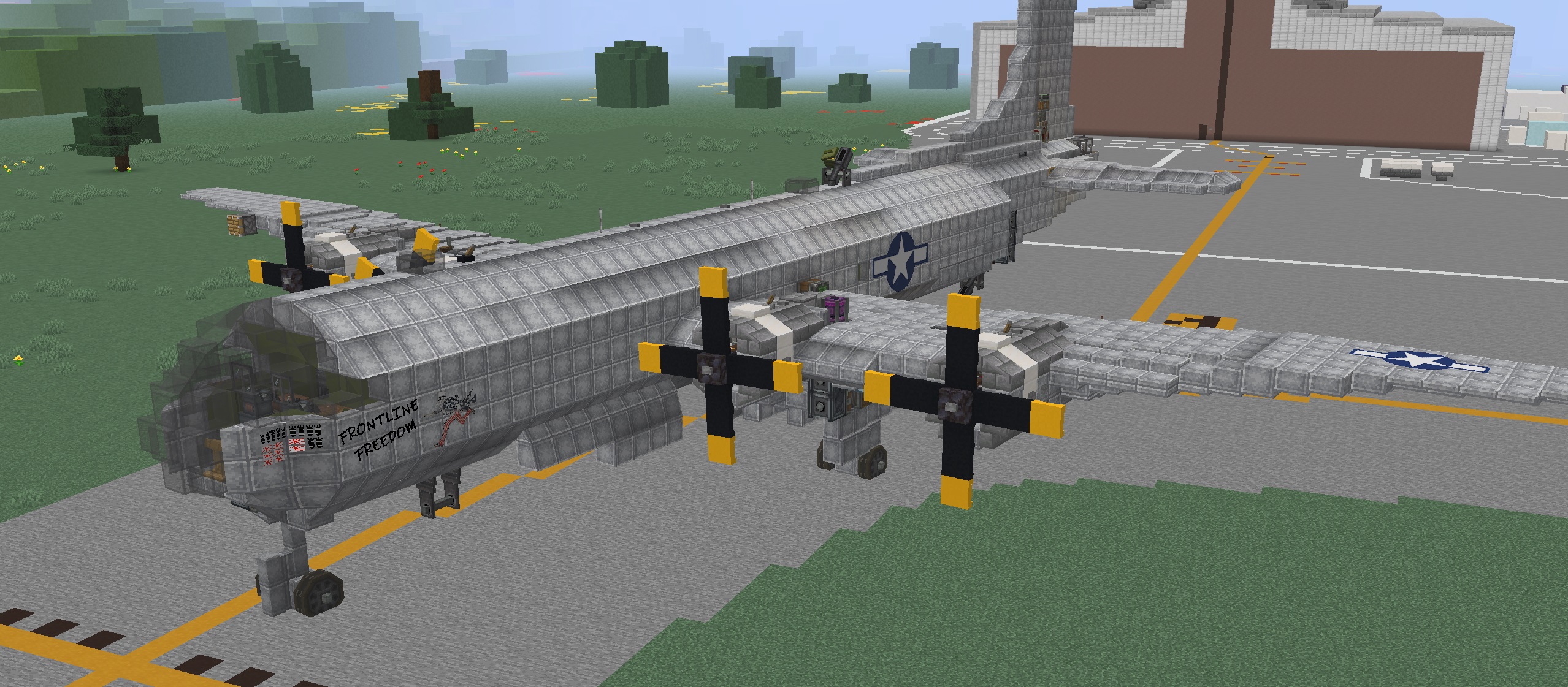
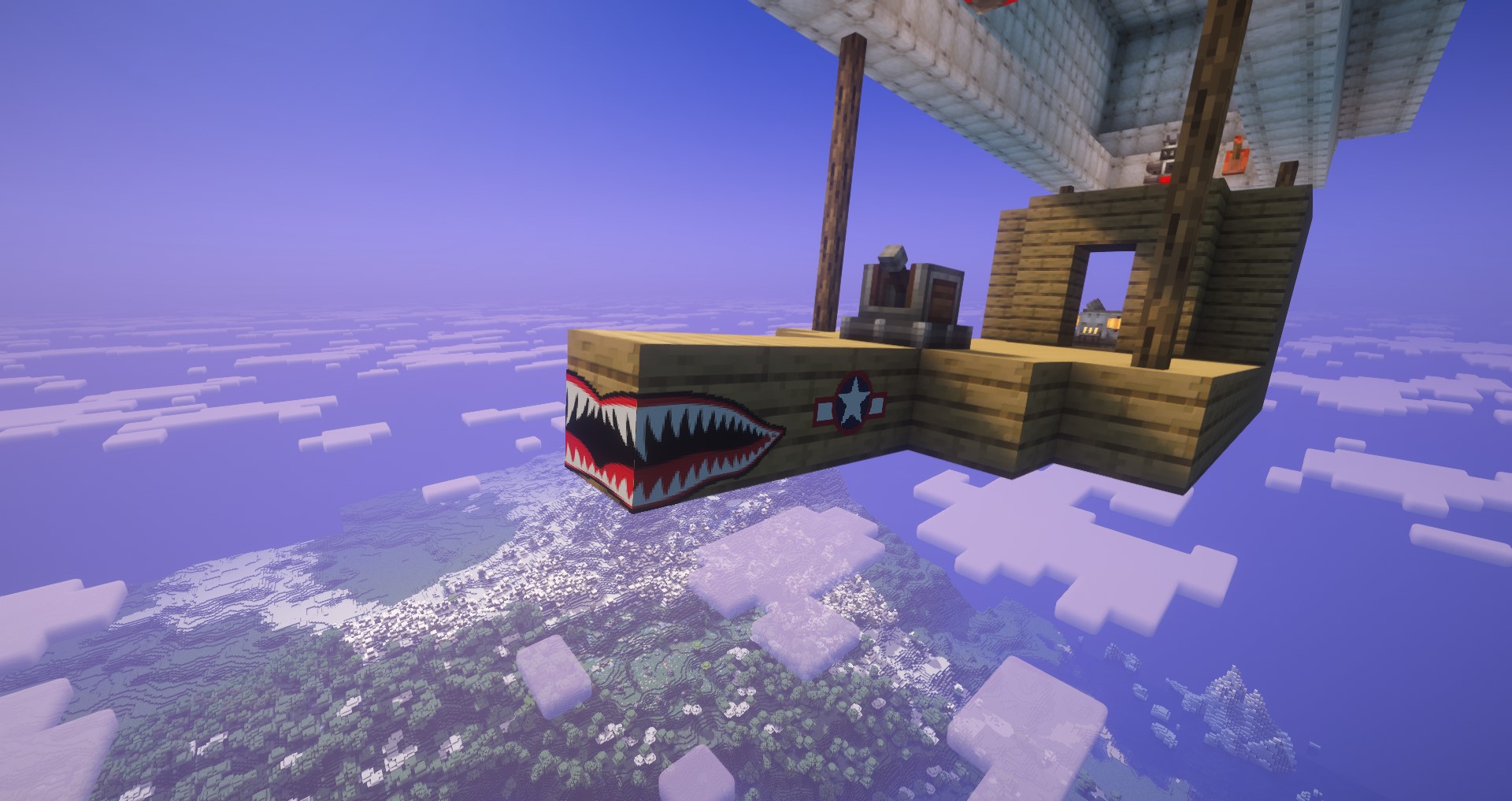
介绍
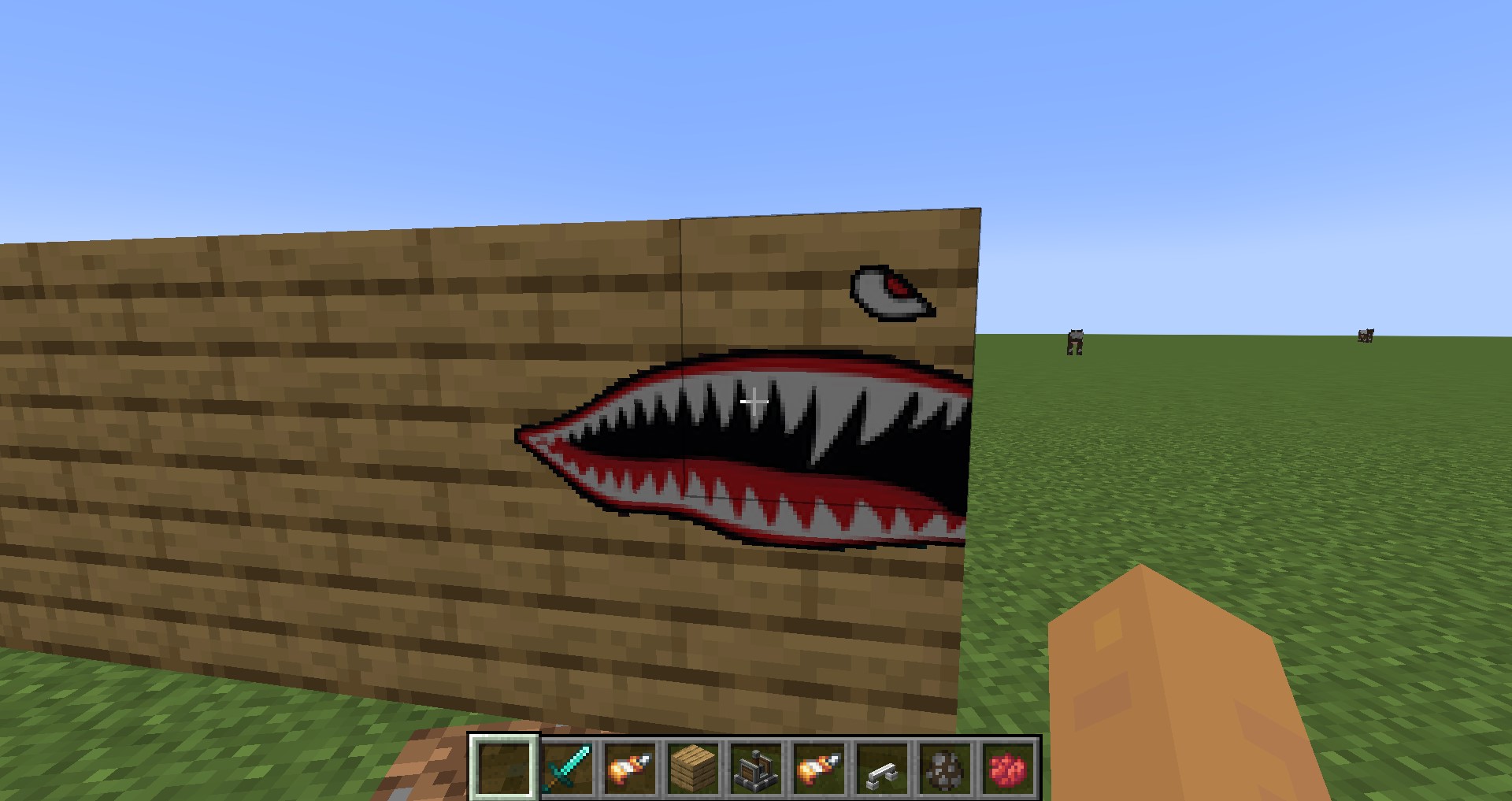
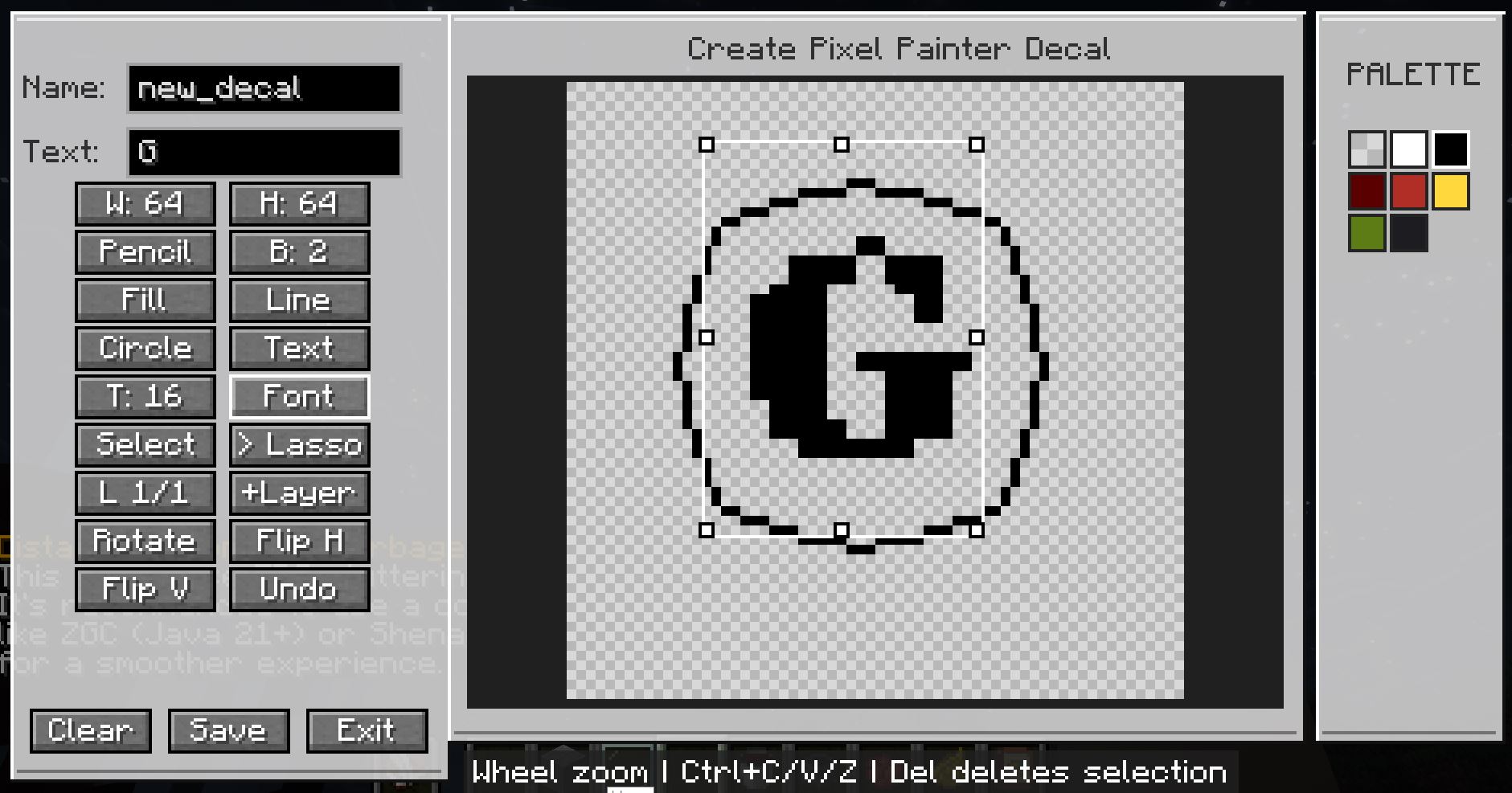
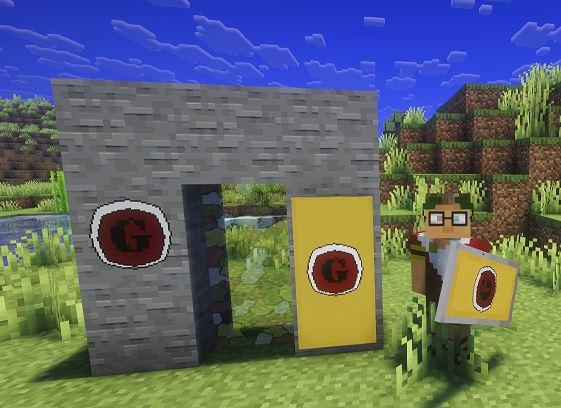
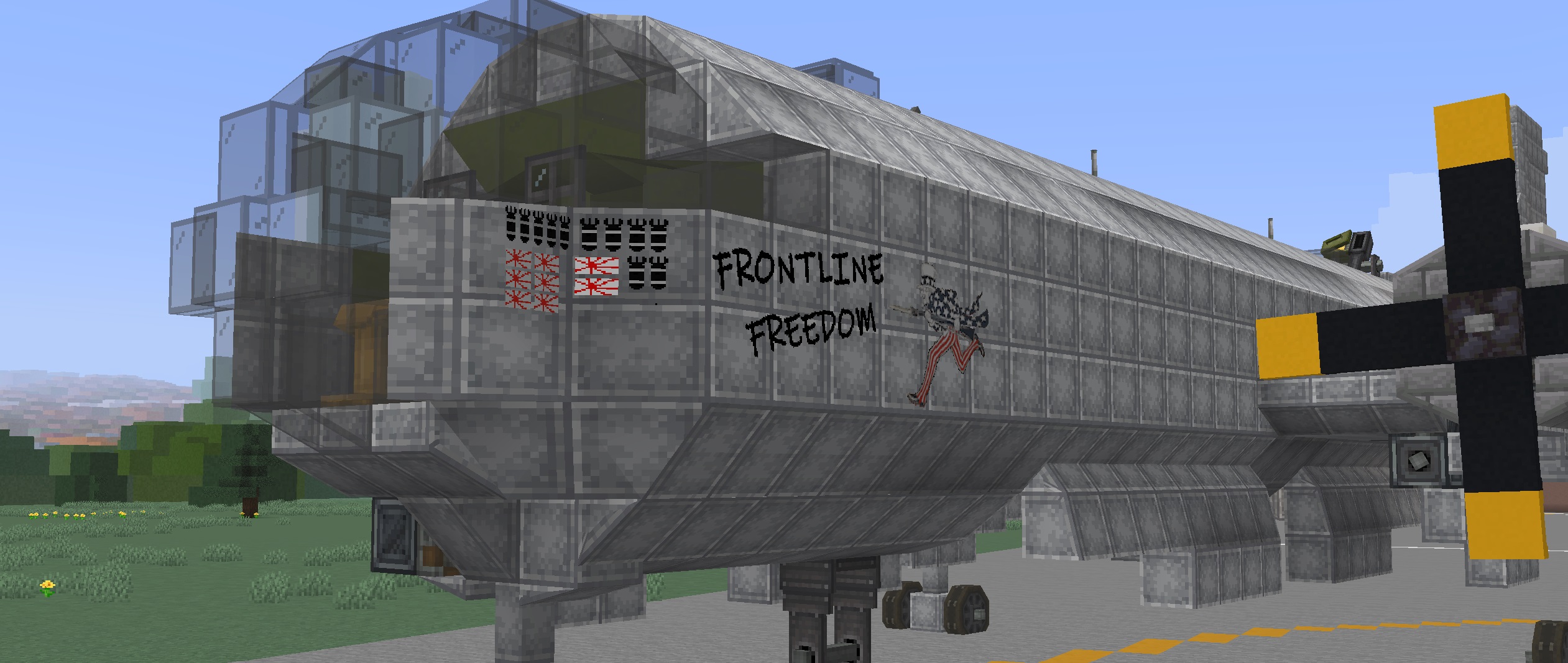
Pixel Painter Decals is an add-on for Pixel Painter that lets you stamp custom PNG images directly into the world as Pixel Painter paint. Drop decal images into the decals folder, pick one from an in-game menu, preview it as a ghost image, then place it across blocks like a sticker.
Once stamped, decals become normal Pixel Painter paint data. They are saved, synced, and handled by Pixel Painter’s existing paint system instead of remaining separate image objects.
Features
Load PNG decals from config/pixelpainter/decals/
Select decals in-game with a Book and Quill in your offhand
Open the decal folder from the selection screen
Reload decals without restarting
Ghost preview before placement
Rotate decals in 90 degree steps
Flip decals horizontally
Stamp decals across multiple blocks
Wrap decals around corners
Supports square and rectangular decals up to 256×256 pixels
Works with Pixel Painter paint storage and networking
Multiplayer/server compatible
Experimental support for Copycat blocks, slopes, assembled contraptions, and physics bodies
How To Use
Install Pixel Painter and Pixel Painter Decals on the client and server.
Put PNG files in config/pixelpainter/decals/.
Hold a Book and Quill in your offhand.
Sneak + right-click to open the decal picker.
Select a decal, aim at a surface, rotate or mirror if needed, then right-click to stamp it.
Default Controls
Rotate left/right:
Mirror horizontally: ;
Open decal picker: Sneak + right-click with Book and Quill in offhand
常见问题
PIxel Painter – Decals 支持哪些 Minecraft 版本?
PIxel Painter – Decals 支持 Minecraft Java 版 1.21.1,可用的加载器:NeoForge。下载时注意选择和你游戏版本一致的文件。
PIxel Painter – Decals 怎么安装?
先用 PCL2 或 HMCL 启动器安装对应版本的 NeoForge,再把下载的 .jar 文件放进游戏目录的 mods 文件夹,重新启动游戏即可。开启了版本隔离的,mods 文件夹在 versions/版本名 下面。运行环境:客户端和服务端都要装。

评论
登录后评论和评分