
截图
介绍
A mod that shows the block movement order of a piston. Thanks CarpetClient for the idea of such a cool tool
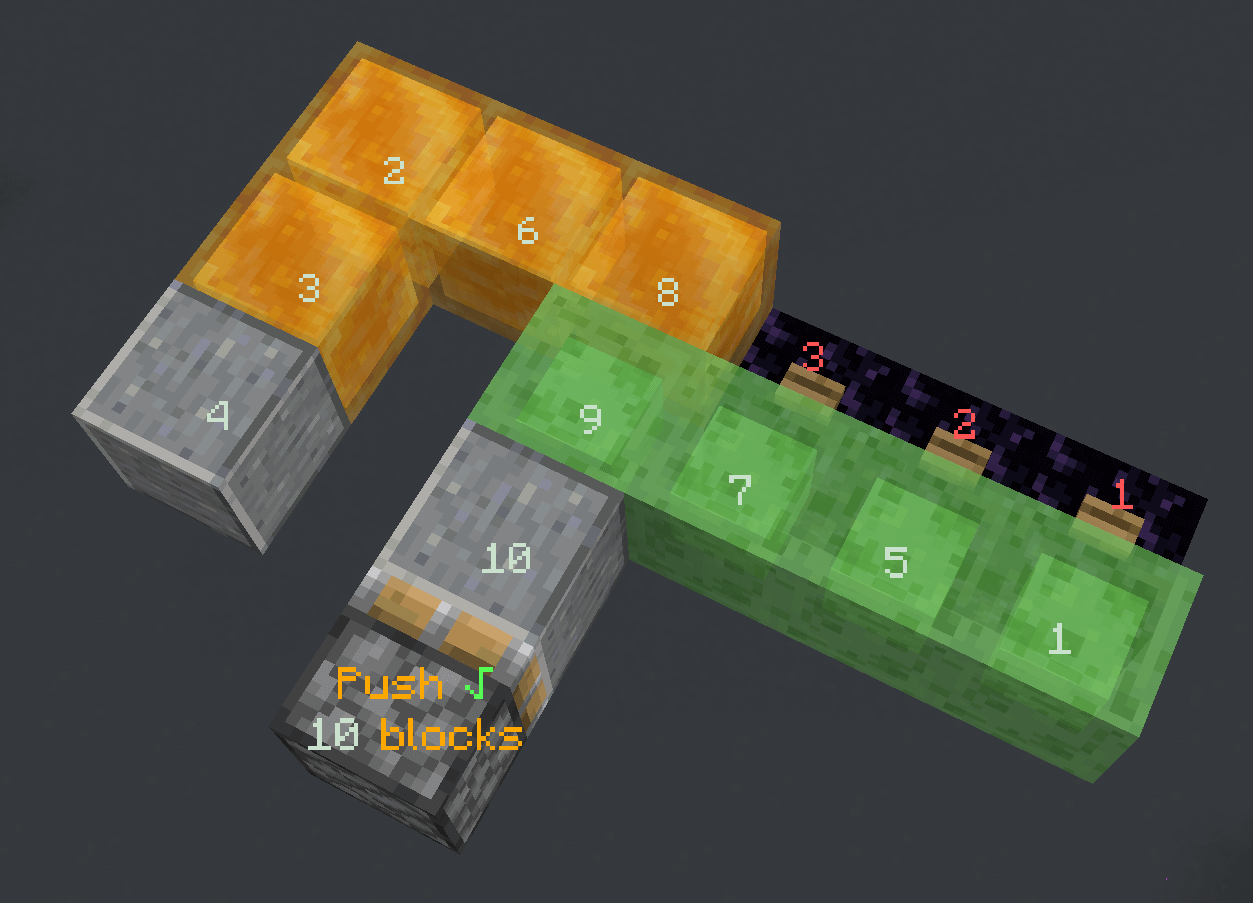
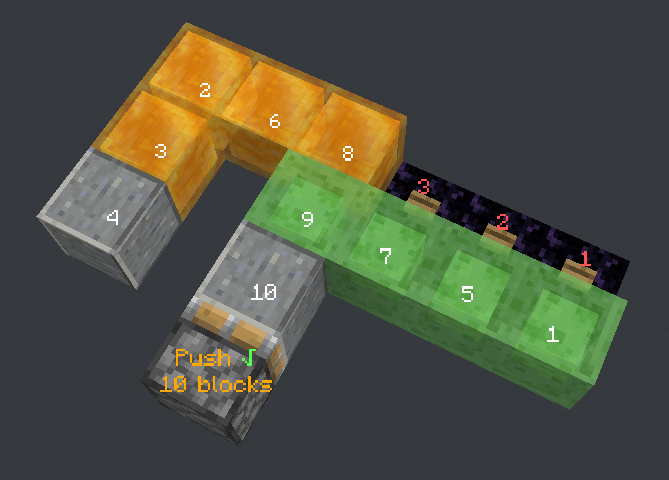
Right click a piston base block with an empty hand to show what will happen when a piston pushes / retracts
Nothing will happen if you are sneaking when clicking
It will show:
- If the piston action will success. A
√or a×indicates the result - The amount of the block that will get moved by the piston (even when it exceeds the piston push limit, maximum 128 blocks)
- The push order of the blocks to be moved
- The push order of the blocks to be destroyed
Information will still be displayed if the piston fails to push / retract, but if it fails due to an in-movable block the result might be incorrect
Click the piston again to hide the information display. Information displays will also be removed after a dimension change
If there is an air gap between the piston and a block, clicking again will switch into indirect mode. It will assume the piston is interacting with the block and show the related push / retract information
Press the clear hot key (default p) to remove all information display manually
For mods that modifies the piston push limit, it’s currently compatible with Fabric Carpet and Quick Carpet
It’s a client side only mod, no need to be installed on the server side
常见问题
Pistorder 支持哪些 Minecraft 版本?
Pistorder 支持 Minecraft Java 版 1.13.2–26.2,共 40 个版本,可用的加载器:Fabric。下载时注意选择和你游戏版本一致的文件。
Pistorder 怎么安装?
先用 PCL2 或 HMCL 启动器安装对应版本的 Fabric,再把下载的 .jar 文件放进游戏目录的 mods 文件夹,重新启动游戏即可。开启了版本隔离的,mods 文件夹在 versions/版本名 下面。运行环境:仅客户端。
fallen-breath 的其他作品
查看全部 →
Fast IP Ping
对于直接使用 IP 地址的服务器,跳过卡顿的反向 DNS 查询

Carpet TIS Addition
一个 Carpet 模组(fabric-carpet)扩展,汇集了 Carpet 模组风格实用工具和有趣特性

TweakerMore
一组客户端微调套件,提升你的 Minecraft 游戏体验。微调 Minecraft 及更多内容!
Litematica Server Paster
Let Litematica be able to paste tile entity data of block / entity data in a server
评论
登录后评论和评分