
截图
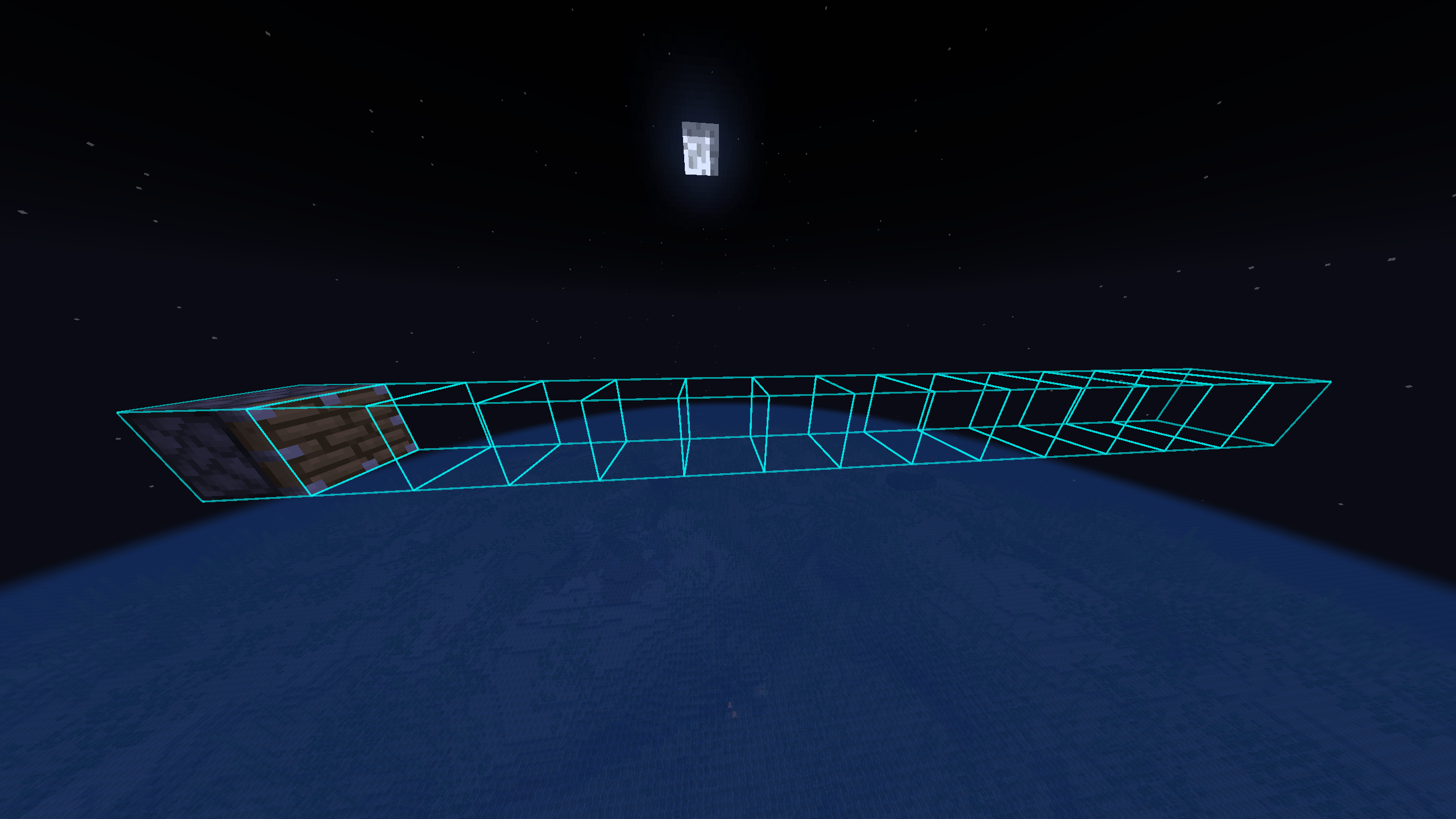

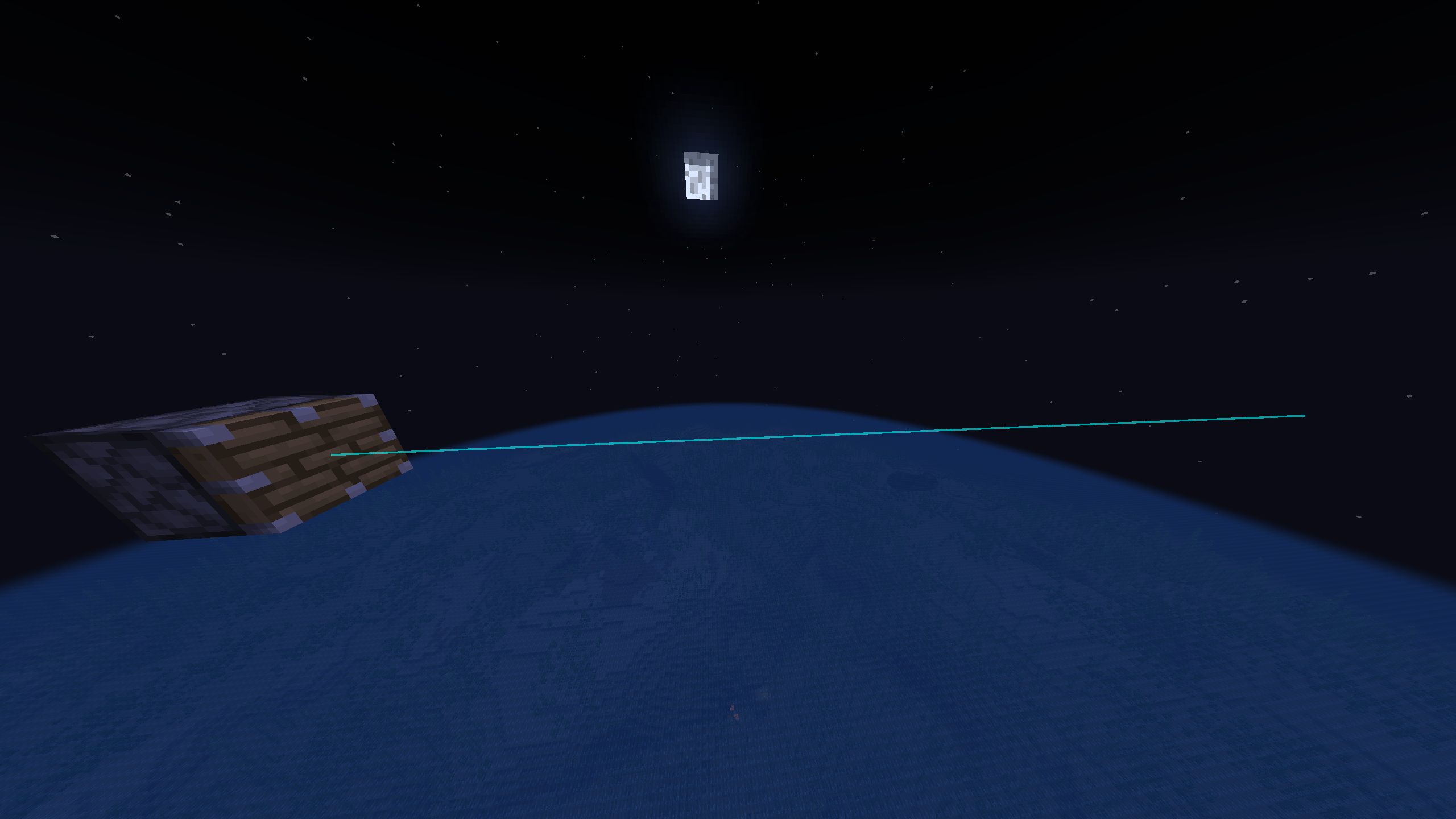
介绍
中文介绍正在准备中,下面暂时显示原文。
🛠️ PistonRangeDisplay
PistonRangeDisplay is a lightweight, high-performance client-side tool for technical Minecraft players and redstone engineers that lets you see, how long your piston can push blocks.
🌟 Key Features:
- 📏 Visual Range: Instantly see the 12-block push limit of any piston.
💾 Persistent Memory:
- The mod “remembers” pistons you’ve encountered. No more vanishing lines when you walk away!
⚡ High Performance:
- Built with optimization in mind. Uses smart caching to keep your FPS high.
🎨 Fully Customizable:
- Change colors, transparency, and render modes on the fly.
🎮 Modes & Usage
- Look Mode (onlyOnLook): Shows the range only for the piston you are currently looking at. Perfect for quick checks!
- All Mode: Displays all pistons stored in the local cache. Great for mapping out entire machines.
Render Styles:
- Boxes: Classic 3D boxes for every block in the push range.
- Lines: Minimalist “laser” beams for maximum performance and clarity.
⌨️ Commands & Controls
- Default Key: [-] (Minus) – Opens the configuration menu.
- /piston color – Quickly set your favorite highlight color (e.g., #FF5500).
- /piston find – Scans the area for pistons.
- ⚠️ Note: Large values may cause temporary freezes! ⚠️
- _if you have a weak computer, better not type a radius more than 64_
- /piston analyze – Get a technical report of pistons in your memory.
- /piston cashclear – Wipe the memory and start fresh.
🔧 Technical Info
- Platform: Fabric
- Version: 1.21.1
📥 Installation
- Install Fabric 1.21.1
- Install Fabric API 1.21.1
- Install the mod
- Drop the jar into your /mods/ folder.
- Enjoy building your redstone masterpieces! 🚀
常见问题
Piston Range Display 支持哪些 Minecraft 版本?
Piston Range Display 支持 Minecraft Java 版 1.21.1,可用的加载器:Fabric。下载时注意选择和你游戏版本一致的文件。
Piston Range Display 怎么安装?
先用 PCL2 或 HMCL 启动器安装对应版本的 Fabric,再把下载的 .jar 文件放进游戏目录的 mods 文件夹,重新启动游戏即可。开启了版本隔离的,mods 文件夹在 versions/版本名 下面。运行环境:仅客户端。
Ragek34 的其他作品
查看全部 →
Pearl Trail
by Ragek34
Advanced Ender Pearl trajectory prediction with smooth animated gradients and deep customization
541
8 个月前
Modrinth

Pocket Jukebox
by Ragek34
Portable MC default music player
300
8 个月前
Modrinth

Simple Hotbar Switcher
by Ragek34
switch inventory and hotbar with one button
216
6 个月前
Modrinth

Profitable Trade
by Ragek34
Do your villager robbing you??
199
8 个月前
Modrinth
评论
登录后评论和评分