
Pioneer Opus Quad DJ CONTROLLER
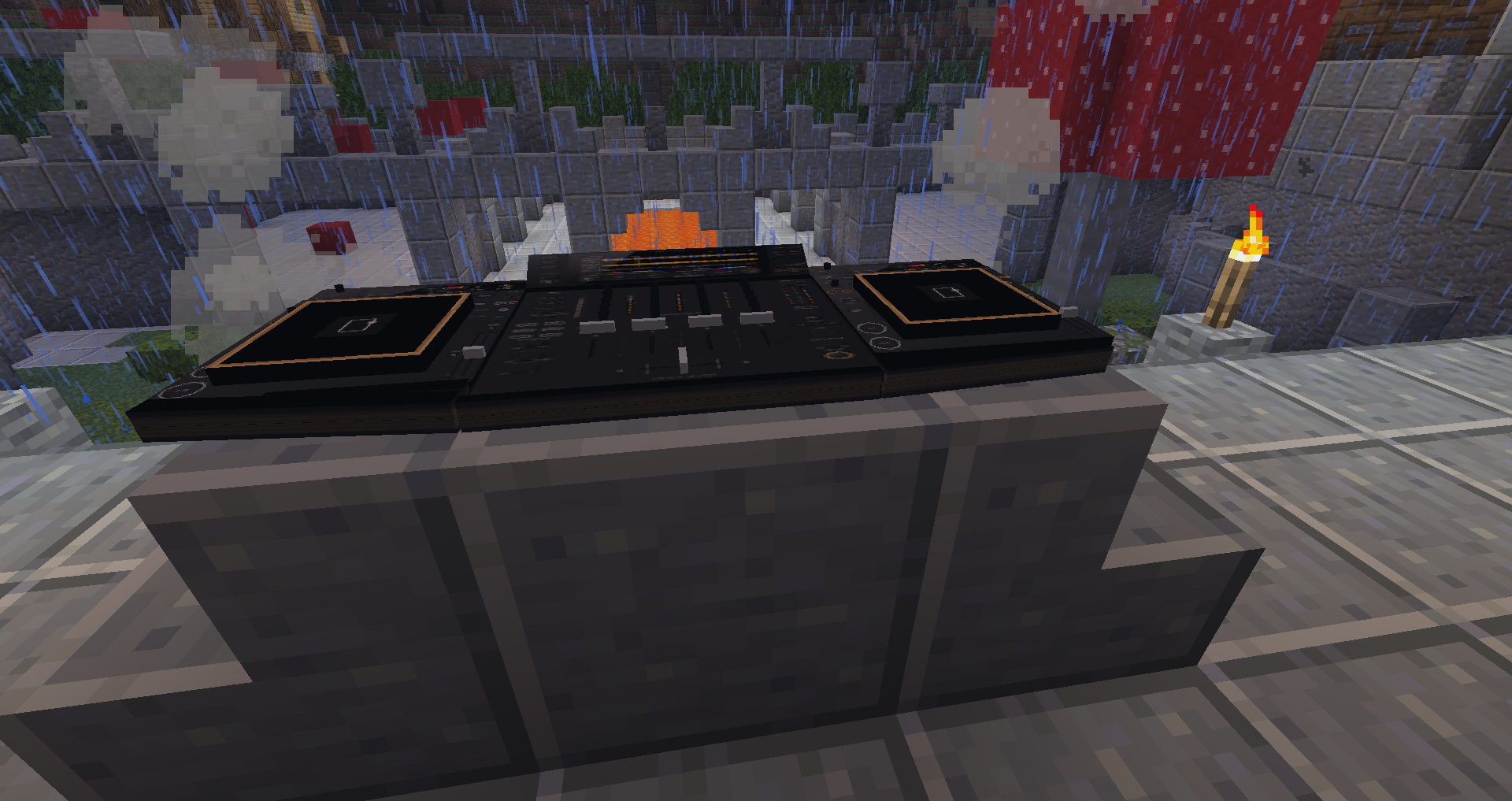
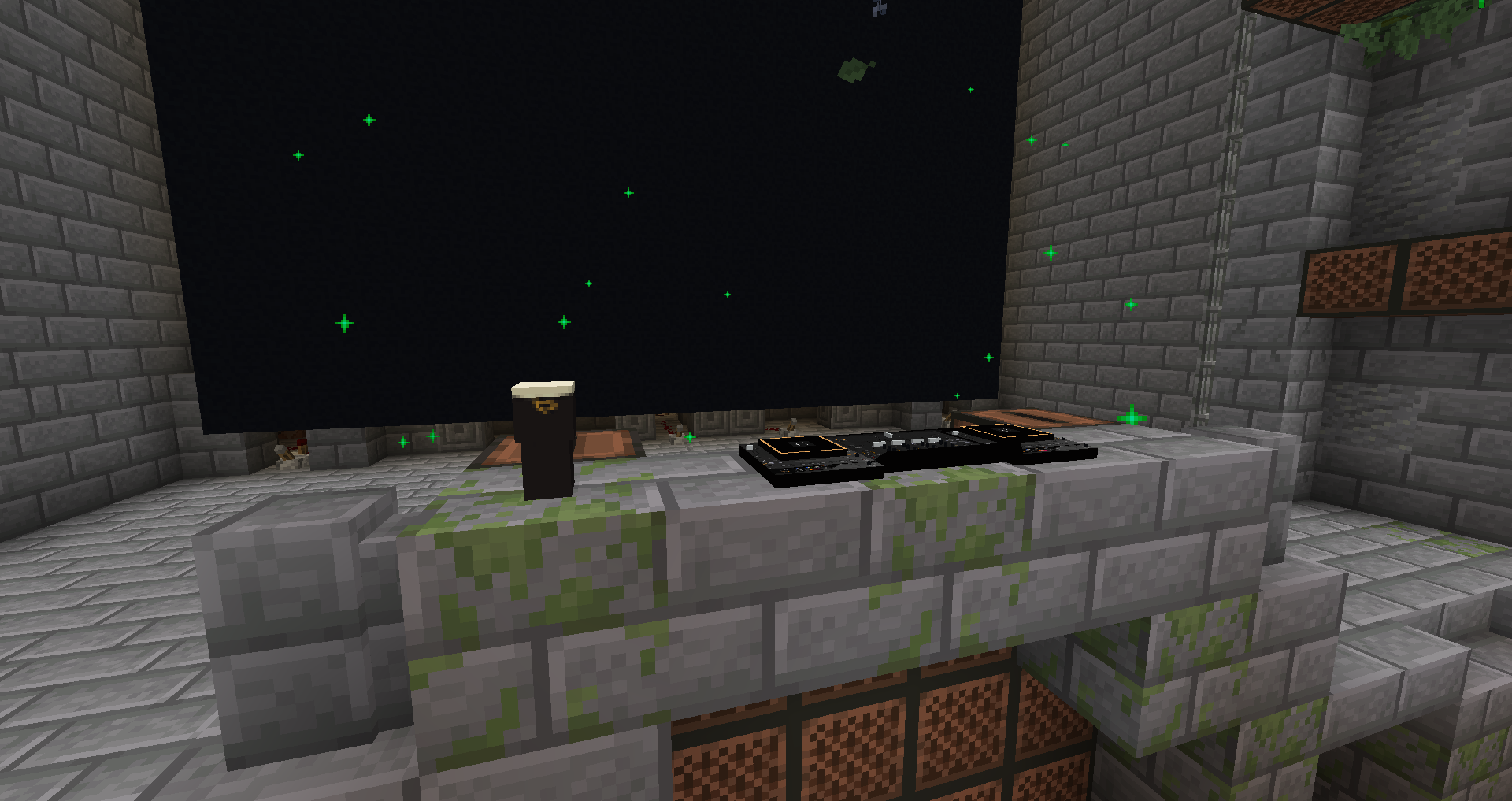
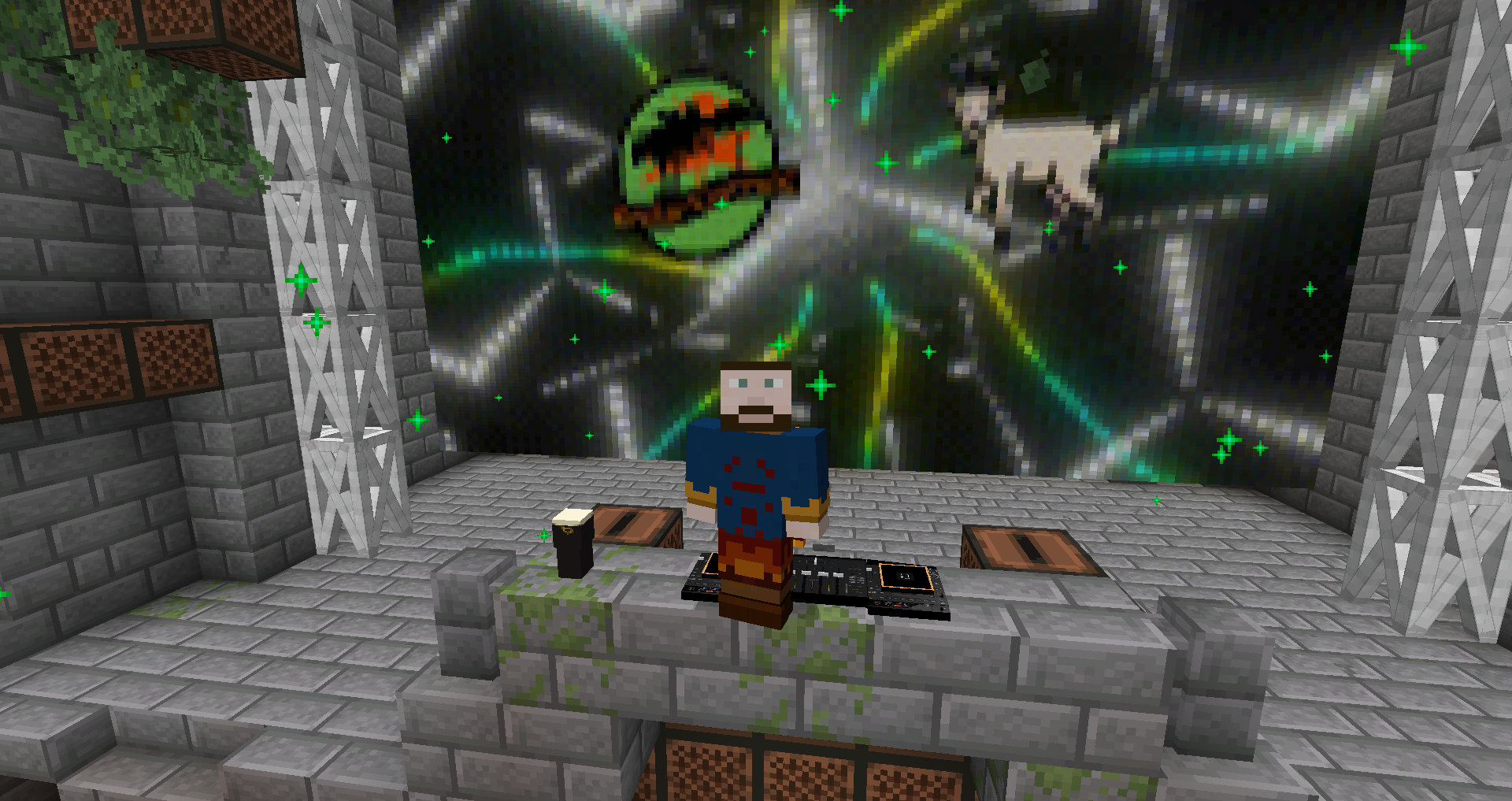
This datapack adds the Pioneer Opus Quad to minecraft as a new decorative block! No resources pack required, fully vanilla!
截图
介绍
This datapack adds the Pioneer Opus Quad to minecraft as a new decorative block!
It doesn’t require any resources pack! It’s fully multiplayer compatible, and is using vanilla features and custom textures out of custom heads and item displays.
To place it, simply write the following command based on the direction you want the dj controller to be facing:
/function opus_quad:create_facing_east
/function opus_quad:create_facing_south
/function opus_quad:create_facing_west
/function opus_quad:create_facing_north
To remove it, do /kill @e[item_display,distance=0..5] whilst standing on the dj controller you want to delete.
常见问题
Pioneer Opus Quad DJ CONTROLLER 支持哪些 Minecraft 版本?
Pioneer Opus Quad DJ CONTROLLER 支持 Minecraft Java 版 1.21.7–26.3,共 10 个版本,可用的加载器:Fabric / Forge / NeoForge / Quilt。下载时注意选择和你游戏版本一致的文件。
Pioneer Opus Quad DJ CONTROLLER 怎么安装?
先用 PCL2 或 HMCL 启动器安装对应版本的 Fabric / Forge / NeoForge / Quilt,再把下载的 .jar 文件放进游戏目录的 mods 文件夹,重新启动游戏即可。开启了版本隔离的,mods 文件夹在 versions/版本名 下面。运行环境:客户端 / 服务端。
ThirtyFangs 的其他作品
查看全部 →
Waterfall Particles
This datapack adds particles to waterfalls

Better Nature
This mostly client side mod adds mushrooms to trees, insects, 3D leaves, new plants, and new animals compatible with vanilla clients

Wild Animals
This datapack adds elephants, jellyfishes, sharks and more, without causing lag to the server! No resource pack required

Improved/More Biomes
This datapack improves and adds 20+ new biomes such as the enchanted forest or the canyons! Custom lighting color support from 26.1
评论
登录后评论和评分