
介绍
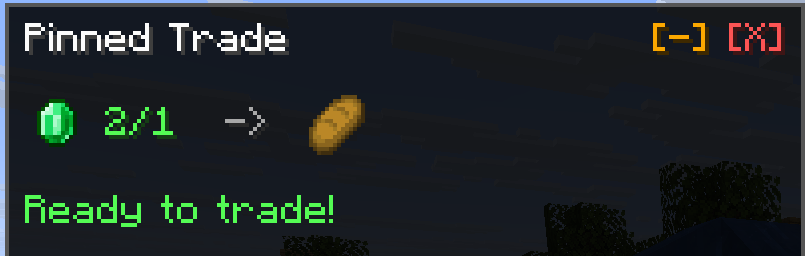
Pinned Trades adds a way to pin villager trades or wandering trader trades to the side of your screen, so you never forget them.
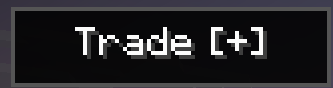
Simply open the trade menu, select a trade and press PIN to pin the trade, press P to unpin the trade, and M to minimize the trade so it doesn’t get in the way.
Additionally the mod alerts you when you have enough materials to complete your trade, and keeps track of the amount needed for a trade.
Example of a pinned trade:
Minimized trade:
Dependencies:
- Fabric API: https://modrinth.com/mod/fabric-api
常见问题
Pinned Trades 支持哪些 Minecraft 版本?
Pinned Trades 支持 Minecraft Java 版 1.21–1.21.10,共 11 个版本,可用的加载器:Fabric。下载时注意选择和你游戏版本一致的文件。
Pinned Trades 怎么安装?
先用 PCL2 或 HMCL 启动器安装对应版本的 Fabric,再把下载的 .jar 文件放进游戏目录的 mods 文件夹,重新启动游戏即可。开启了版本隔离的,mods 文件夹在 versions/版本名 下面。运行环境:仅客户端。
jacobxny 的其他作品
查看全部 →
Seamless Shaders
Allows you to switch between Iris shaders using arrow keys, quick and easy
Seamless Shaders
Allows you to switch between Iris shaders using arrow keys, quick and easy

AI Chat
A fully integrated ChatGPT-like AI in Minecraft, no setup needed!

Note This!
A client side mod that allows you type notes about players in multiplayer.
评论
登录后评论和评分