
截图

介绍
*** Thanks for checking out the Best-README-Template. If you have a suggestion
*** that would make this better, please fork the repo and create a pull request
*** or simply open an issue with the tag “enhancement”.
*** Don’t forget to give the project a star!
*** Thanks again! Now go create something AMAZING! 😀
–>
<!–
*** I’m using markdown “reference style” links for readability.
*** Reference links are enclosed in brackets [ ] instead of parentheses ( ).
*** See the bottom of this document for the declaration of the reference variables
*** for contributors-url, forks-url, etc. This is an optional, concise syntax you may use.
*** https://www.markdownguide.org/basic-syntax/#reference-style-links
–>
Ping Offset Miner
The ping gliding mod
[![Discord-shield]][Discord-url] [![Modrinth-shield]][Modrinth-url] [![Github-shield]][Github-url]
About POM
Mining with high or unstable ping in Hypixel Skyblock can decrease efficiency by a severe amount. Though, with proper skill and knowledge, it is still possible to mitigate this with ping gliding.
The problem is ping gliding can be inconsistent, even for the most skilled miners out there. With POM, you don’t have to guess.
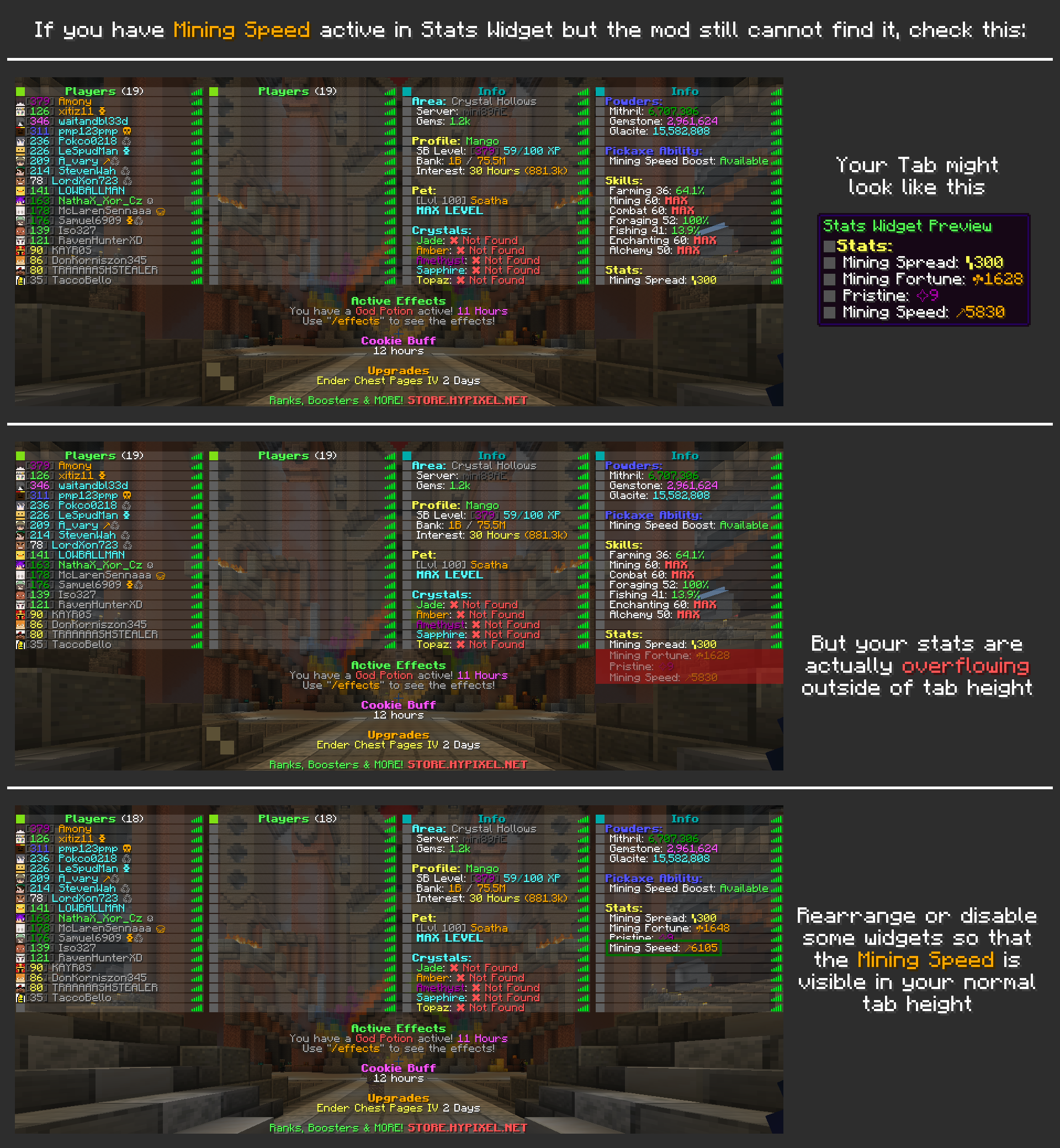
By measuring user’s ping, tps and Mining Speed to estimate when a block is registered as broken on the server, POM provides visual / auditory feedback to the user when it is safe to start mining another block.
This means that the user is able to greatly increase their efficiency by knowing exactly when to ping glide, not having to rely on muscle memory or pure luck.
Getting started with POM
Frequently Asked Questions
Is POM safe?
- Yes. POM does not break any TOS of the Hypixel Network. POM does not automate any task for the user, it only provides information that the user can then react upon. This mod is not and wil never be unsafe to use.
- Furthermore, the project will always remain open-sourced, meaning anyone is able to freely look through the code at any time.
Lorem ipsum
- Dolor sit amet
Lorem ipsum
- Dolor sit amet
Dependencies
These mods are required for POM to function correctly, be sure to download them alongside POM
- YACL (Yet Another Config Library) : Configuration
- ModMenu : Mod Screen
Installation
It is recommended to use the Modrinth App
To download POM itself, head to the Modrinth page and download the latest mod version compatible with your minecraft version
Usage
Using Pom is very simple. The mod makes a default Configuration for the user with pre-defined settings, letting users to plug-and-play.
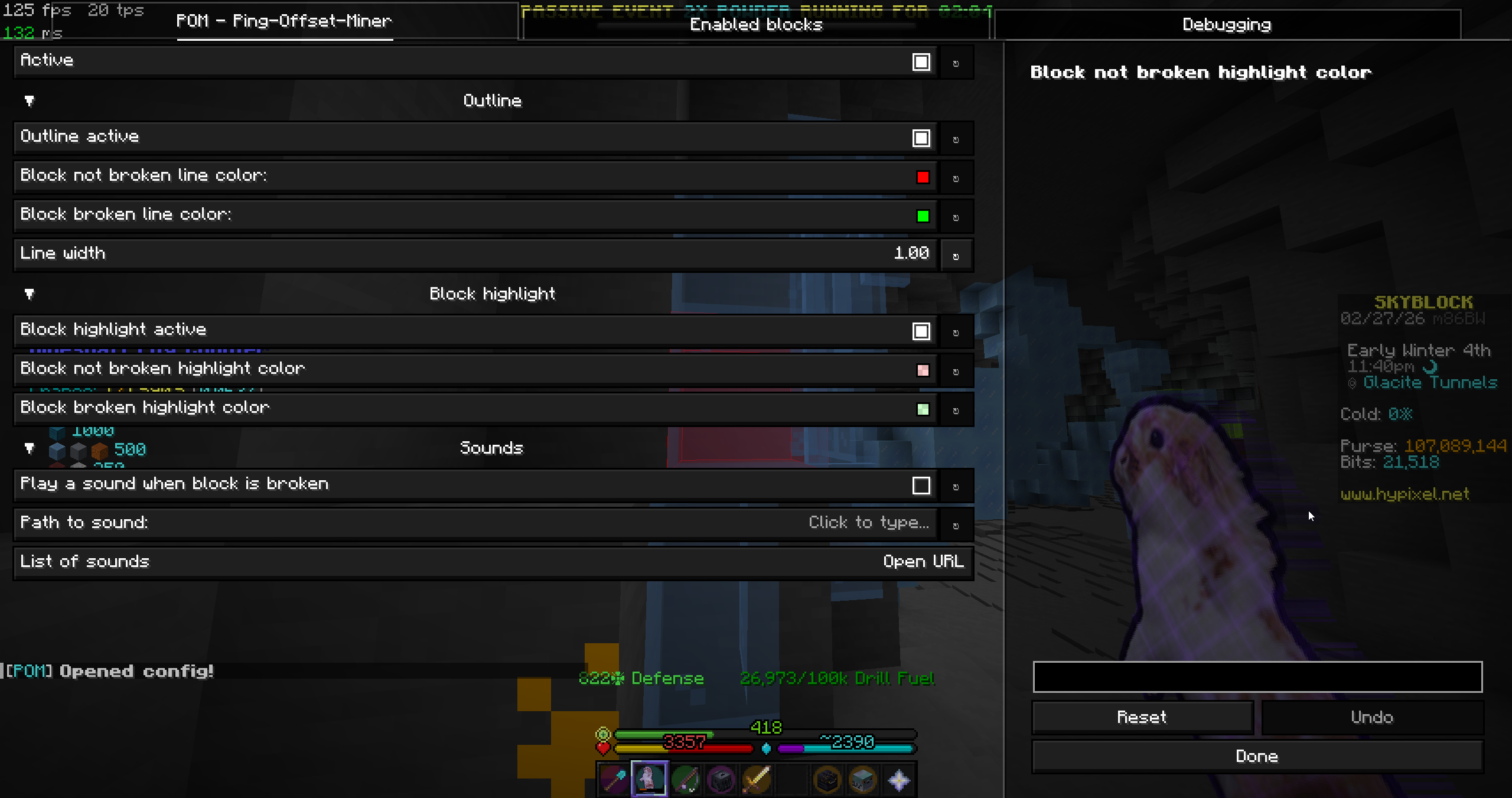
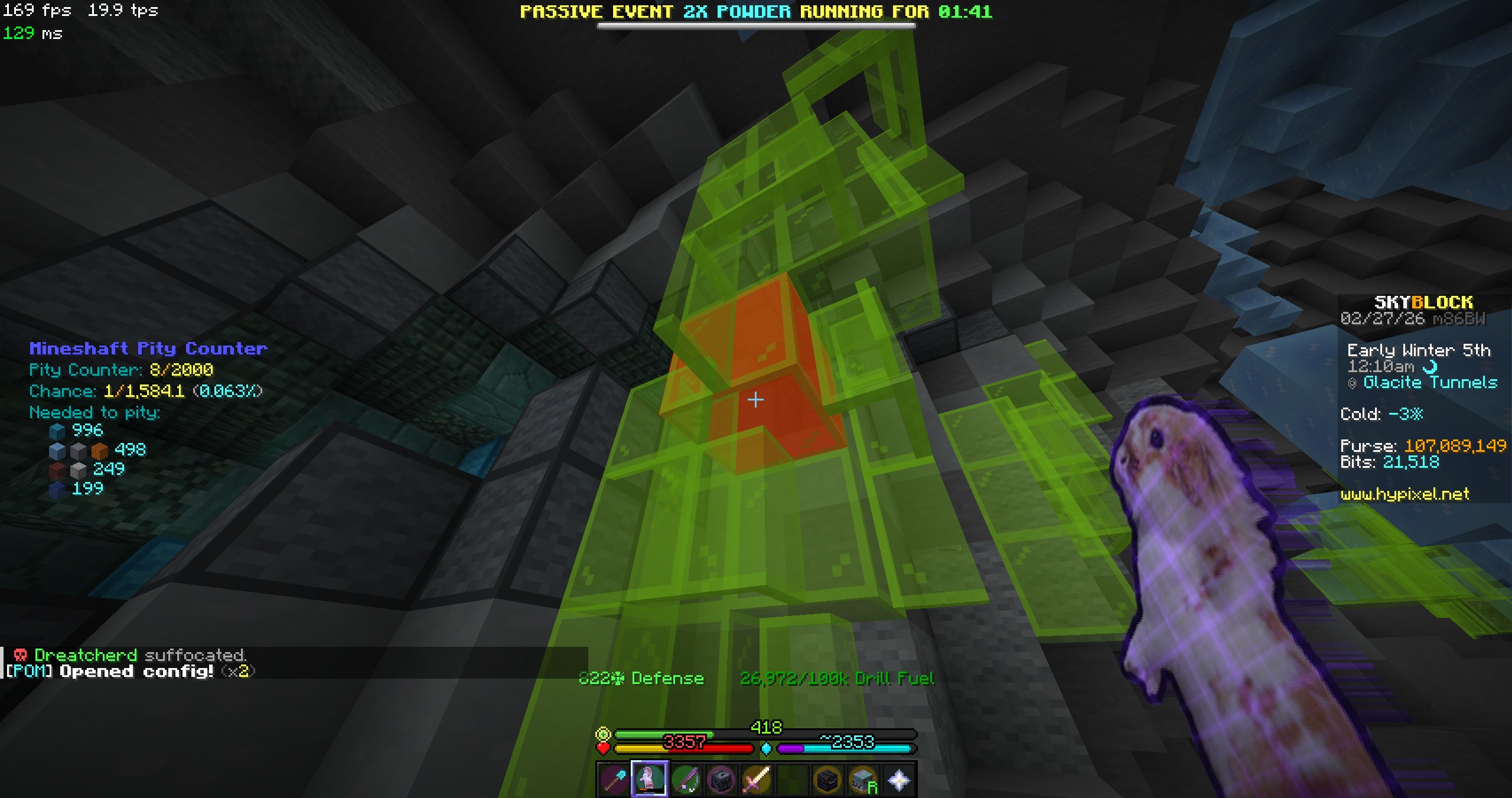
POM will add a highlighting box over the block the user is looking at. When mining, the overlay changes color to indicate that the block is broken, and the user can safely start mining another block.
Contact
To talk to me, join the Mining Cult Discord and chat in the POM discussion channel
Acknowledgments
Developing this mod was not easy. I have never before programmed in Java and thus required tons of help to reach this state with my mod.
- Odin Mod: showed me how to read networking statistics
- NoFrills: Amazing Skyblock mod, a lot of inspiration taken
- Orbit Event System: A blazingly fast Event Handler used all throughout the mod
- Momen: Designed the mod logo
常见问题
ping-offset-miner 支持哪些 Minecraft 版本?
ping-offset-miner 支持 Minecraft Java 版 1.21.10–26.2,共 6 个版本,可用的加载器:Fabric。下载时注意选择和你游戏版本一致的文件。
ping-offset-miner 怎么安装?
先用 PCL2 或 HMCL 启动器安装对应版本的 Fabric,再把下载的 .jar 文件放进游戏目录的 mods 文件夹,重新启动游戏即可。开启了版本隔离的,mods 文件夹在 versions/版本名 下面。运行环境:仅客户端。
评论
登录后评论和评分